
ON1 Software just released its latest image upscaling offering, Resize AI 2026! It is an obvious alternative to Topaz’ Gigapixel AI (which I also cover on this blog). Before we get started with the smackdown (discussing the pro’s and con’s of each software option), let me say I am long-time “friends” with both developers, so I am unbiasedly happy with whatever results we find.


I’ll use various types of random image sources found in my collection, including old family photos, older digital images, generative AI results and lo-res images downloaded from the web. I am on an M2 Mac Mini at the moment so will not be accessing Topaz’ higher-end Generative models, due to their better performance on PCs, so this may color the results.
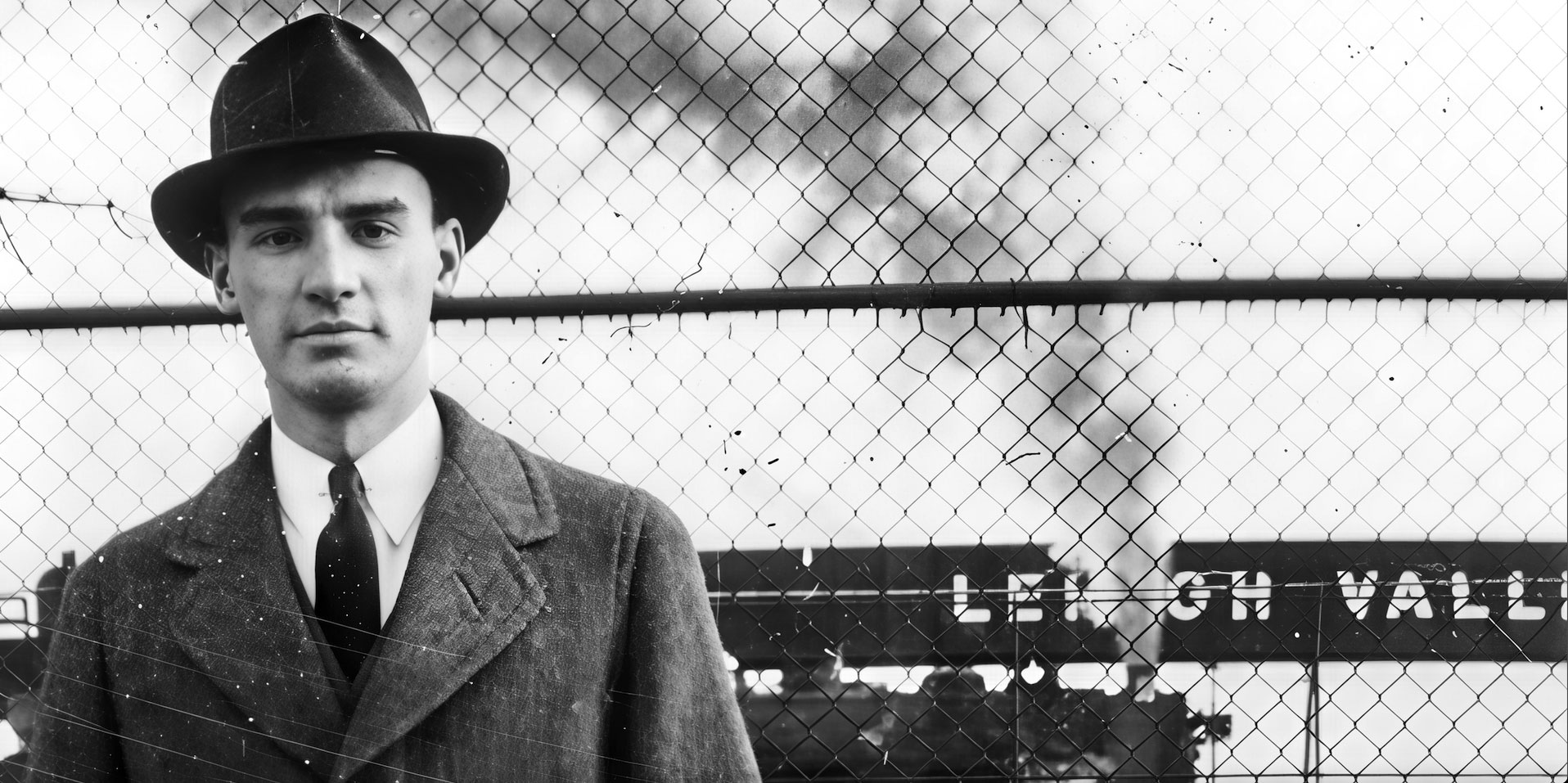
Let’s start with my grandfather, as seen in his 1940s “Man from U.N.C.L.E.” pose. Here is the original frame, reduced:

Scanned from a small original print, the image is soft and dirty with shallow depth-of-field. Usually with family photos you are most interested in the face(s), so let’s prioritize face recovery (along with 4X upscaling) within each app.
This is the view while Gigapixel does its thing in Low Resolution mode (please view all screenshots at 100% to see details):
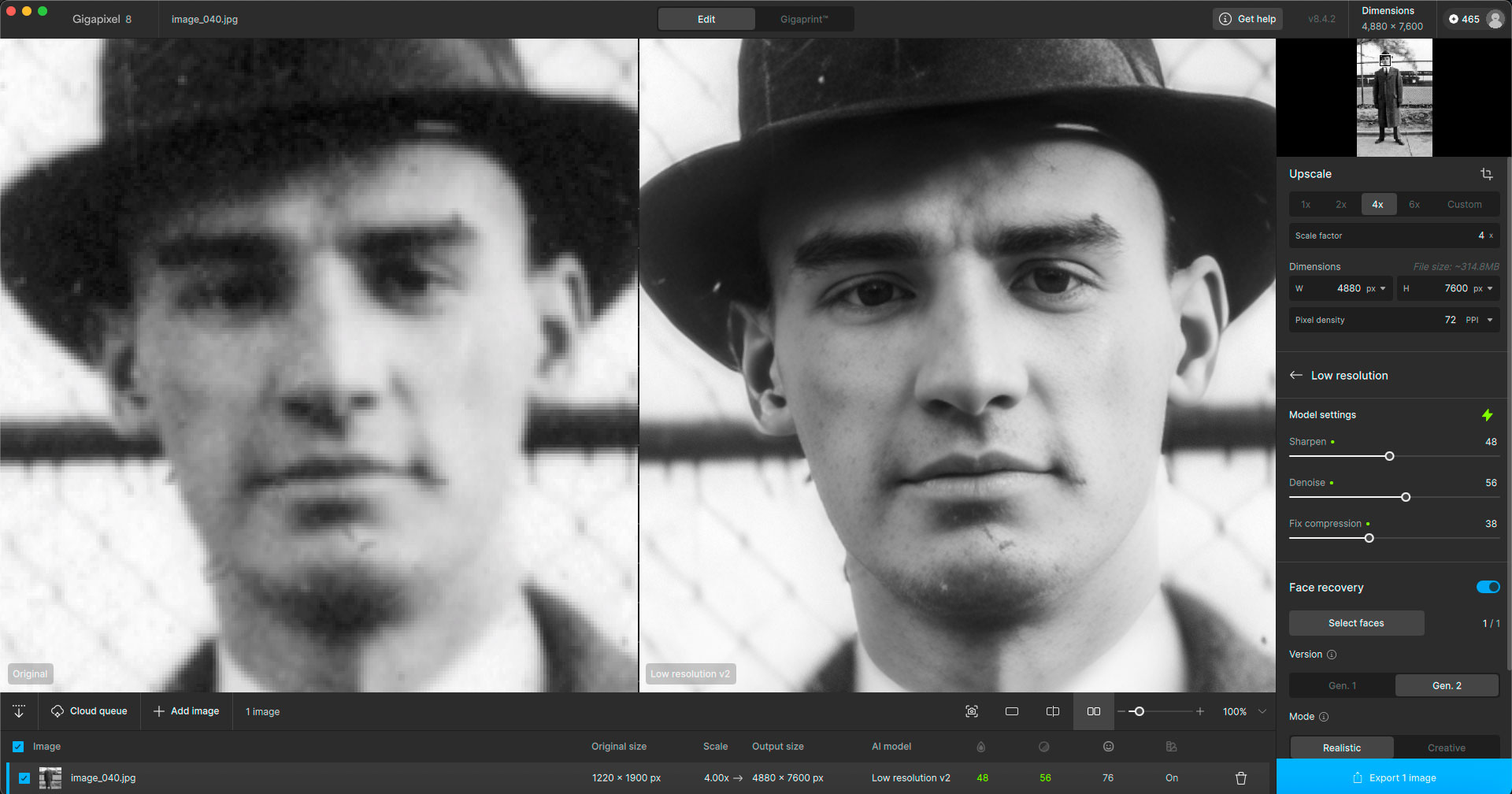
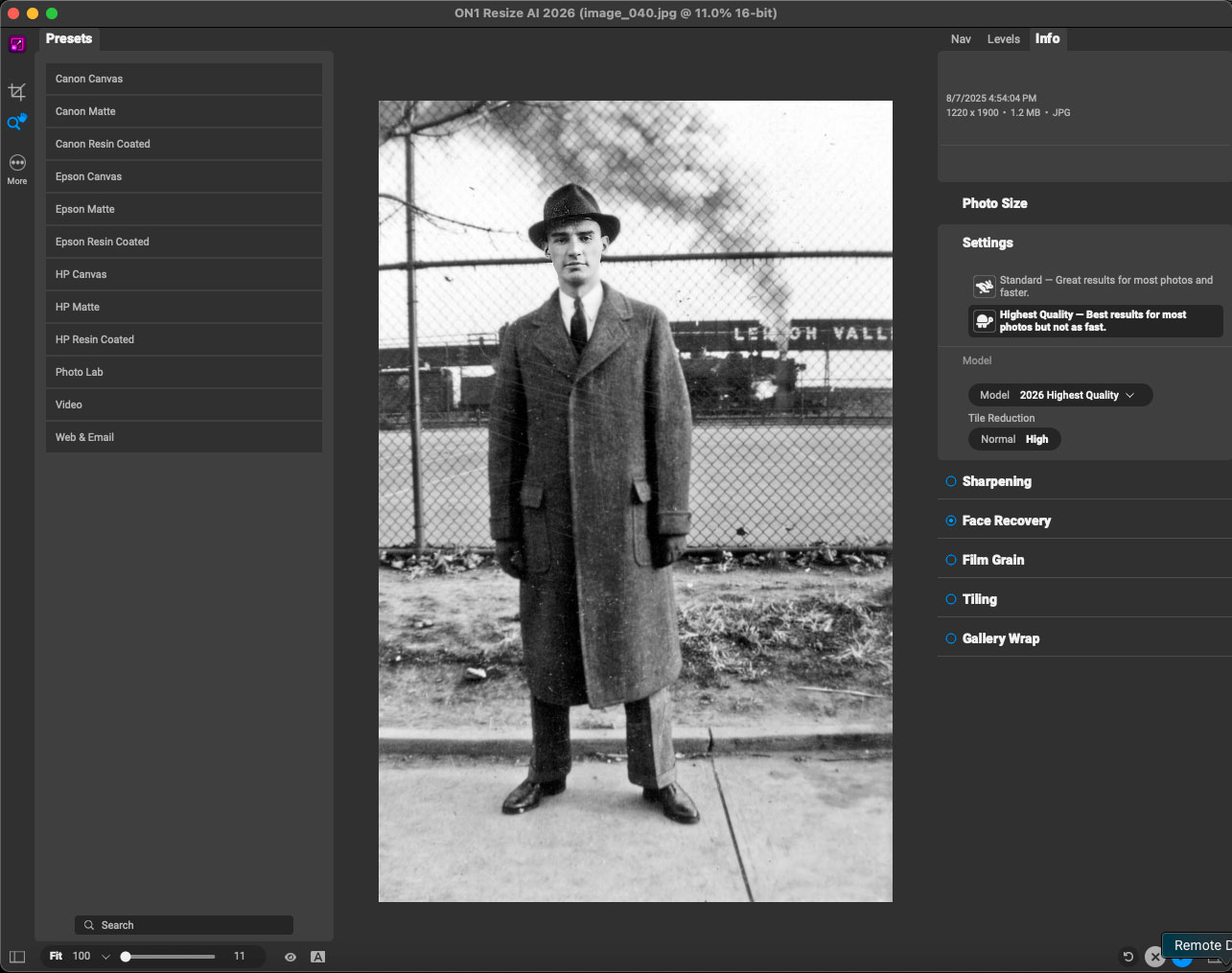
Very good results! Now I tried to open the grayscale original scan in Resize AI 2026, but it seems imported images need to be in RGB mode:

I could not close or cancel this failed import and had to restart the app and re-import, after resaving the original as RGB. Then off we went, using the Highest Quality settings and Model, with 100% face recovery strength:
The Resize AI 2026 result at left, as viewed at 100% vs. Gigapixel AI:
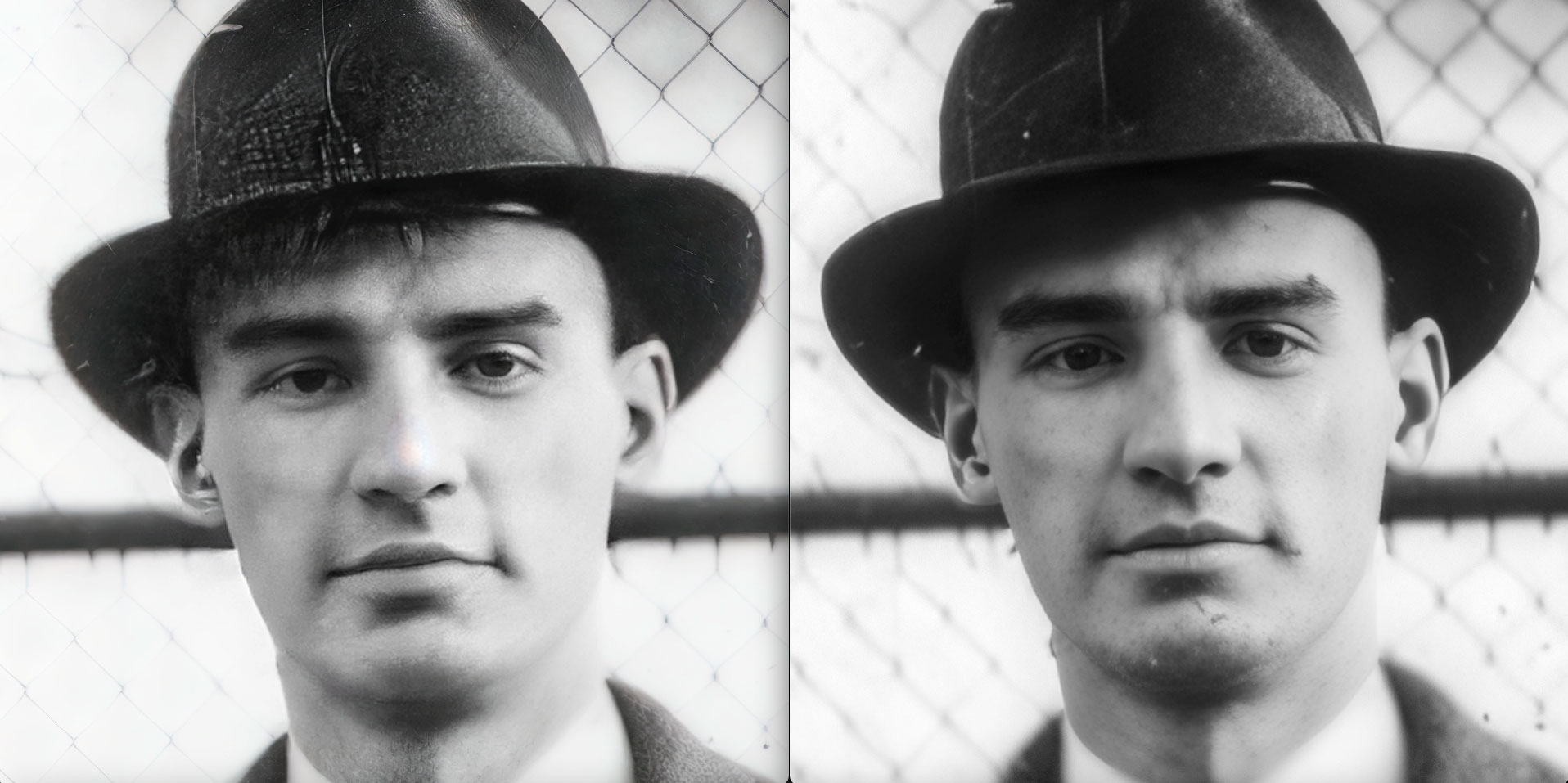
In the example above, Resize AI 2026 cleaned up a bit of the dust but also garbled the features, especially the ears, and added noise in the hat and put hair on the forehead. So for face recovery, it’s Gigapixel AI for the win.
But notice! In the upper right corner of the crop shown above, the soft-focus wire mesh fencing has been recovered quite nicely by Resize AI 2026. Let’s explore that area further, with Resize AI 2026 shown at left:
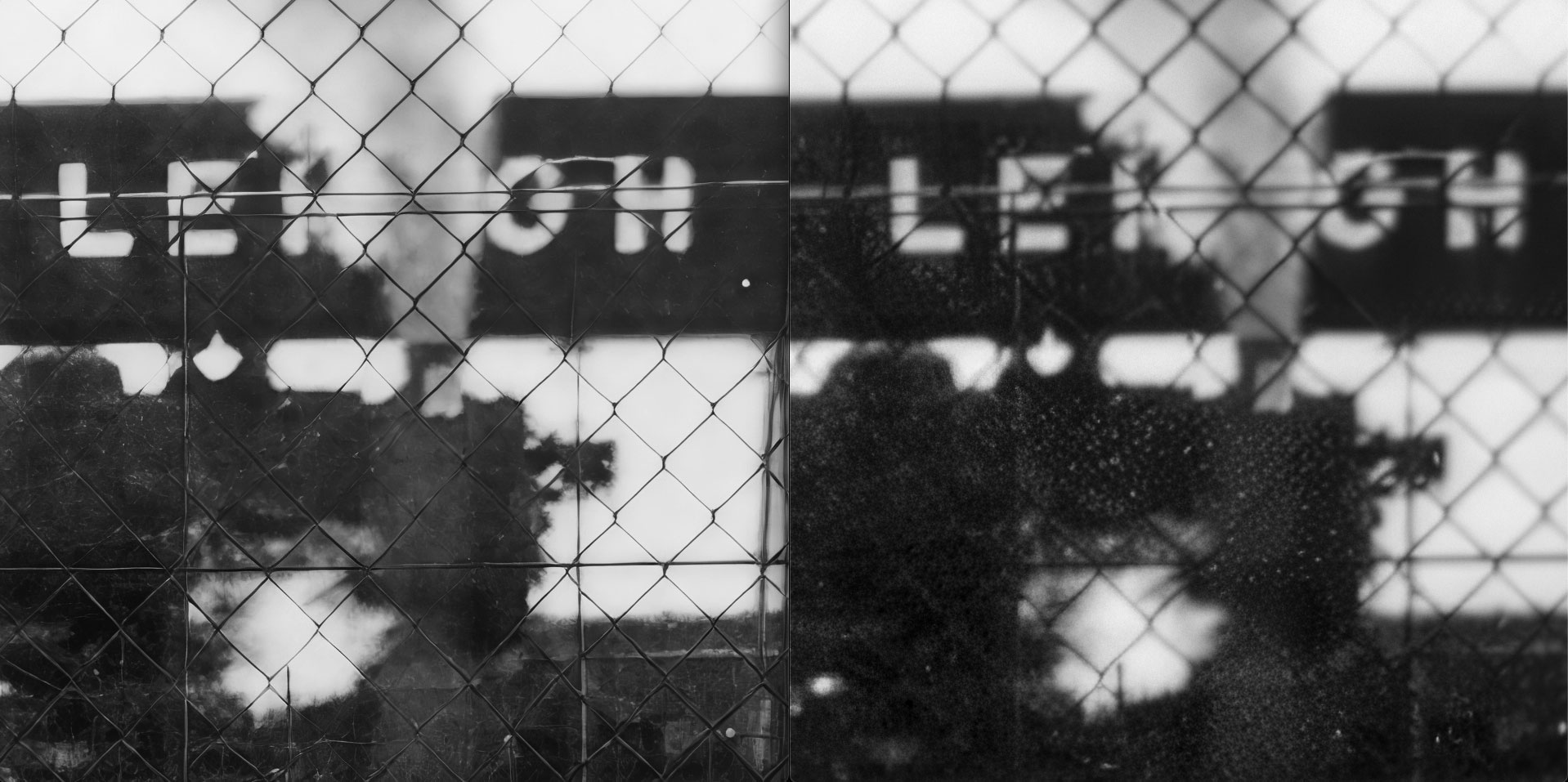
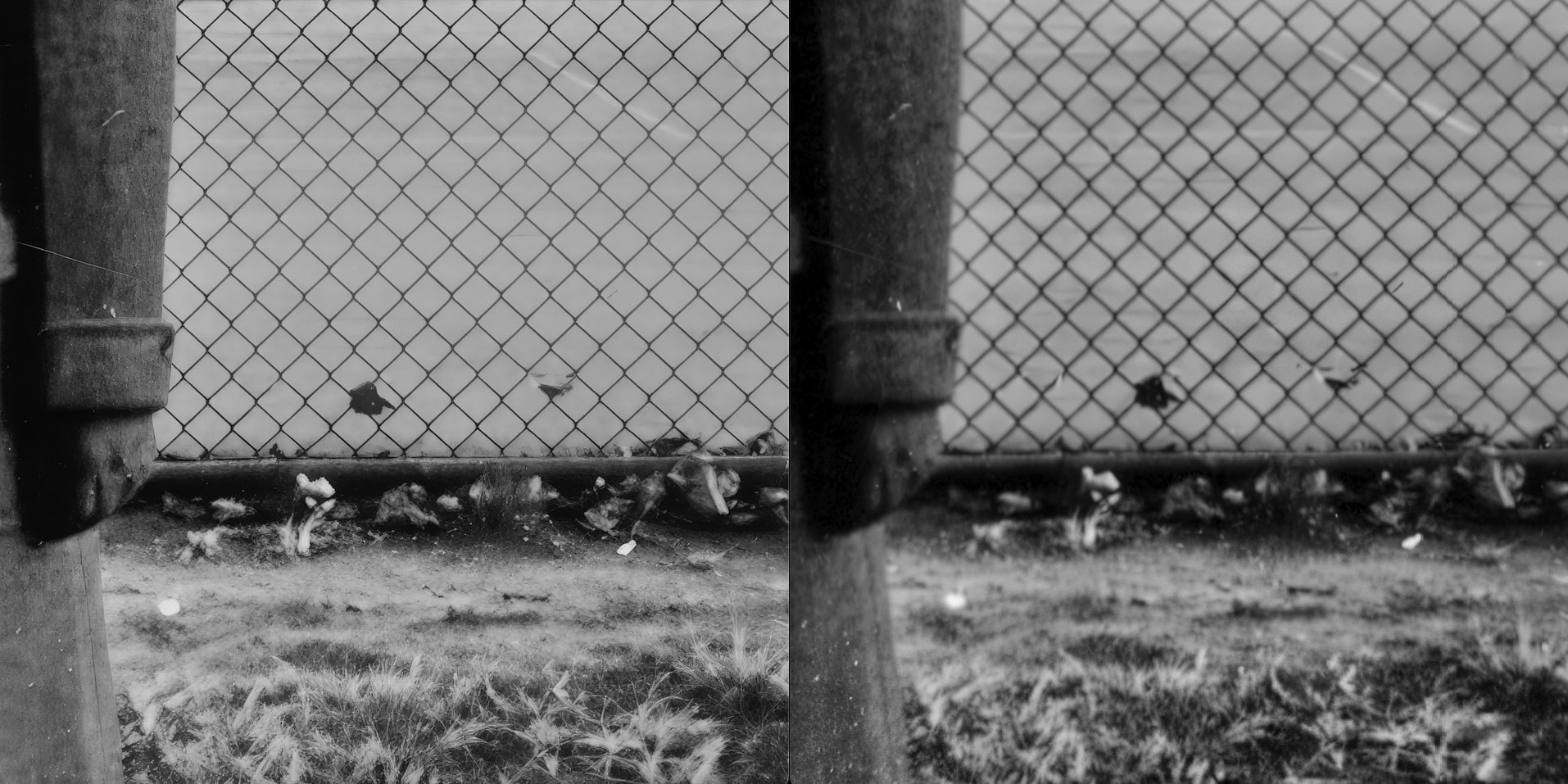
Interesting! Resize AI 2026 actually sharpened up the fencing and grass, whereas Gigapixel AI did not, without going into the more demanding Generative AI models, which we will now visit.
Using Gigapixel AI in Recover v2 mode with the NVIDIA 4090, we now see Topaz recapture the lead! Here are some examples from this new head-to-head, with Resize AI 2026 at left. Notice how Gigapixel adds a bit of shape and dimension to the fence wires (and better contrast to the image overall):
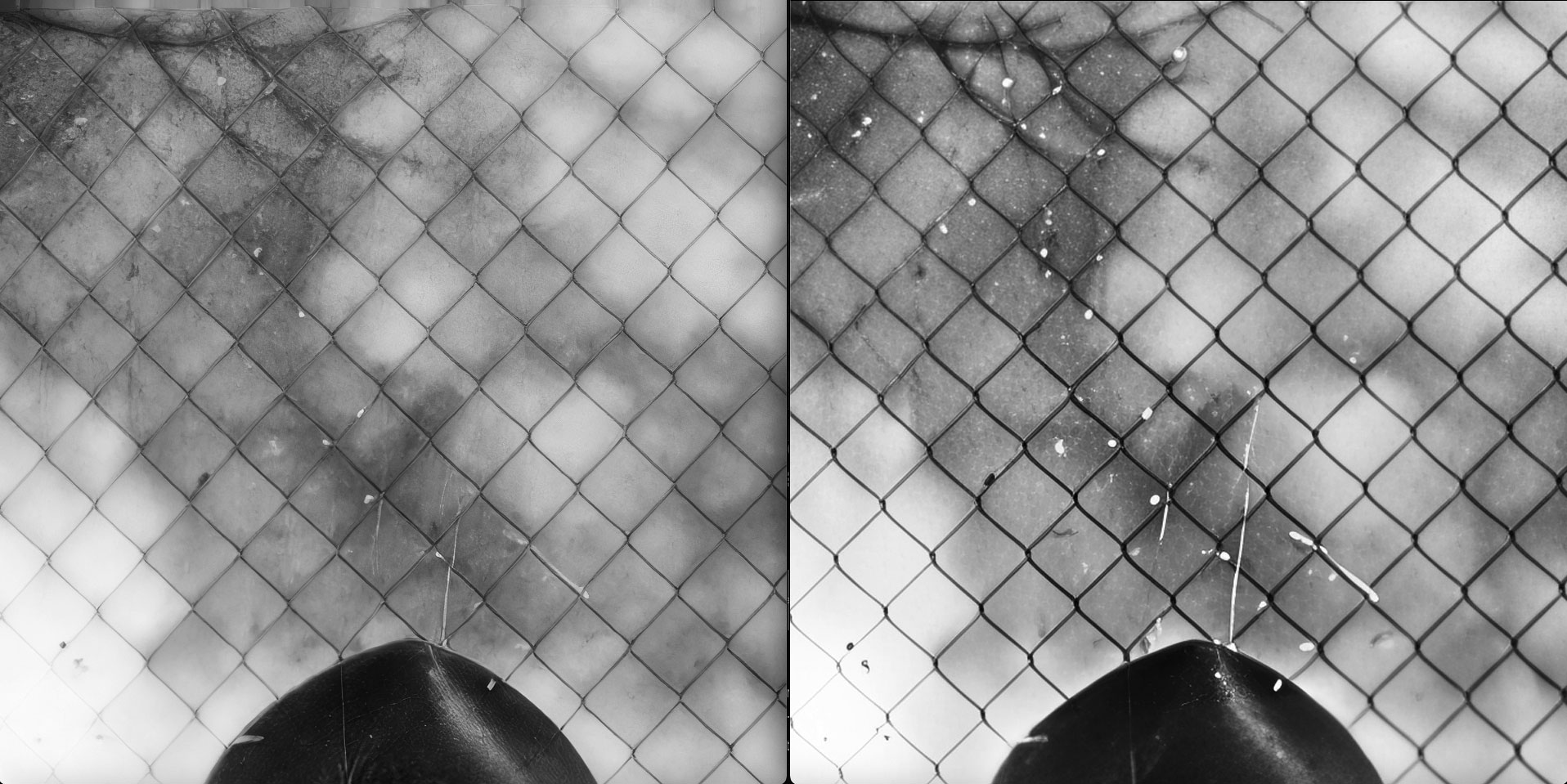
The resolving of the grassy area is a bit more debatable. Topaz wins for the fence, but the grass needs to be somewhere between the two:
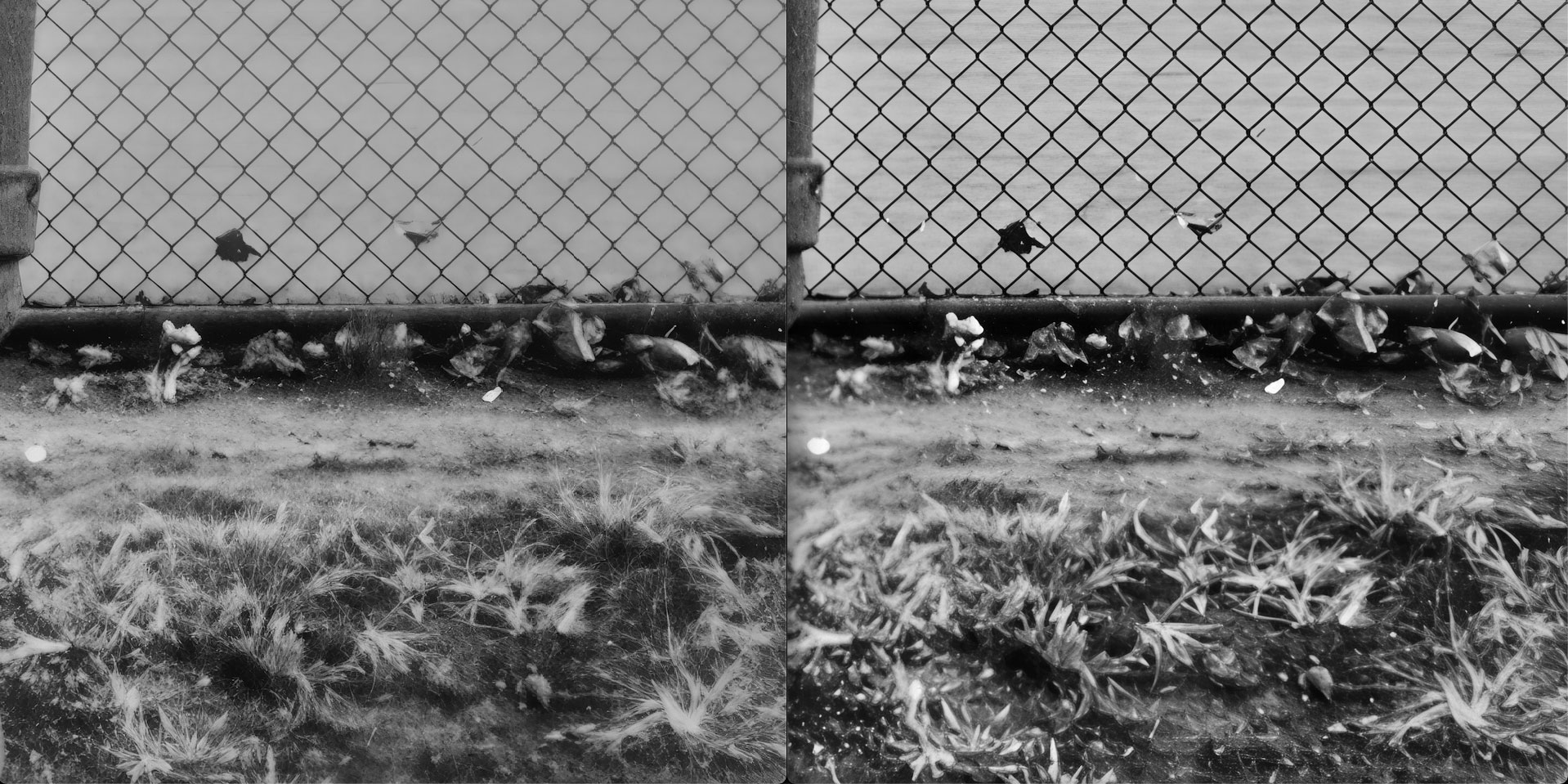
Here are two more wider views, first from Resize AI 2026 (with the cauliflower ear and blown-out fence):
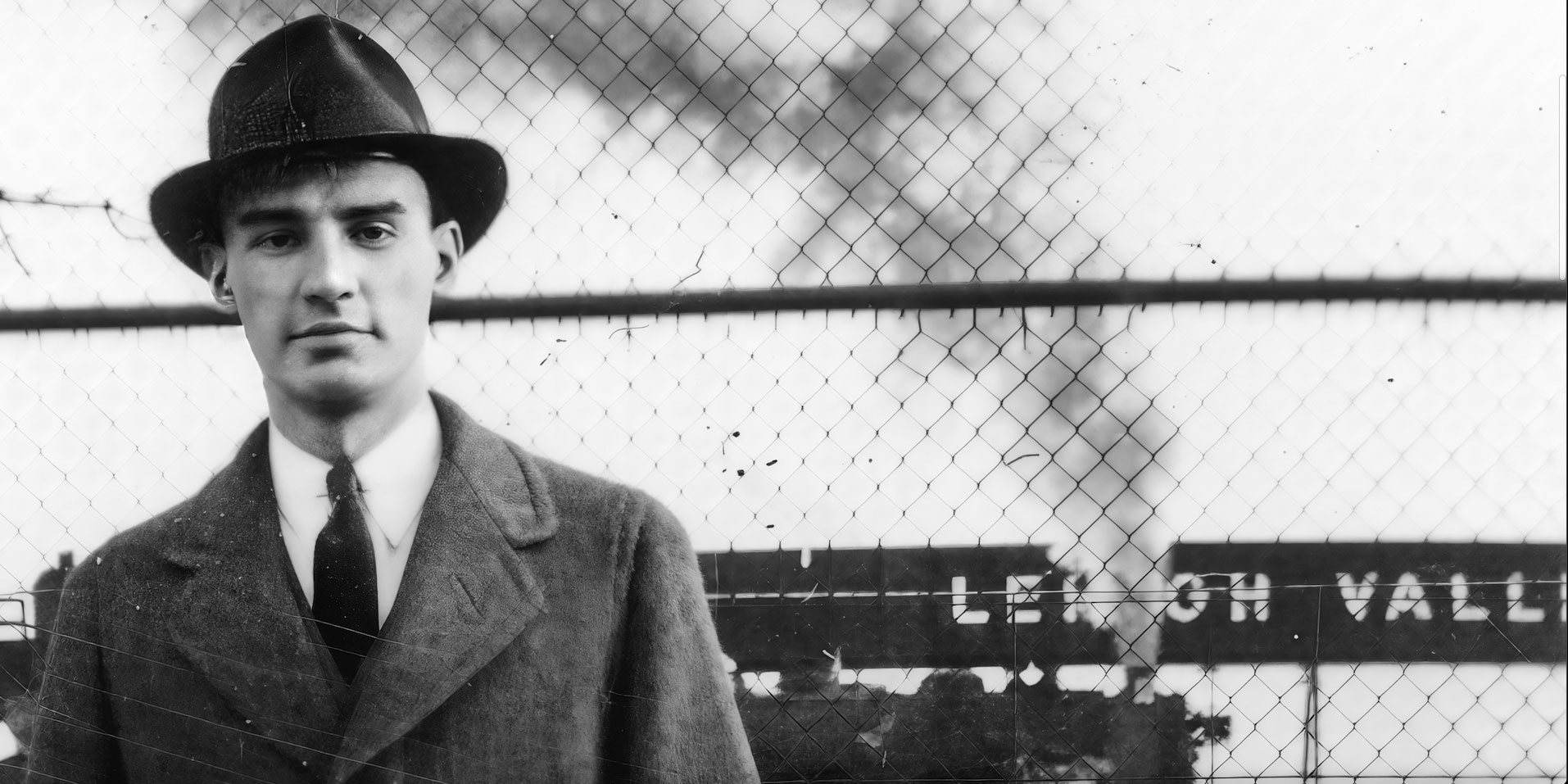
And now Gigapixel AI:
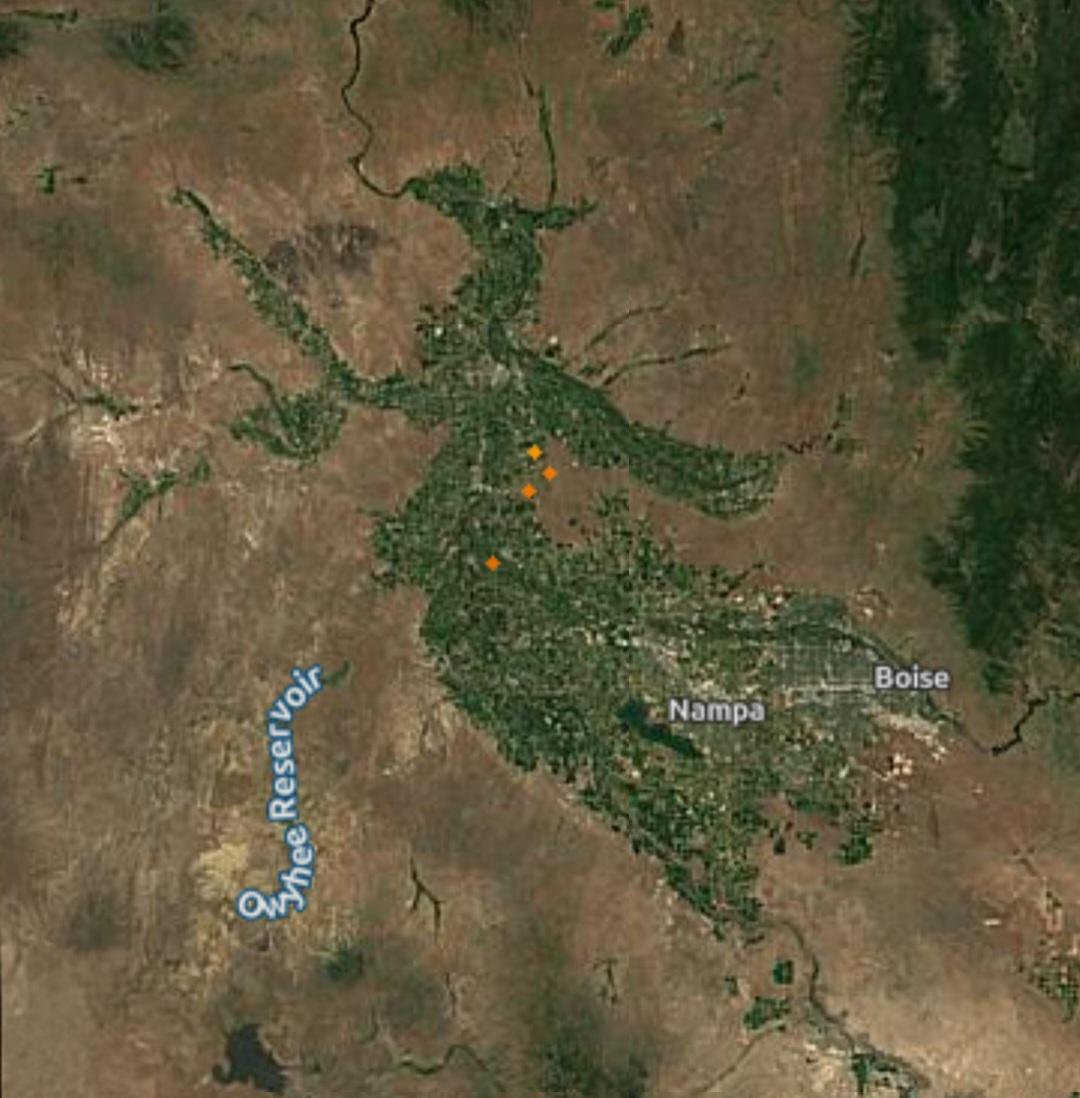
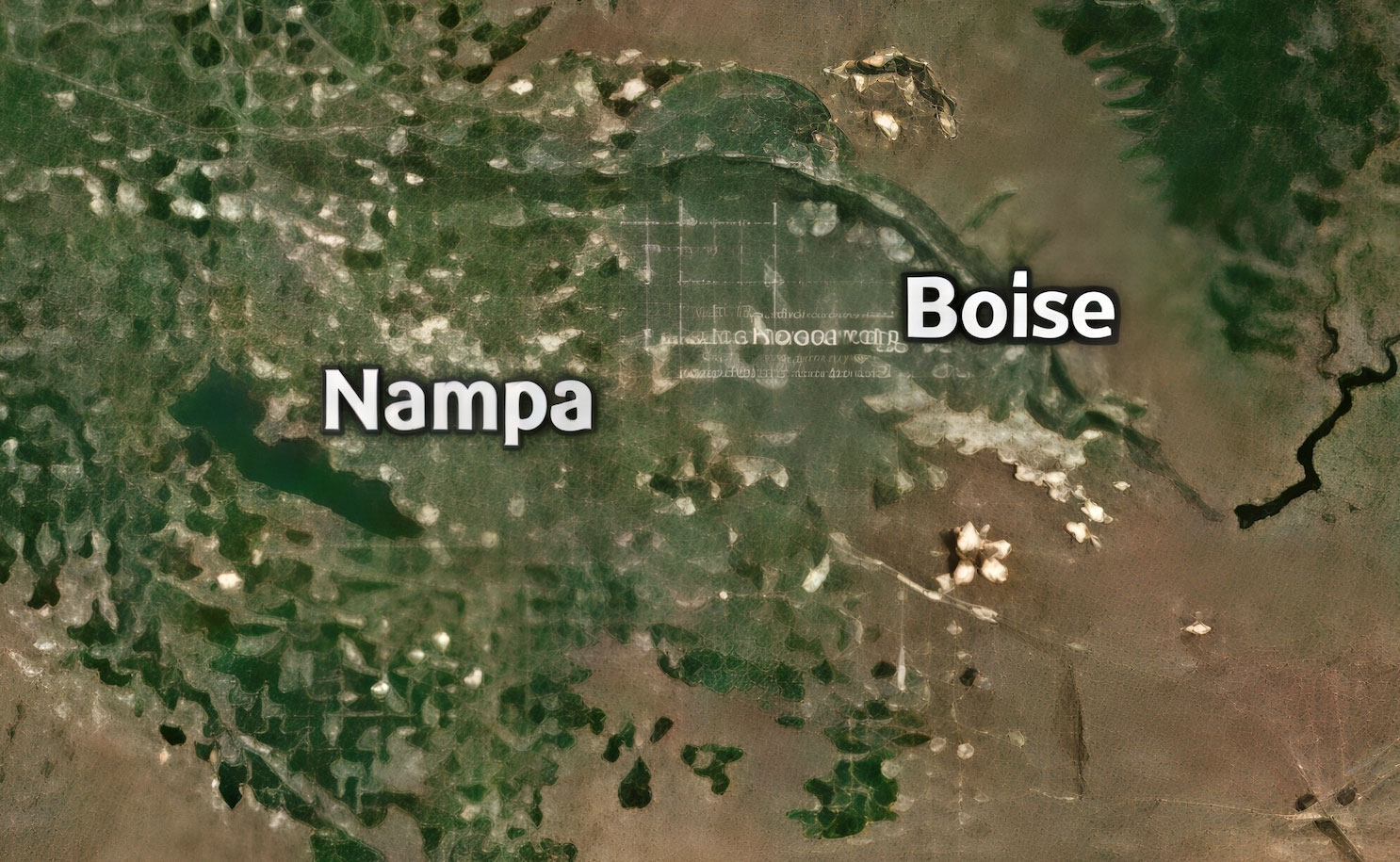
Now let’s look at a lo-res web image, an aerial view of Idaho’s Treasure Valley. Here is the original:
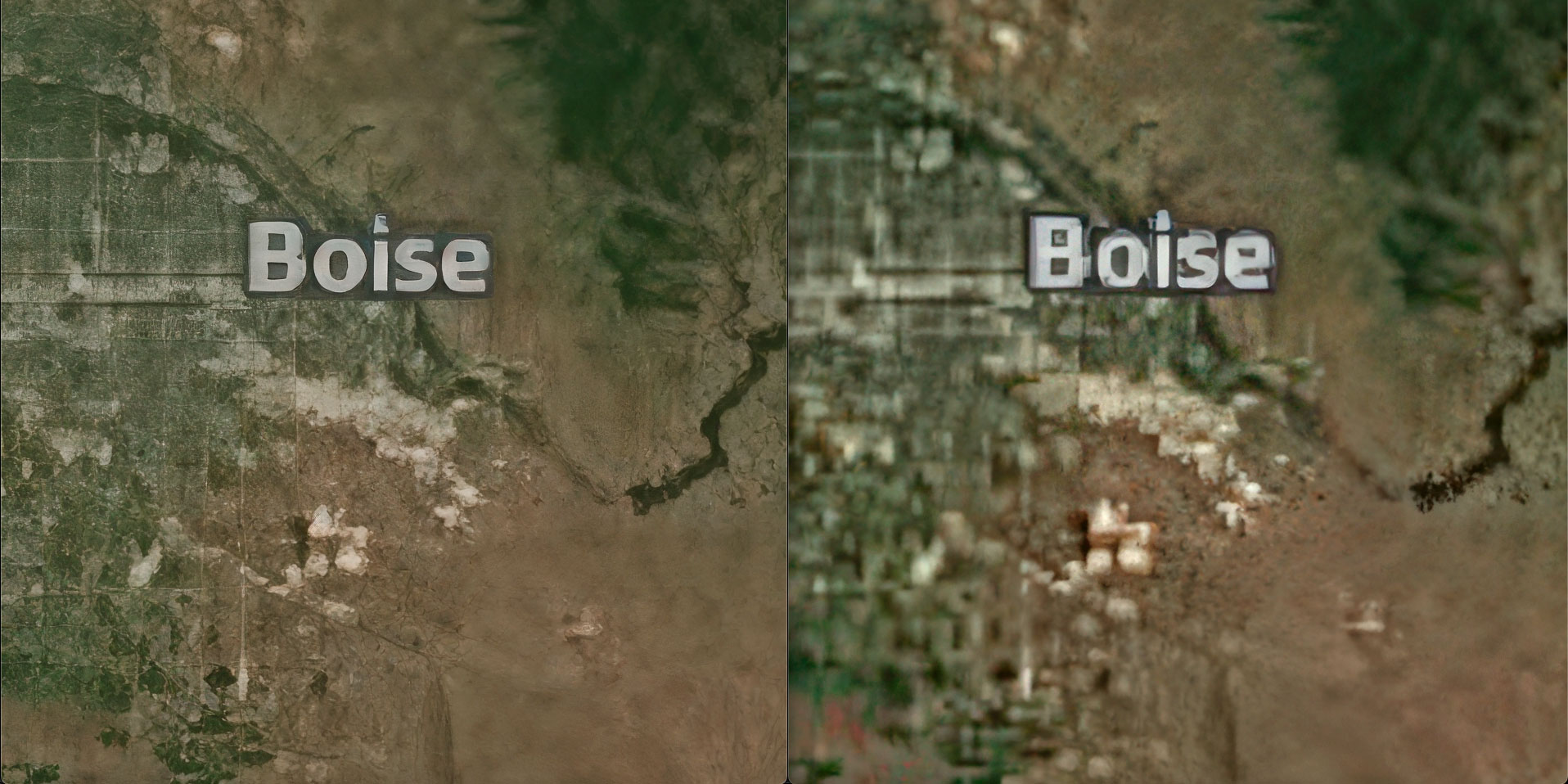
These are the best results I was able to obtain at 4X with Resize AI 2026 at left and Gigapixel AI at right (using a Standard, non-generative model on Mac). In this case, Resize AI 2026 is the winner:
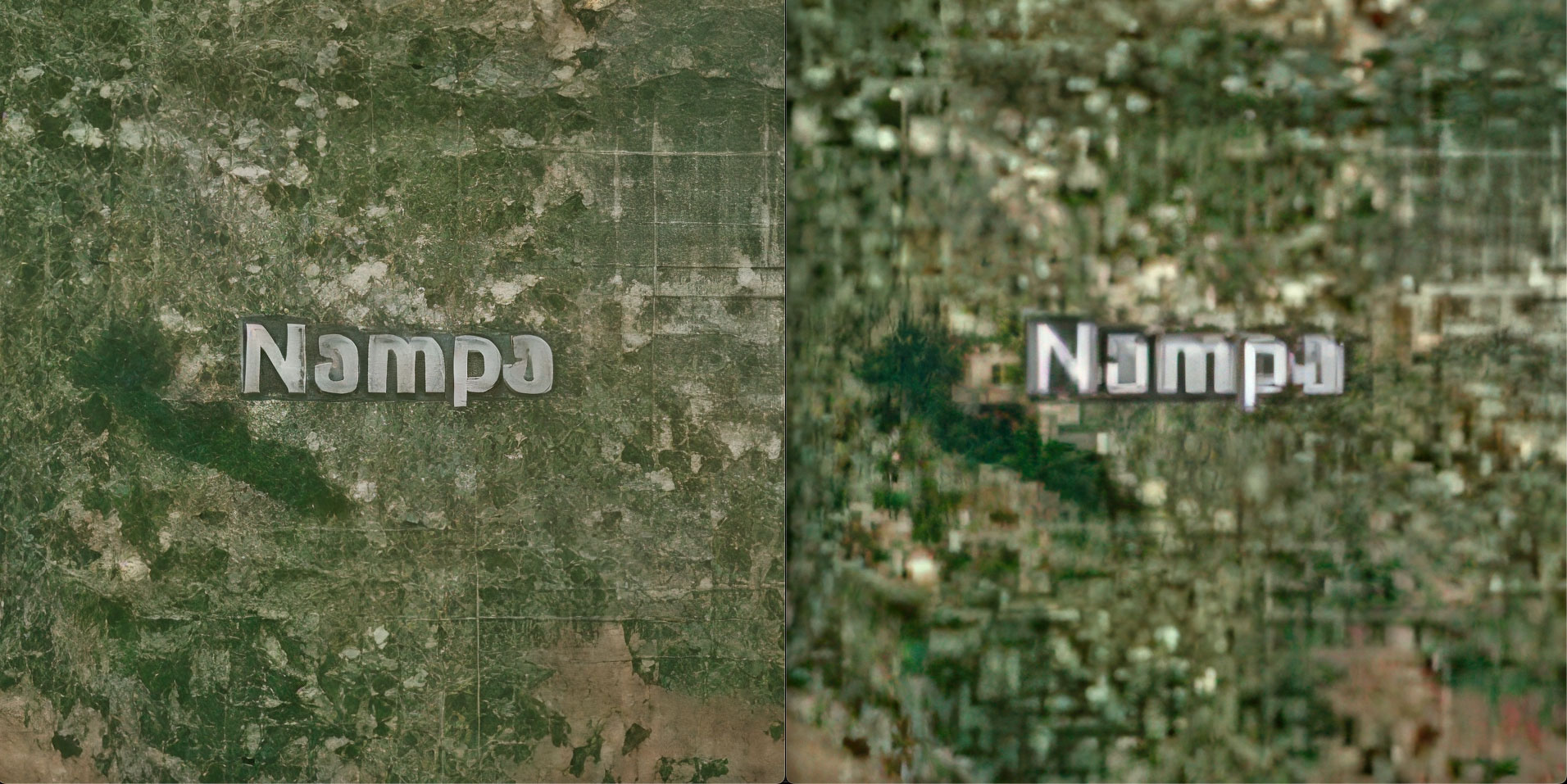
If you use Gigapixel AI in Recover v2 mode on PC (NVIDIA 4090), this is the improved result (much clearer text but with other anomalies added ):
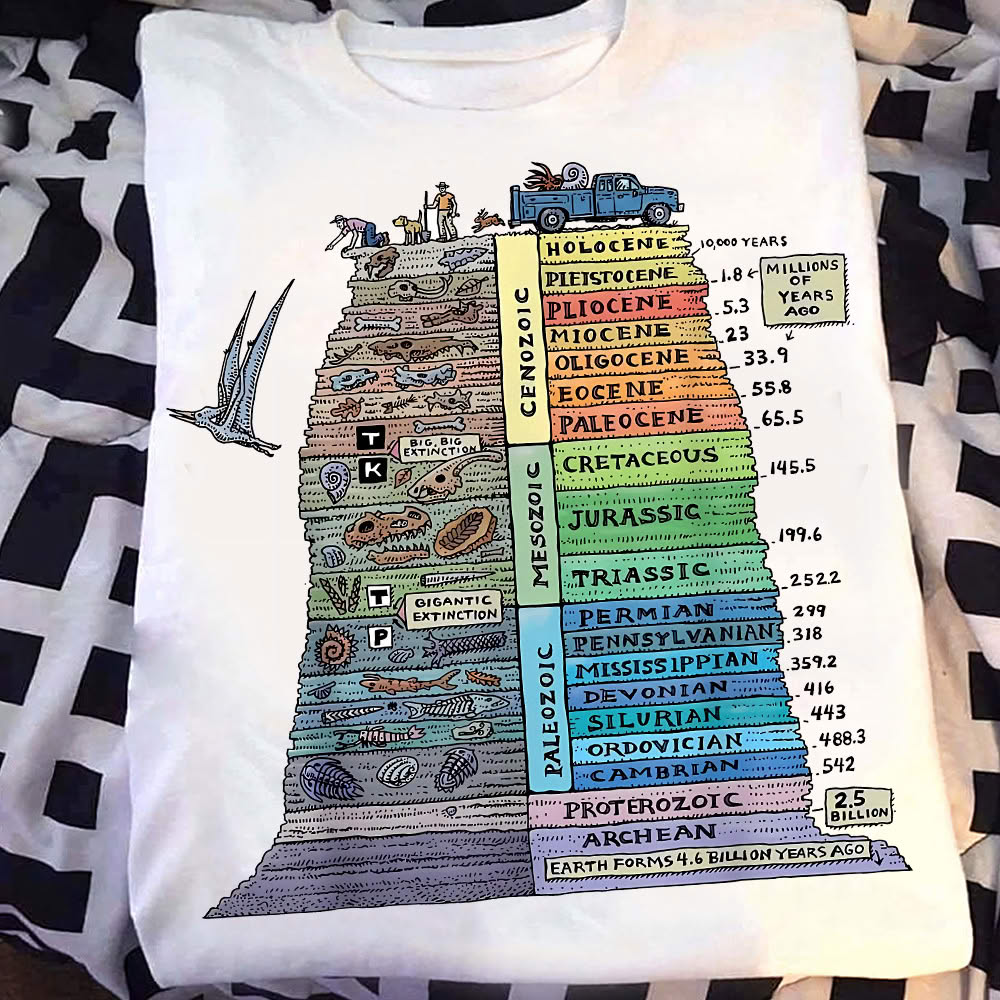
Another lo-res web image example, this time a photo of a T-shirt with a colorful illustration, original:
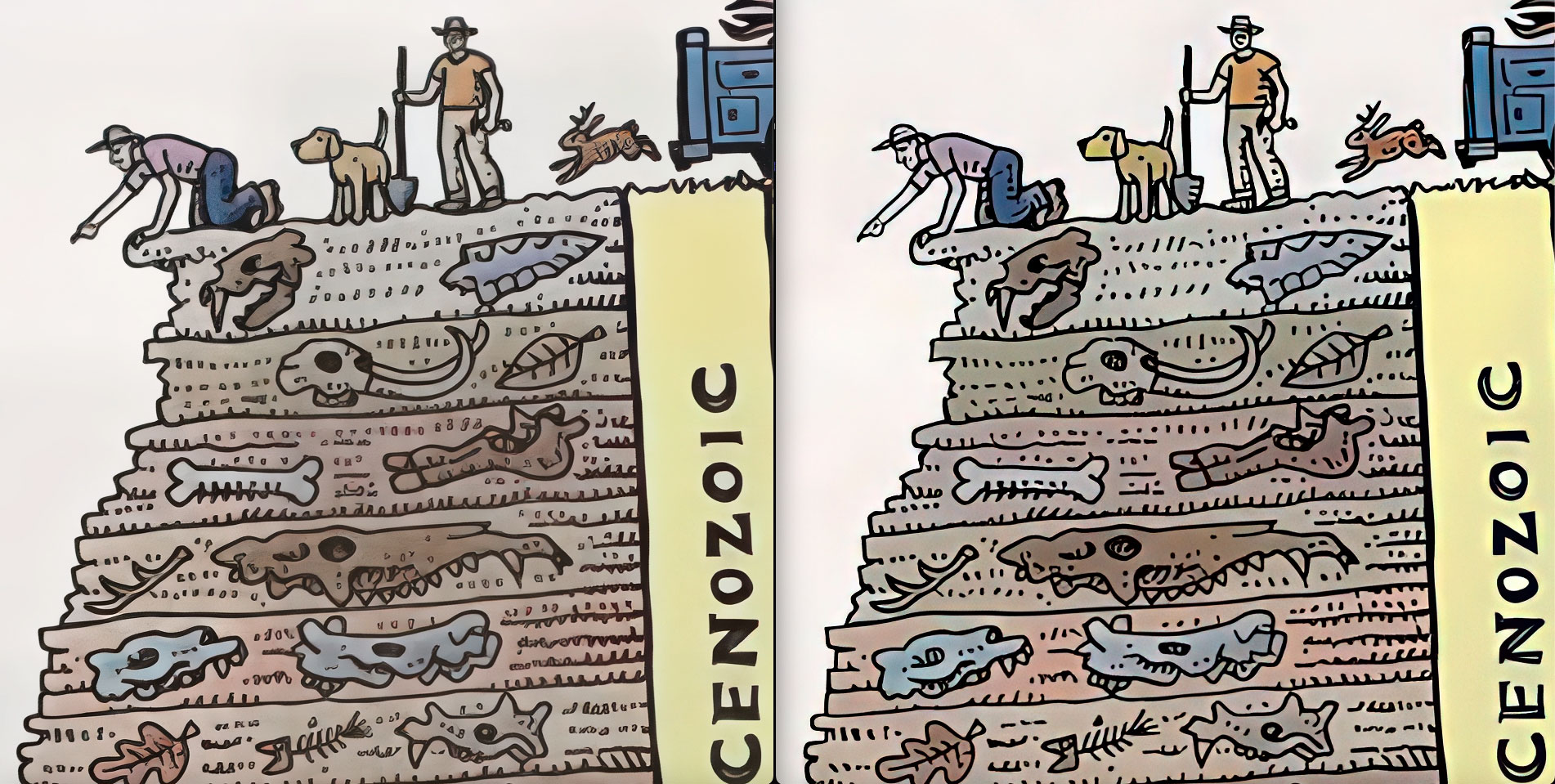
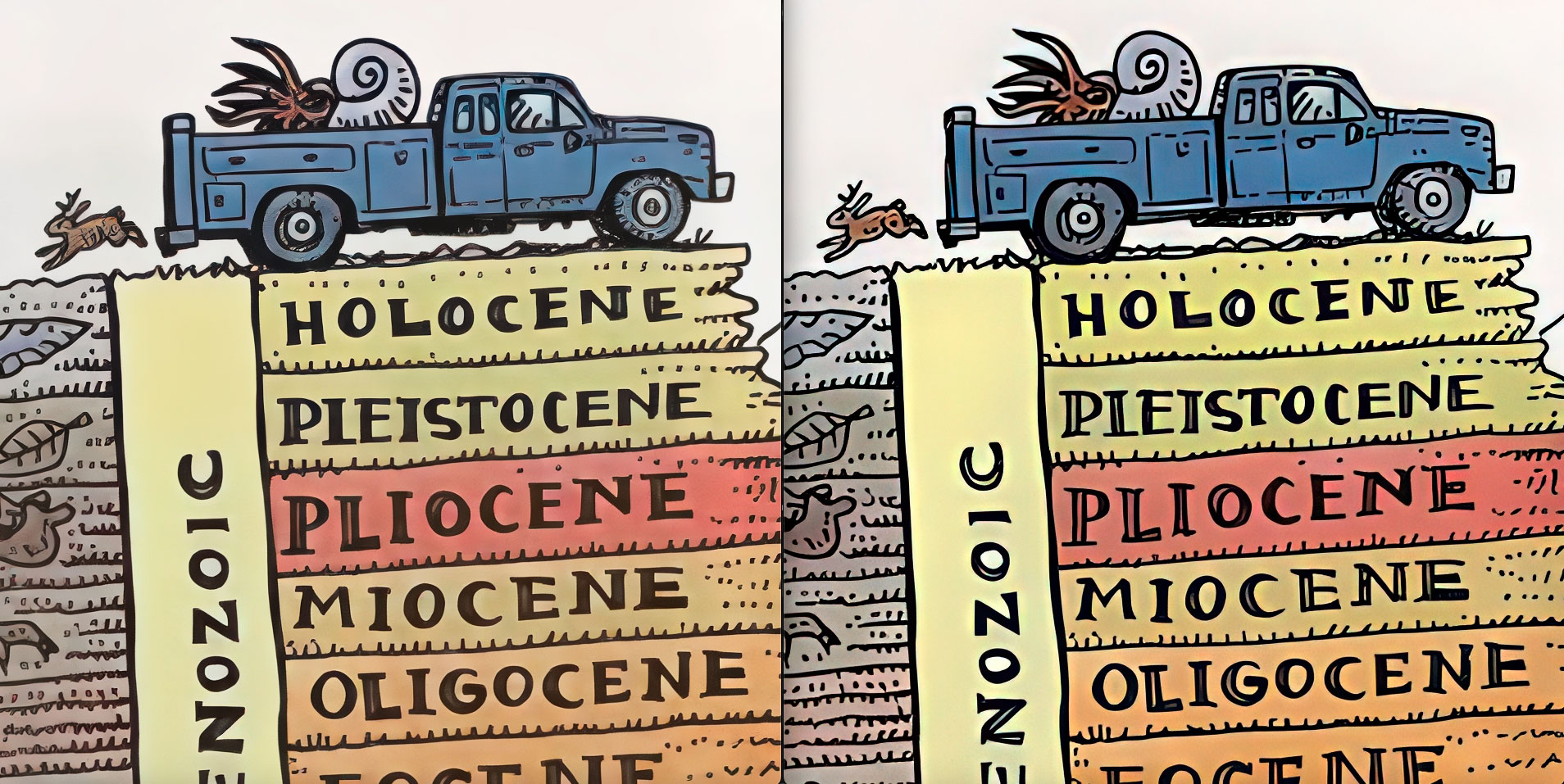
At 6X, Gigapixel AI (right) with default model settings provides cleaner details:
The next example is a generative-AI image. Let’s try 4X in both apps. Here is the original:

With face recovery activated for both apps, I feel Gigapixel AI has the edge here overall.

And what about the background (as we learned earlier)? Here, Gigapixel AI (right) has the edge in foliage detail (Mac version). Note also, at left, Resize AI 2026 has some slight aberration along the left and top edges of the image border:
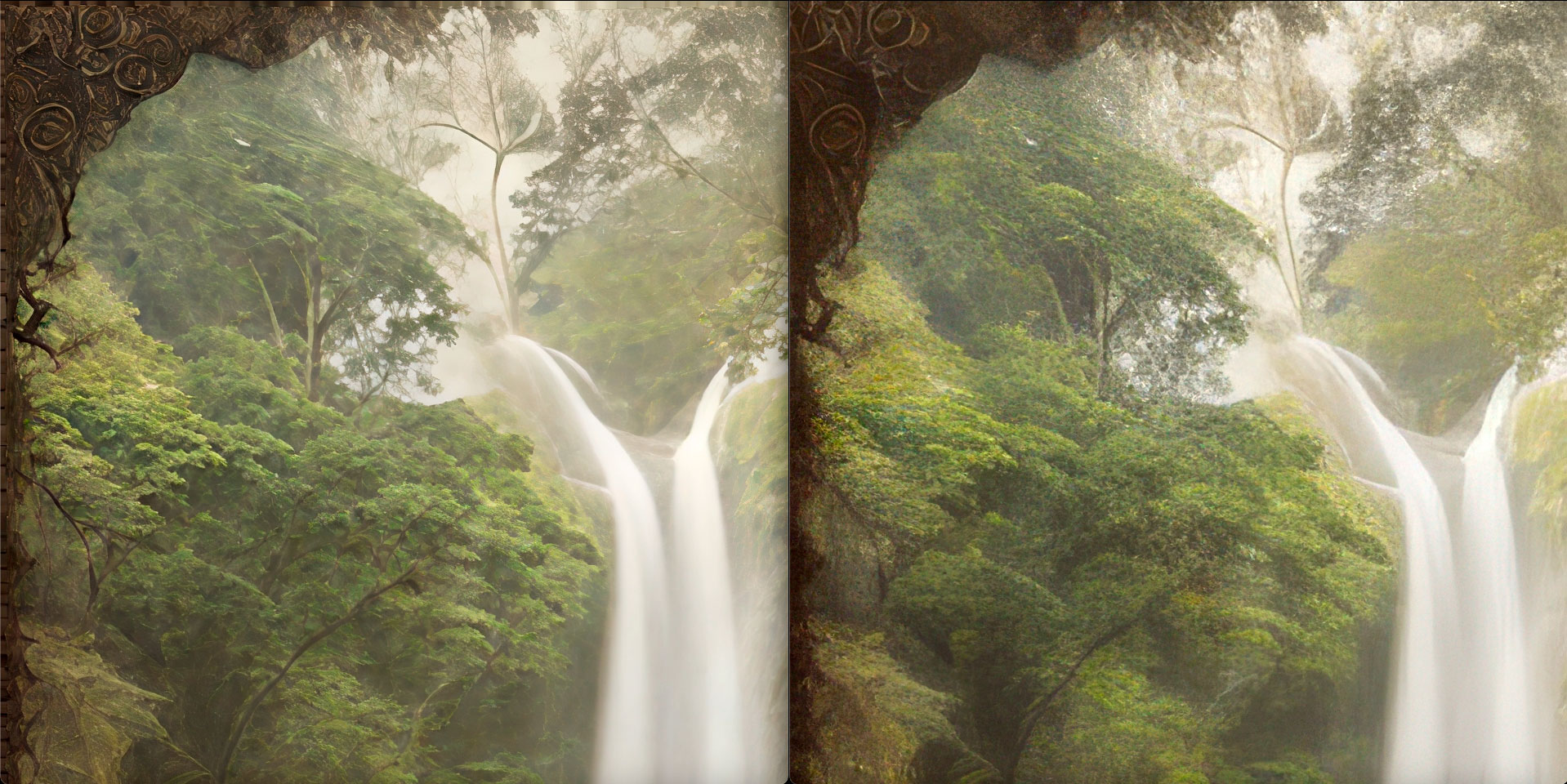
Let’s finish up with an older lower-res digital image from 2008, chosen randomly without any pre-testing, upscaled to 6X in both apps.
The original, downsized for reference here:
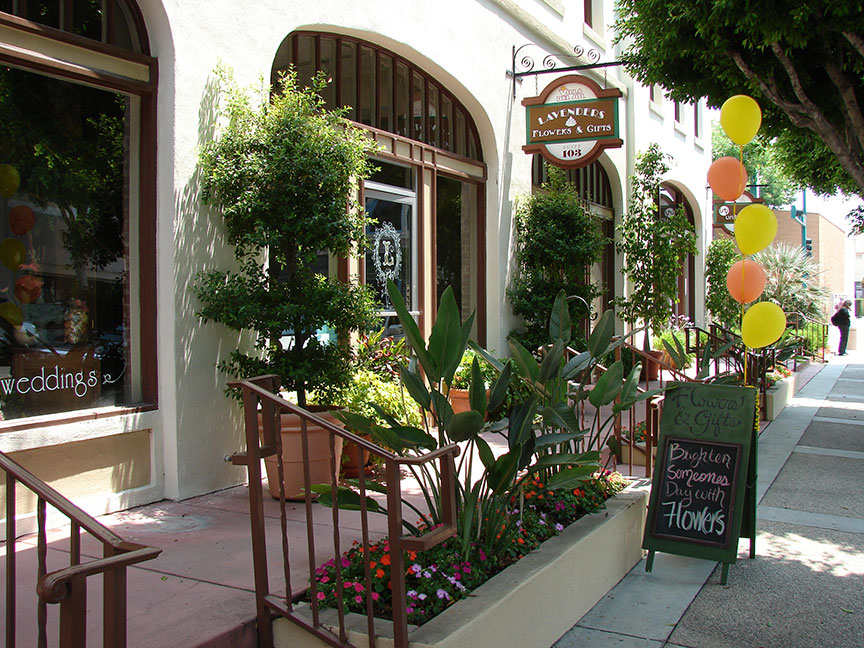
In the case of this image, Resize AI 2026 (at left in each comparison below) is better in all respects, especially the foliage, when compared to the Basic Gigapixel AI models on Mac (but keep reading!):

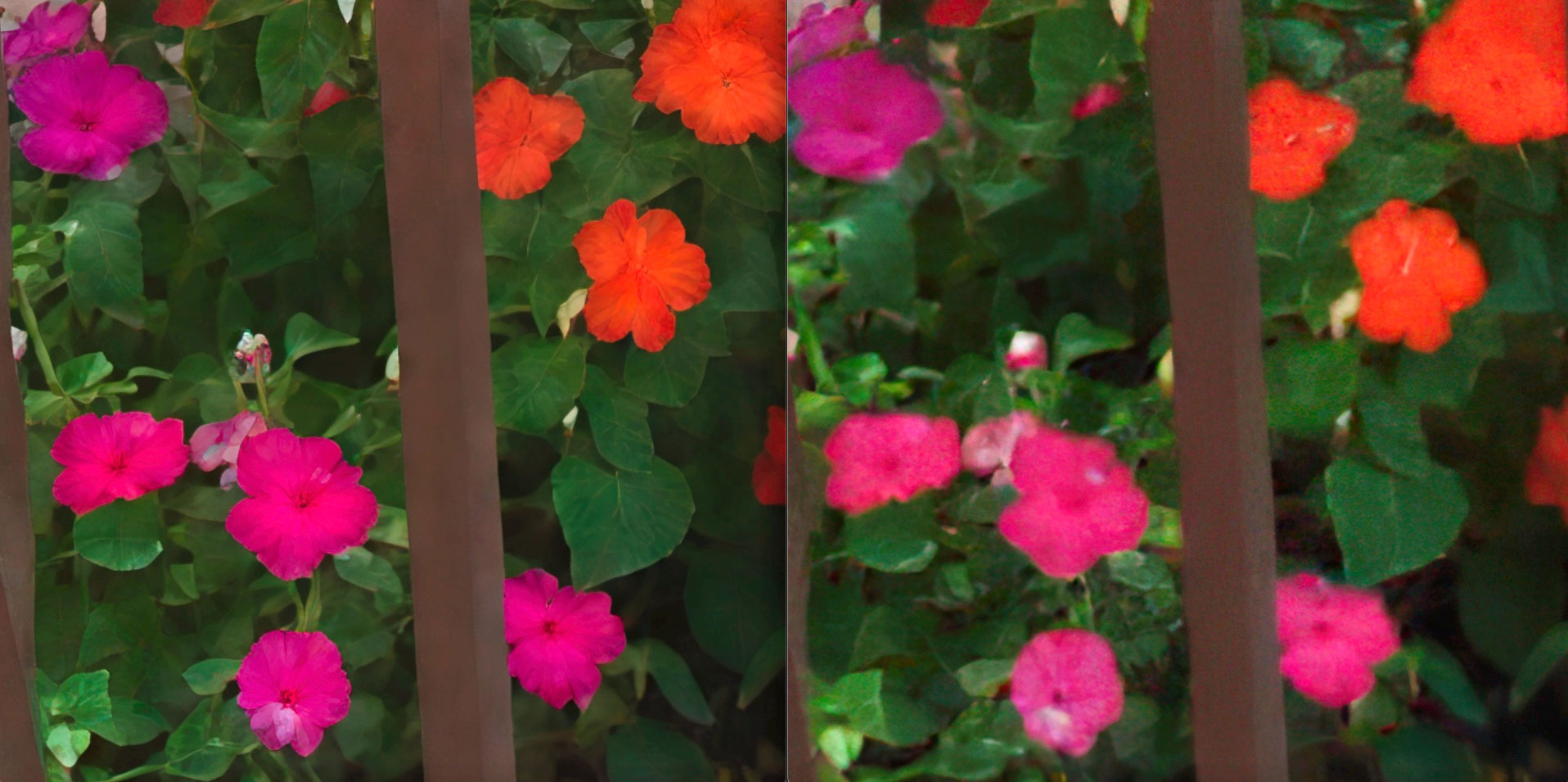

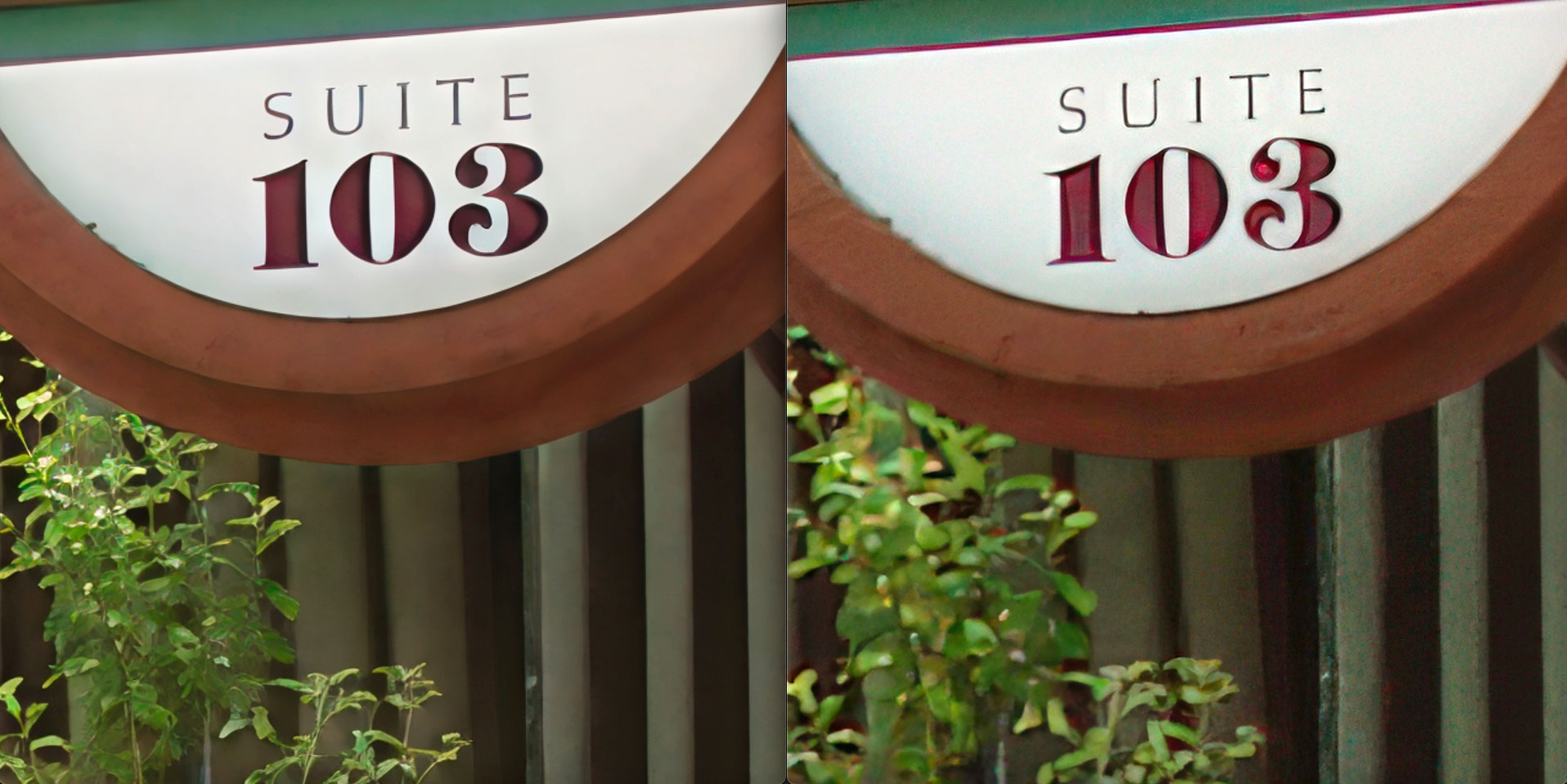
But when we switch to the PC with an NVIDIA 4090, Gigapixel AI Recover v2 mode (at right) mostly (but not entirely) picks up the slack (along with adding the expense, of course, of a Dell Precision 3660 with 128GB RAM and the high end GPU!). But I still think ON1 (at left in all examples) is the winner of this round:
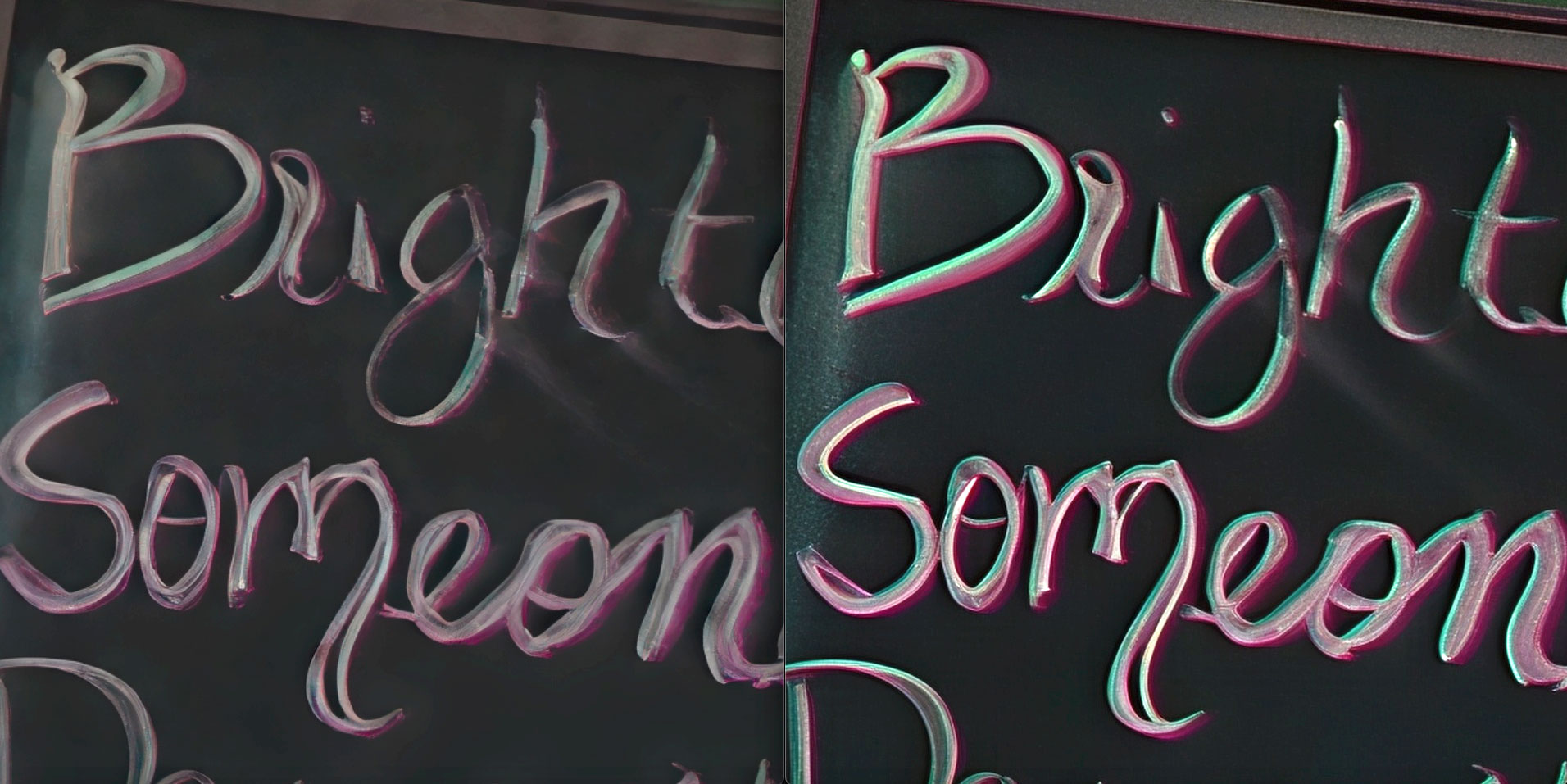
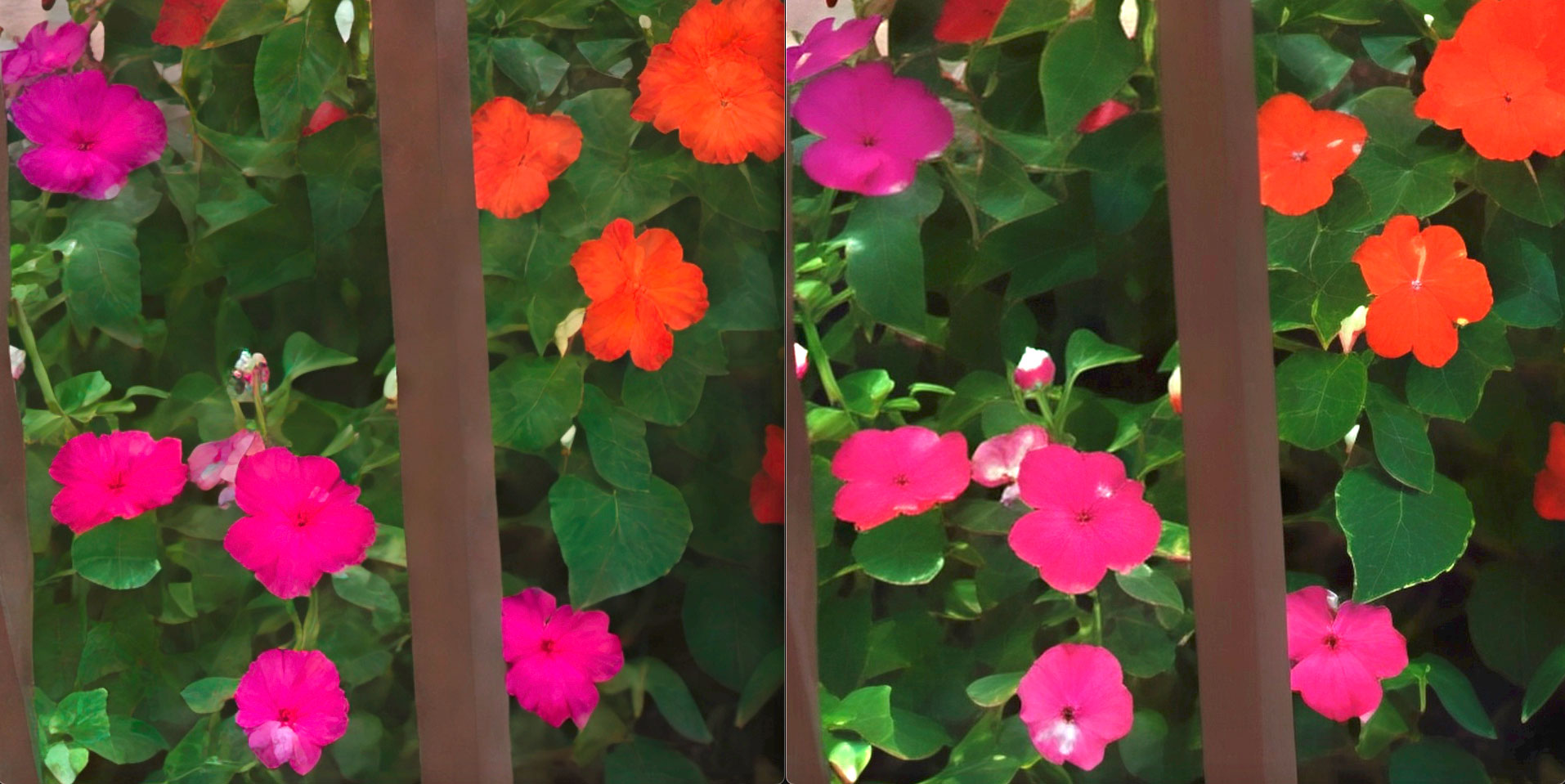

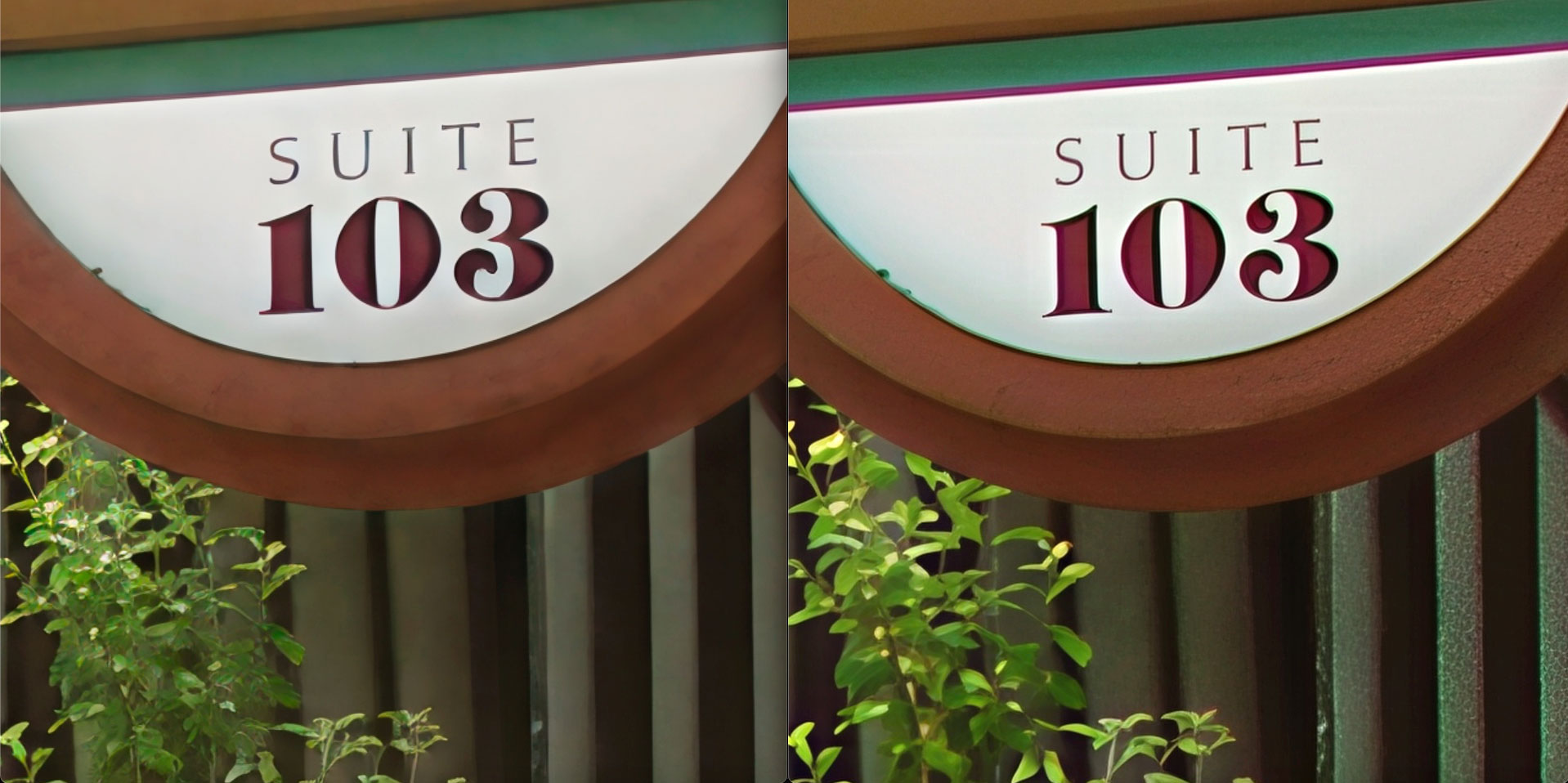
So it seems you will need BOTH of these apps to address a wide range of image subjects, from faces (where Gigapixel AI has long excelled) to recovering other objects such as foliage, etc.
Congratulations to ON1 for their very strong release of Resize AI 2026!