
Filter Forge, a standalone app and Photoshop plugin, currently offers over 14,000 editable image filters in many categories as well as over 7300 seamless hi-res textures with thousands of randomized variations! This week the developer is giving away free licenses for version 9 with upgrade options to the current version 15.

I’ve been using Filter Forge as an imaging crucible since at least 2009. Nowhere else do you find so many mild-to-wild options for creatively enhancing your images and making realistic textures to use for many purposes, including games. Here is a list of what is included:
Texture Filters:
Building (885) – Textures found in architecture and building, such as bricks, pavements, tiles etc.
Frames (119) – Picture frame textures.
Misc (2186) – Abstract textures or textures that do not fit into any other category.
Organic (732) – Organic textures such as meat, skin, flesh, leaves, etc.
Patterns (2042) – Textures with regularly repeated shapes, colors, motifs, etc.
Snippets (345) – Filters that illustrate ideas or techniques of interest to the filter development community.
Stone (536) – Stone and rock textures, natural and processed.
Techno (526) – Any textures related to industry and technology, such as circuits, rusty metal, diamond plates etc.
Effect Filters:
Creative (1285) – Effects that modify images in various creative ways.
Distortions (915) – Effects that distort, deform or reshape the original image.
Frames (295) – Effects that create a frame around the original image.
Misc (2400) – Effects that do not fit into any other category.
Patterns (730) – Effects that produce patterns based on the original image.
Photo (921) – Photo enhancement operations and effects.
Snippets (239) – Filters that illustrate ideas or techniques of interest to the filter development community.
Let’s review a number examples from each set, with Textures first.
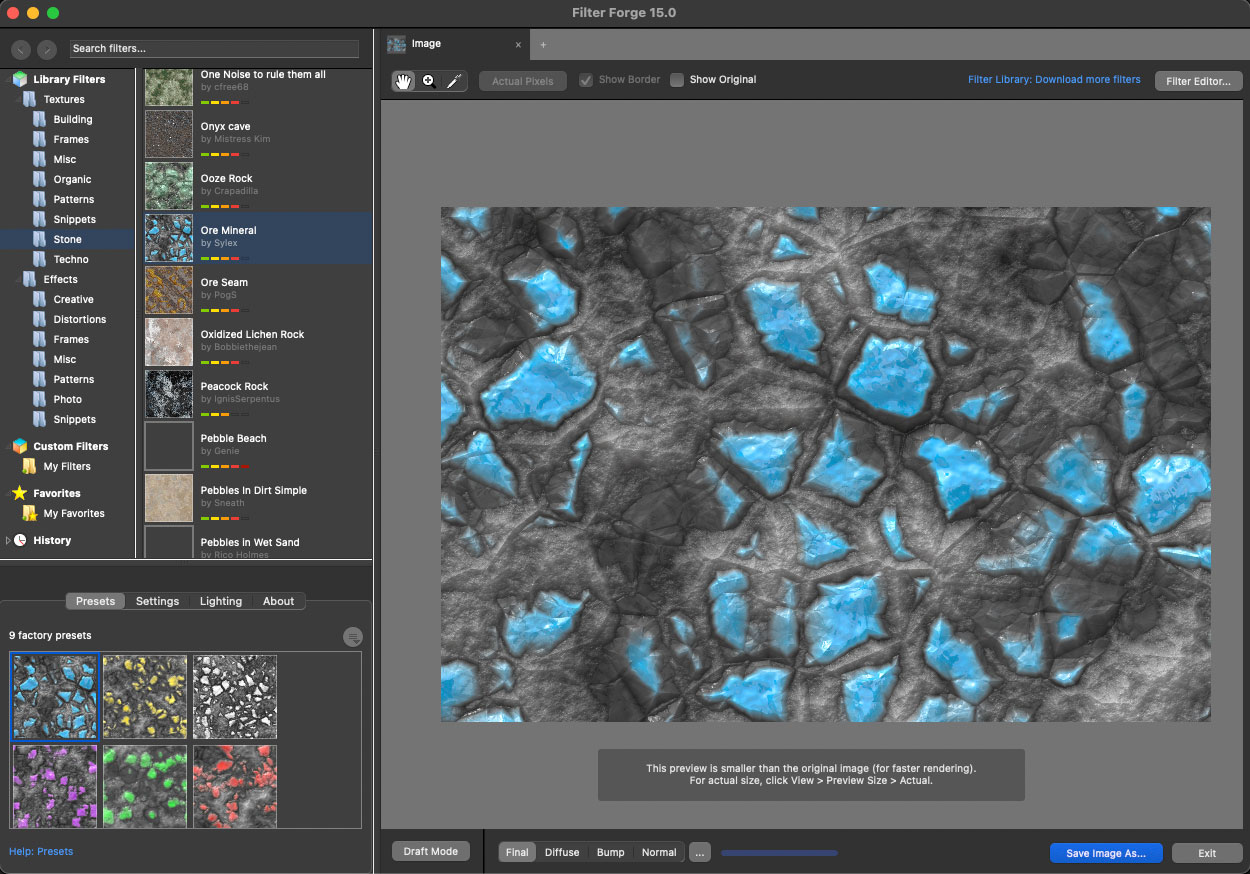
This is a screenshot of the Filter Forge 15 GUI showing me working in Textures>Stone mode. The particular texture chosen is “Ore Mineral” and its first of nine presets, submitted by user Sylex:
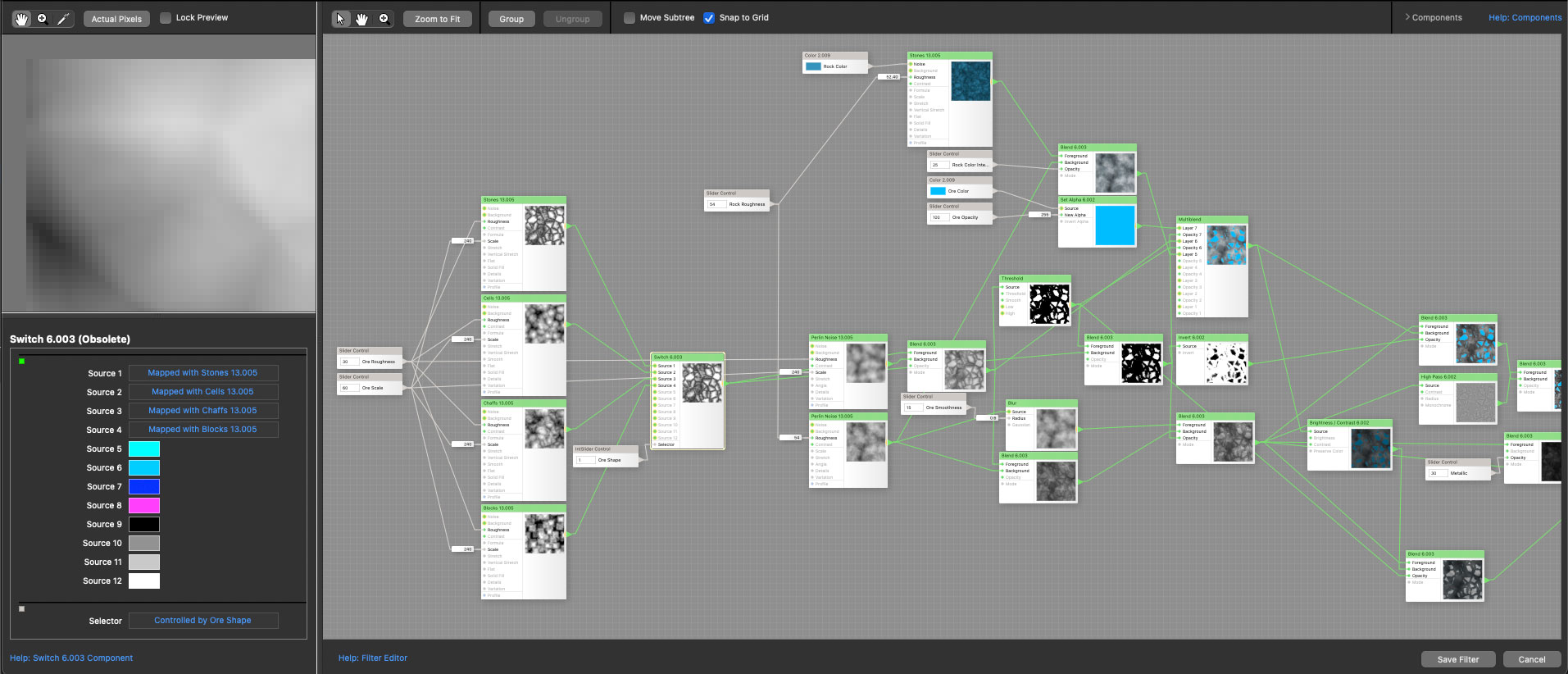
A peek under the hood into the Filter Editor shows the type of control you have over even preset textures:
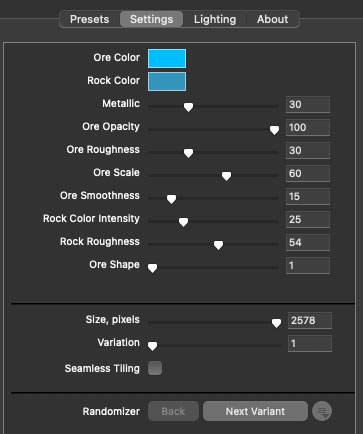
Or, on a simpler level, you can choose from among multiple presets for each texture, then adjust the available Settings parameters:
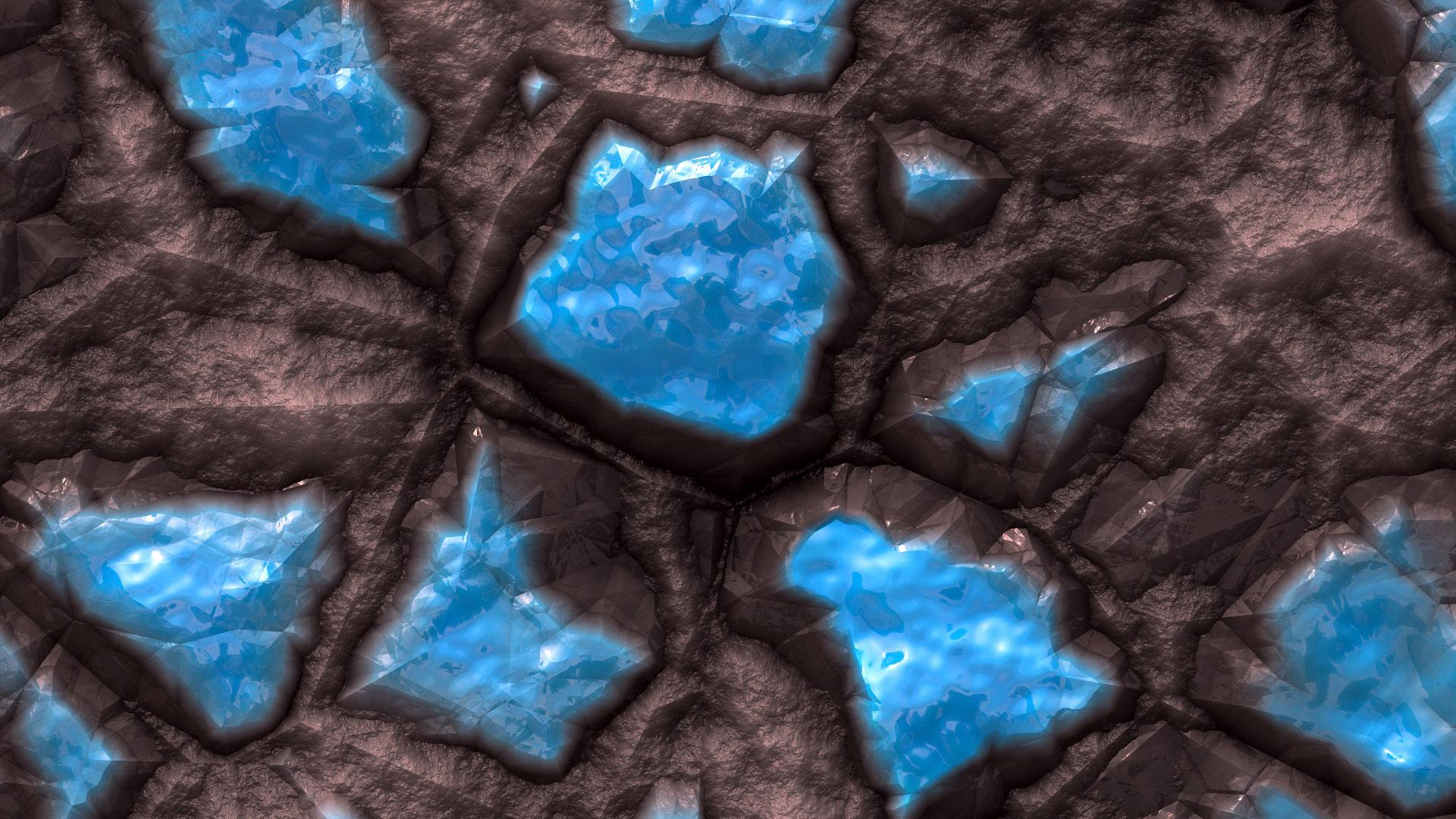
This is a small section cropped out of a full render from the “Ore Mineral” preset (view in a new tab or window at 100%):
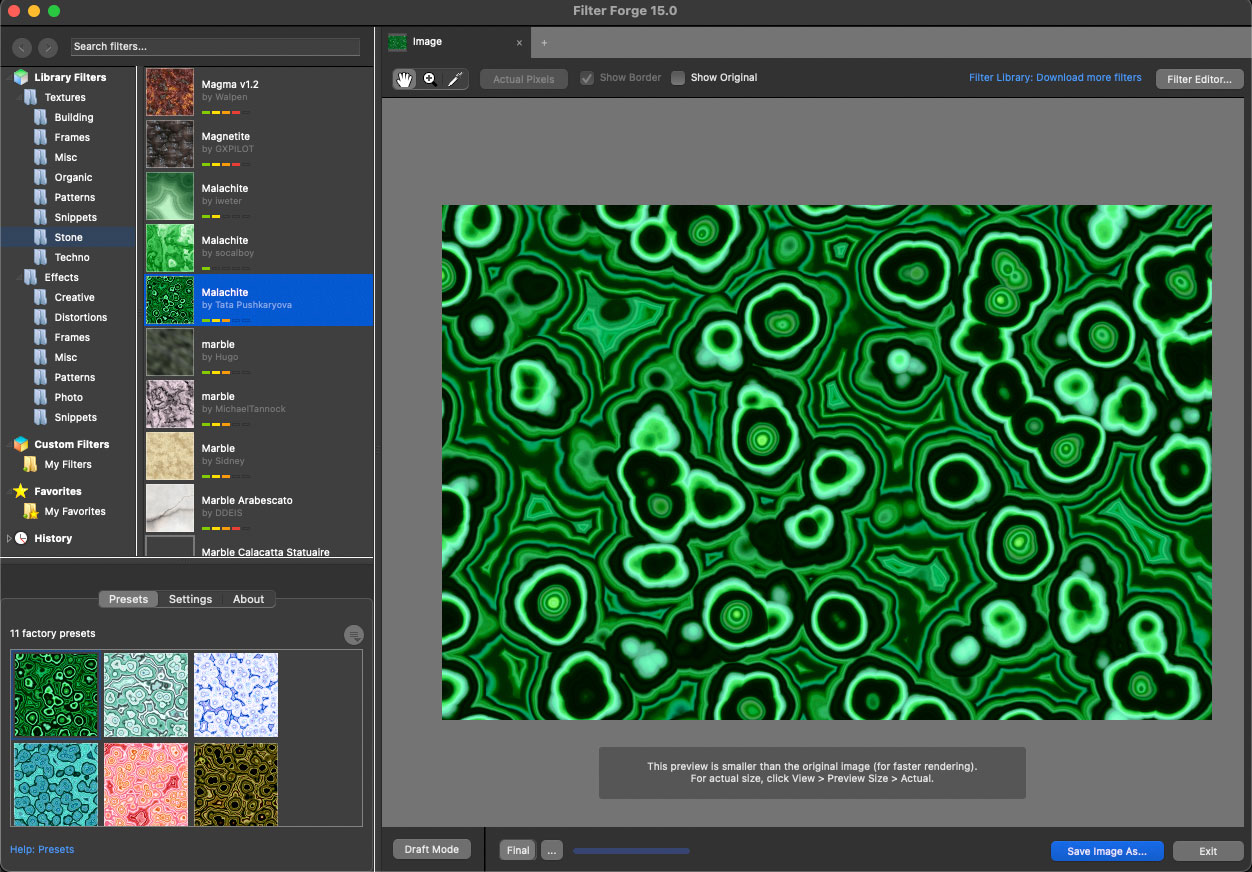
Some more examples of Stone and (usually gross!) Organic Textures in context, beginning with “Malachite”:
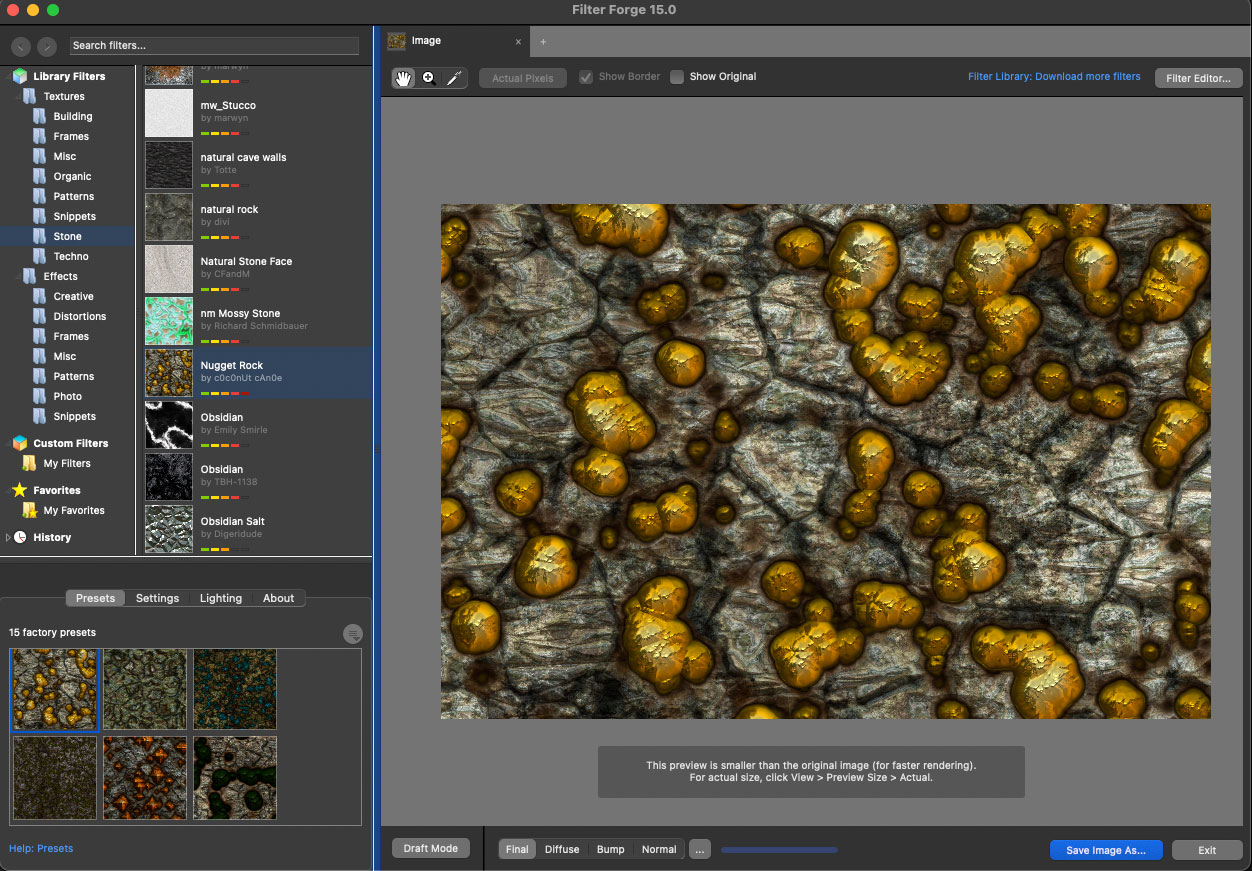
“Nugget Rock”:
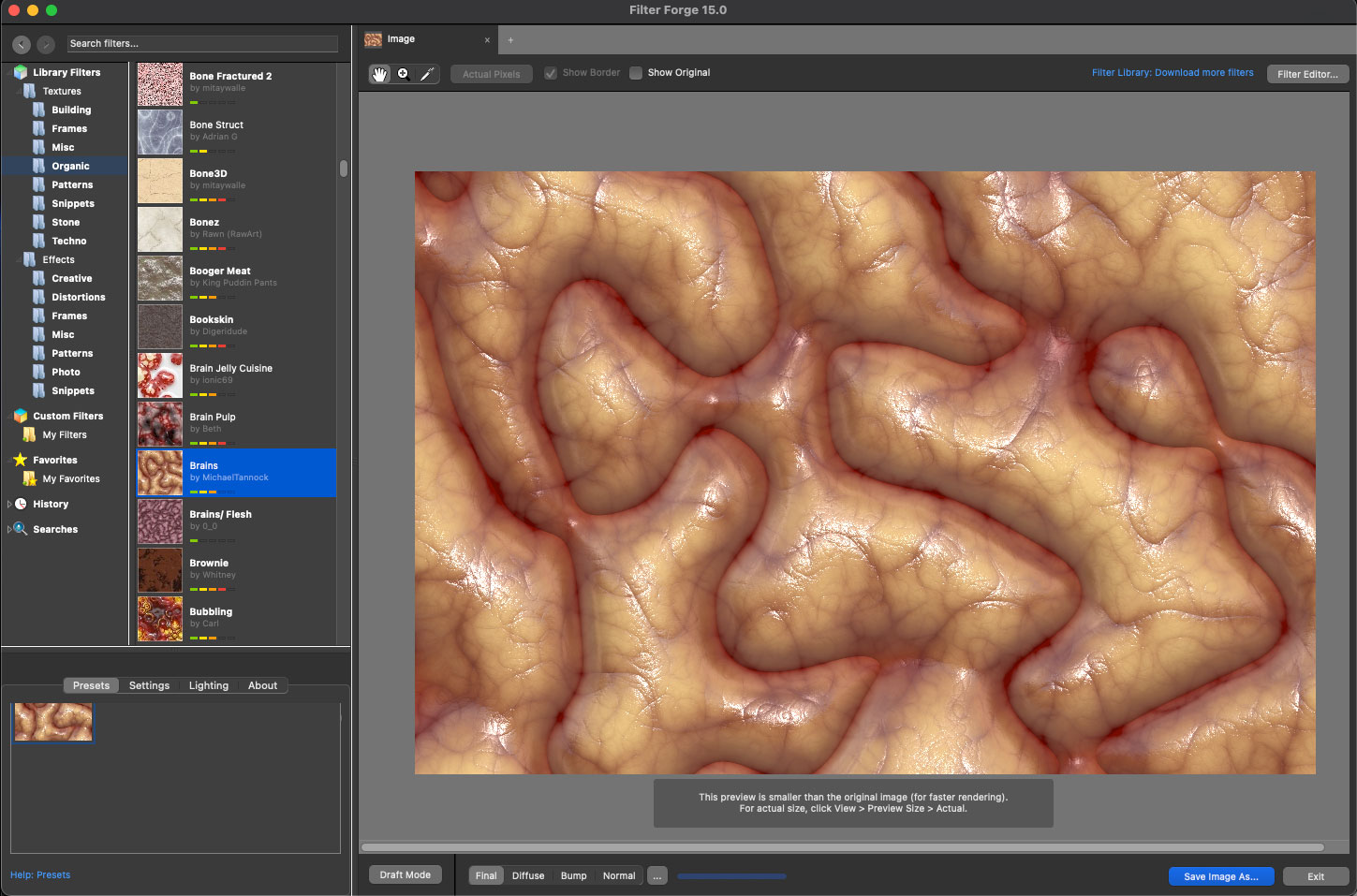
“Brains” (I told you!):
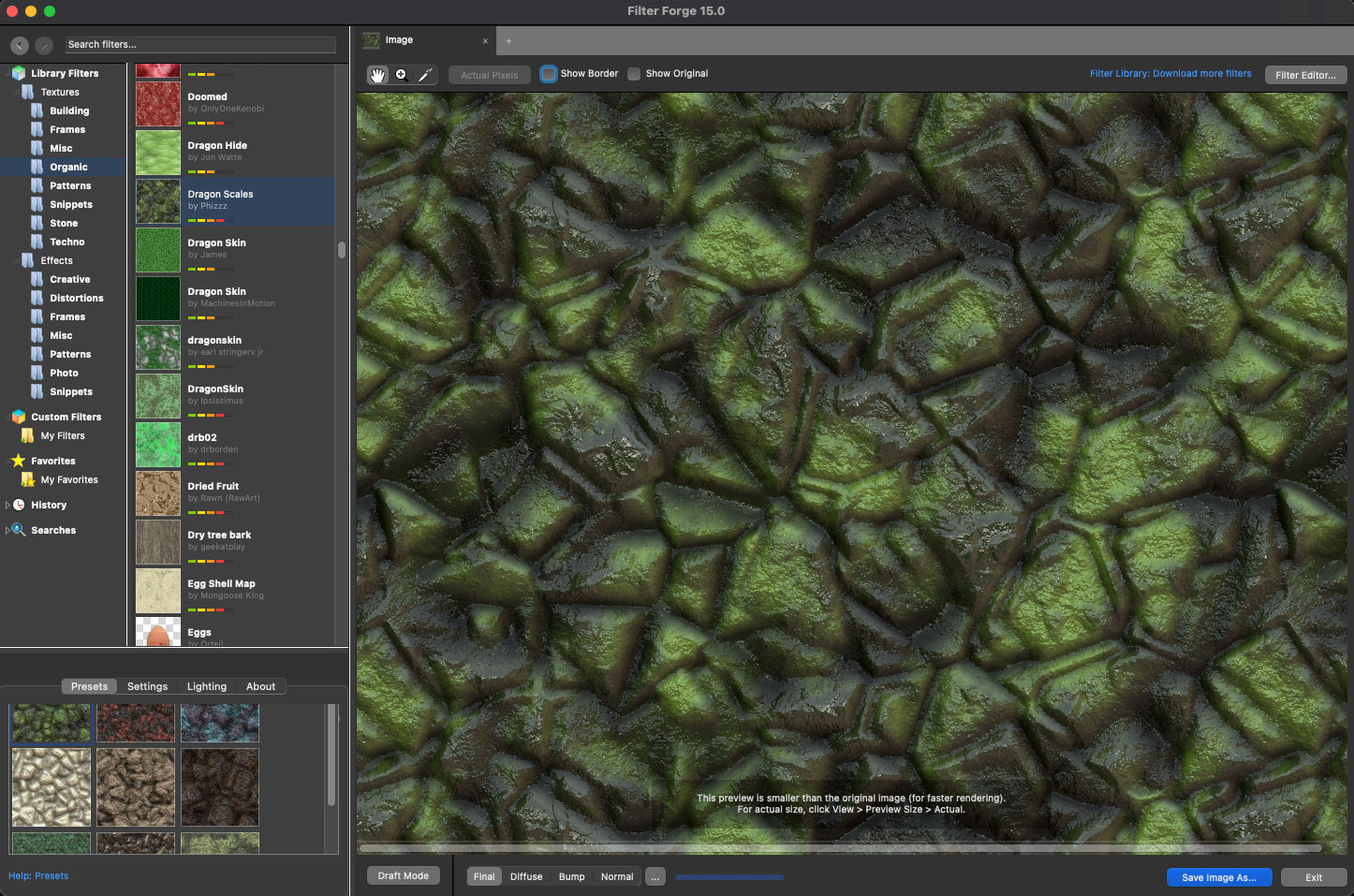
“Dragon Skin”:
As if the seamless texture-creating capability wasn’t enough on its own, Filter Forge also works as an image filter. I have to admit, I use what I call the “piggy” mode to download and install EVERY filter offered in the online Filter Forge library so I can have as many creative options as possible on hand (14,155 items to be exact!). (Filter Forge also offers a proper service to accomplish this with less effort, called “Filter Library Backup”.)
You can use Filter Forge as a standalone photo editor or as a plug-in for Photoshop, Photoshop Elements, Corel PHOTO-PAINT, Paint.NET and Affinity (depending on your computer platform).
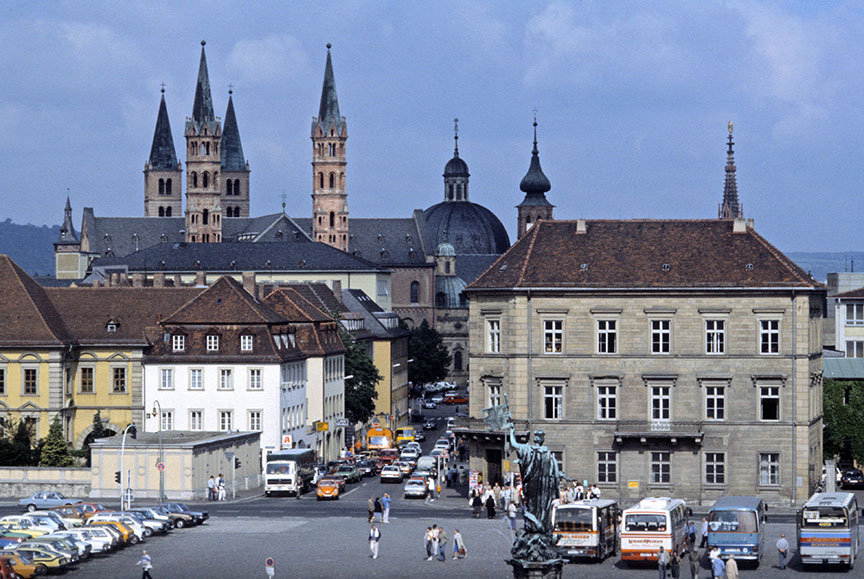
Here is my source image, a color slide shot in Europe in 1985 (reduced). What fun things can we do with it?
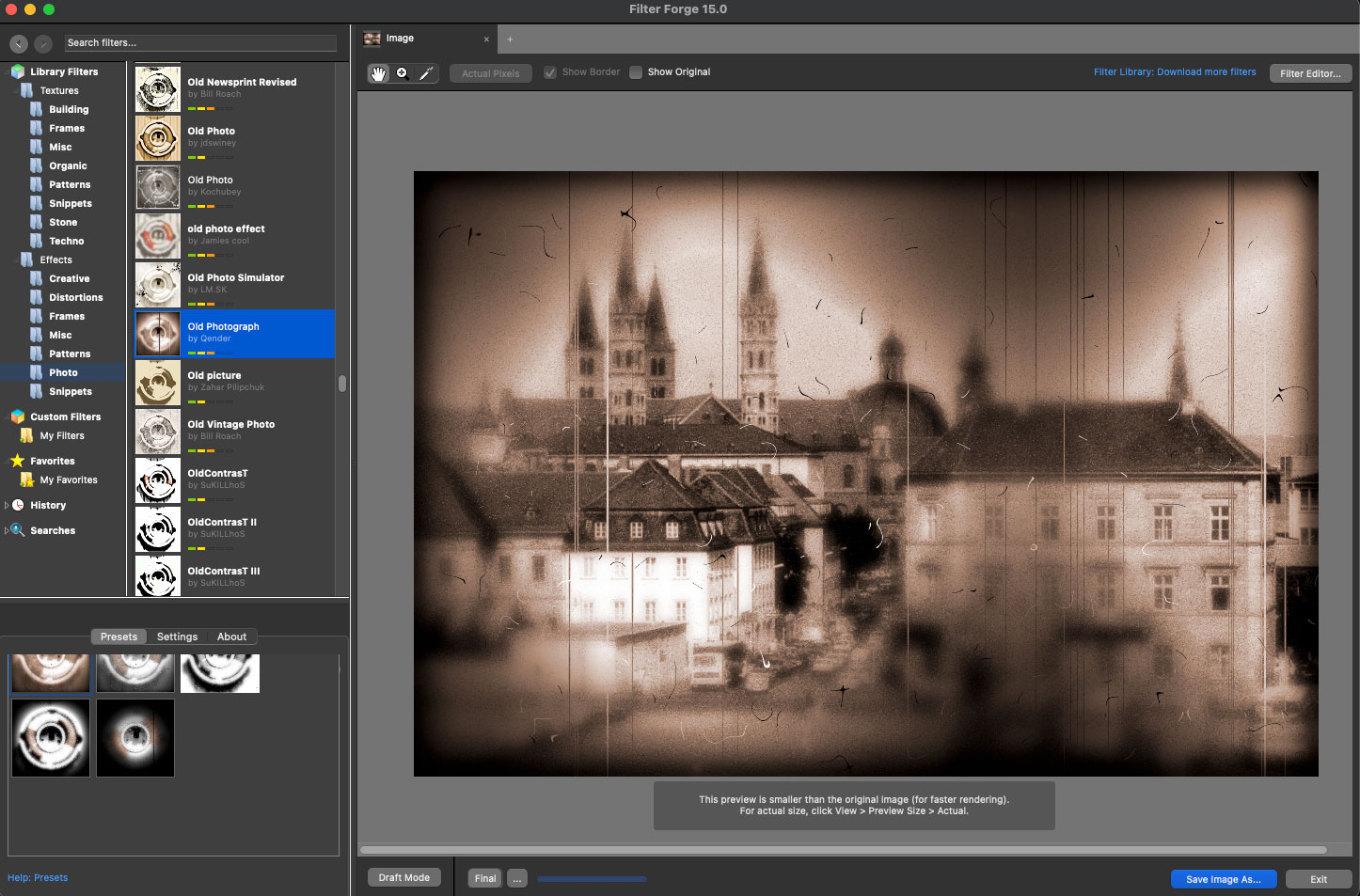
I’ve tried to pick a wide range of effects and am showing them in context within Filter Forge. Pretty much anything you need for your project or can imagine is possible very quickly with even a single-click. We’ll begin with “Old Photograph”:
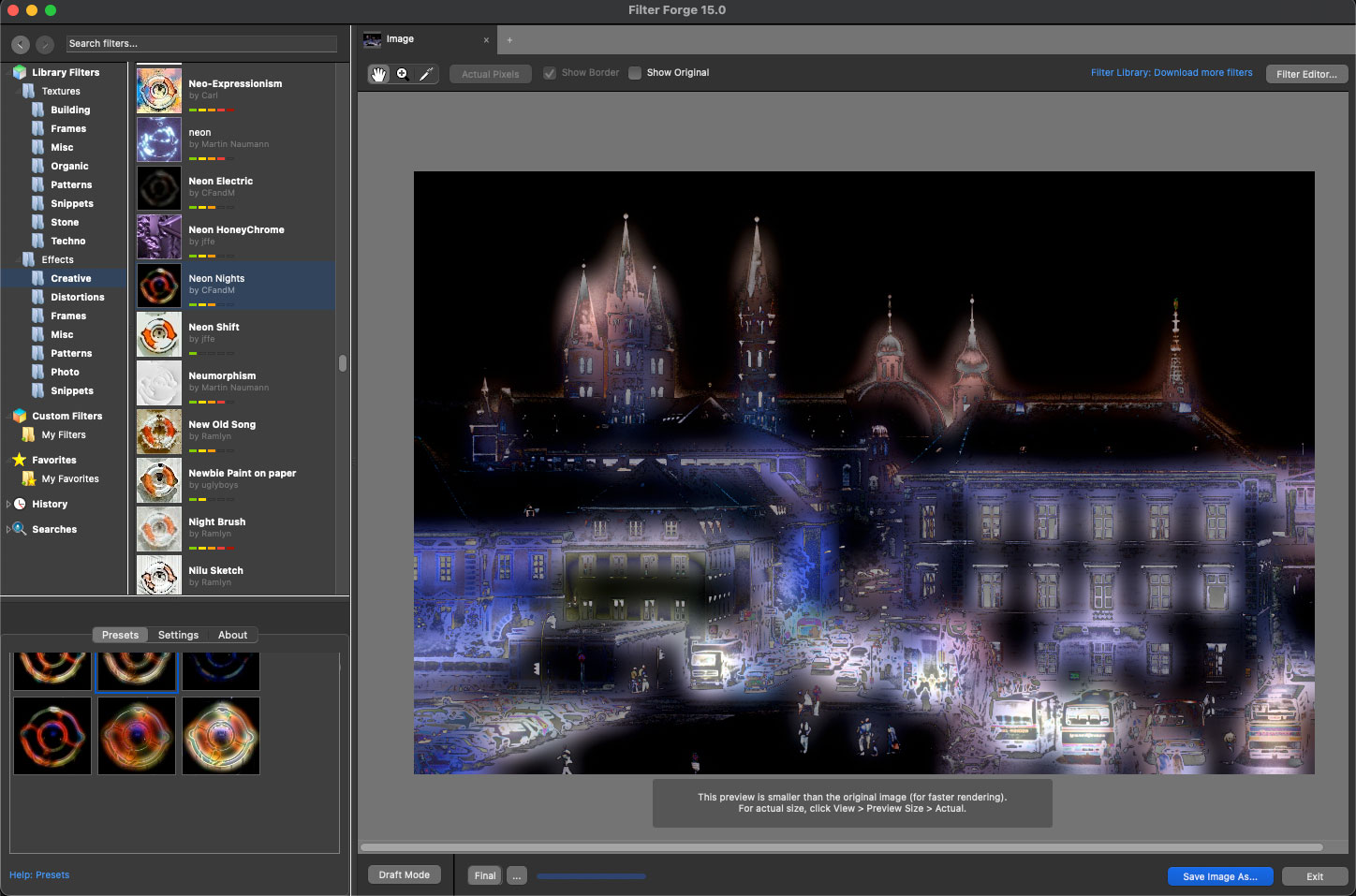
“Neon Nights”:
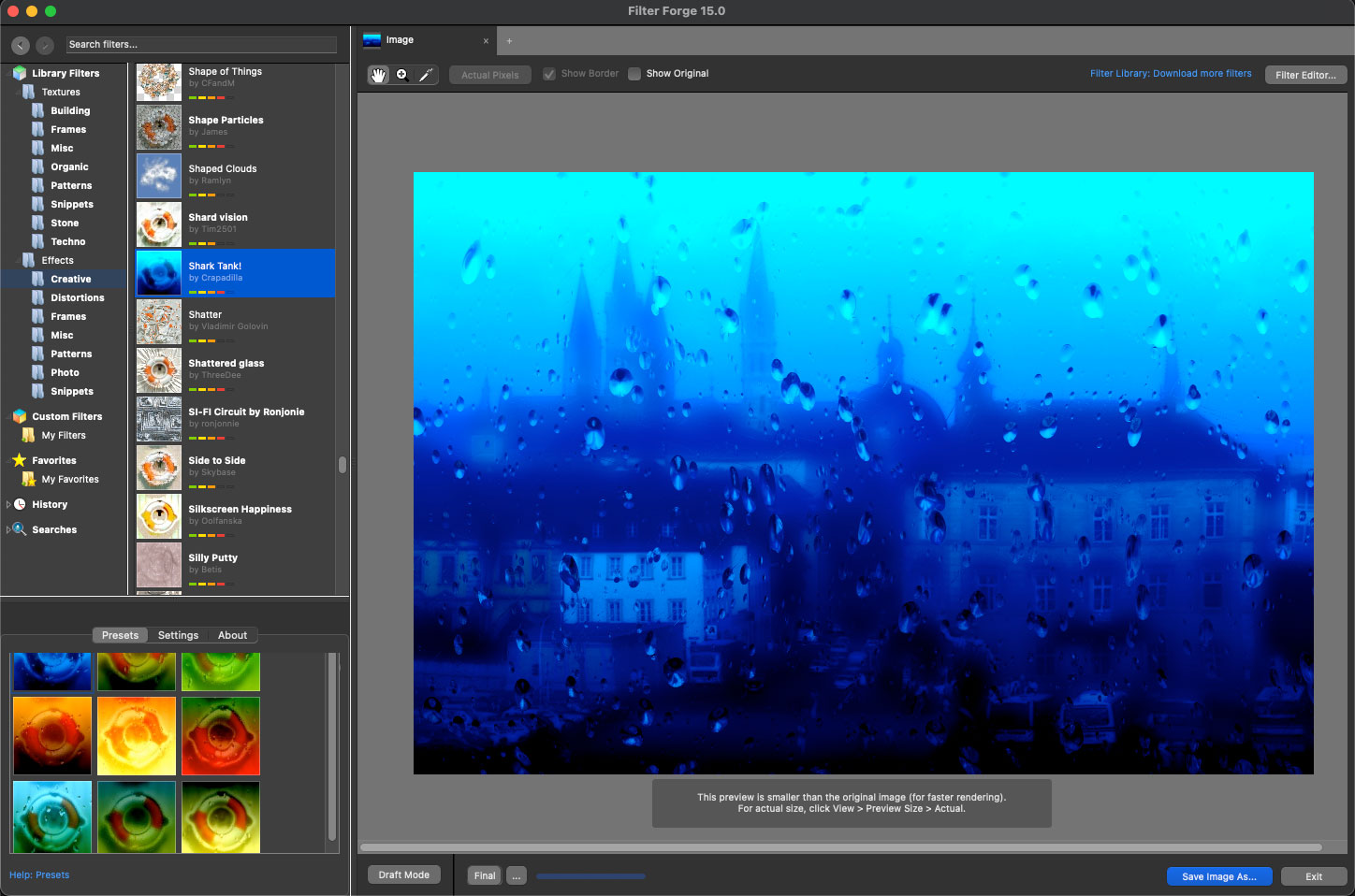
“Shark Tank”:
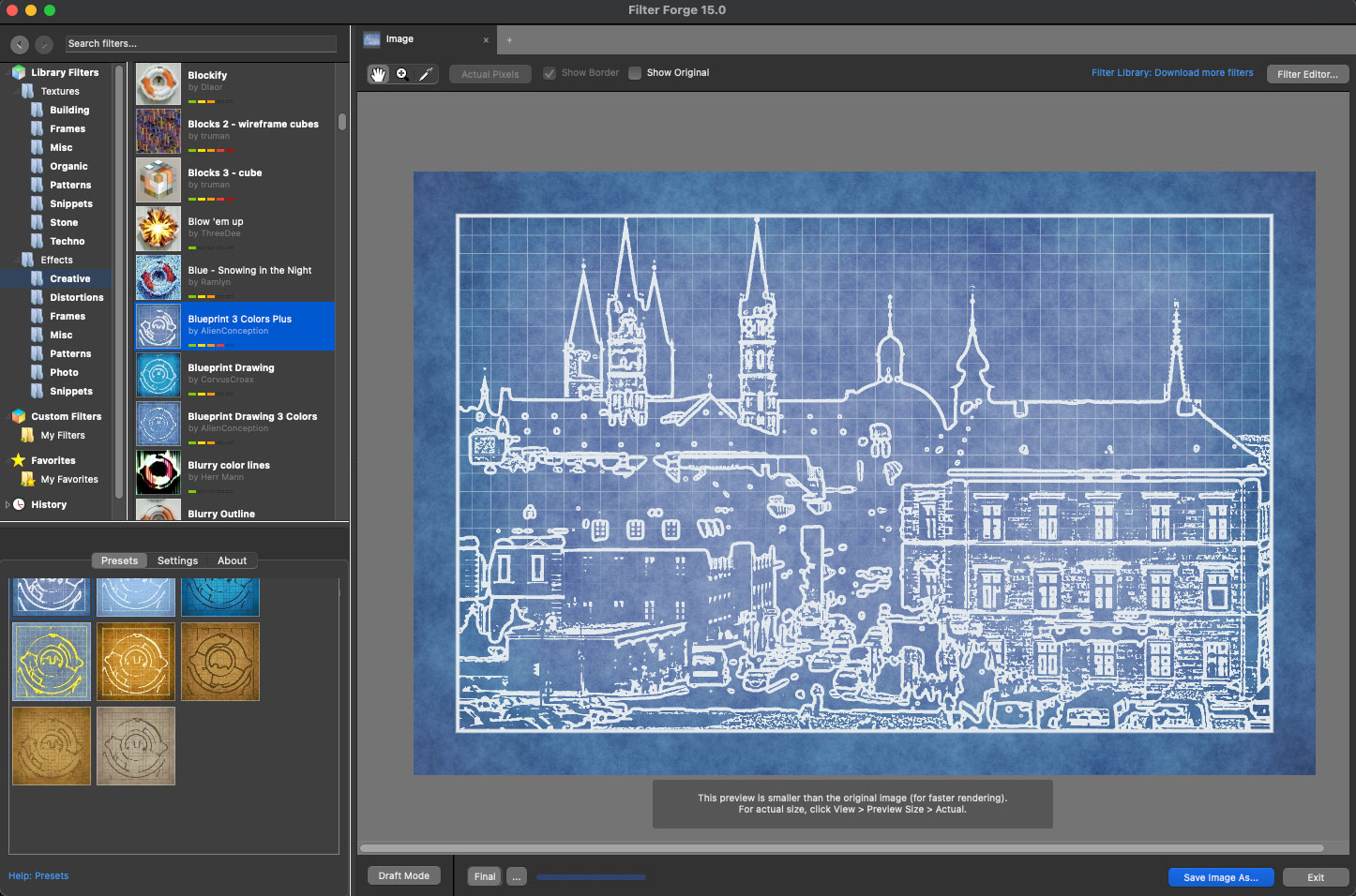
“Blueprint 3 Colors Plus”:
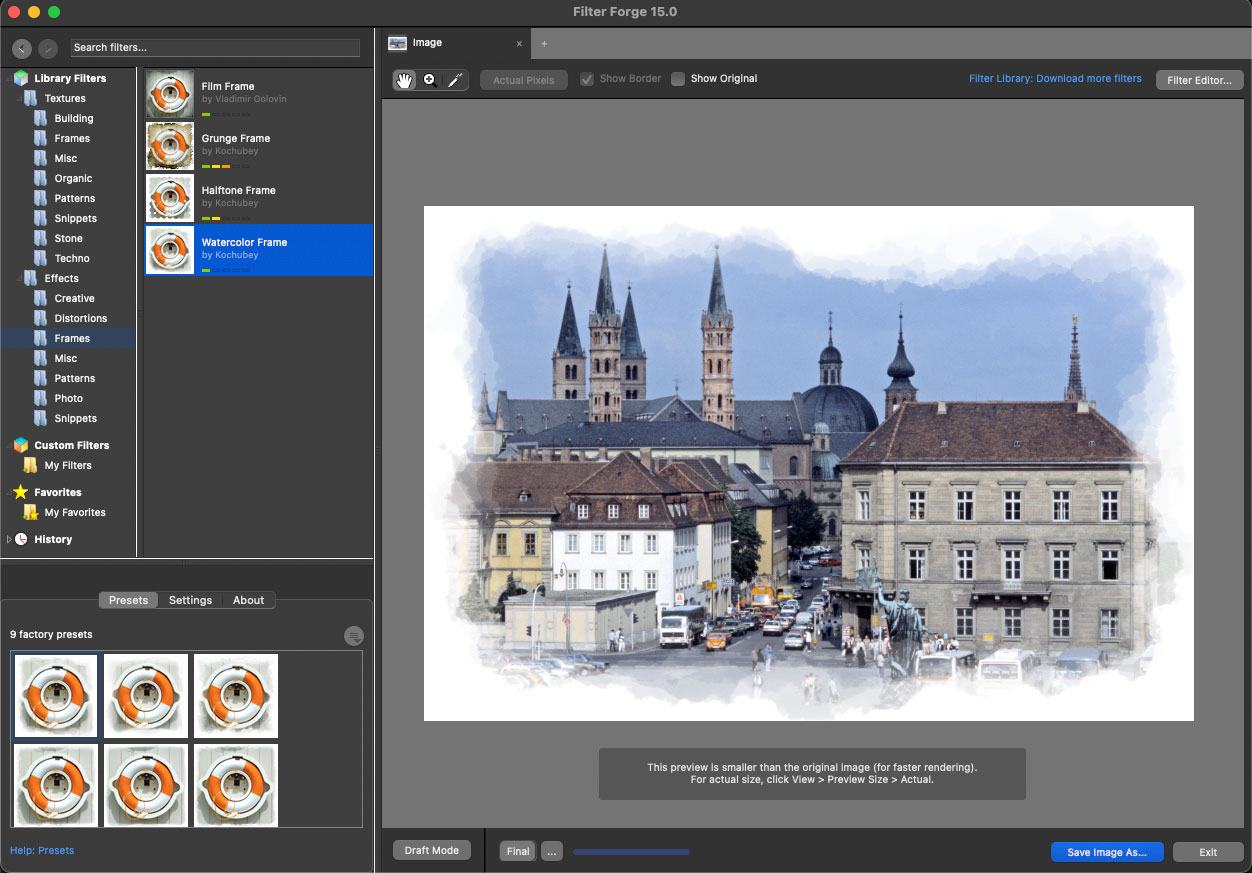
“Watercolor Frame”:
For our last example we’ll use an AI-generated image (sourced from only a close-up of my 1970s face!) and see what we can do. The original Nano Banana render, reduced:

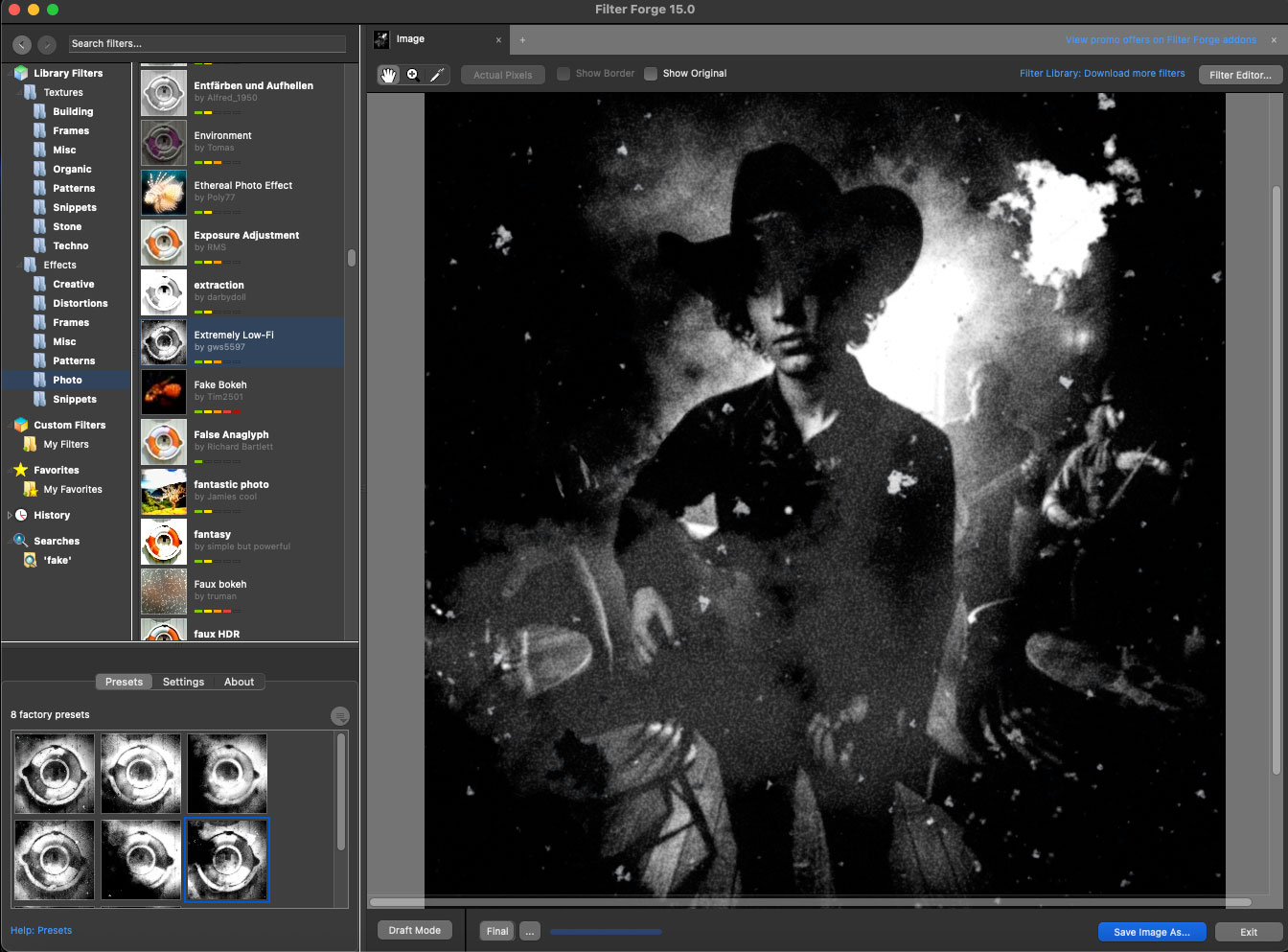
I tried to pick some out-of-the-ordinary image effects you would not normally achieve with an image editor, starting with “Extremely Low-Fi”:
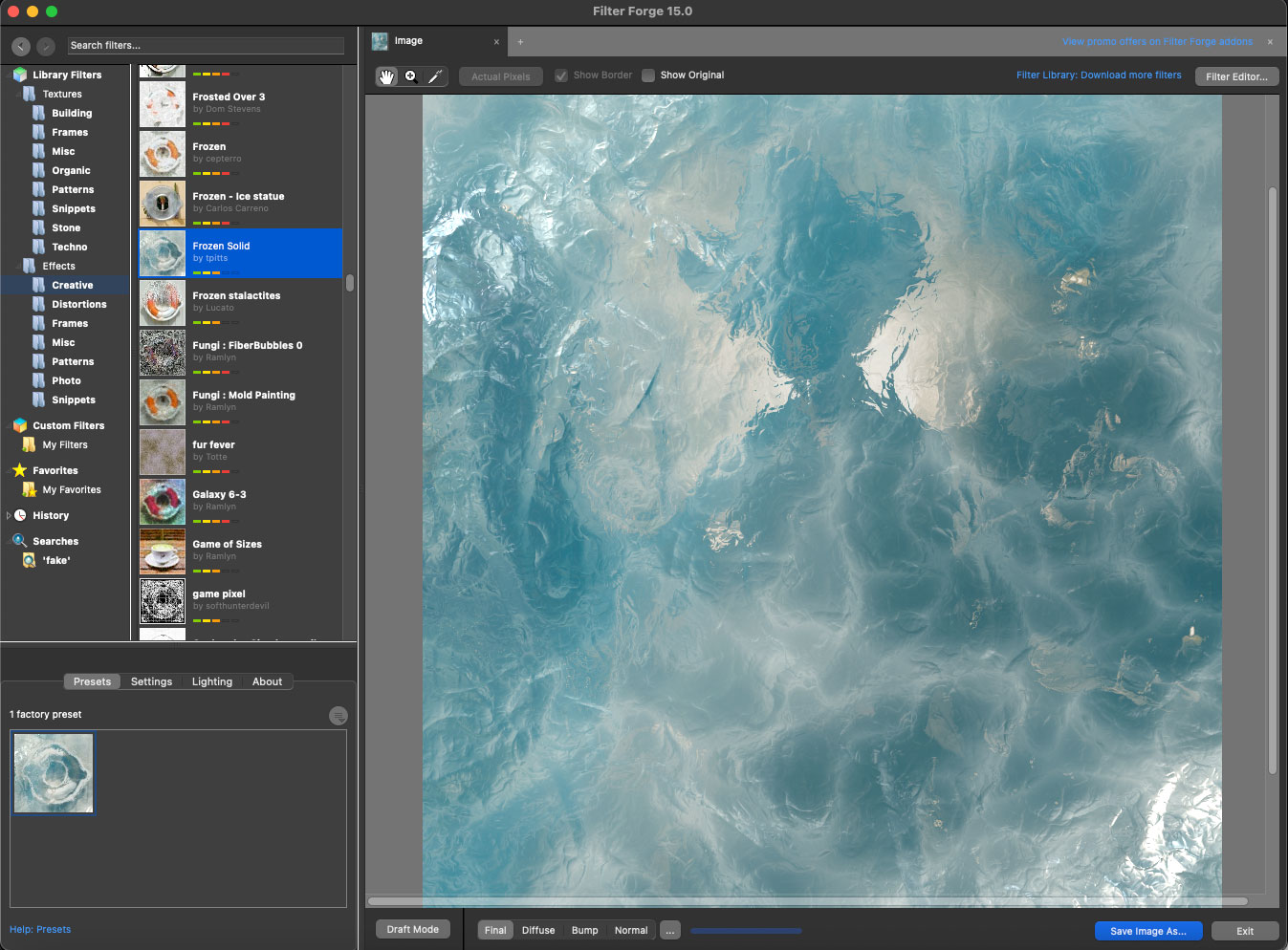
“Frozen Solid”:
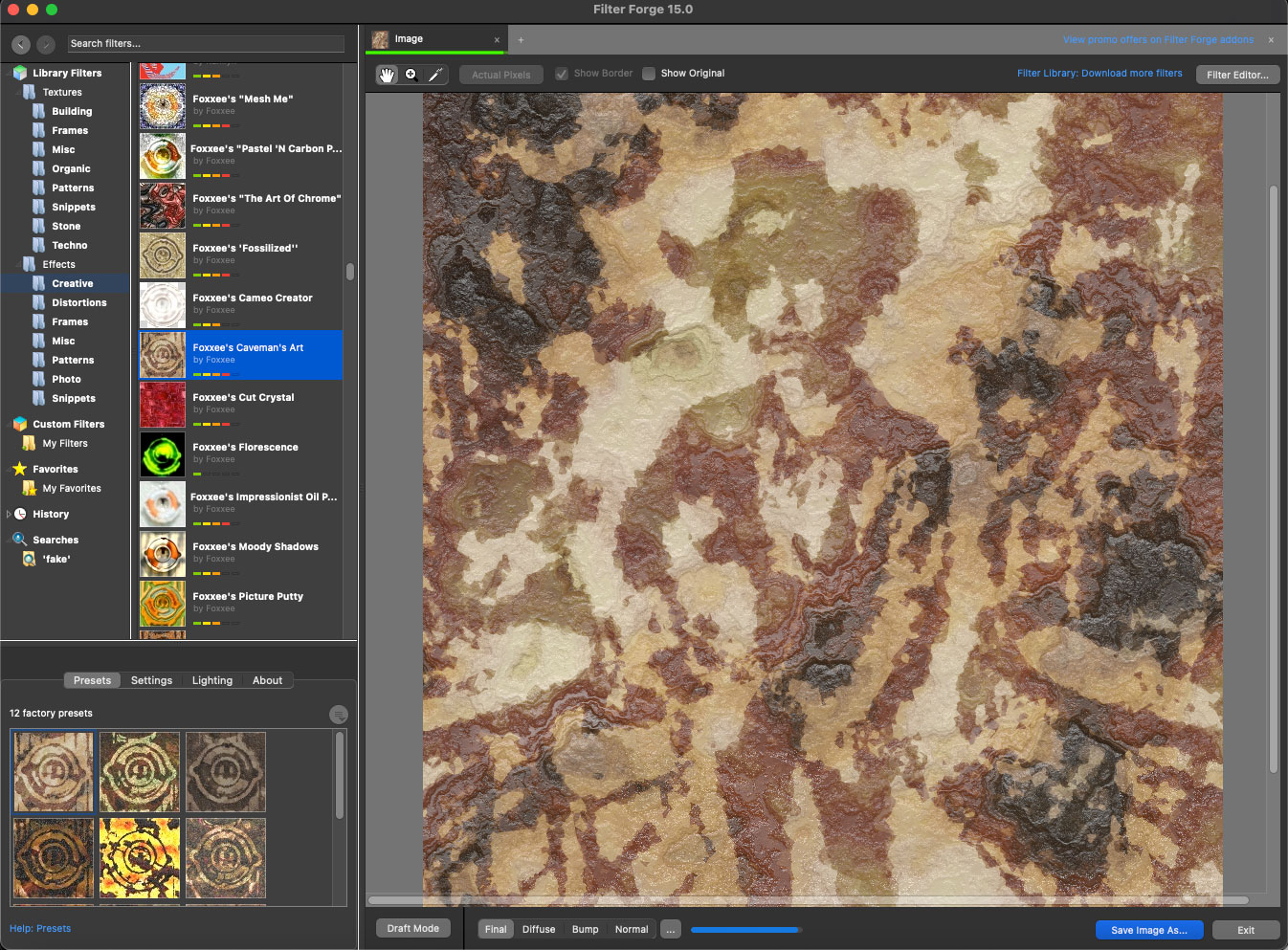
“Foxxee’s Caveman’s Art”:
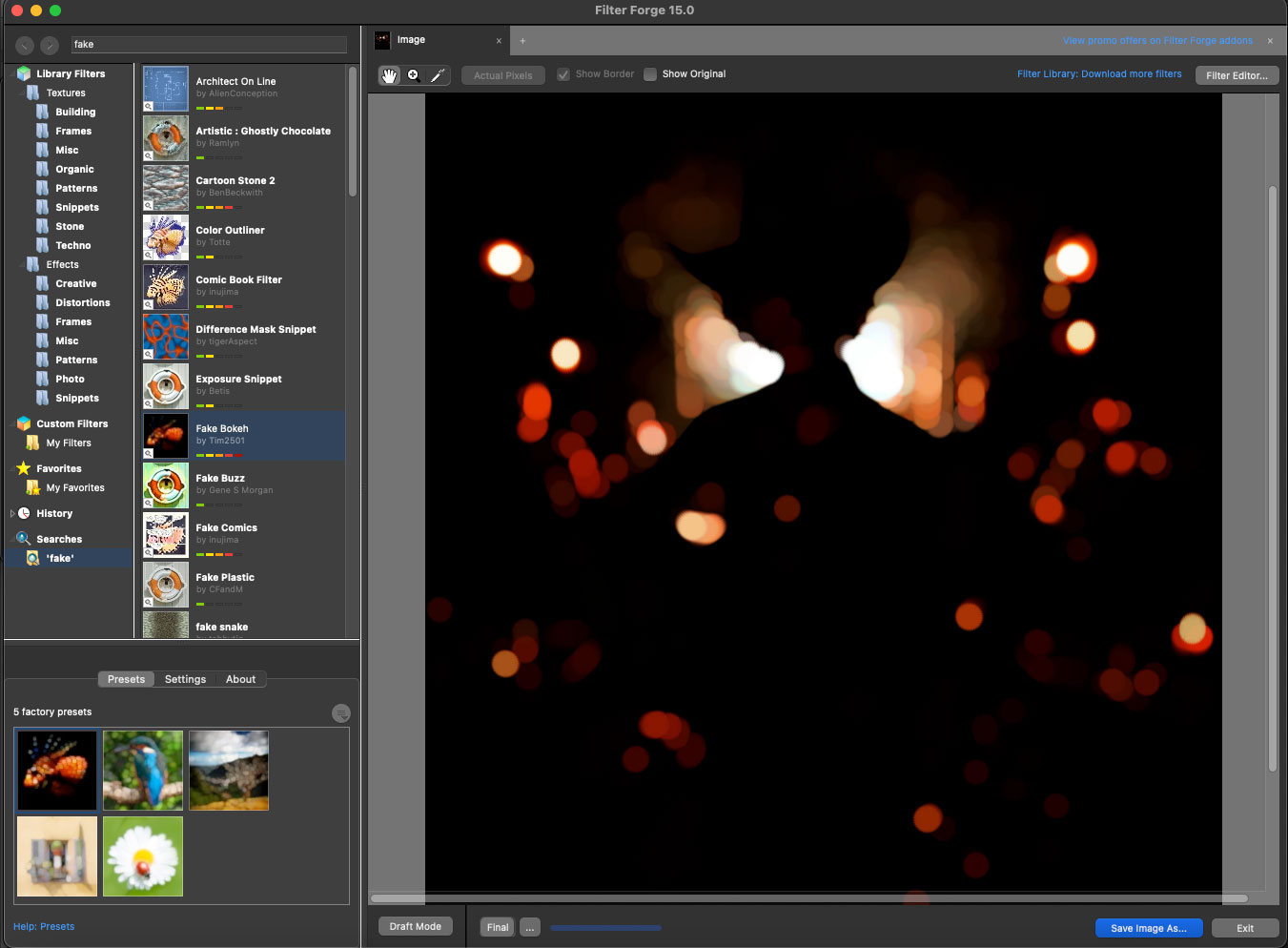
“Fake Bokeh”:
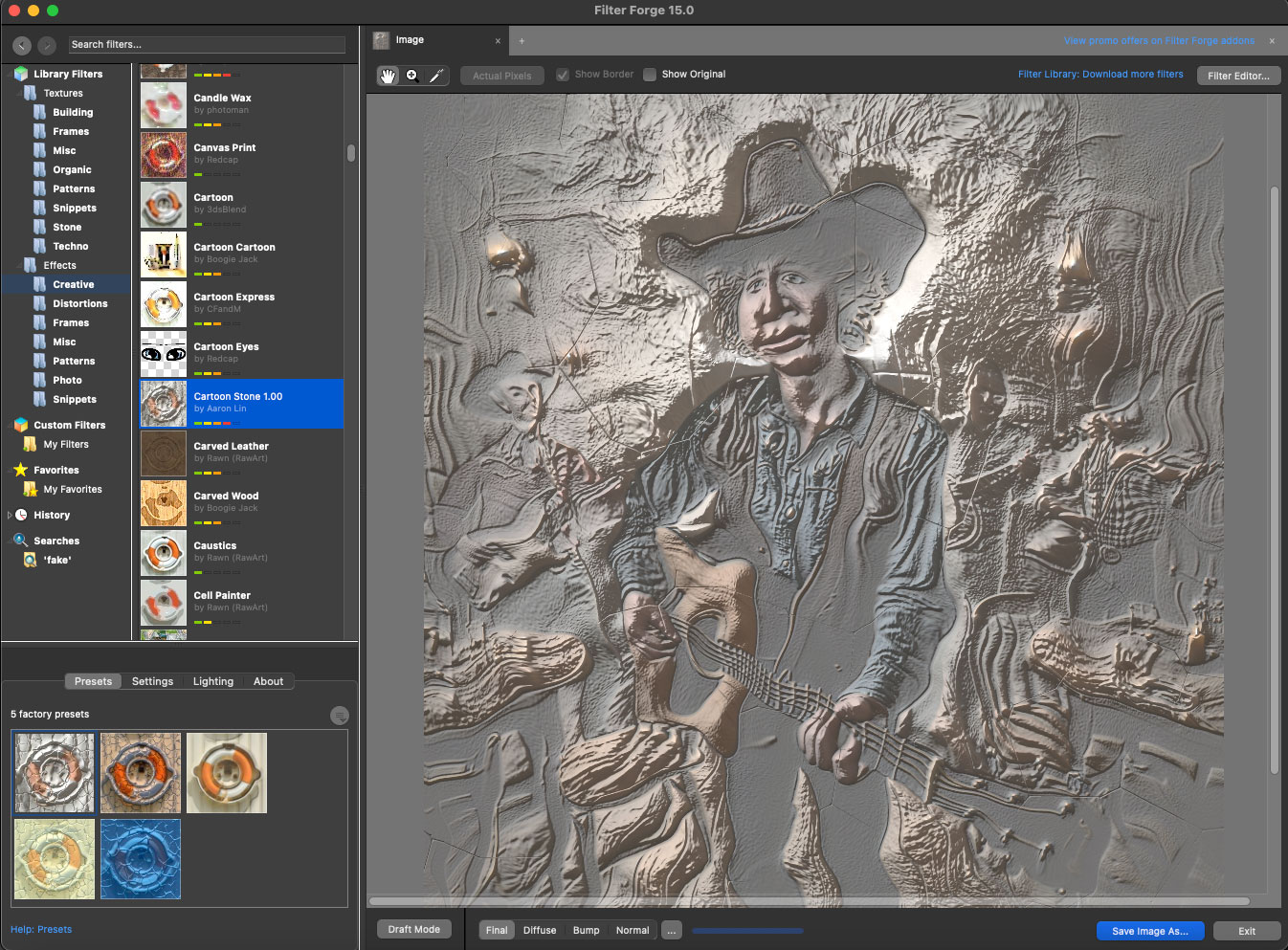
“Cartoon Stone”:
Now you’re beginning to see what is possible with Filter Forge! Be sure to grab your free version and get started exploring this wild world of endless effects.