


The Skylum Luminar Neo Summer Sale is a time-limited opportunity for new and existing users to save up to 70% off as follows:
New users:
•Desktop Perpetual – $119+ free Neo video course
•Cross-device Perpetual – $149+ free Neo video course
•MAX Perpetual – $164.99+ free Neo video course + free gift
Existing users:
•Cross-device Perpetual – $99.99 + free Neo video course
•MAX Perpetual – $109.99 + free Neo video course+ free gift

Luminar Neo is one of my top favorite apps for corrective and creative editing of photos old and new. For the purpose of this blog post I dove deep into my photo archives and pulled out 20-30 year-old film and digital images to give you an idea of what can be done to salvage them for modern use.
Since the Summer update to Luminar Neo adds advanced portrait editing features across both the mobile and desktop versions, I’m starting with a 2003-era consumer digital outdoor portrait. Here is the quick before-and-after:

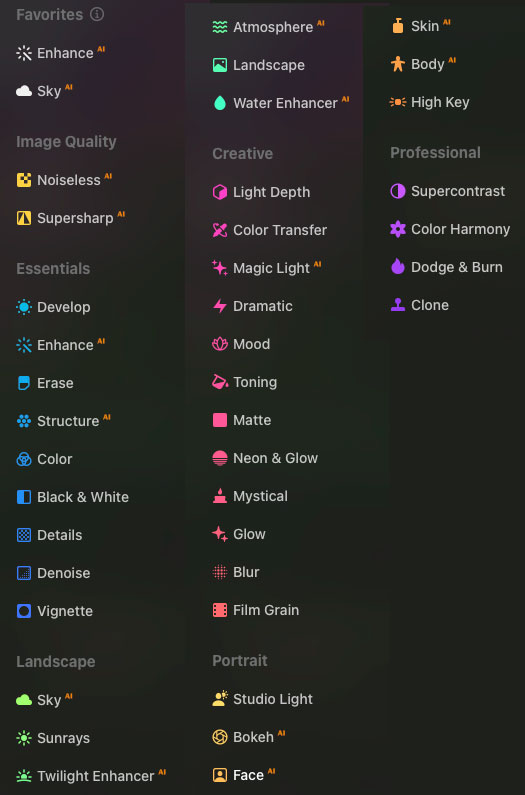
Luminar Neo provides a ton of options for manipulating the content of your photo, as show in this screenshot of the Favorites:
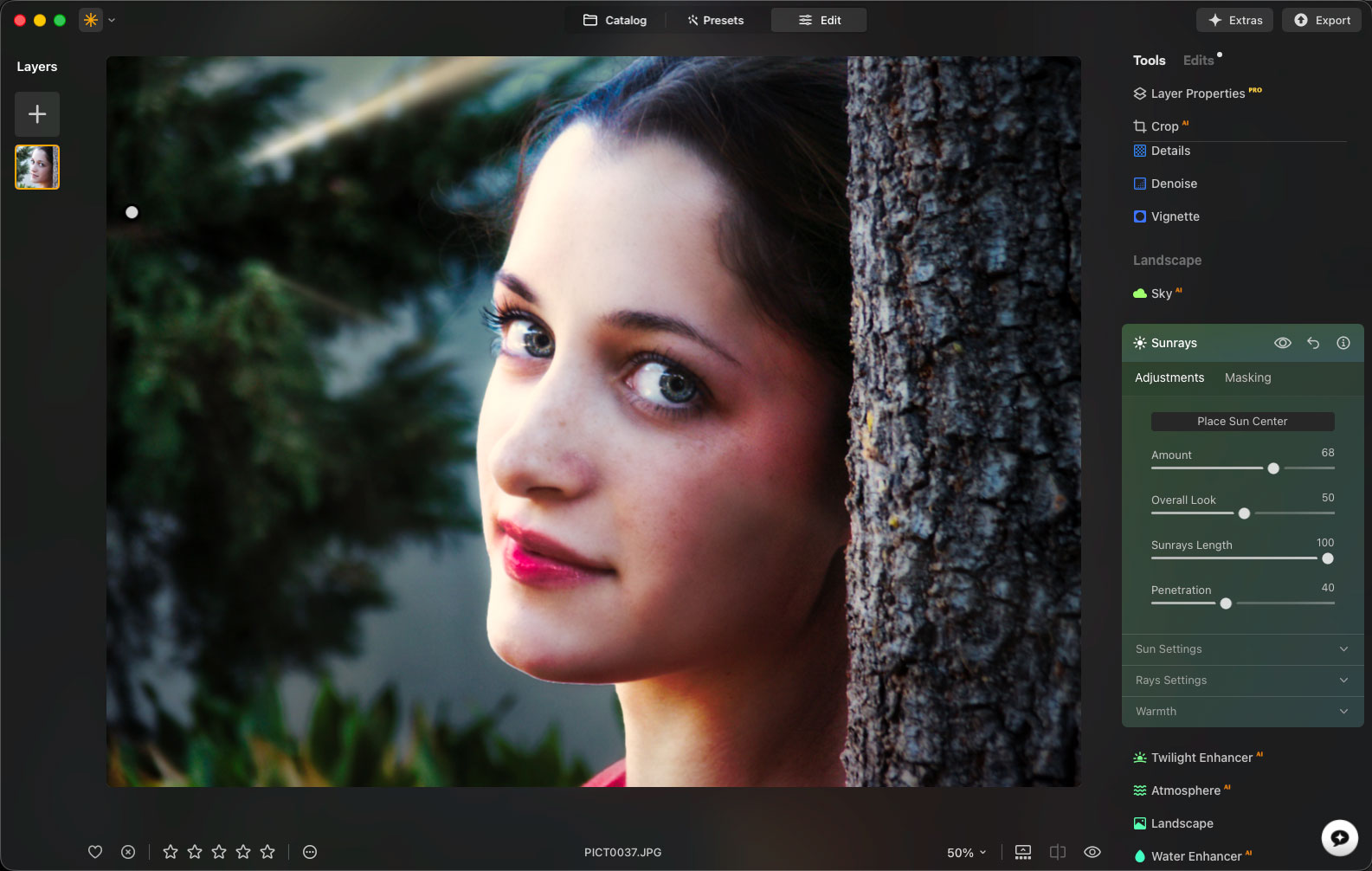
This is how the Sunrays options looks in action, stacked upon a number of already-applied effects including lip colorization and eye brightening:
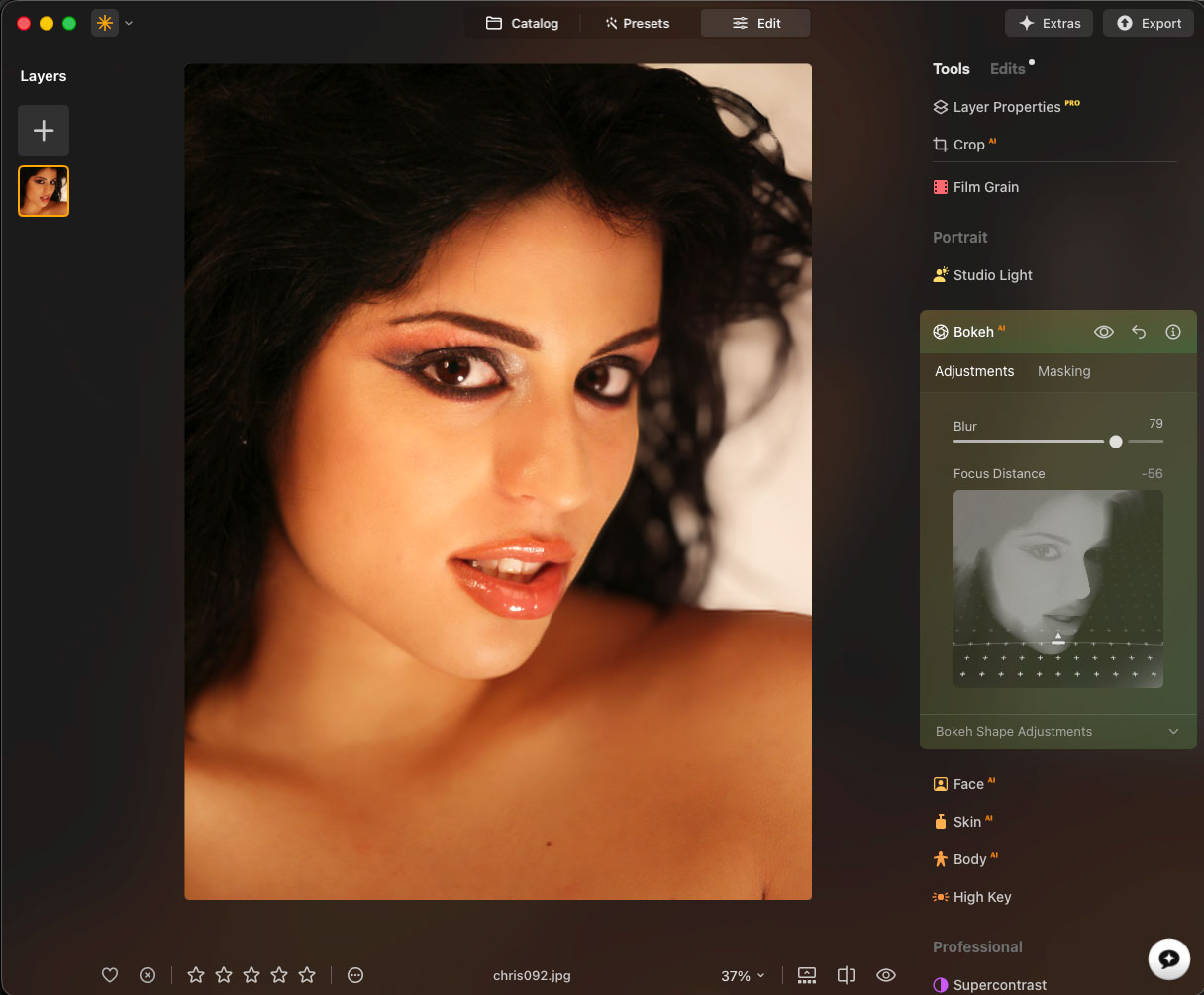
This is an in-studio digital photo from the same era using the same low-end digital camera, lit by only the modeling lights. The original is at left, followed by two Luminar Neo variations:

This is a screenshot of the Bokeh setting in action:
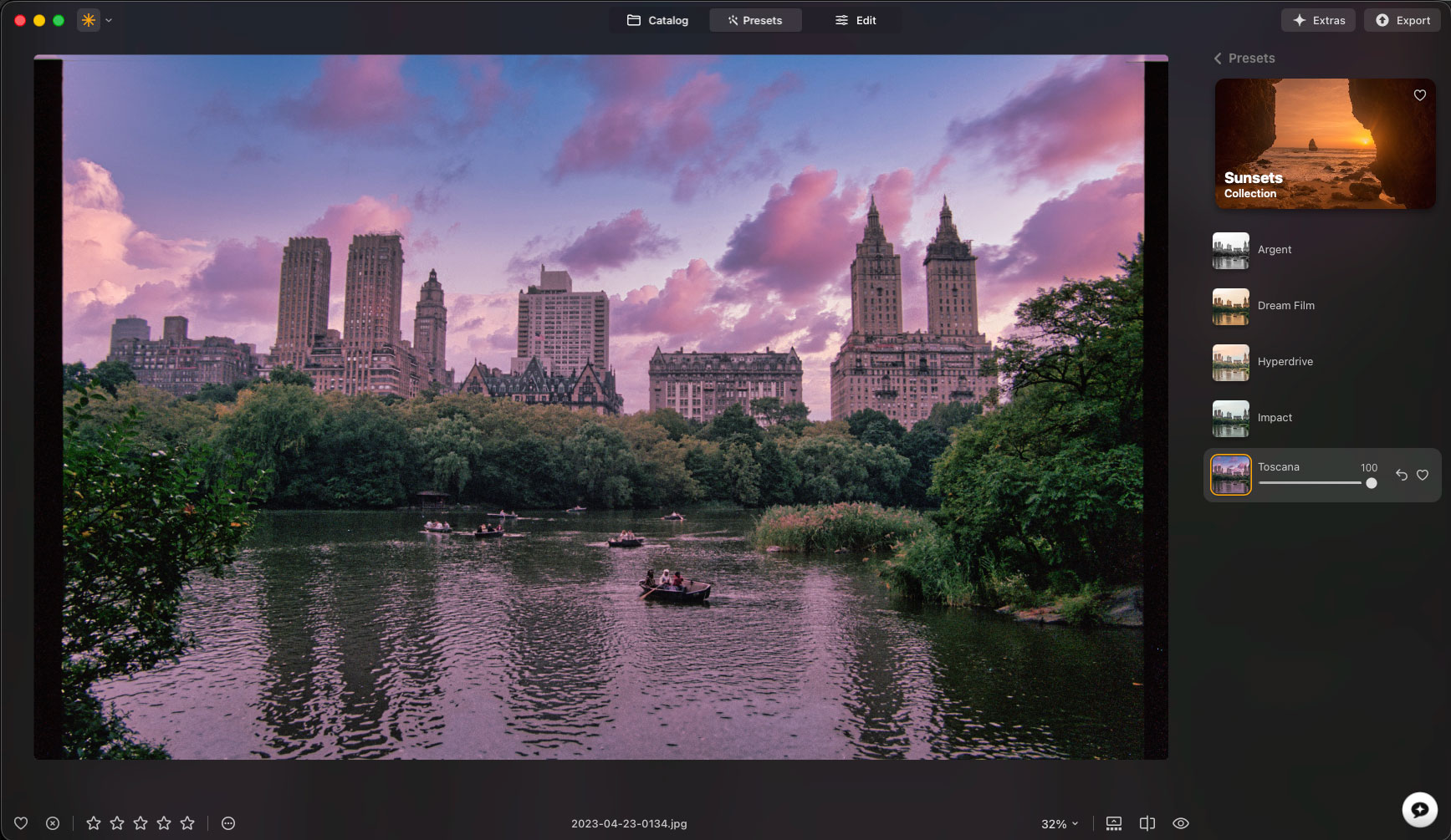
Of course Luminar Neo is perfect for enhancing dull scenic photos, such as this film scan taken in New York City’s Central Park in the early 1990s. Here is the before-and-after:
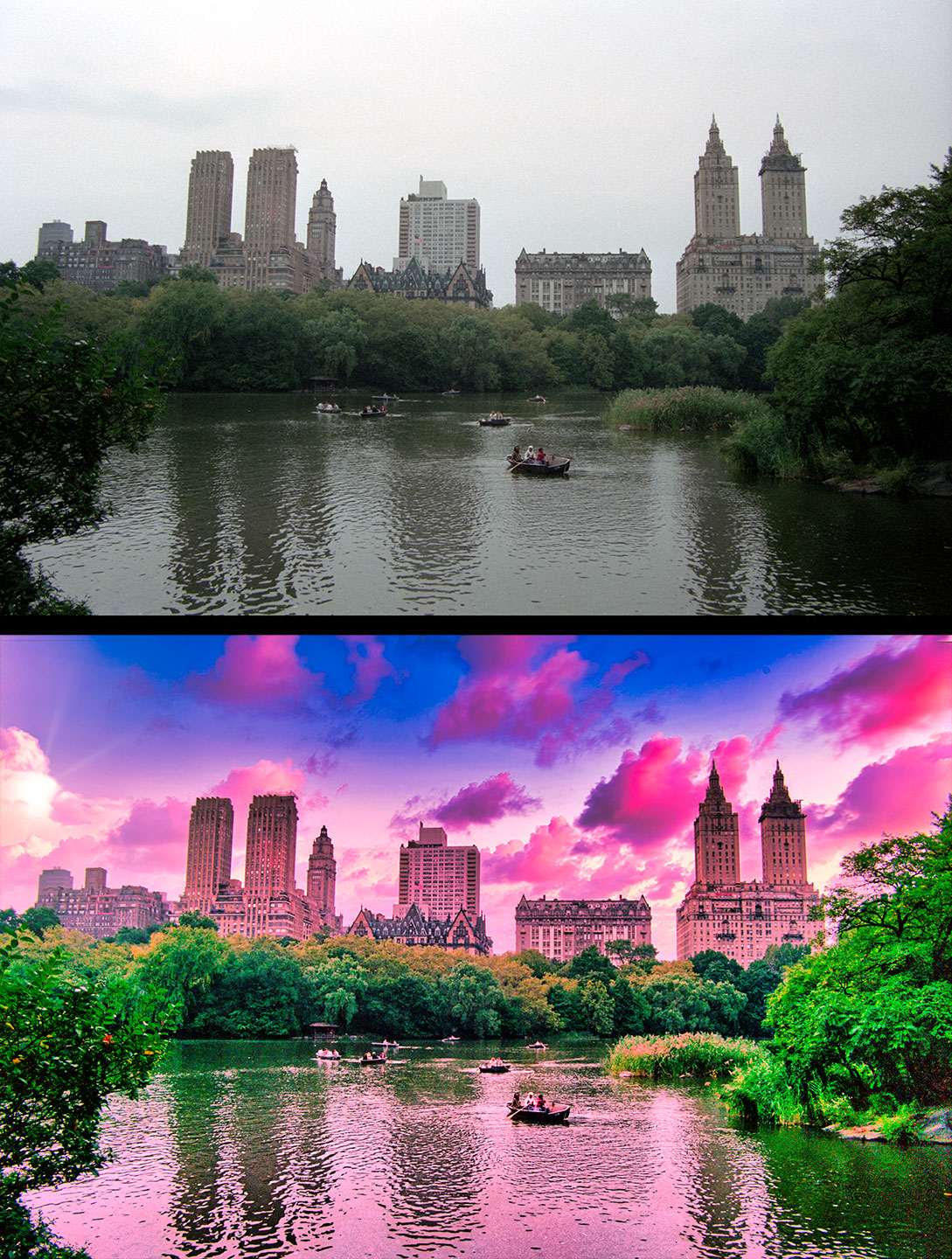
The sky replacement is the result of a Preset, as seen here in action before other Favorites effects were added:
Luminar Neo is a great choice for common edits and complete artistic reinterpretations of your images, whether they are ailing or not! Take advantage of this Summer Sale to join in with the Skylum experience.