
If you’re like me you have decades of old photos in your collection, from scanned prints and negatives to lo-res early digital captures clogging up a hard drive. These beloved images do not hold up well technically in today’s hi-res digital world, but thankfully the software exists to salvage these challenged shots to the point where the viewer might not notice the difference between old and new.

Two of my favorite apps for doing restorative upscaling are ON1’s Resize 2026 (standalone and part of the Photo RAW suite) and Topaz Gigapixel (offering both local and cloud processing). Since I am a long-time “friend” of both developers, my goal is not to favor one over the other but to present the results of each test where they fall.
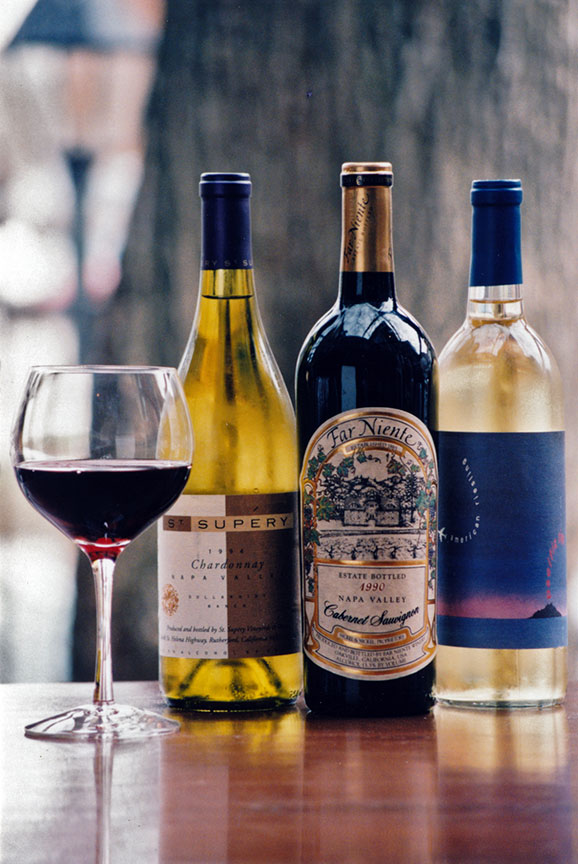
Let’s start with the lowest form of digital imaging, a flatbed scan from a small print… This 1997 original was printed at 3×5, which I scanned several years ago at 200ppi. I do not have the negative for this image:
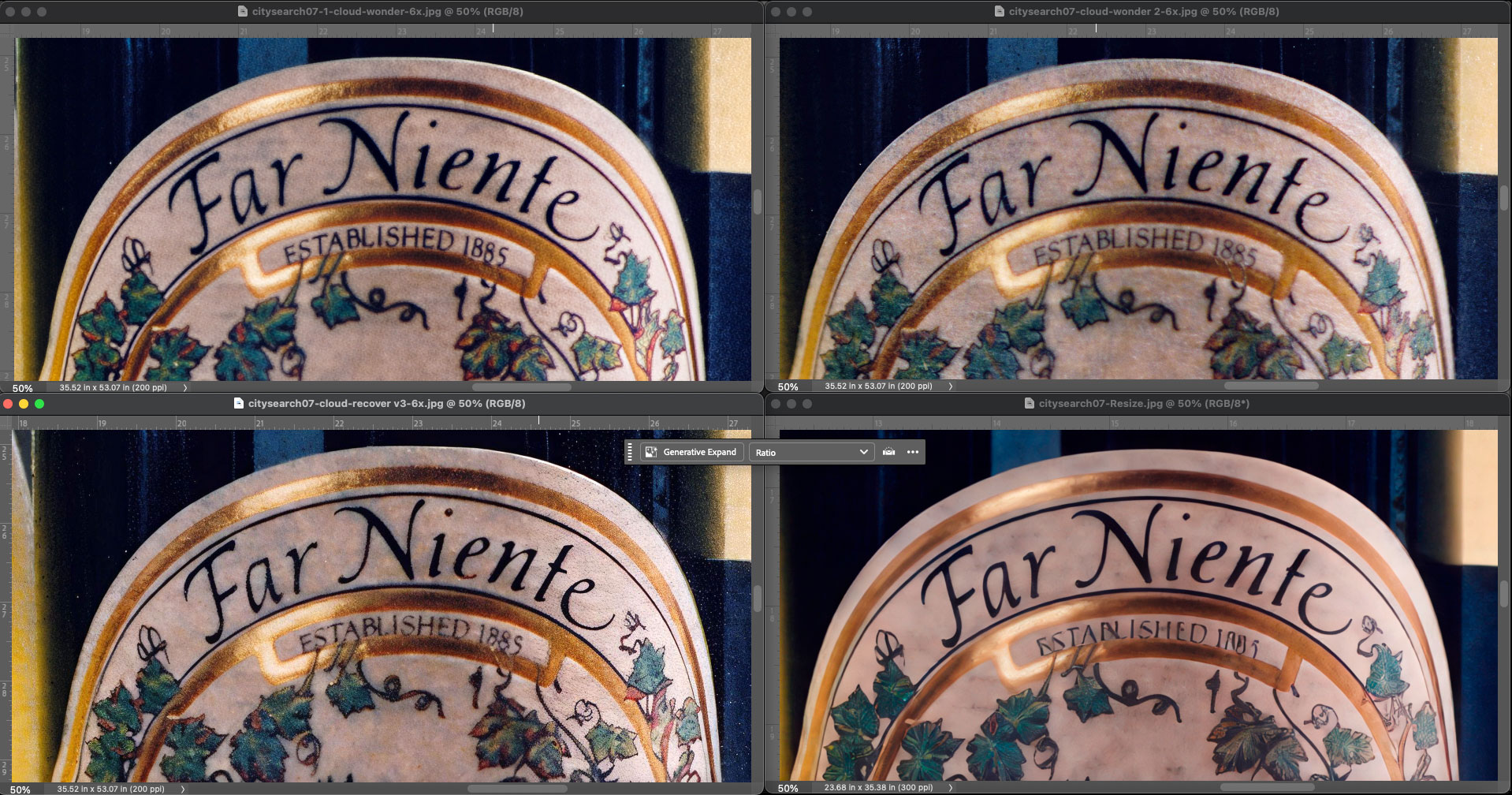
Here is a comp, as seen at 50% in Photoshop, of the results of 6X enlargements from 3 different Topaz cloud models (Wonder v1, Wonder v2, Recover v3) and the Highest Quality settings available in ON1’s local-only processing. In this case, Topaz’ Wonder 2 provided the best results (upper right):
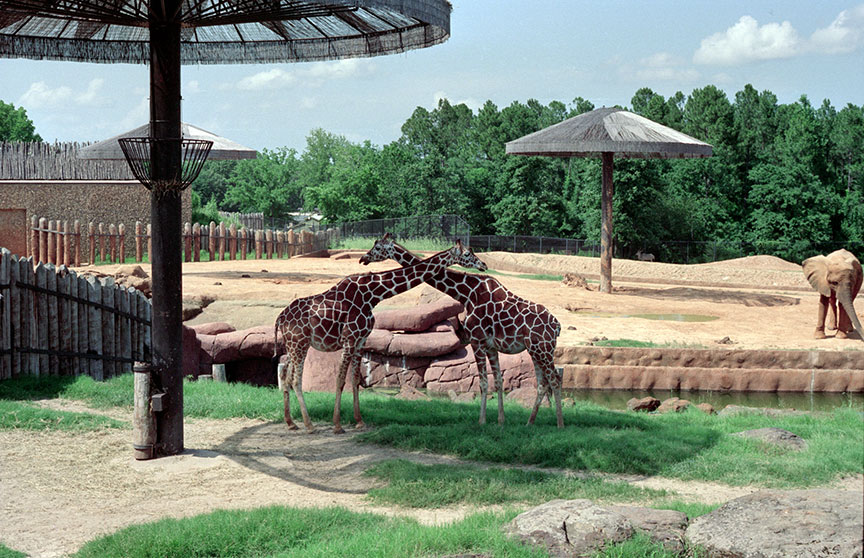
Now let’s continue climbing up the evolutionary scale of digital quality to hi-res scans from 35mm film, in the following cases, photos shot in the early-to-mid 1990s. Here is the full-frame of a couple of giraffes at a zoo in Texas, reduced, for reference:
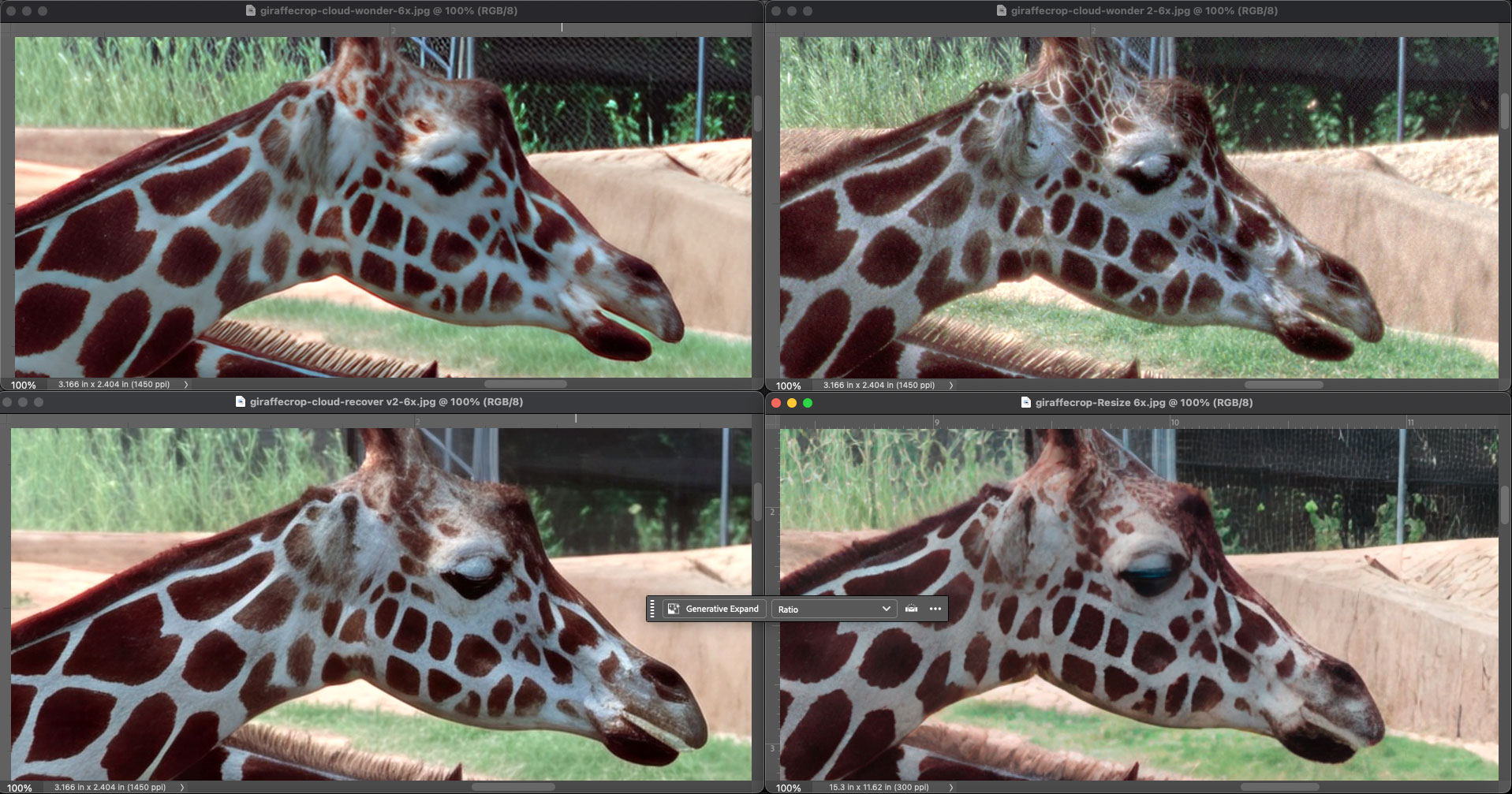
Now another Photoshop view (at 100% this time) of the same apps and models (using Topaz’ Recover 2 this time). Once again, I think Topaz’ Wonder 2 at upper right provided the most natural and accurate results overall:
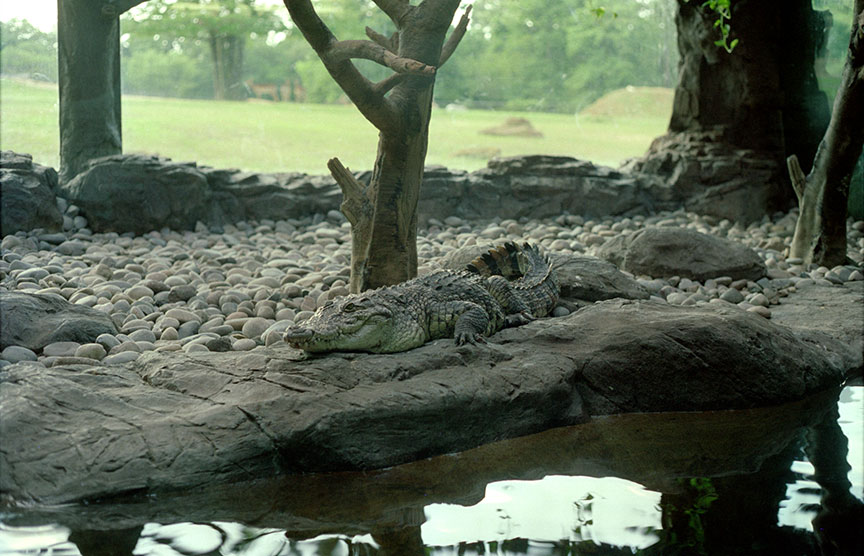
This alligator was also found in a zoo, and again shot on 35mm film. Here is the full frame for reference:
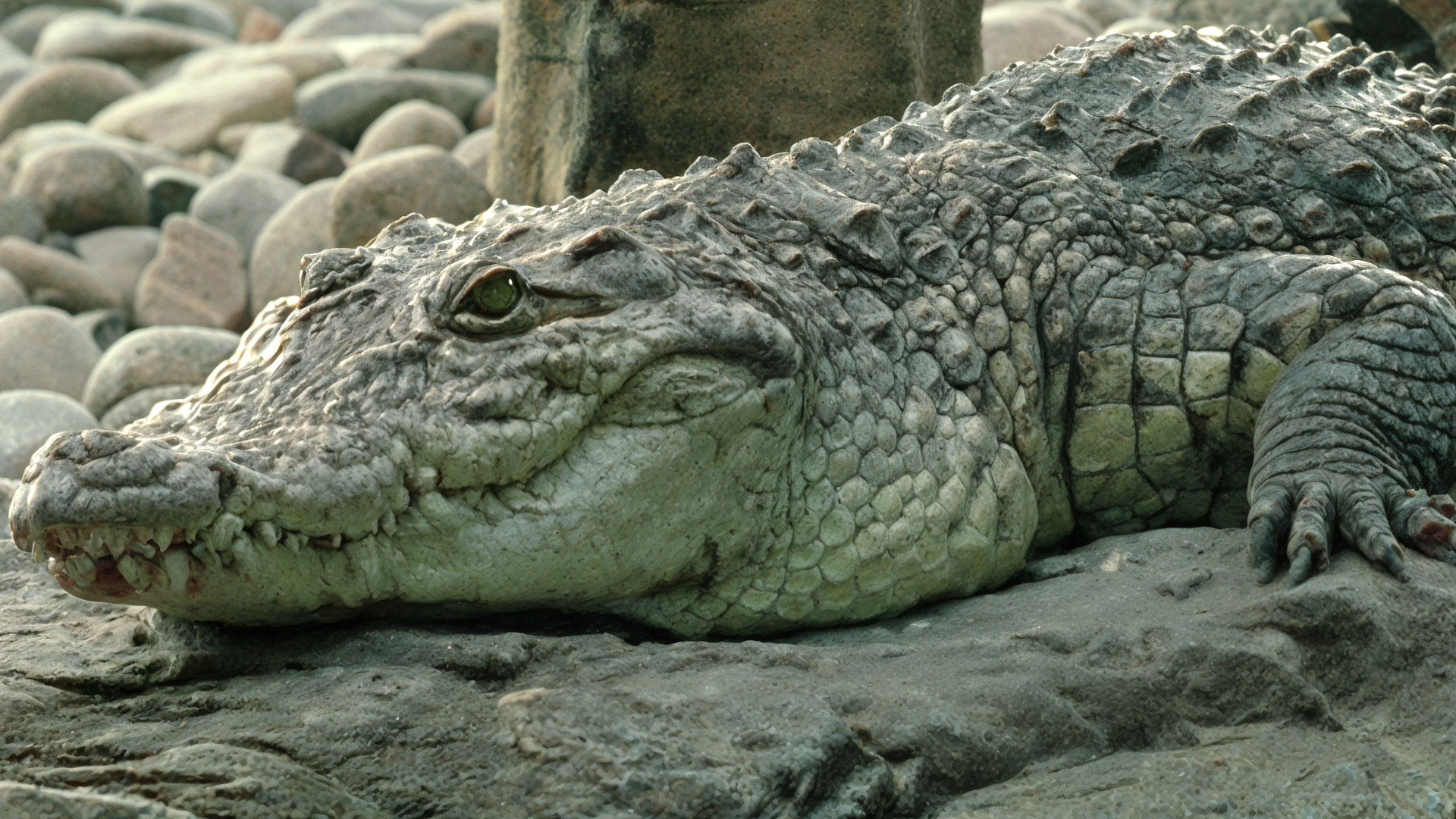
For this and the rest of the results I will present 100% screenshots of a small section of each image for comparison (please open in a new tab or window and view full size). Here is Topaz Gigapixel‘s Redefine>Realistic result:
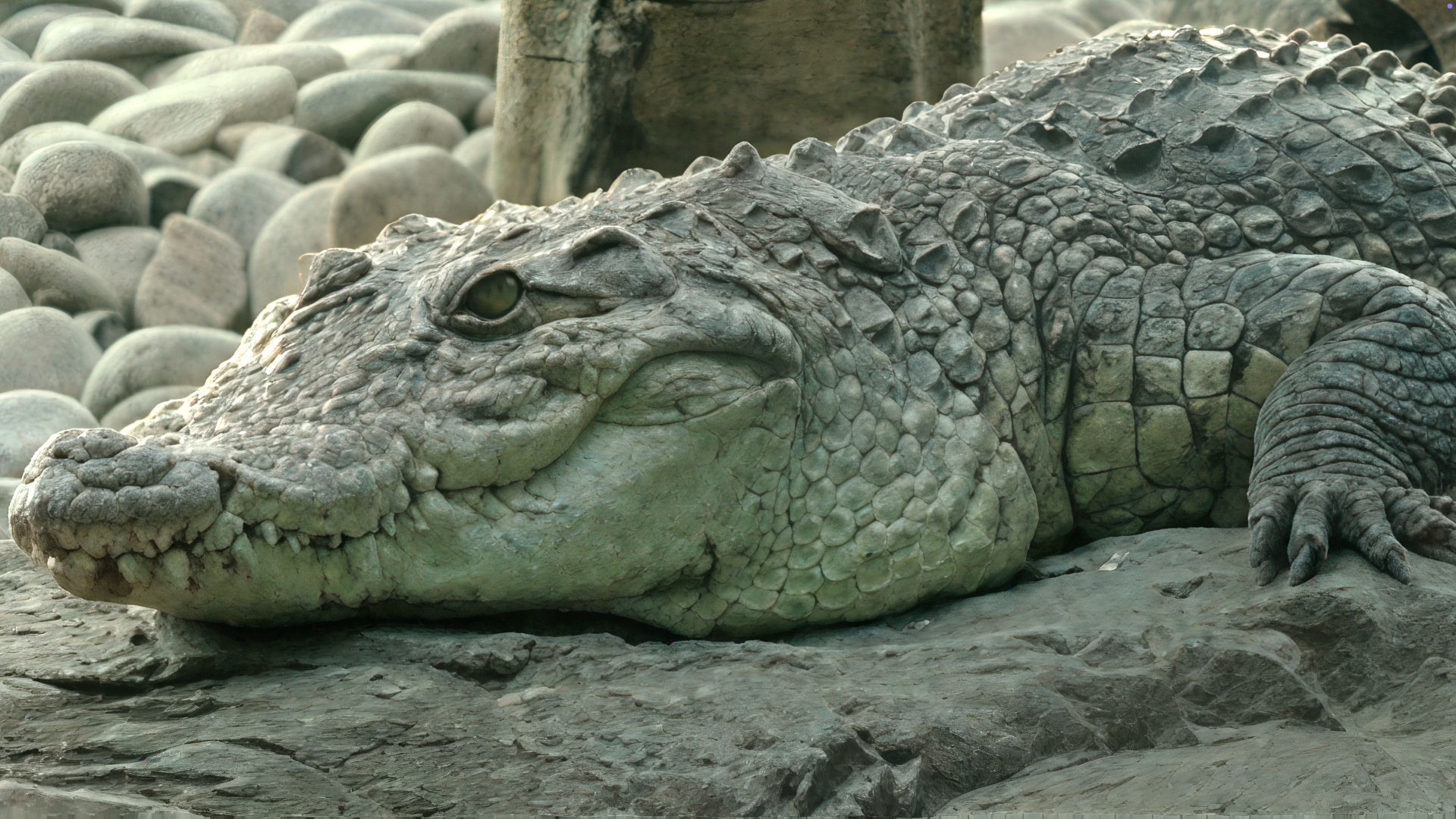
Now ON1 Resize. I am leaning toward this as being the better result overall:
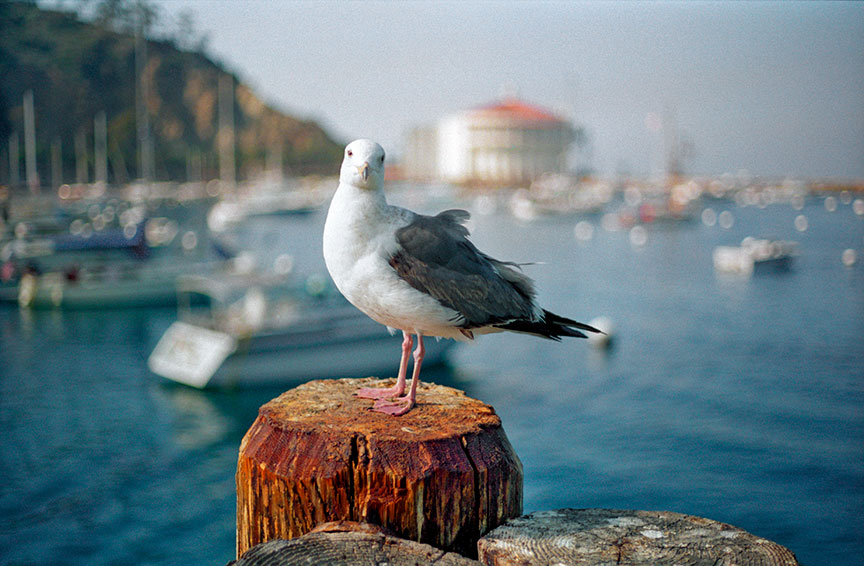
For the last film scan example we head west to Catalina Island where the celebrity seagulls model for photographers! Here is the full frame:
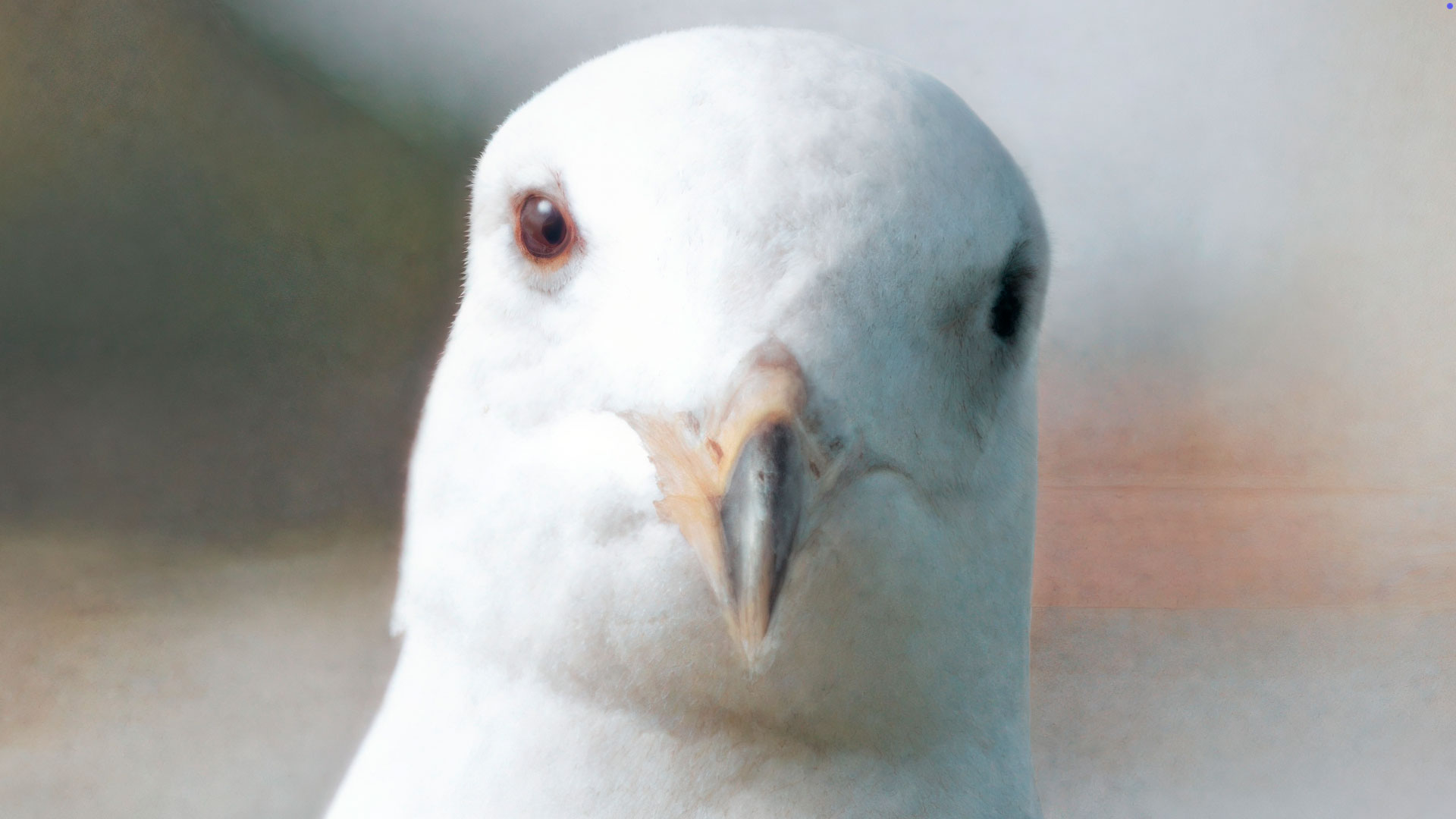
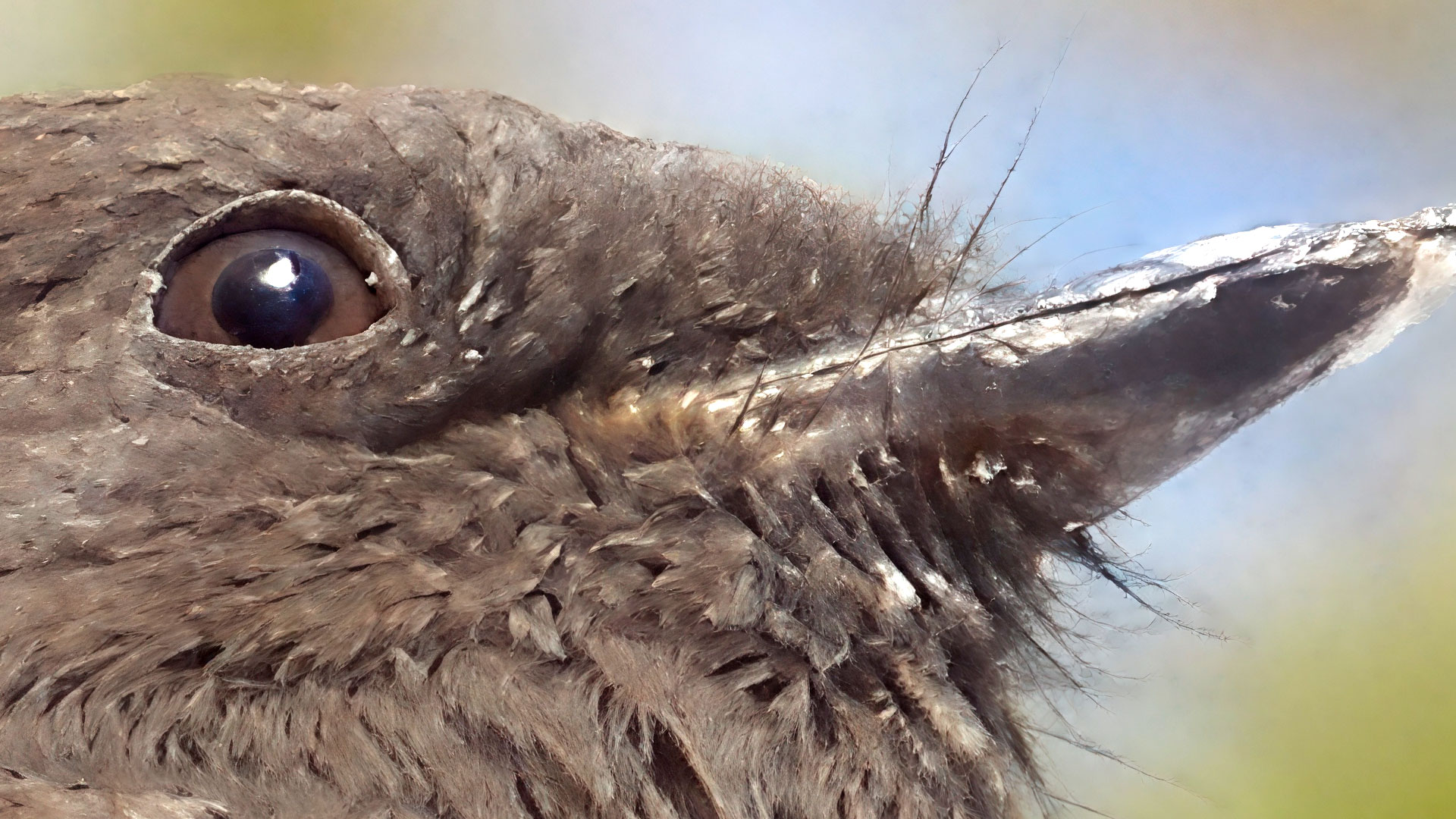
This is a crop of the Topaz Gigapixel Recover v2 result at 4X:
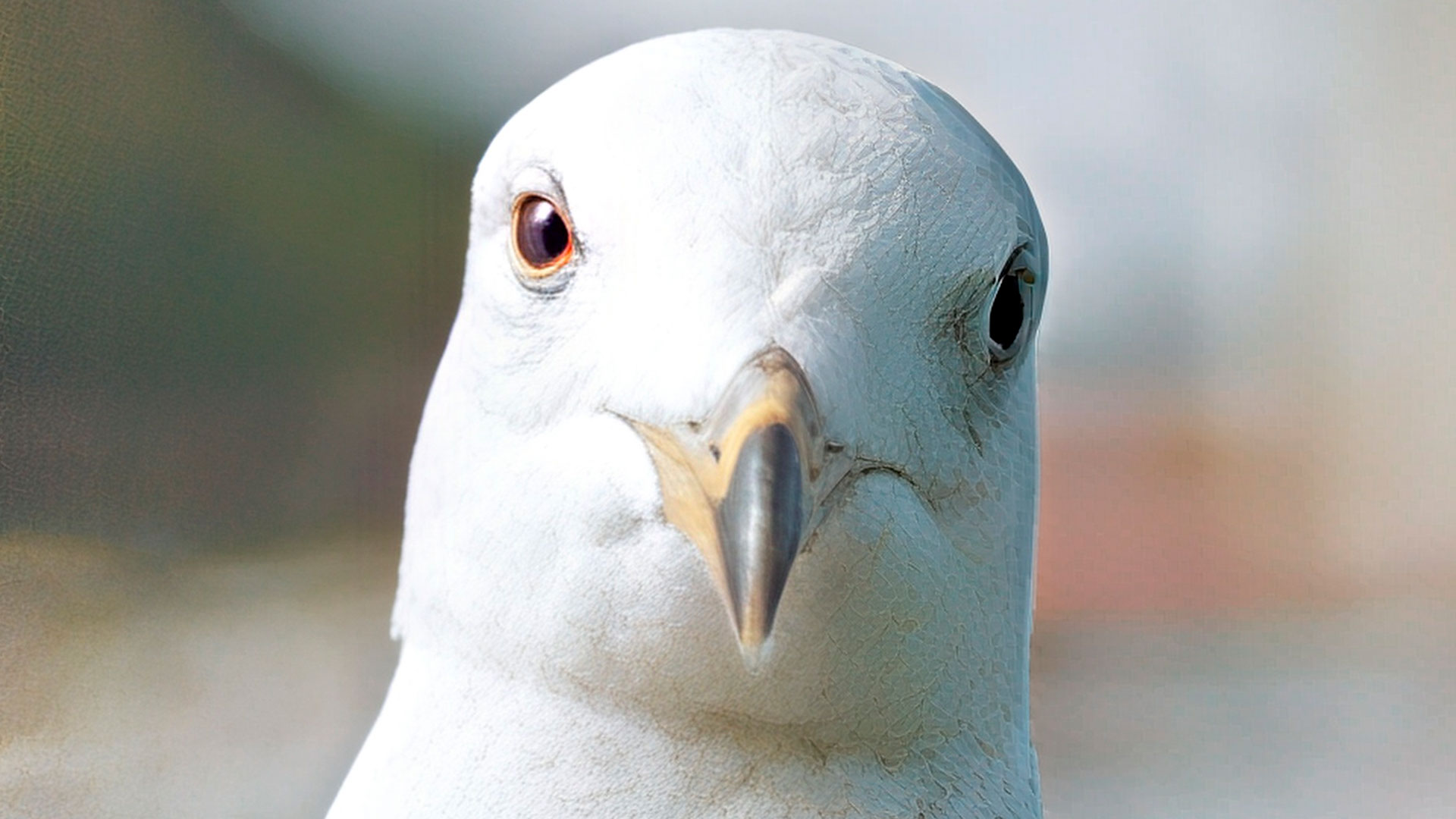
And a crop of the ON1 Resize result. Each version has its strengths and weaknesses – Resize is softer overall but doesn’t have the artificial texture on the right side. So the nod goes to Gigapixel (above):
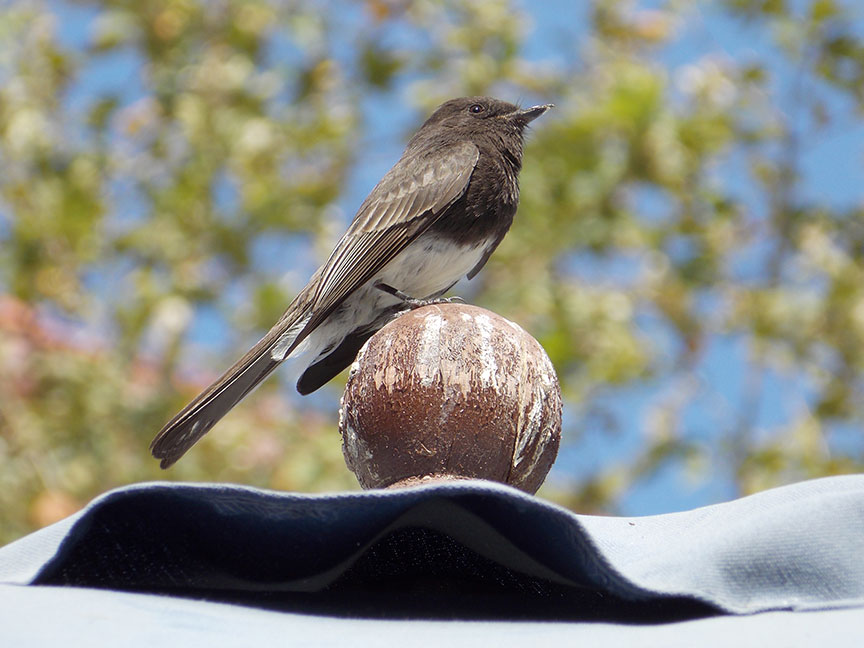
Now we switch to a 2014-era 16MP capture from a Nikon COOLPIX L810 (non-DSLR). Here is the full frame:
This is a crop of the Topaz Gigapixel Recover v2 result at 100%:
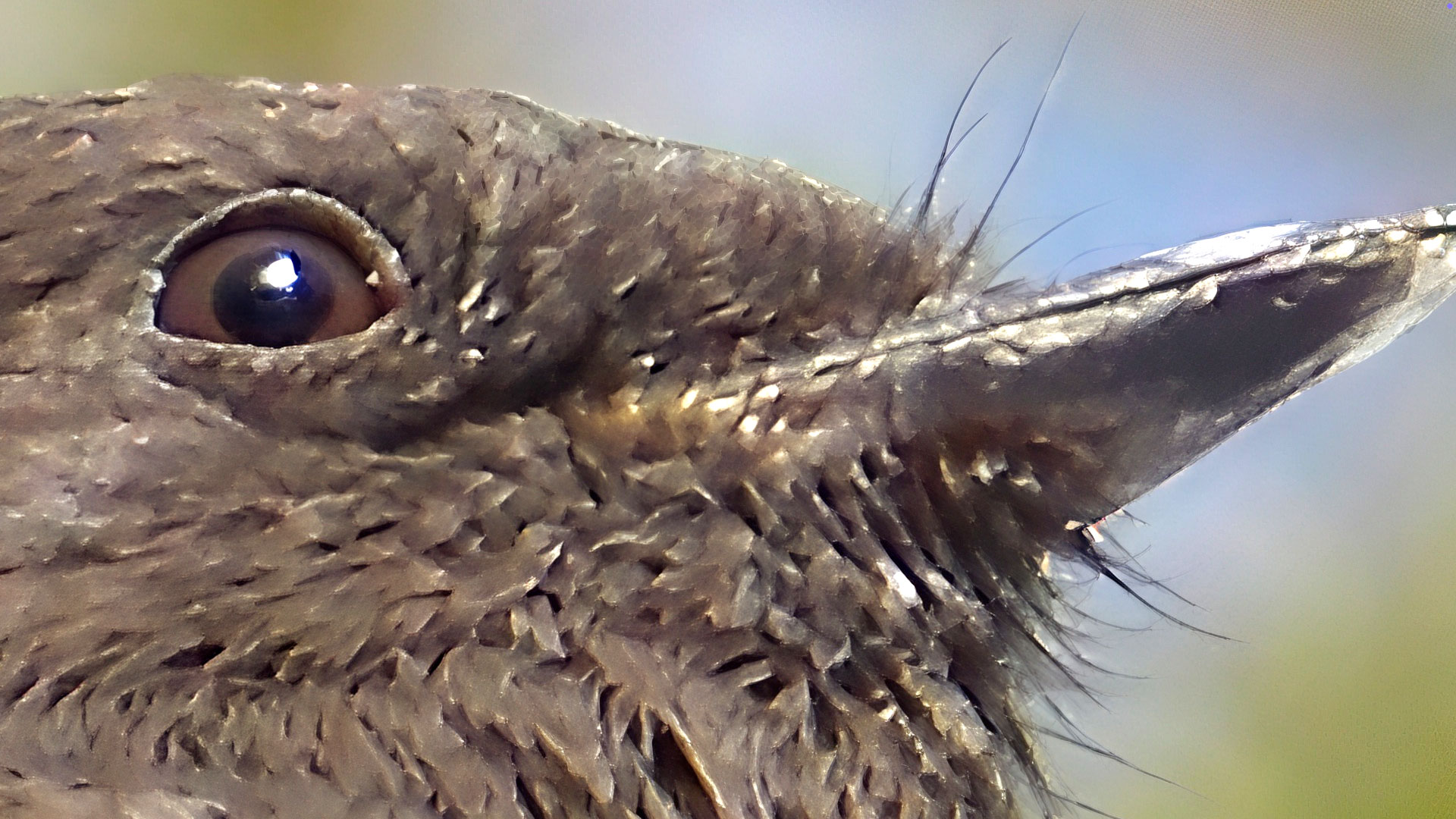
And a crop of the ON1 Resize result. This one is clearly the winner:
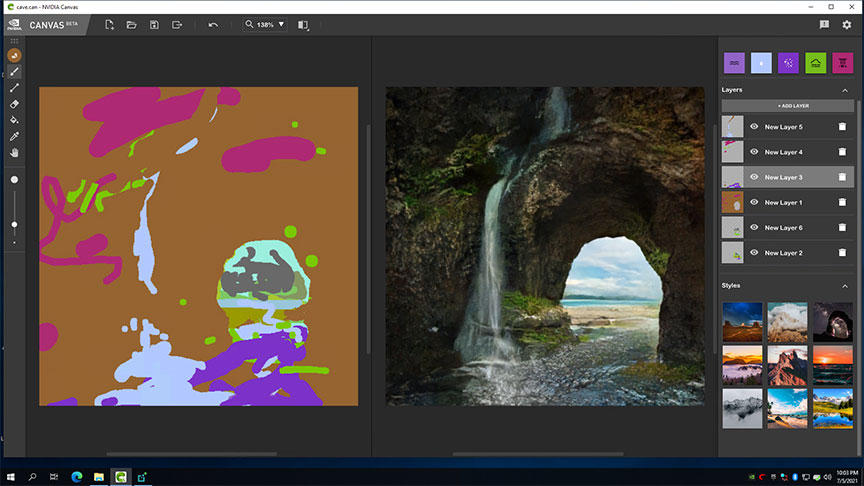
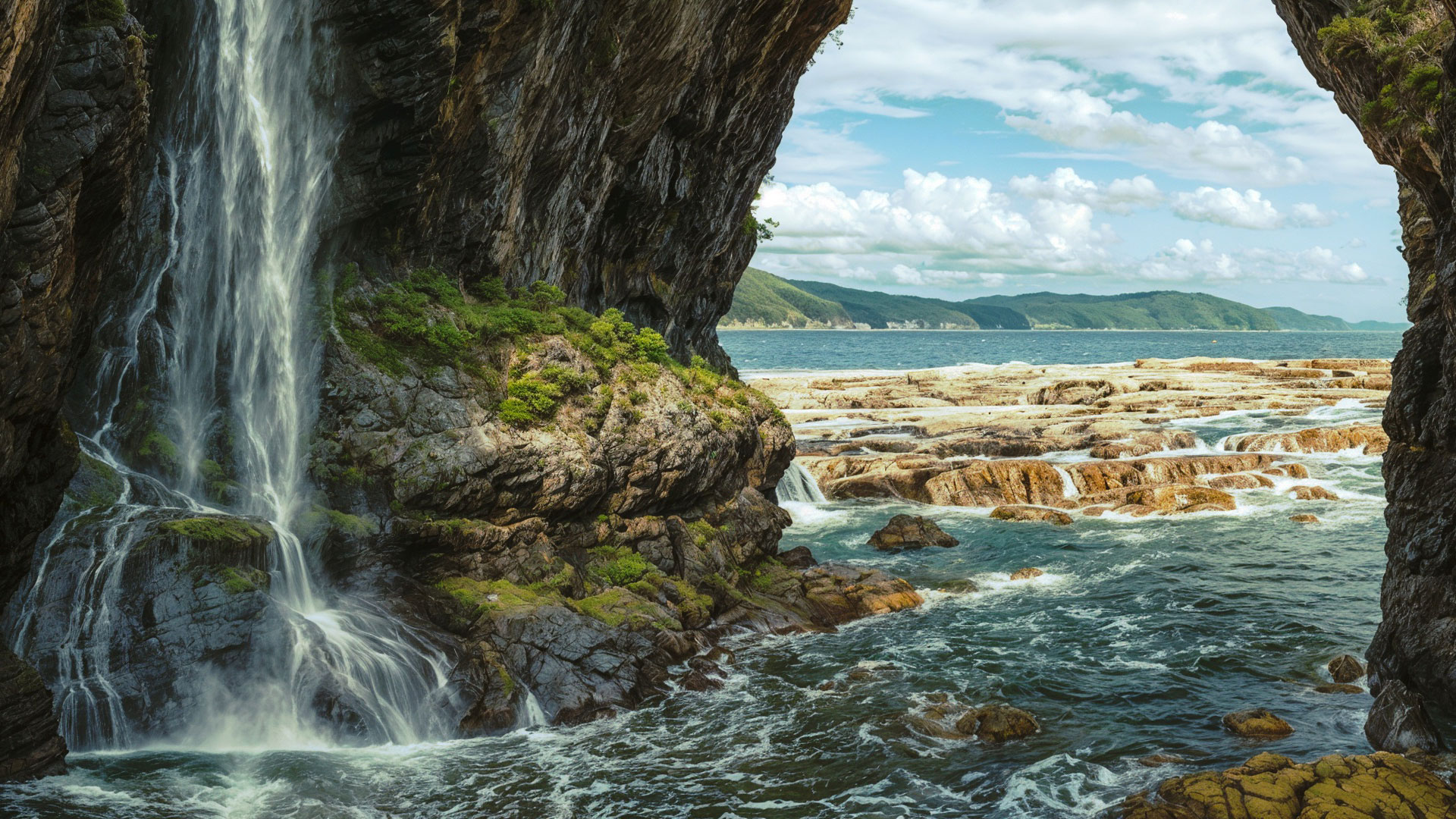
Some may consider the use of AI generative imaging a regression of our digital progress, but we need to include these as well! The first example is from 2021 where I was using NVIDIA’s online Canvas app to manually draw an oceanside scene I imagined while it previewed and rendered in real time:
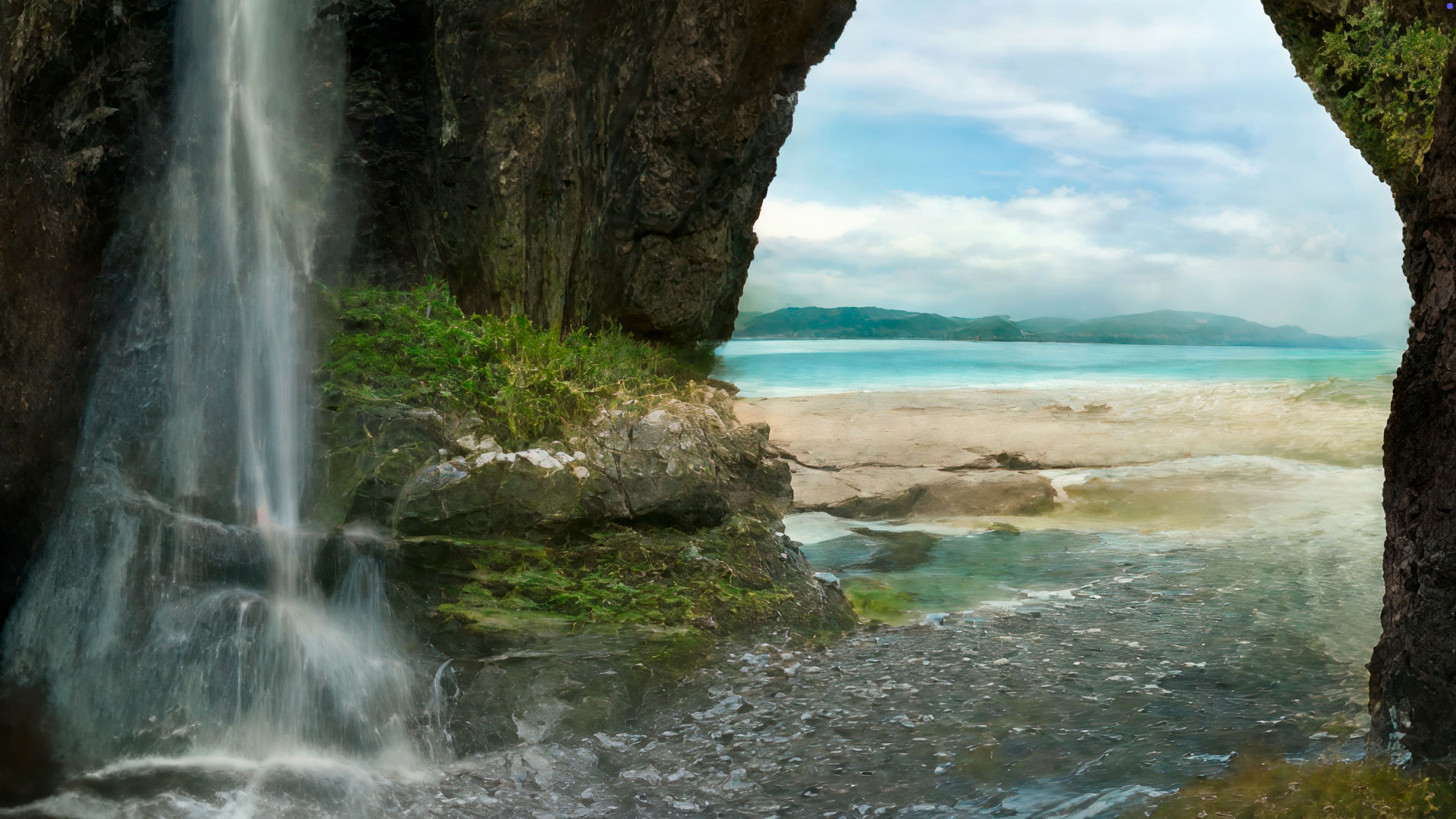
I simply cropped this screenshot to the rendered preview and ran it through both Topaz Gigapixel and ON1 Resize at 4X. Here is the Resize result (100% view):
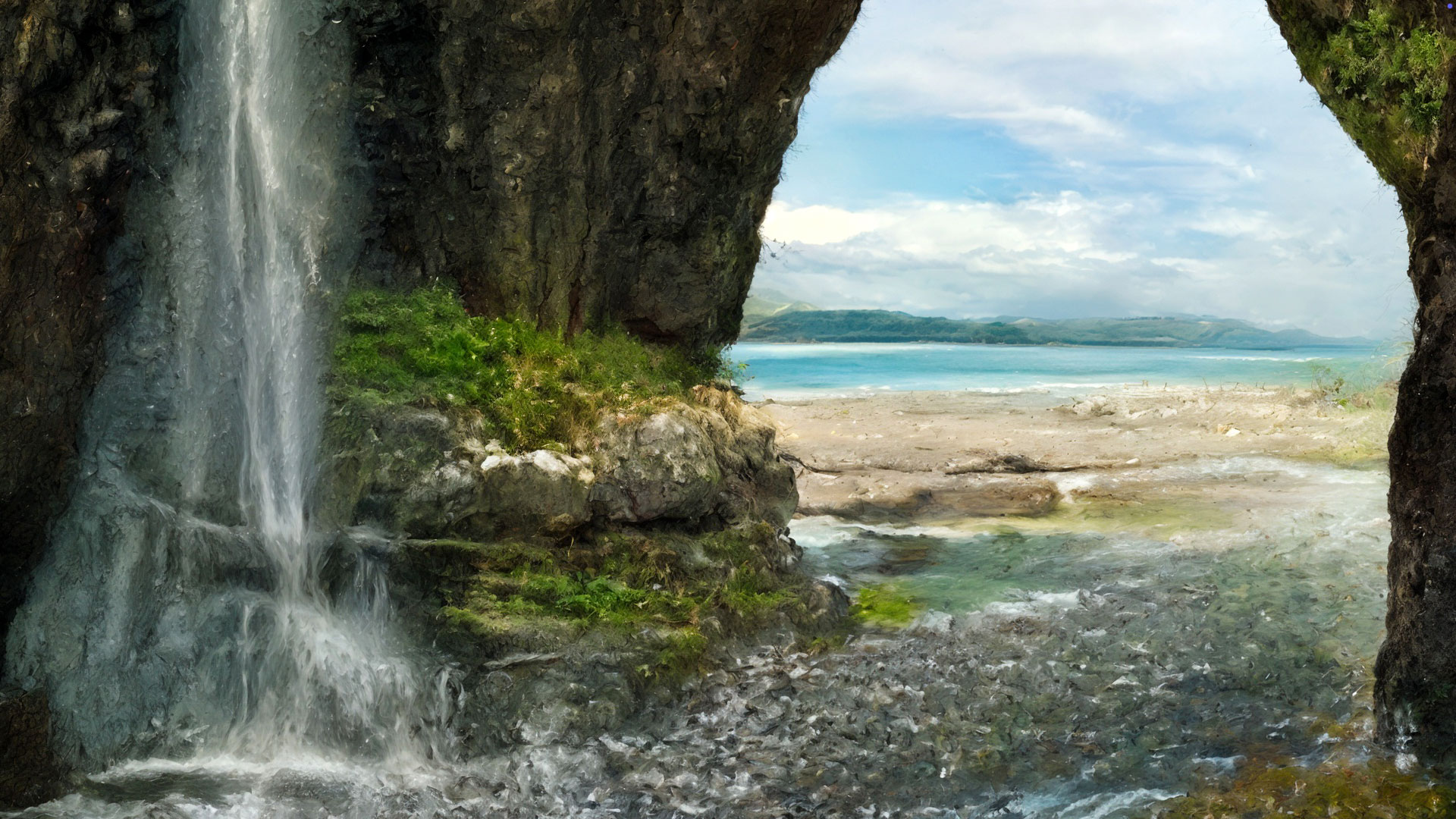
The Gigapixel Redefine>Realistic result is very similar:
Gigapixel has the advantage of much more flexibility of model options and model setting choices than Resize. This is what becomes of the scene when a higher level of Redefine>Creative is applied:
This same approach holds true for the next DiffusionBee AI-generated example from a year ago, shown actual size here:

I turned on face recovery in both apps. First, the ON1 Resize result at 4X:
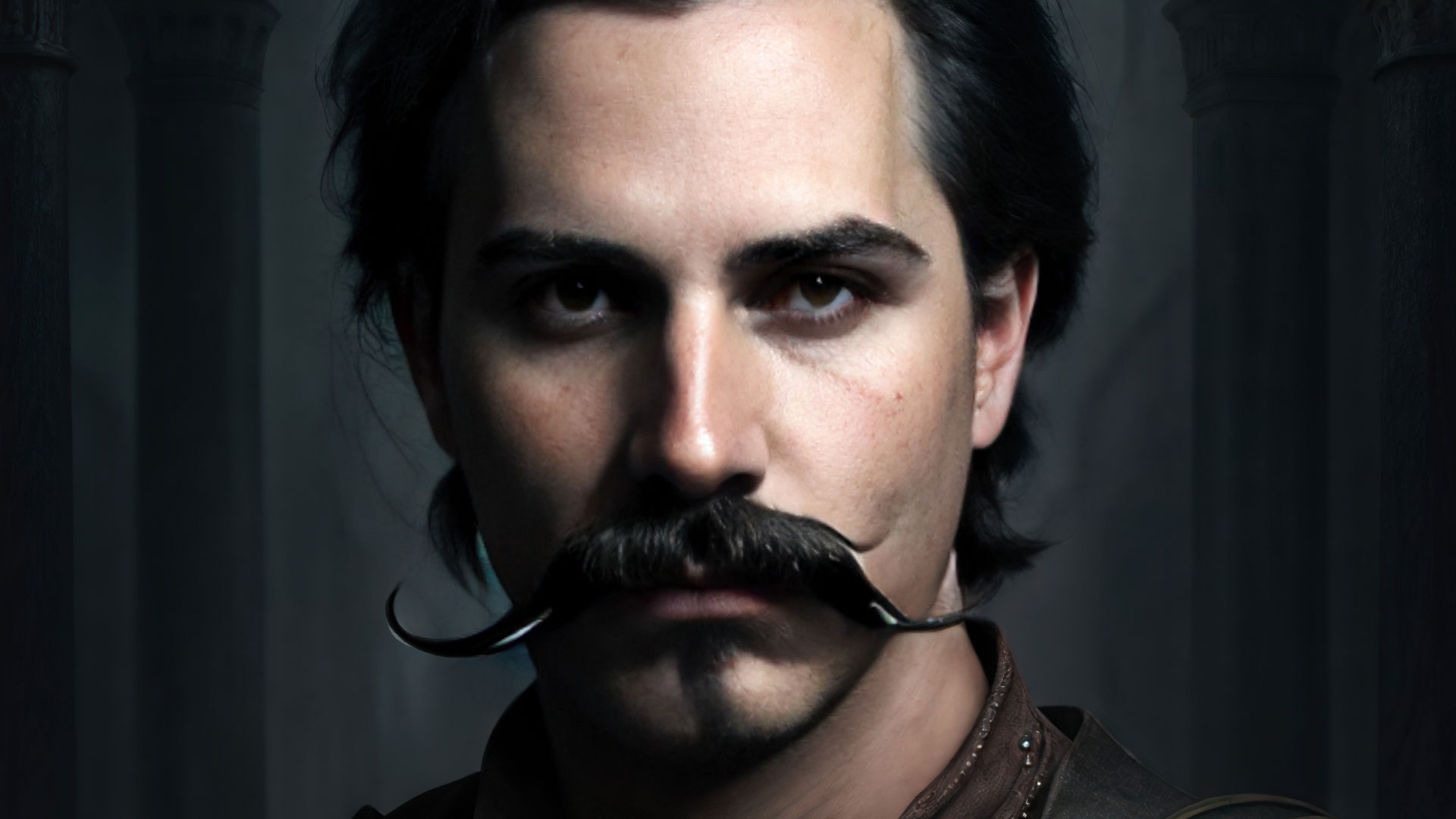
Now Topaz Gigapixel with the Recover v3 model:

Then Gigapixel with a higher level of Redefine>Creative applied:

Finally – whether or not you like the concept of generative AI, we can all agree that using digital zoom on an iPhone is not a good idea! But I did that anyway for this hazy SoCal sunset shot, shown here full-frame. Even when zoomed, the subject (the sun and clouds) is too far away:
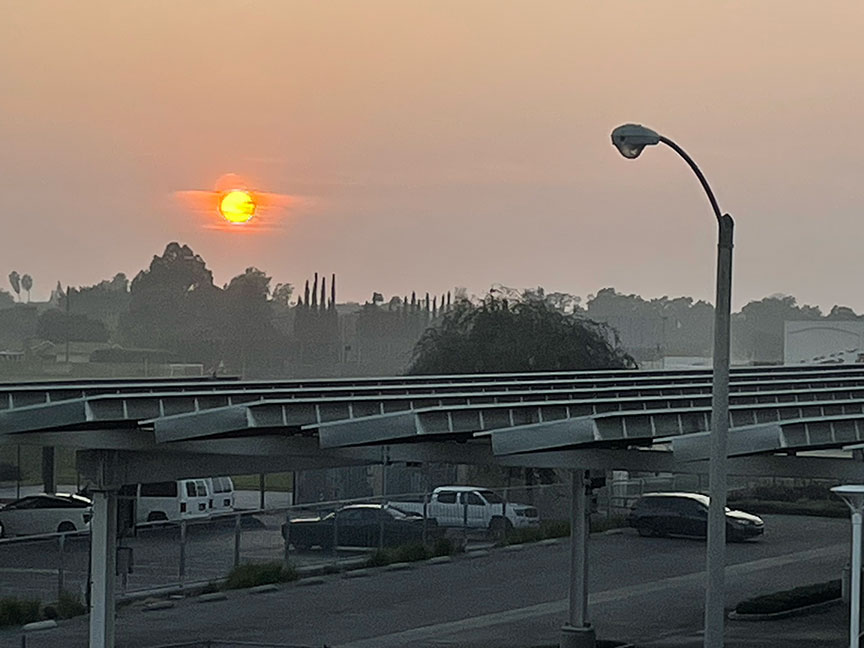
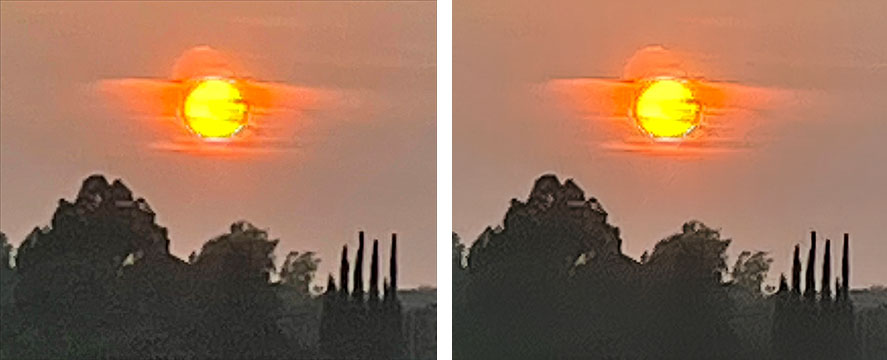
I cropped to the sun and clouds area in Photoshop and used that resulting crop for upscaling. Topaz Gigapixel Recover 3 (left) and ON1 Resize (right) gave pretty much the same result:
I needed to go into Gigapixel’s Redefine>Creative to coax some life out of this mush at 2X:
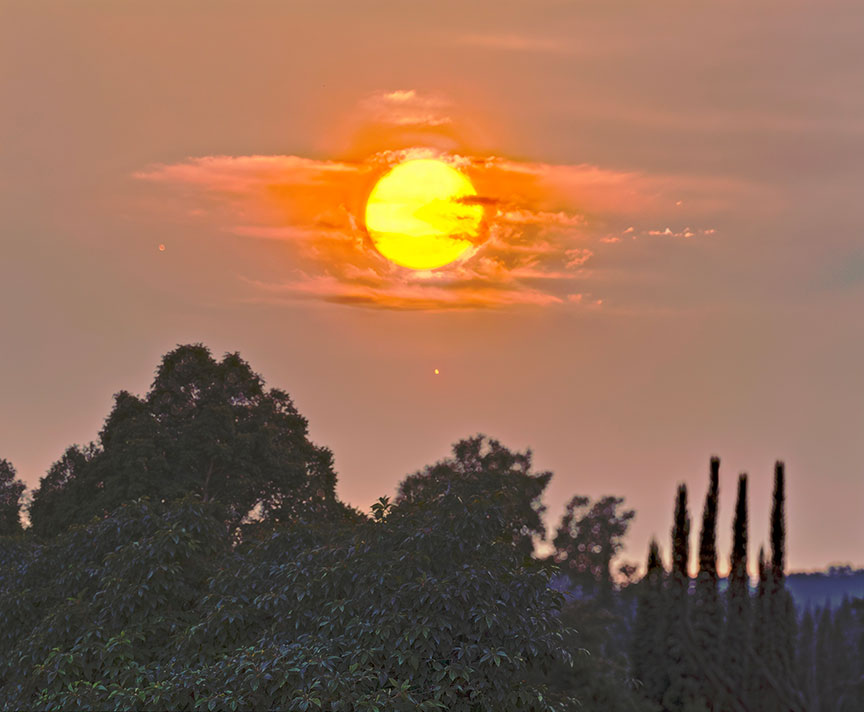
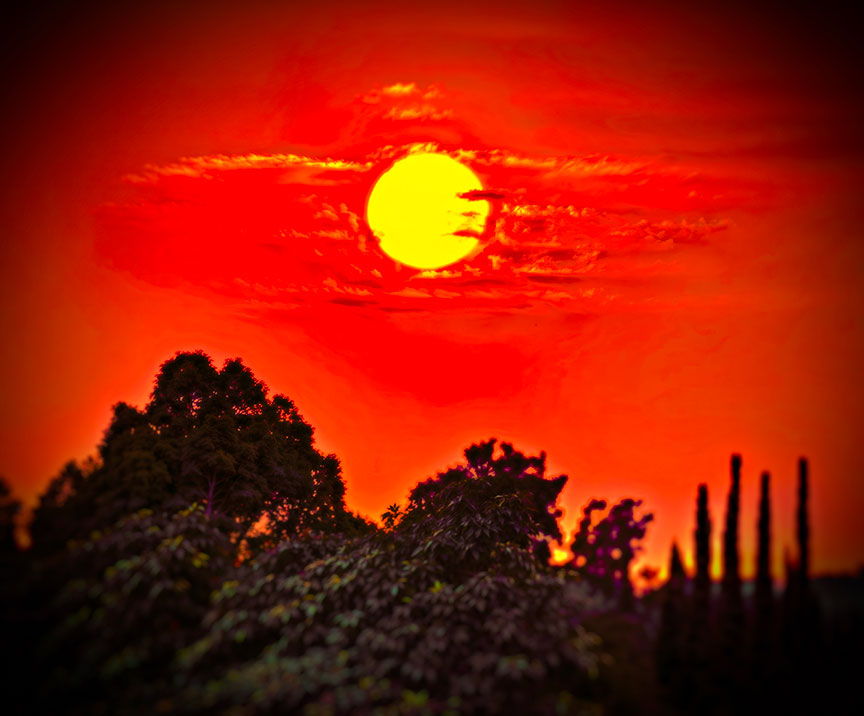
After a visit to Photoshop for some spotting and color correction, I brought the result into ON1 Photo RAW for some creative post-processing (which Topaz does not offer), including preset-based color adjustment, vignette and tilt-shift bokeh:
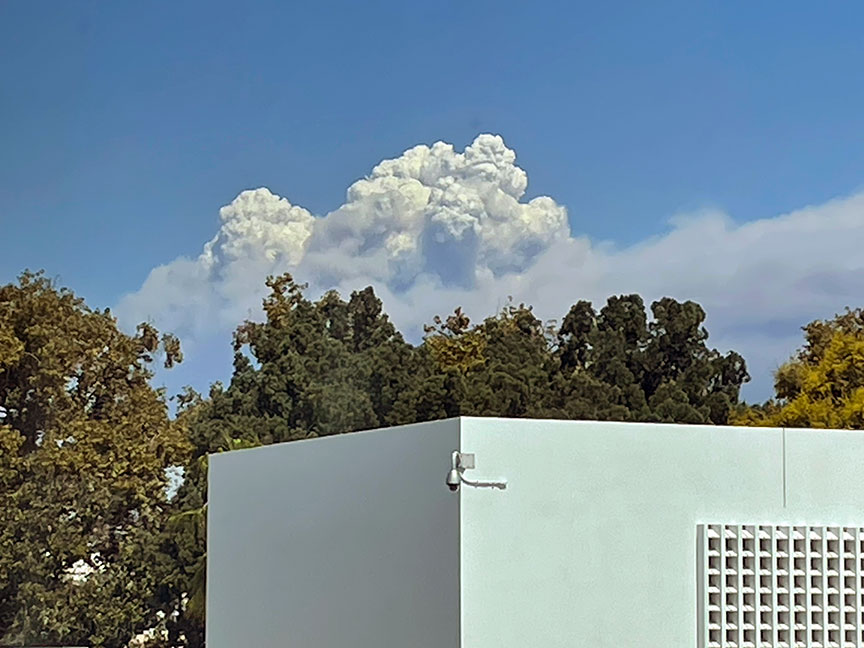
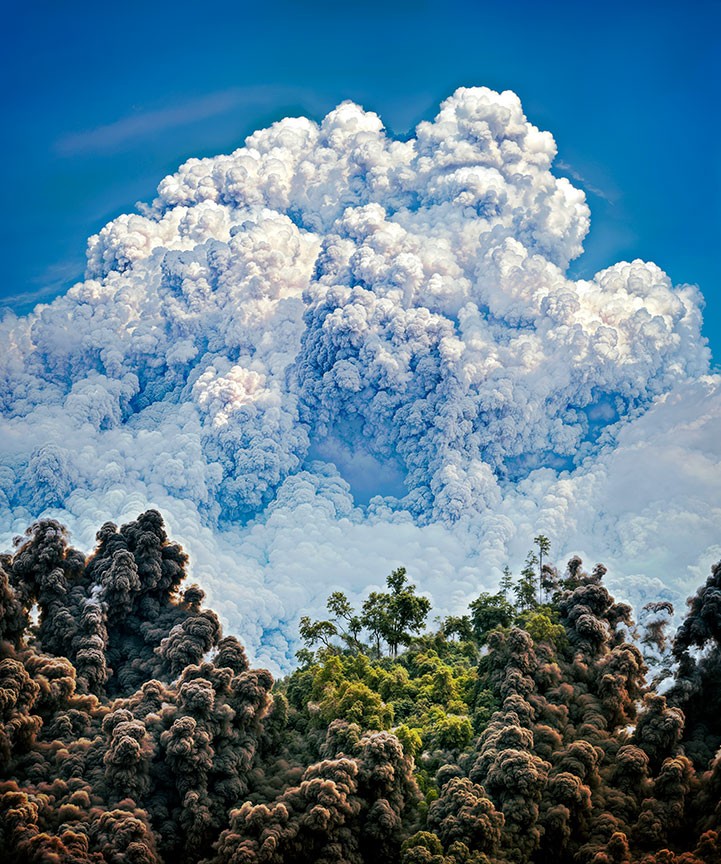
Another iPhone digital zoom source with restoration using Gigapixel Redefine>Creativity, a comp of High and Max:
I had come to this conclusion before, but for the best results salvaging and restoring your older images, you need both Topaz Gigapixel and ON1 Resize (or Photo RAW)! Each has strengths and weaknesses that the other fills in. Don’t give up on your old, sad images, restore them with cutting-edge upscaling!