
Topaz is currently running a Holiday Sale of 25-35% off through January 7, featuring Topaz Studio (comprising 3 new apps, over 20 new models plus countless features and updates). So what can you do with all of this cutting edge tech?

In fact, you can do so much with Topaz Studio that I have to focus on only a single aspect of one of the models here lest this post turn into a book! Let’s talk about Bloom, specifically its Realism upscaling feature…

Bloom is Topaz’ new creative upscaling web application, fantastic for enhancing AI generated images, CG renders, Illustrations and more. Topaz says, “Using cutting-edge AI models developed in-house by our team of PhD researchers, Bloom offers ‘creative upscaling’ that not only upscales images up to 8x but intelligently adds greater detail and texture that is relevant to the prompt.”
Here’s how Bloom works. You access it online using your Topaz account login and load up the first image, as seen here (this is one of my own AI renders from a couple years back). Note the different Modes offered (Standard and Realism) as well as different levels of Creativity, Scale size and number of output results per render (open any of the following images in a new tab or window to view at 100%):
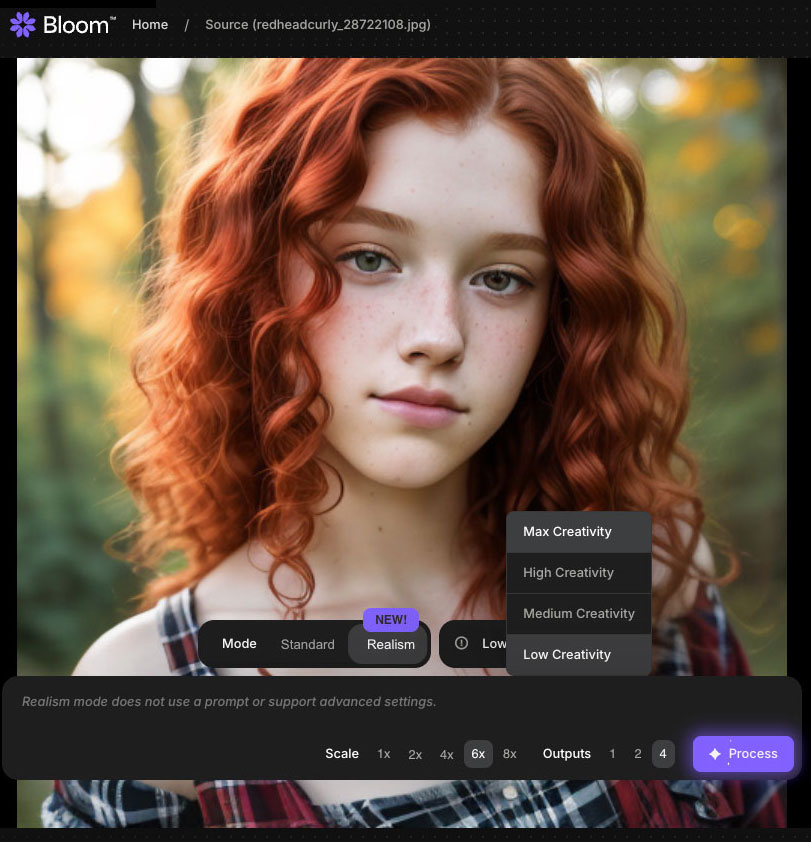
In this case, I chose a 6X upscale with Max Creativity. When invoked, Bloom immediately begins processing your image:
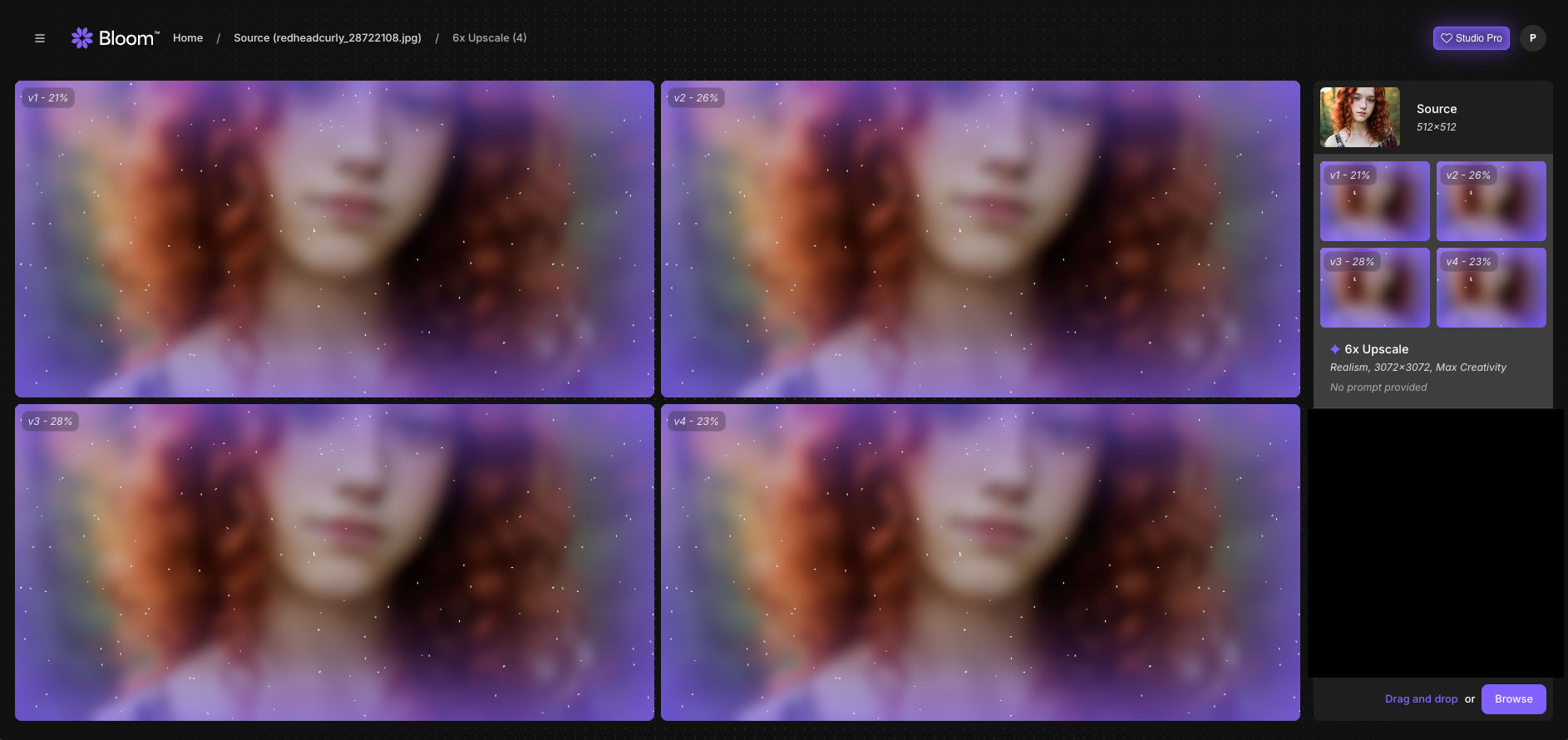
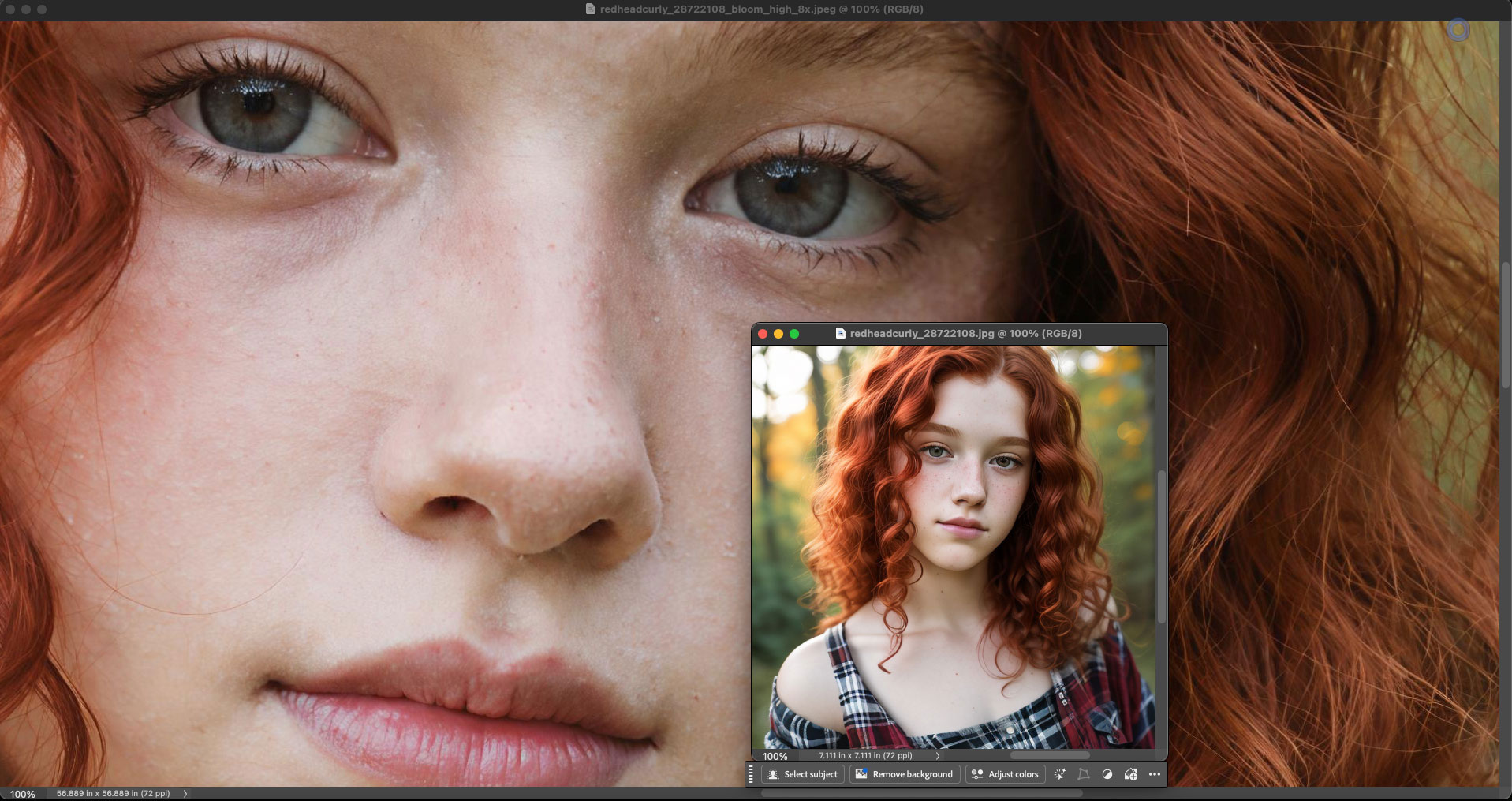
After a minute or two you will see the results and be able to download them. Here I show the original and a portion of the rendered result as seen together, both at 100%, in Photoshop. The original wasn’t too bad to begin with (ie, it was just short of photorealistic), but Bloom took it to the next level without making the girl “plastic”:
I spent the entire day today running similar types of my older AI renders through Bloom, most of which were small and not really that good for various reasons (mainly failed faces). Here is an example of a really bad one, where the scenery was decent but the girl’s face and hands were mangled up, rendering the result unusable as-is (shown here actual size):

After an 8X trip through Bloom followed by minor touchup of unwanted spots and such in Photoshop, here is the result (reduced):
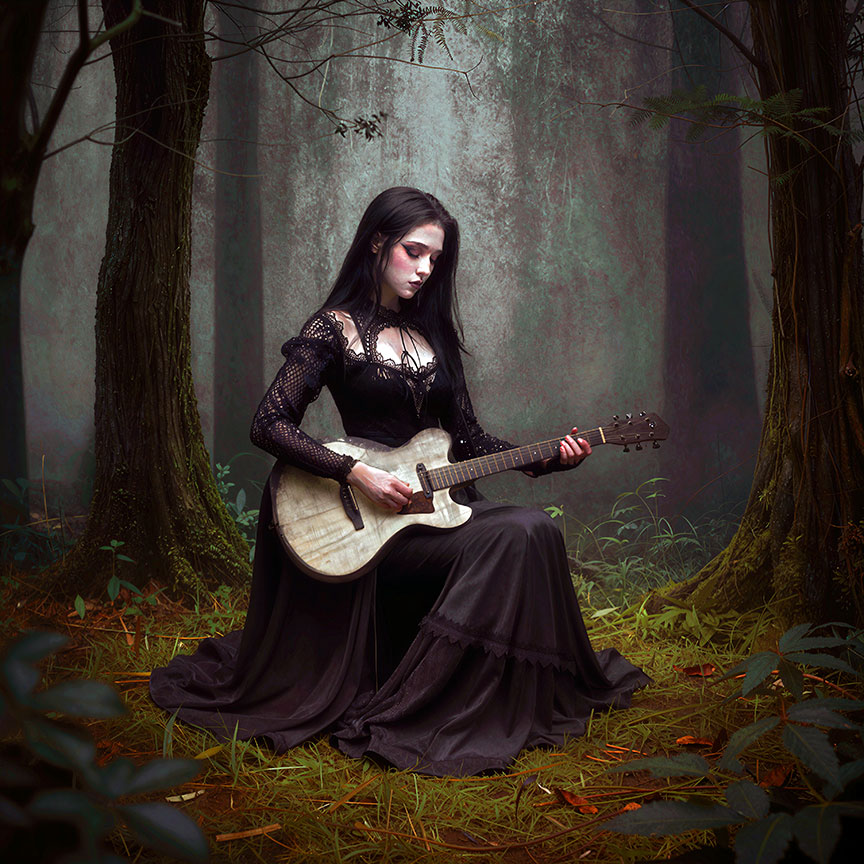
OK then, that worked well! Encouraged by the possibilities, I kept digging around my other archived renders to see what else I could salvage… But before I present a whole slew of before-and-after screenshots, here is more info about Bloom as described by Topaz:
What images work best on Bloom?
Bloom is built for upscaling and adding detail to AI generated images, and you’re going to get the best results using Bloom for this use case.
In a typical creative workflow, Bloom is primarily used as a post-processing and enhancement tool. Its application is most effective after the initial creation or generation of an image. The types of images that benefit most from Bloom’s creative upscaling include a diverse range of digital art styles:
Images generated by AI models: Content produced by text-to-image generators and other AI art platforms. Works great on images from ChatGPT, Midjourney, Flux, and more.
Digital paintings and illustrations: Artwork created using digital painting software
Concept art: Visual development pieces for games, films, and other media
Character designs: Detailed representations of characters in various artistic styles
Abstract digital art: Non-representational digital creations
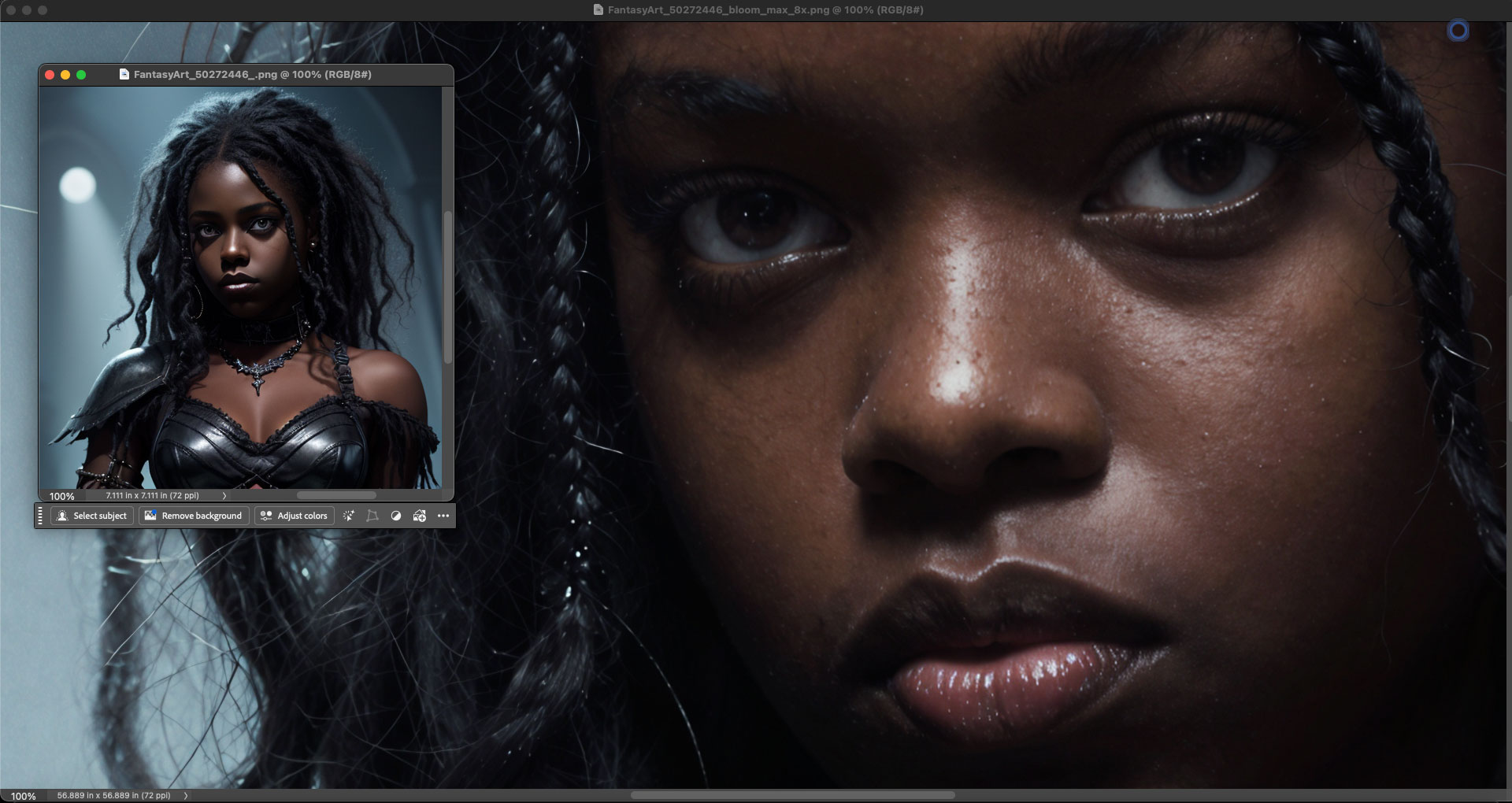
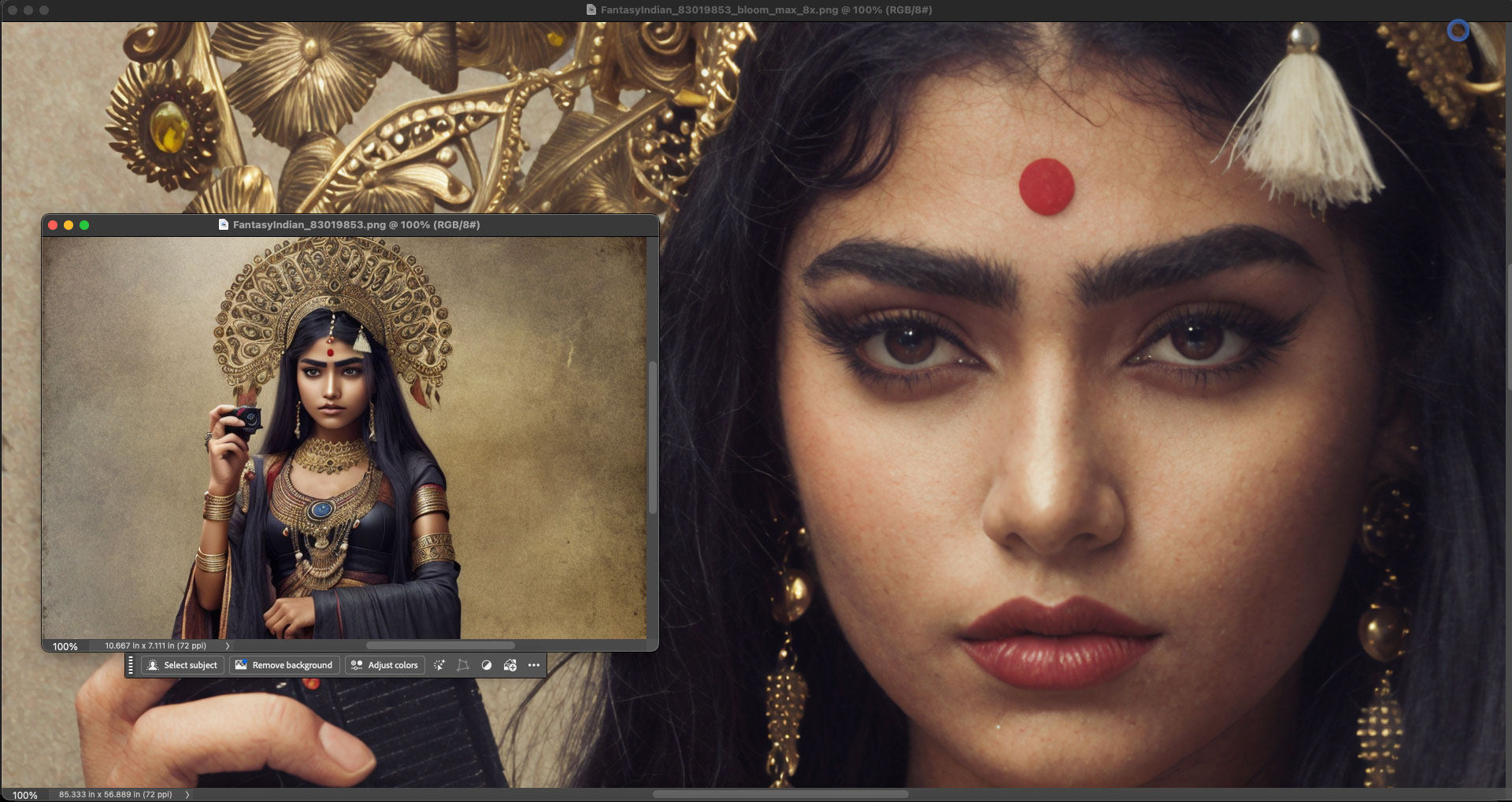
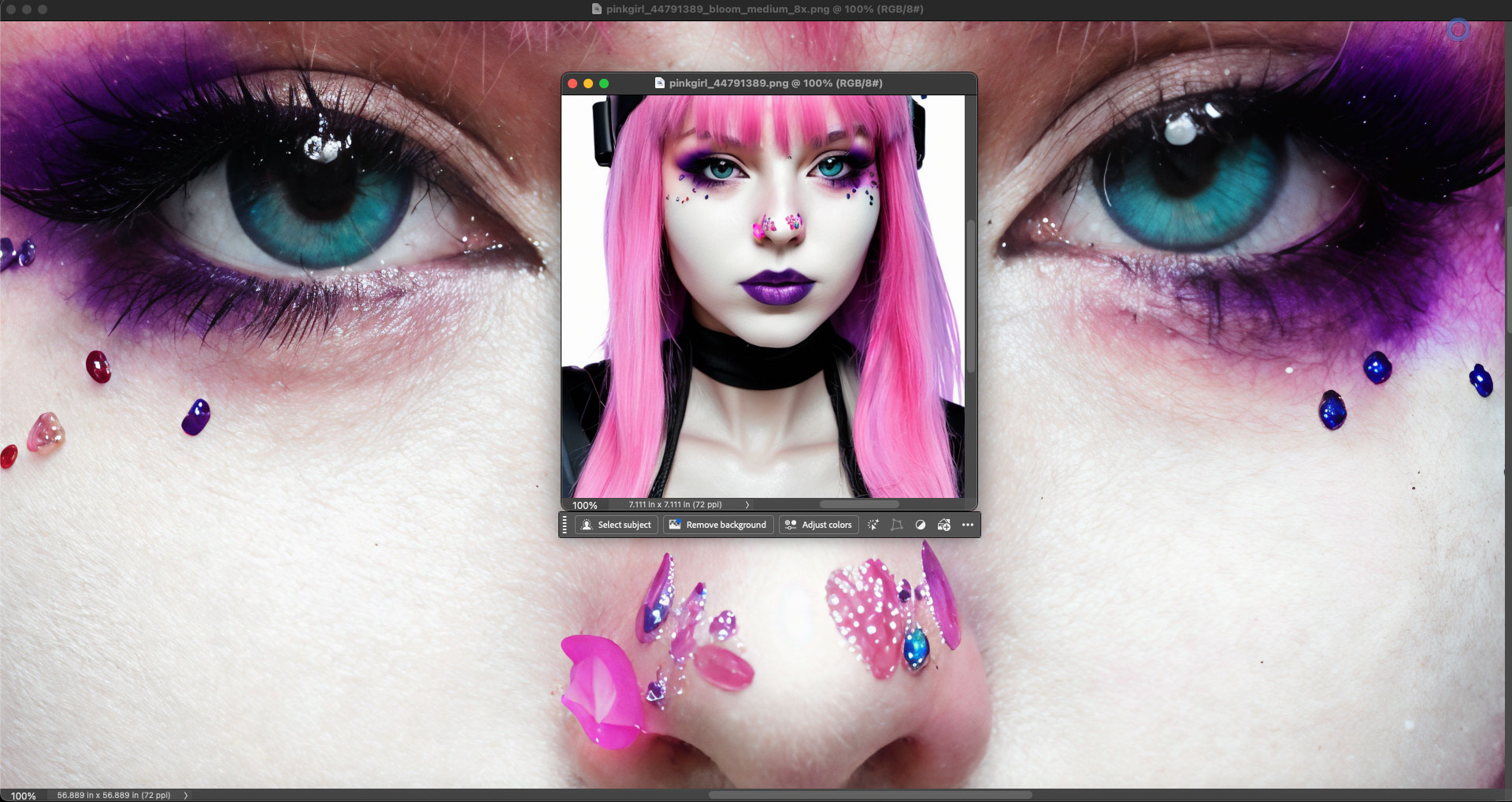
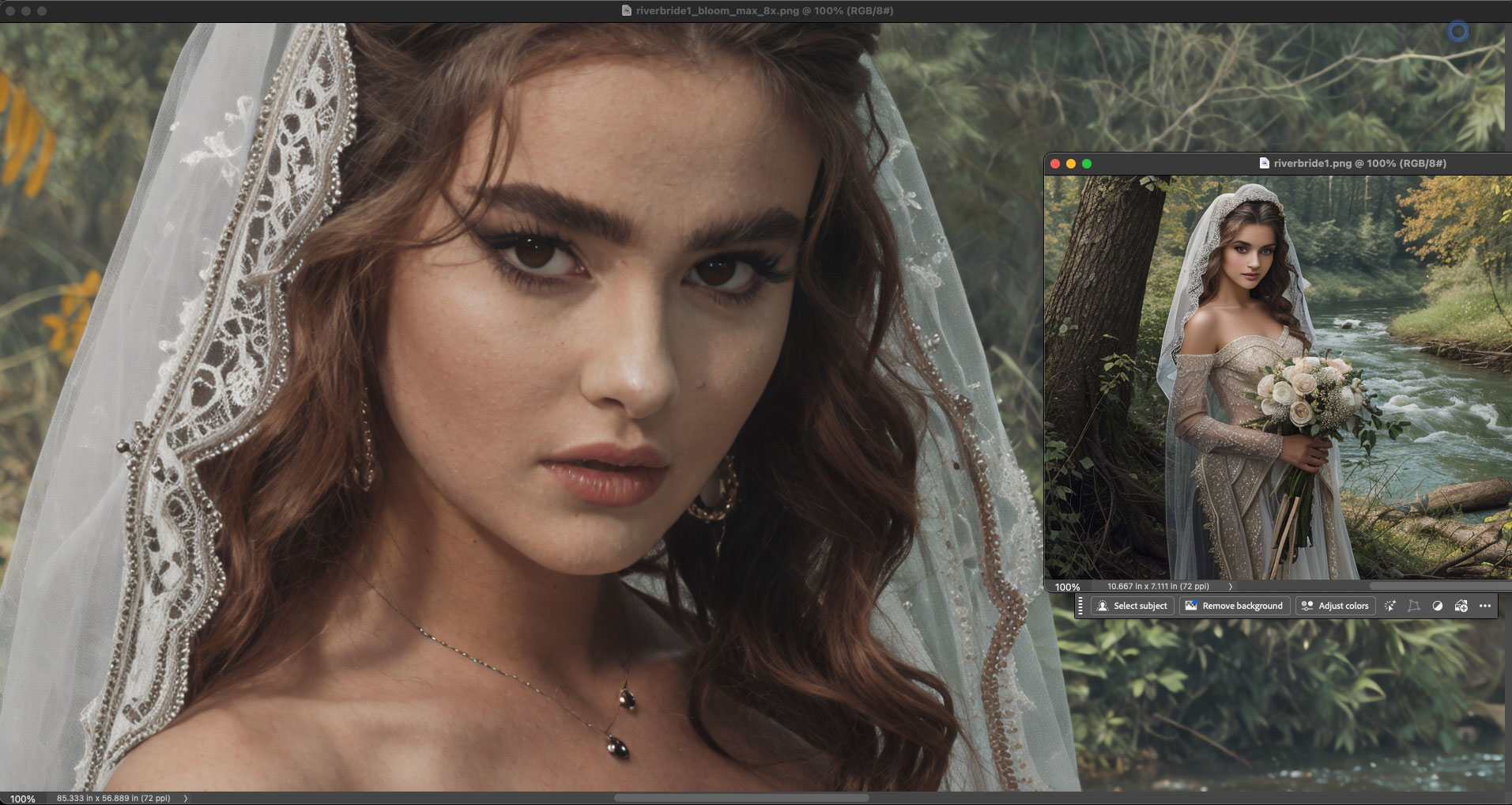
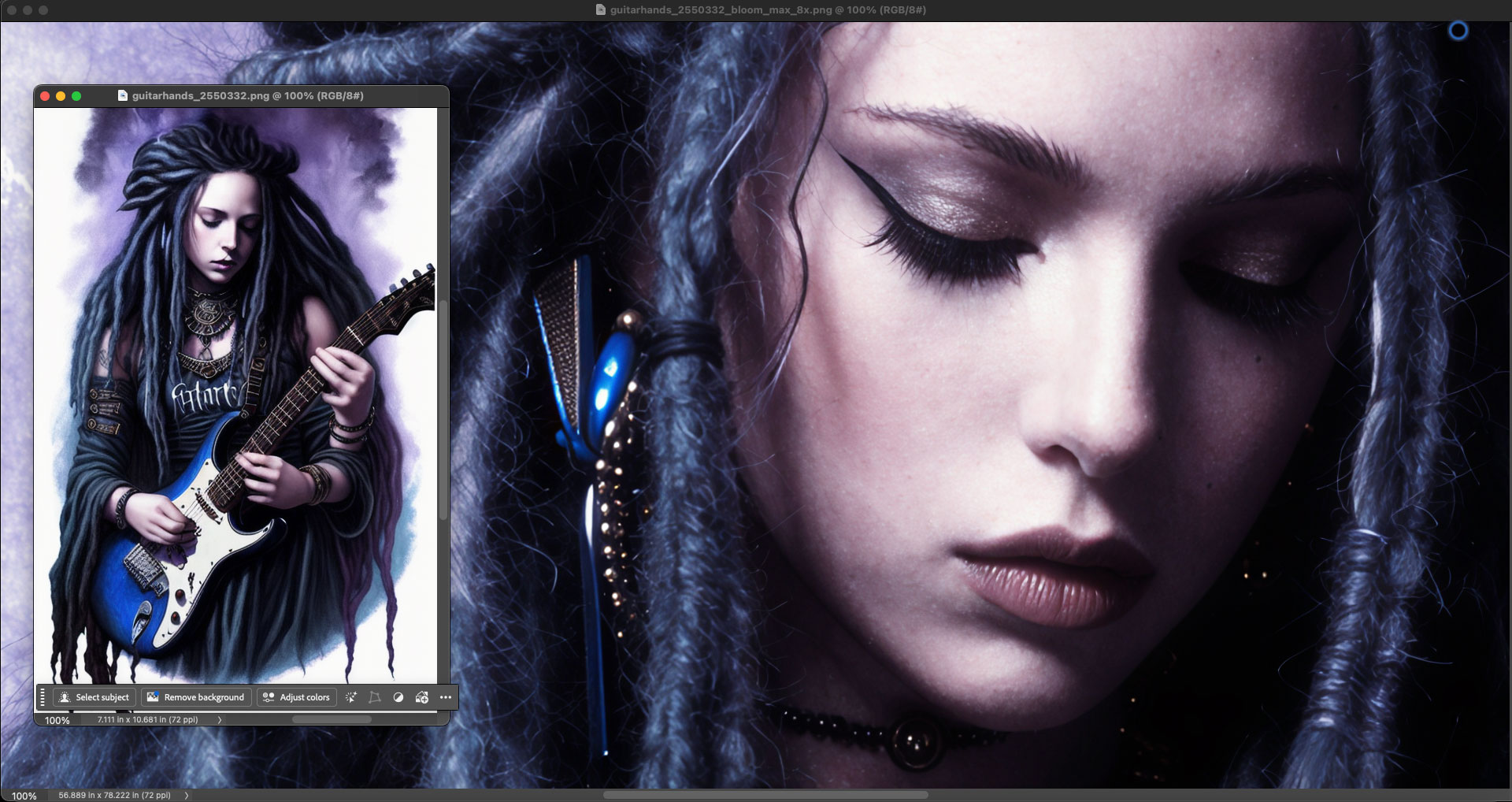
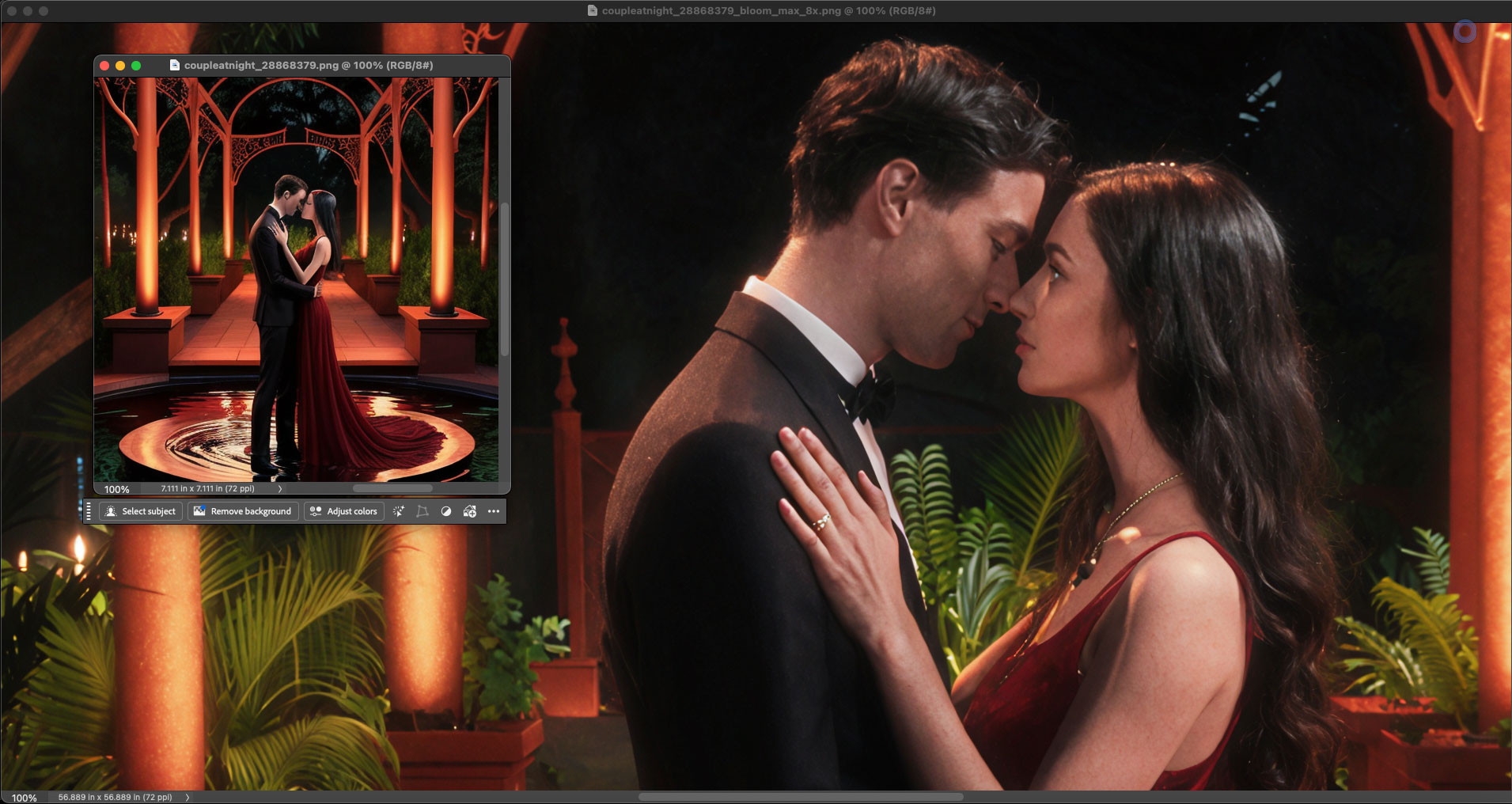
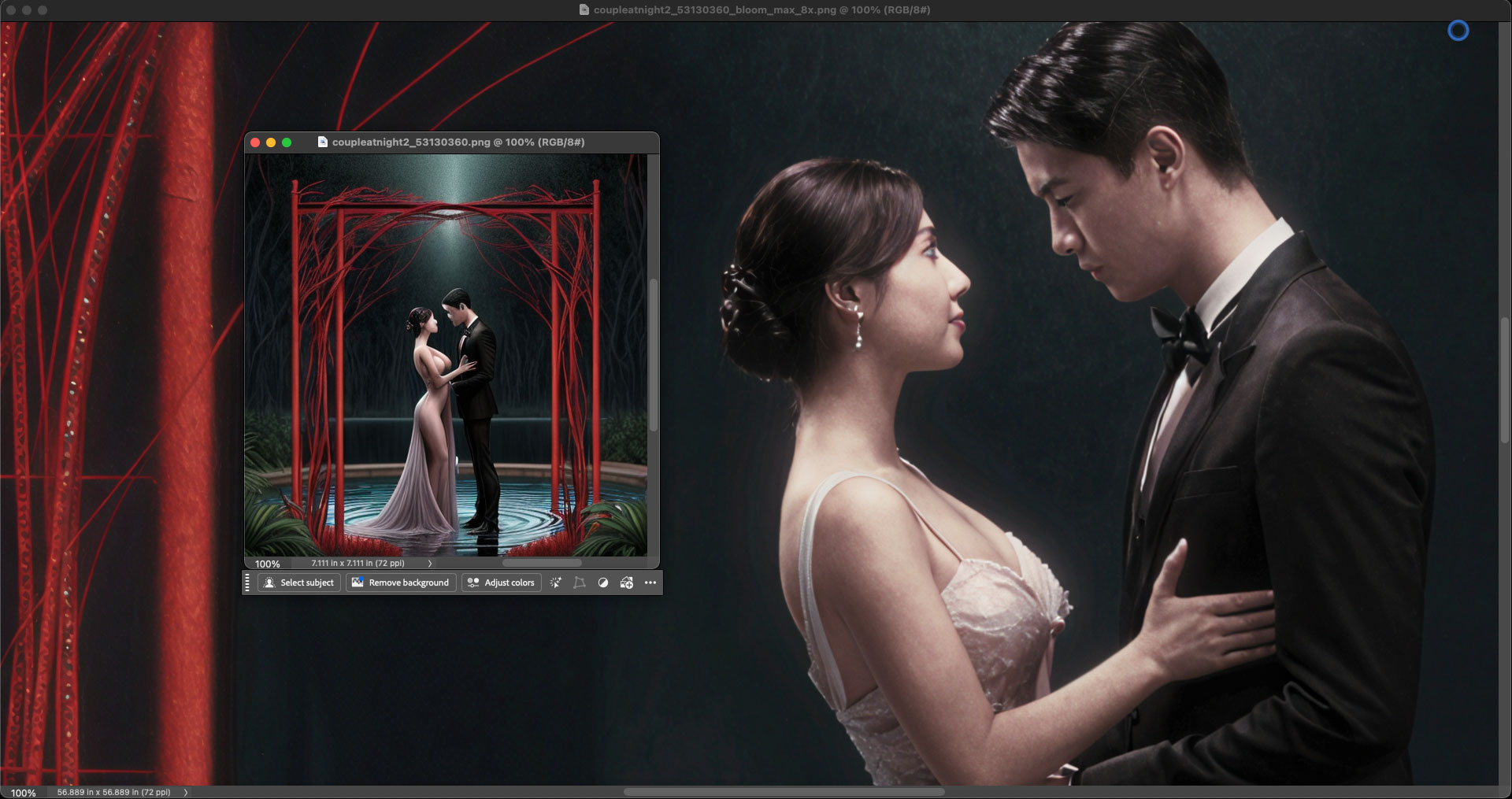
And now, a collection of my own 2024-era AI renders of “people” as salvaged by Bloom at 8X! Some of the original faces were very bad, others less so, but all came out way better than before.
Note the image names on the enlarged versions in the screenshots for info about the particular model and scale combination used.
(Note: For the sake of honesty in presentation, the original AI renders and Bloom results were not prepped or retouched in these screenshots, though all could use some Levels work and minor spotting, etc. Please view the results at 100% for the best detail):
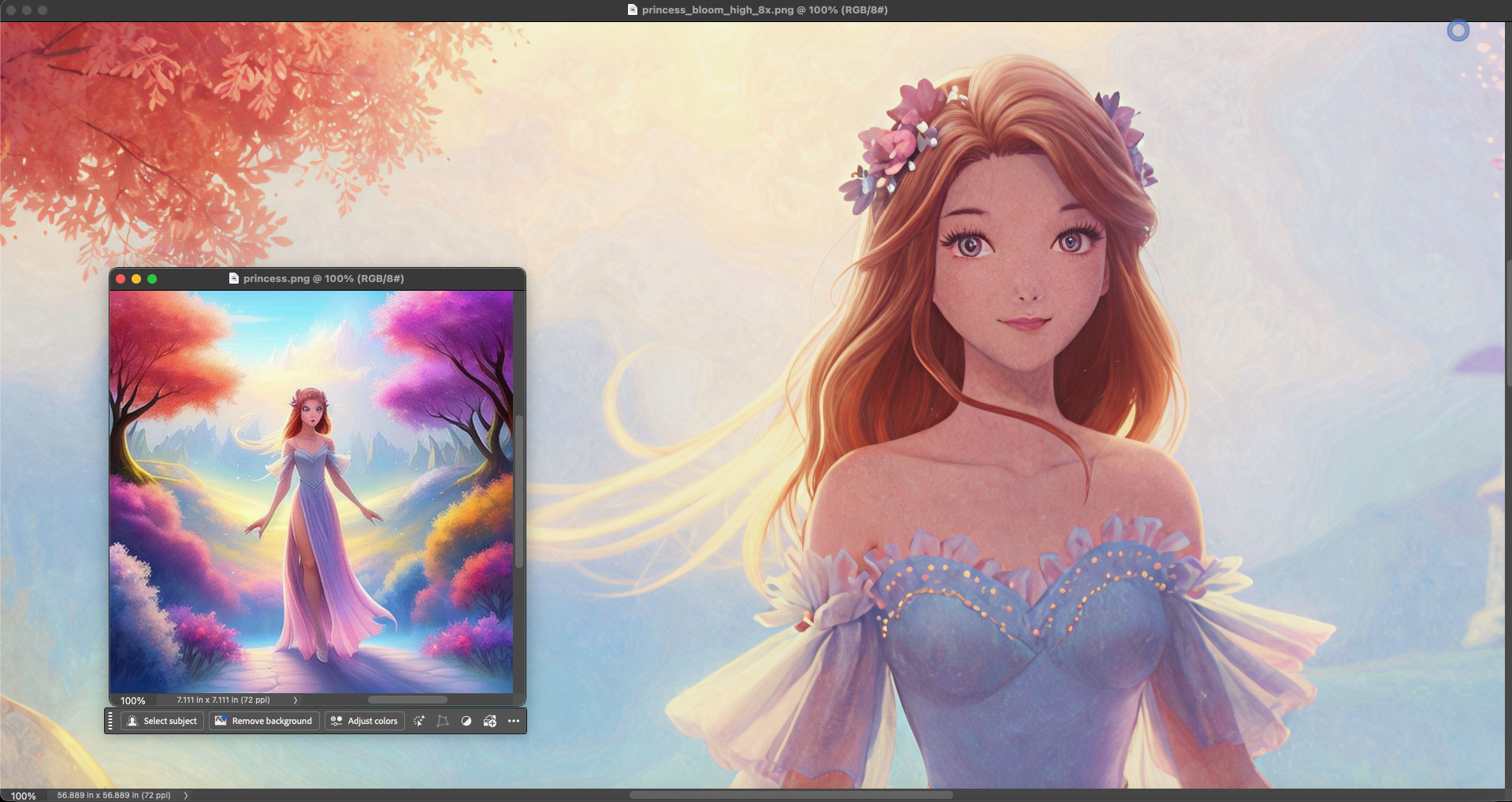
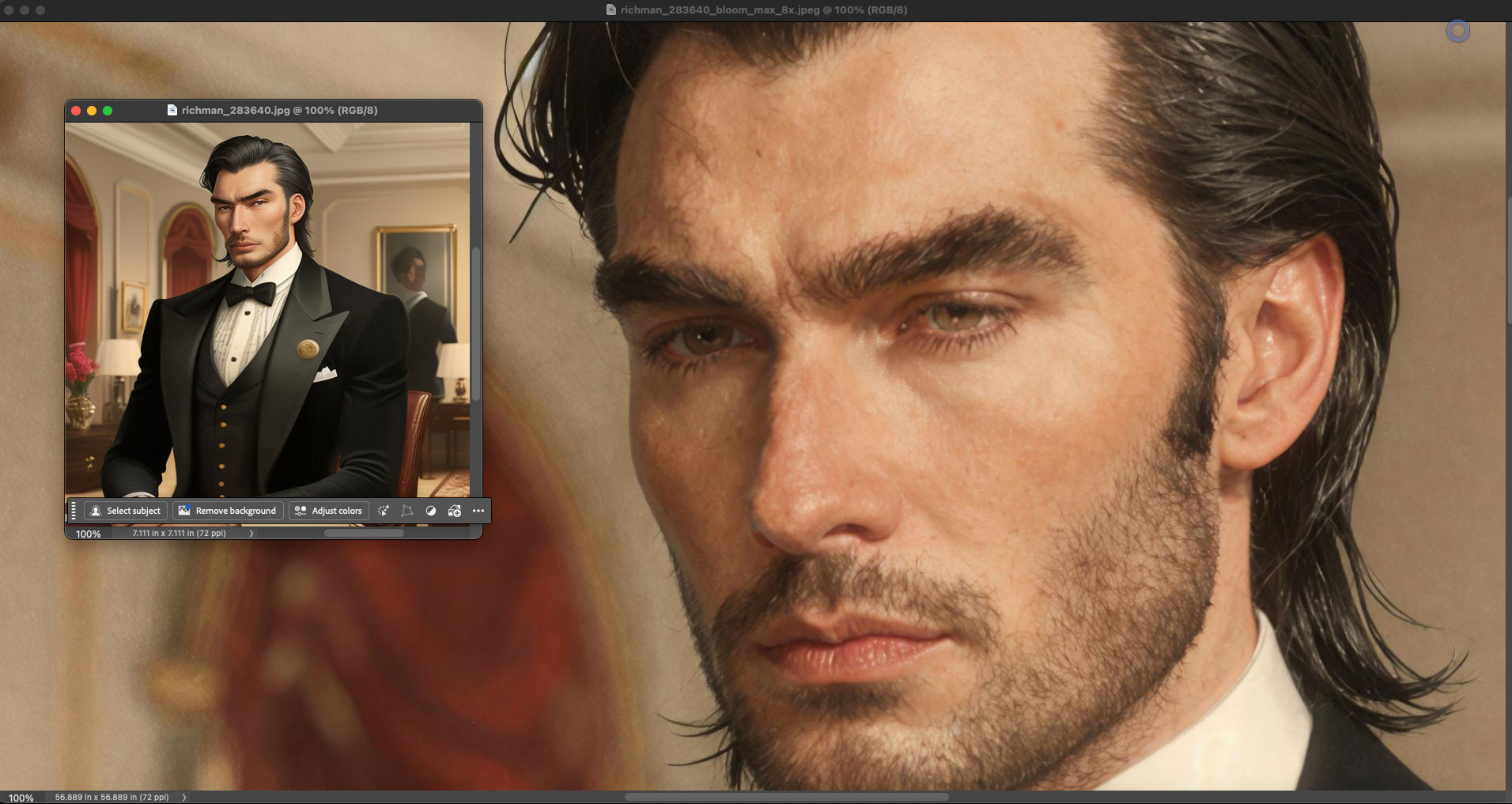
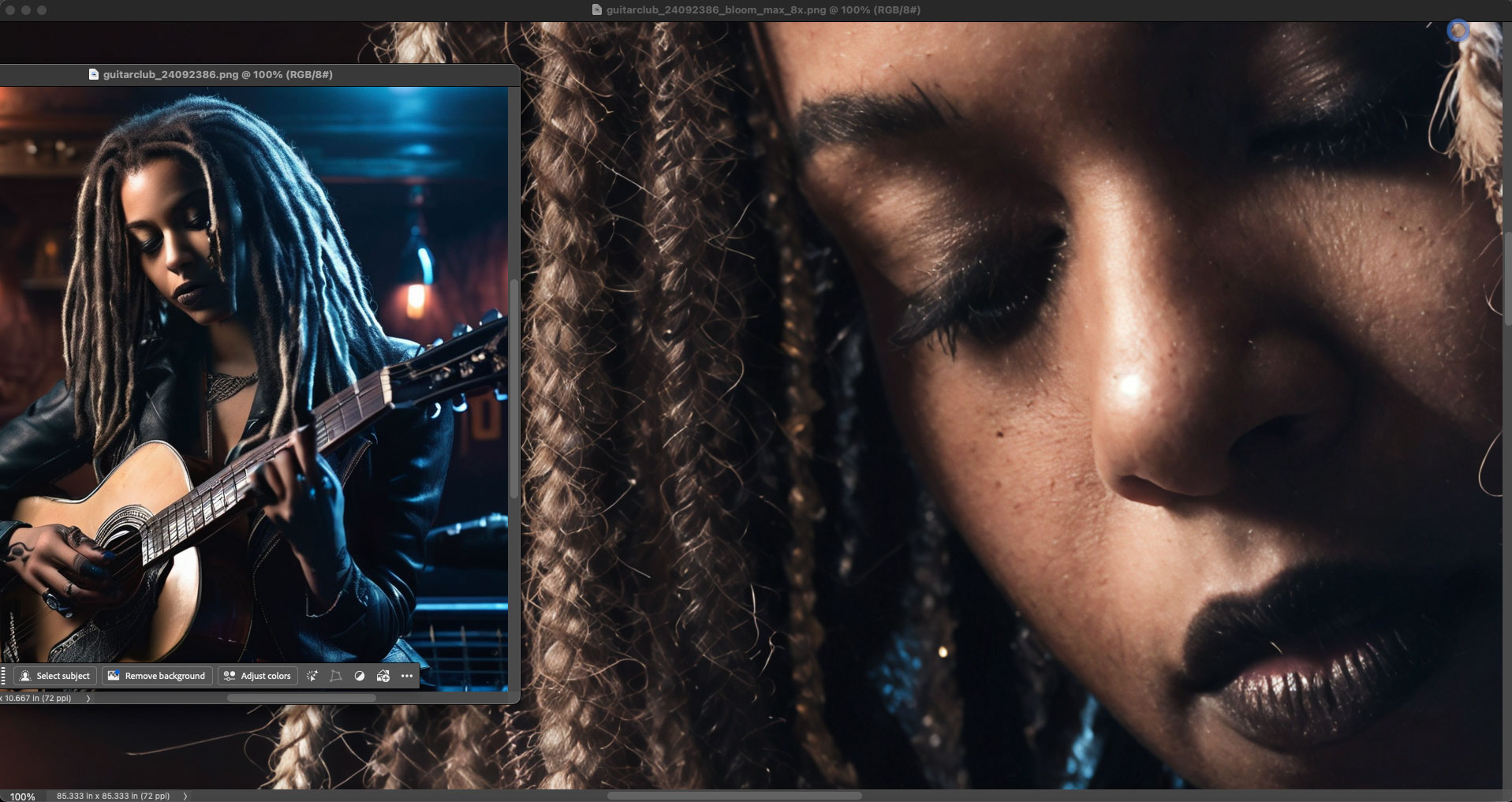
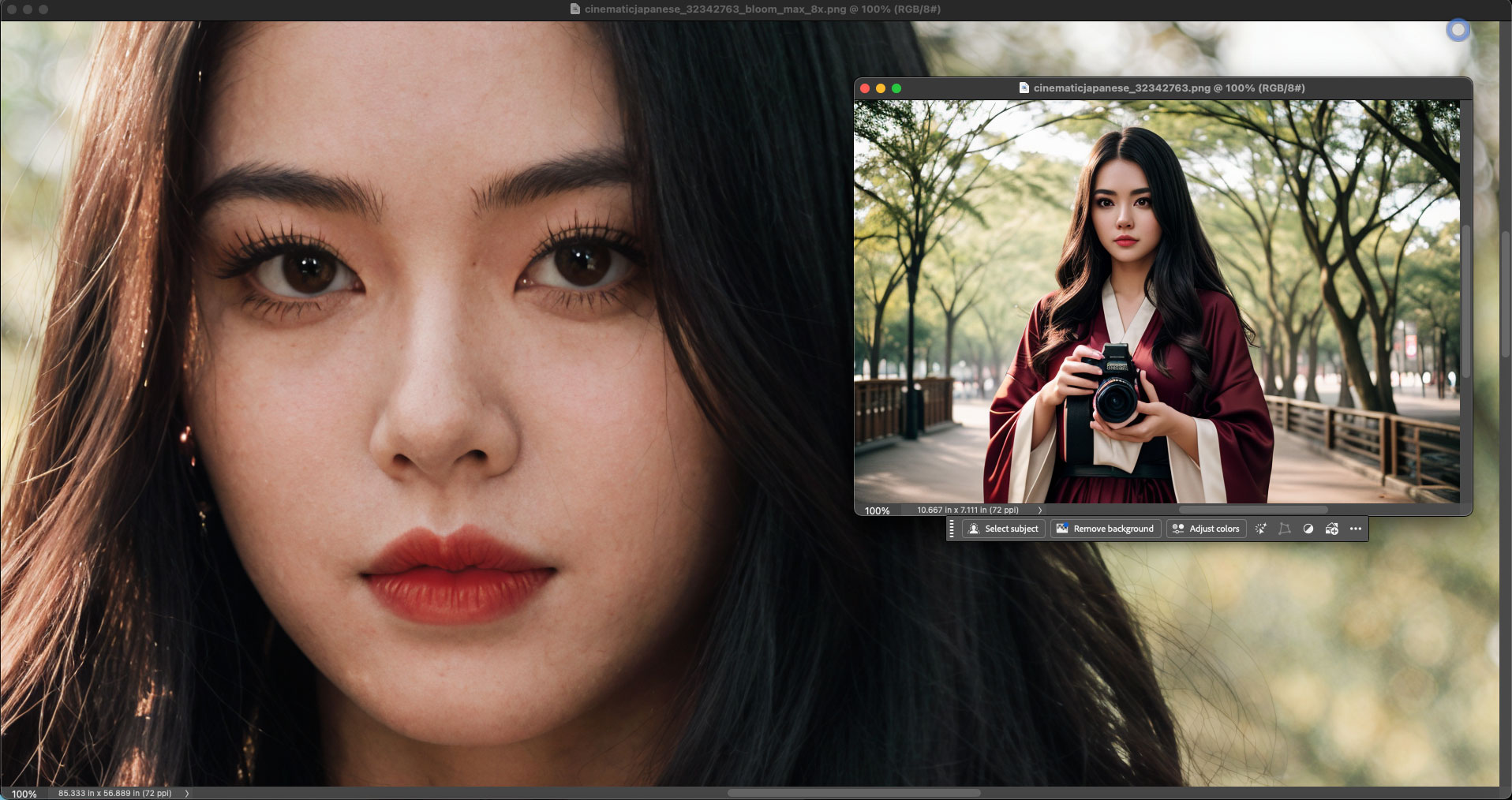
If your AI work can benefit from the incredible upscaling and restoration technology offered by Bloom, move fast to catch the current Holiday Sale!