
As I write on this Mother’s Day weekend, three of my favorite image editing app developers are having flash sales that you don’t want to miss! Topaz, Radiant Imaging Labs and ON1 are running attractive specials on their various software. Let’s do a quick overview:
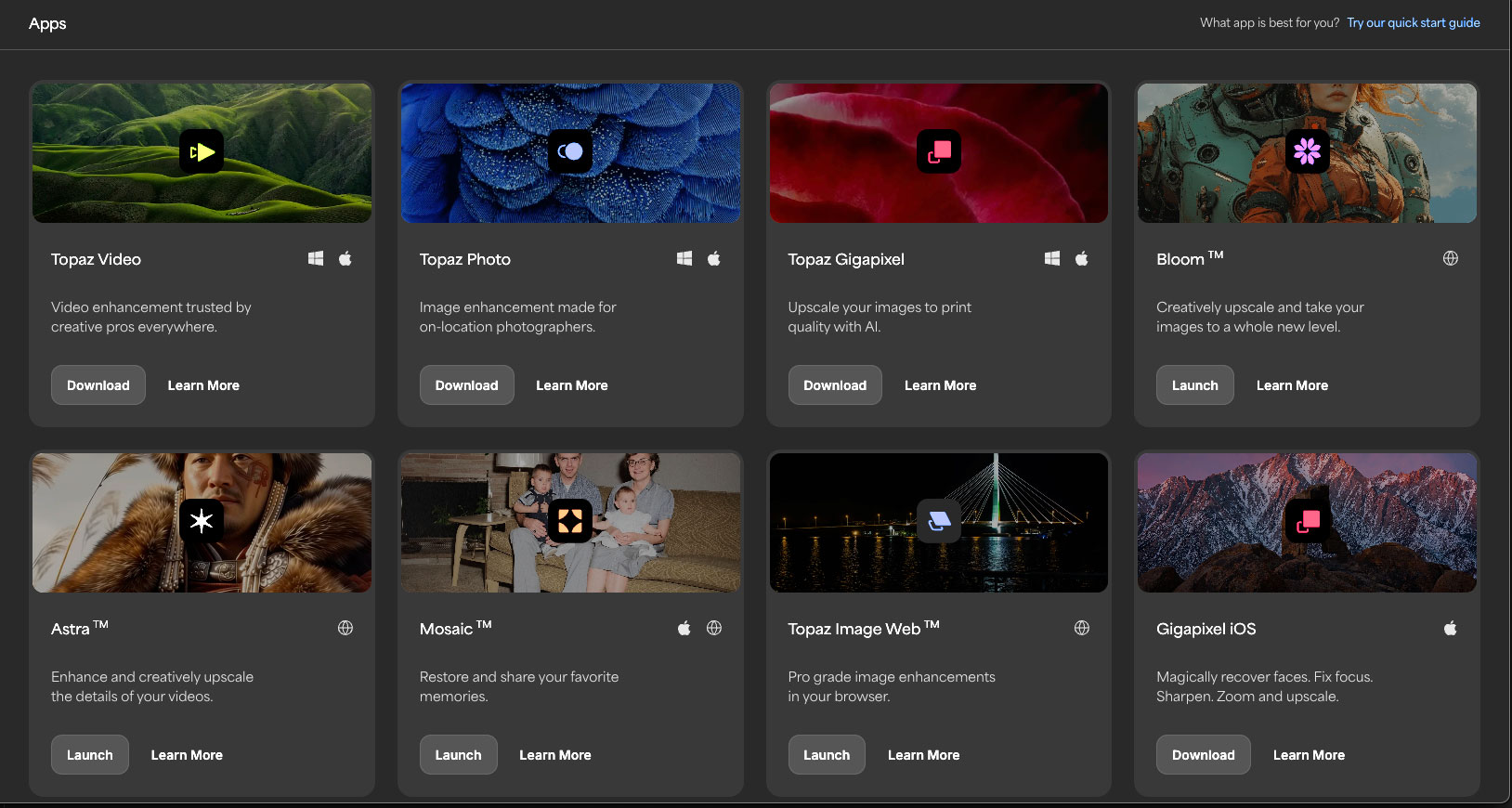
NEXT-GEN AI MODELS IN TOPAZ IMAGE WEB (sale ends 5/22)
The latest image models are now in Topaz Image Web. “Open your browser, drag and drop assets and pick from next-gen enhancements. Discover brand-new AI models built on modern architectures, trained specifically to enhance real-world photos while preserving their fidelity. All presented with a simple user interface, streamlined workflows and batch rendering”:
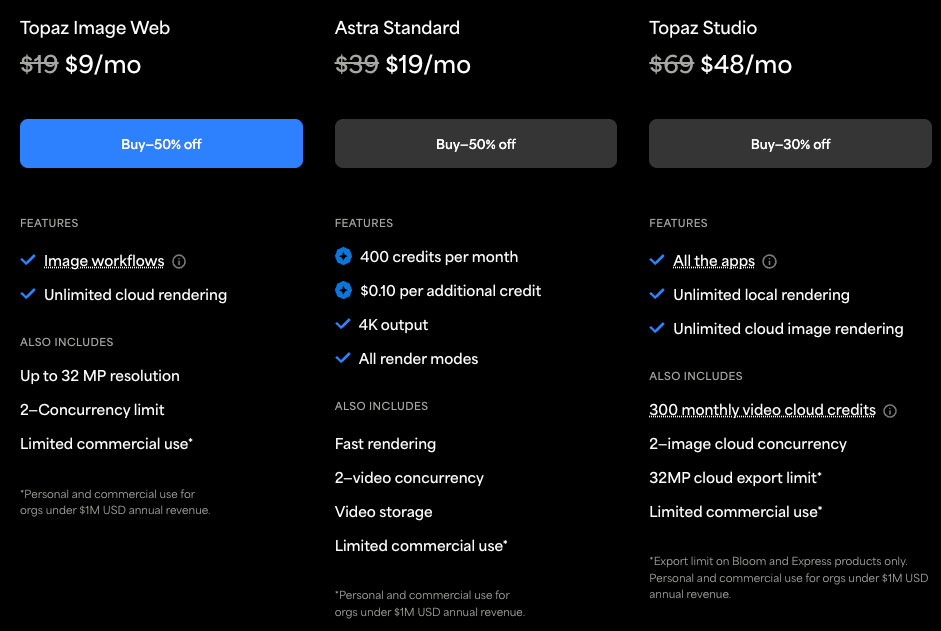
Here are the sale pricing options:
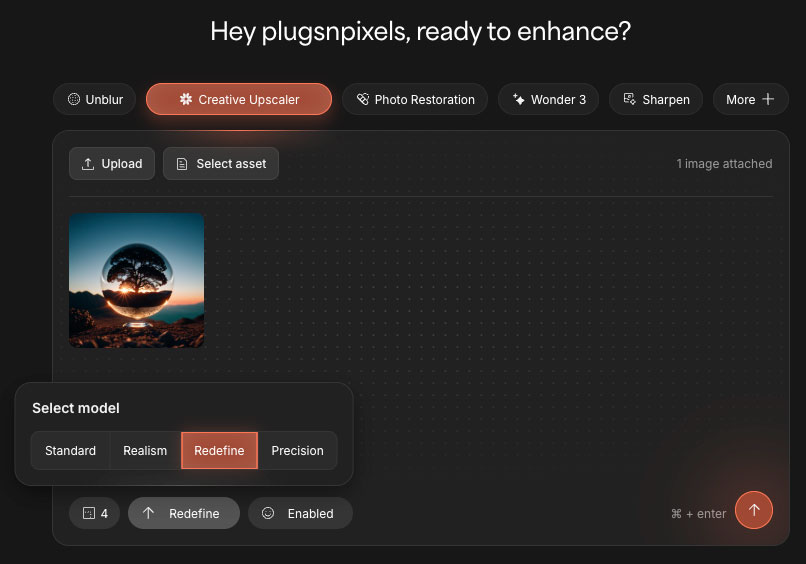
This is my own example of using the Creative Upscaler to make one of my older AI renders 6X larger:
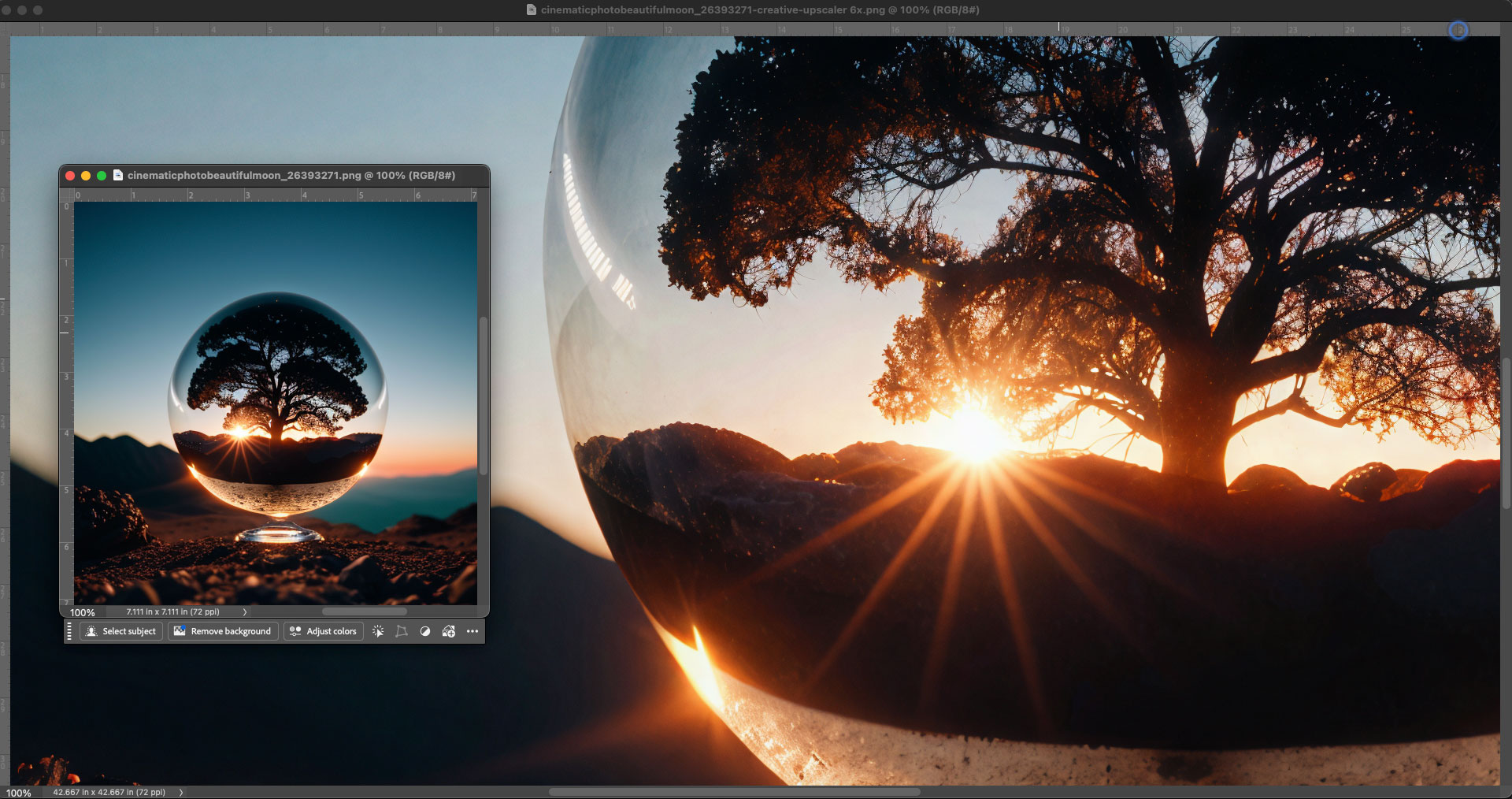
You are no longer limited by the small default output sizes from various AI engines! View this side-by-side comp (and other images in this blog) at 100% in a new tab or window:
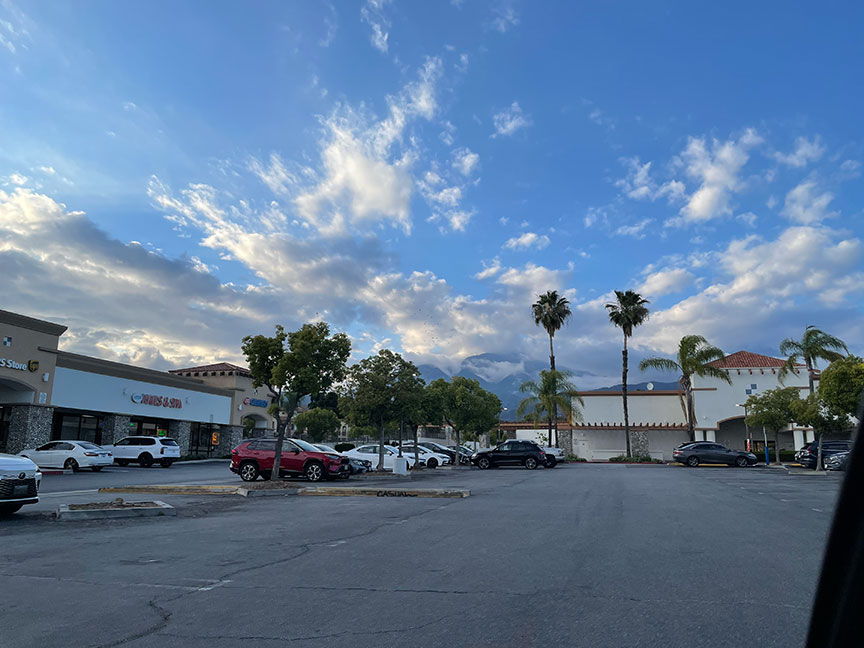
Here is an example of using Topaz Gigapixel (the desktop app version with cloud rendering) to enlarge and enhance a small crop from this iPhone original (shown here full-frame, reduced):
The Gigapixel result at 4X (wow!):

Now to make this result pop even further, I brought it into Radiant Photo 2 (accessed as a Photoshop plug-in):
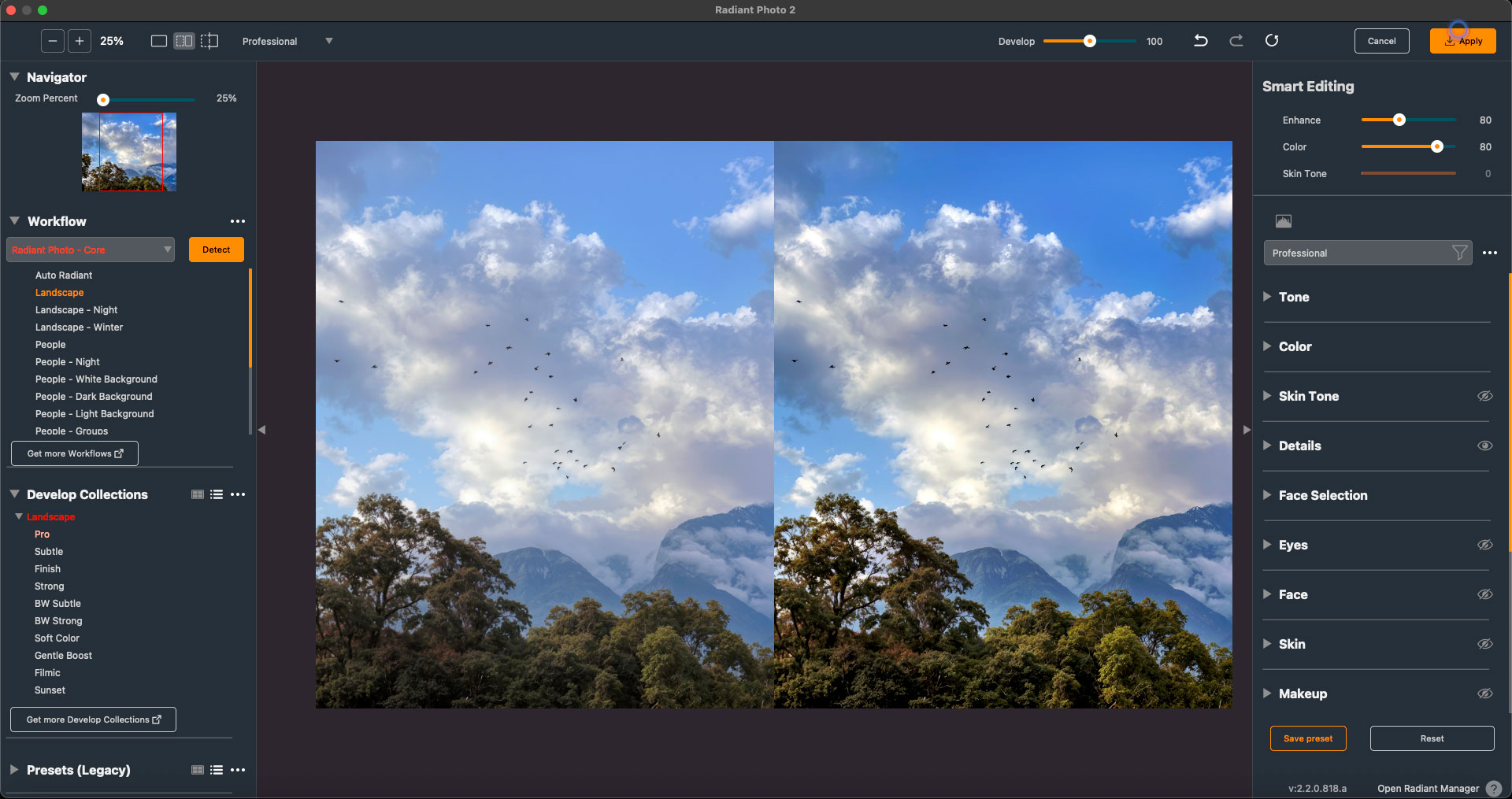
Speaking of Radiant Photo, this weekend (through 5/11) you can access the Mother’s Day Edition plus the Portrait Looks add-ons for only $99:

According to Radiant (and in my own experience), “the newest version 2 is fast, intelligent, true-to-life. Assistive AI, natural color, no cloud uploads, no over-editing. The promise: stunning results the moment you open your photo”.
Radiant Photo 2 analyzes the image, restores natural color, brings back balance and detail and gently softens imperfections without making the photo look “edited.” It’s especially good with skin tones and faces but works on all subjects.
The current Flash Sale offers:
Bold Portrait Looks
20 unique Looks
For emotive, contemporary skin tones
Black and White Portrait Looks
8 timeless Looks
Gallery-worthy Black & White Looks
All this for just $99 (Total value: $189)
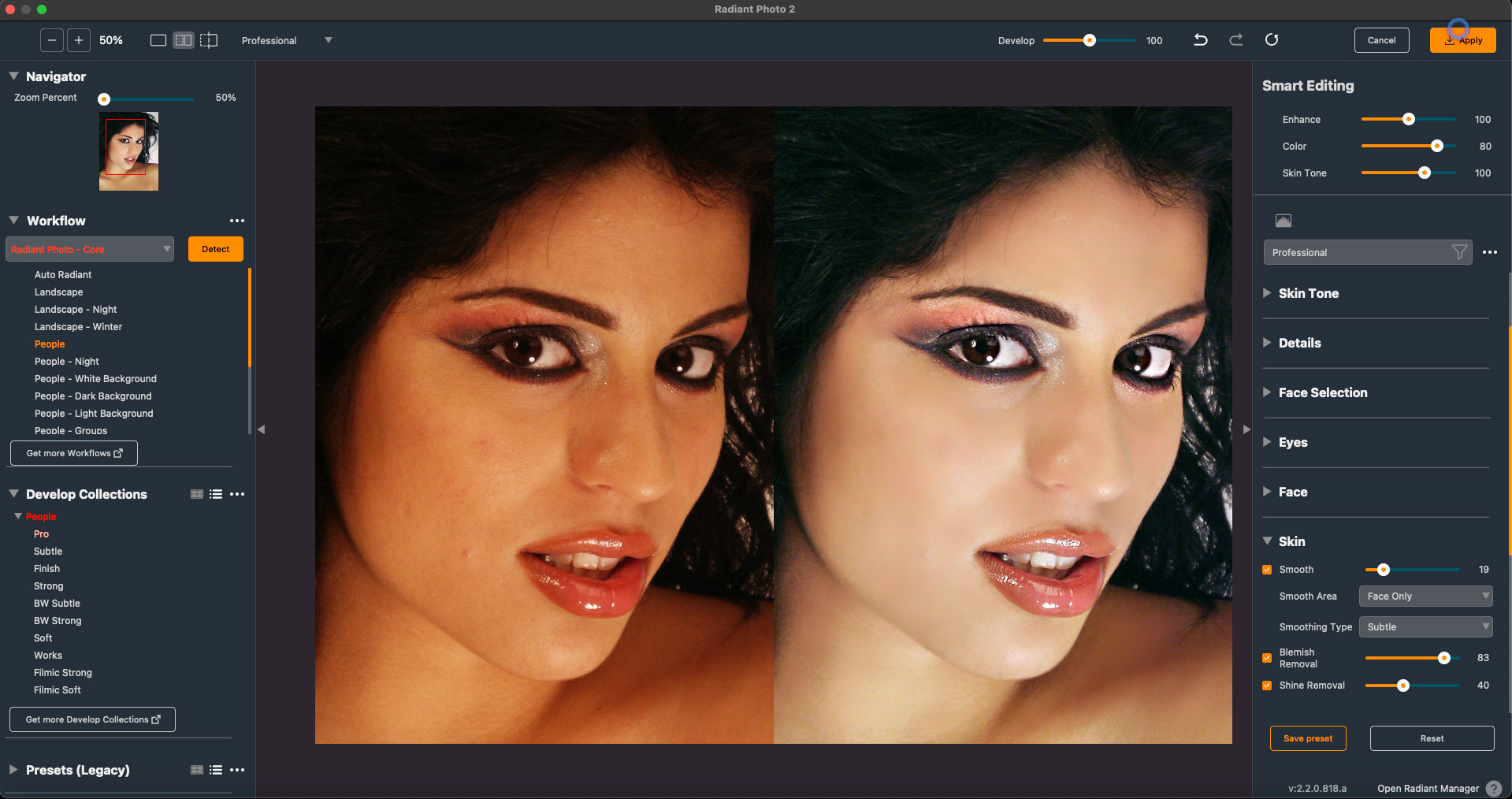
An example of Radiant Photo‘s built-in “People” Develop Collection working its magic on a two-decade-old early digital portrait:
Next we have Photo RAW 2026 which developer ON1 is positioning as “Your All-in-One Alternative to Adobe – No Subscription Required!” Their deal has been extended, so don’t wait for it to end again!

“Tired of complicated tools, endless menus and rising monthly fees? You’re not alone. More photographers are actively looking to move away from Adobe. Monthly costs keep adding up, and many feel locked into plans they don’t want. What should feel creative starts to feel like work—too many steps, too much friction. Photography should be enjoyable, not something you wrestle with or keep paying for.
ON1 Photo RAW 2026.3 gives you a better way. It replaces both Lightroom and Photoshop in one easy-to-use app—so you can edit faster, enjoy the process and skip the subscription.”
This is indeed true and a great deal at $49.99 (!). I use Photo RAW mainly as a creative outlet for completely transforming my decades-old film-based images, which are pretty rough, into something usable. The ON1 suite covers pretty much all of my image editing needs, from browsing folders of saved images, to exposure and tonal adjustment, noise reduction, lens correction, upscaling, color grading, overlays and much more.
Here is an unedited 1990s 35mm negative scan (reduced):
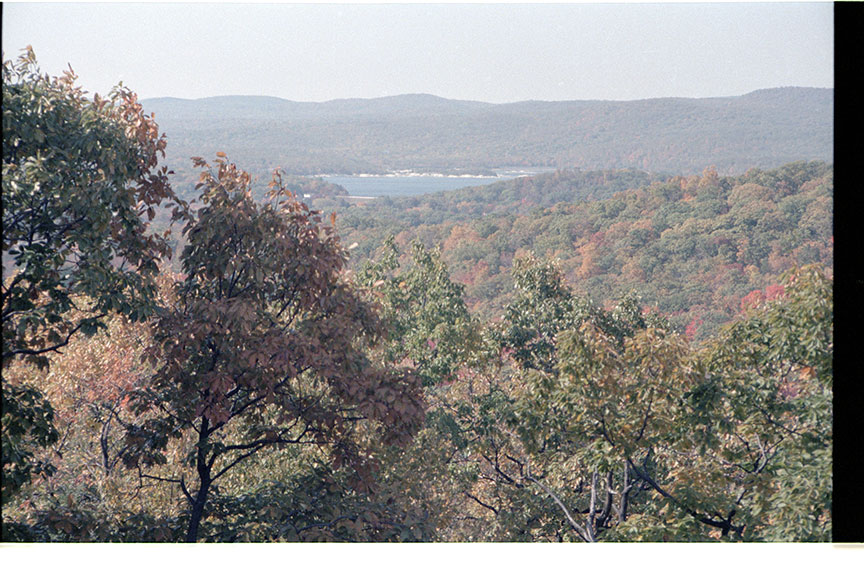
For the sake of illustration I did some radical edits, starting with cropping, then applying a Retro preset (turning the negative into a slide) which I then further modified and manually adjusted, also replacing the empty sky before finishing up with some rain for a total transformation:
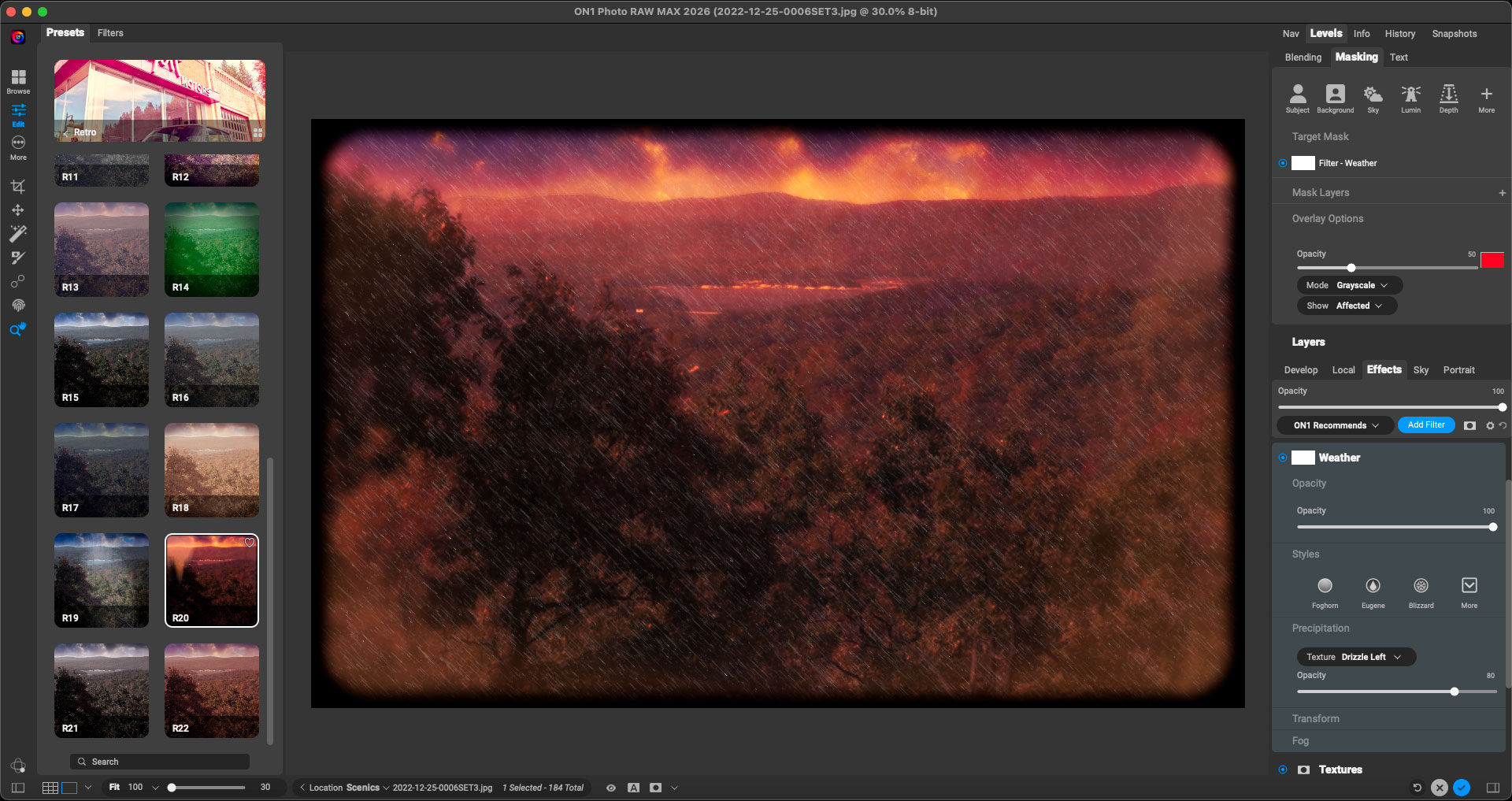
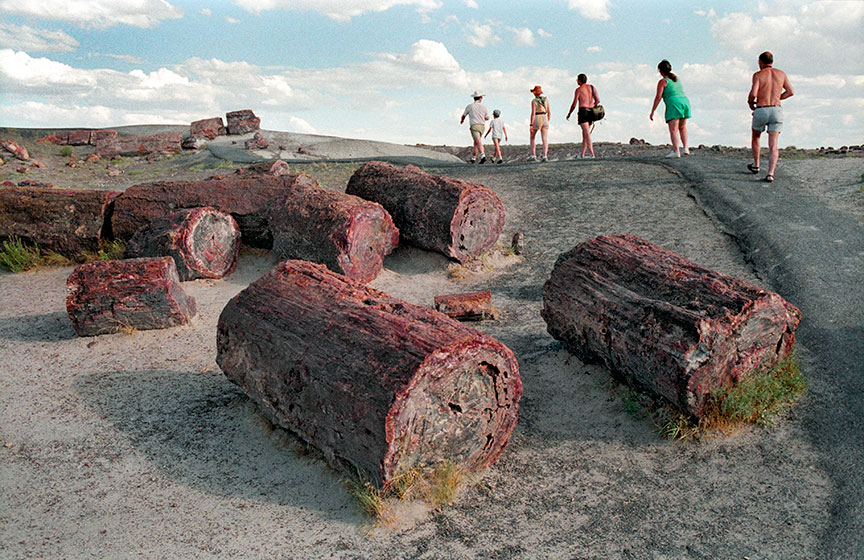
Photo RAW 2026‘s Resize option (also available as a standalone app) is among my top go-to solutions for upscaling. Here is another film scan, the original (reduced) and a couple of tight crop views from the background of a 6X upscale, seen at 100%:
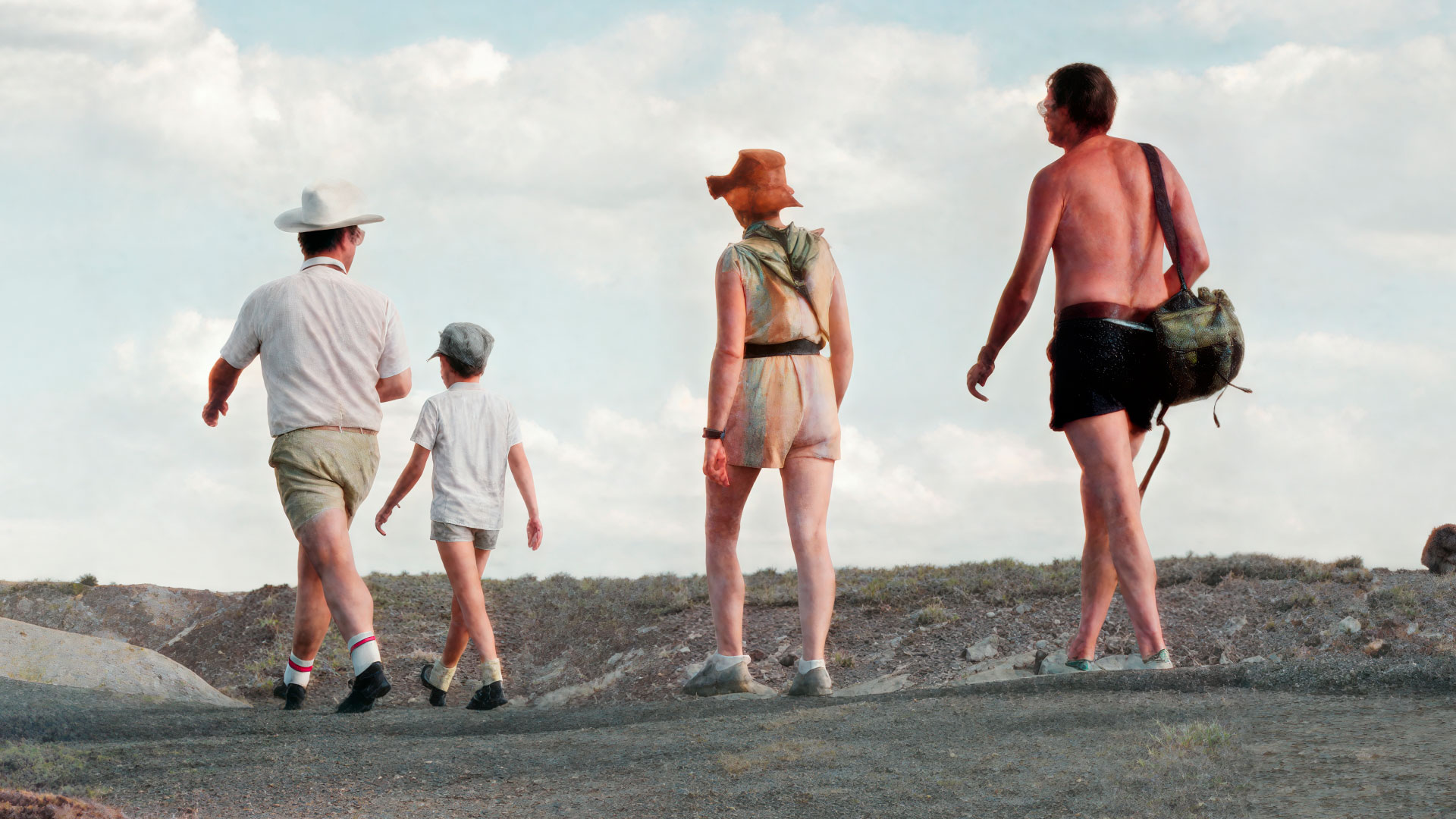
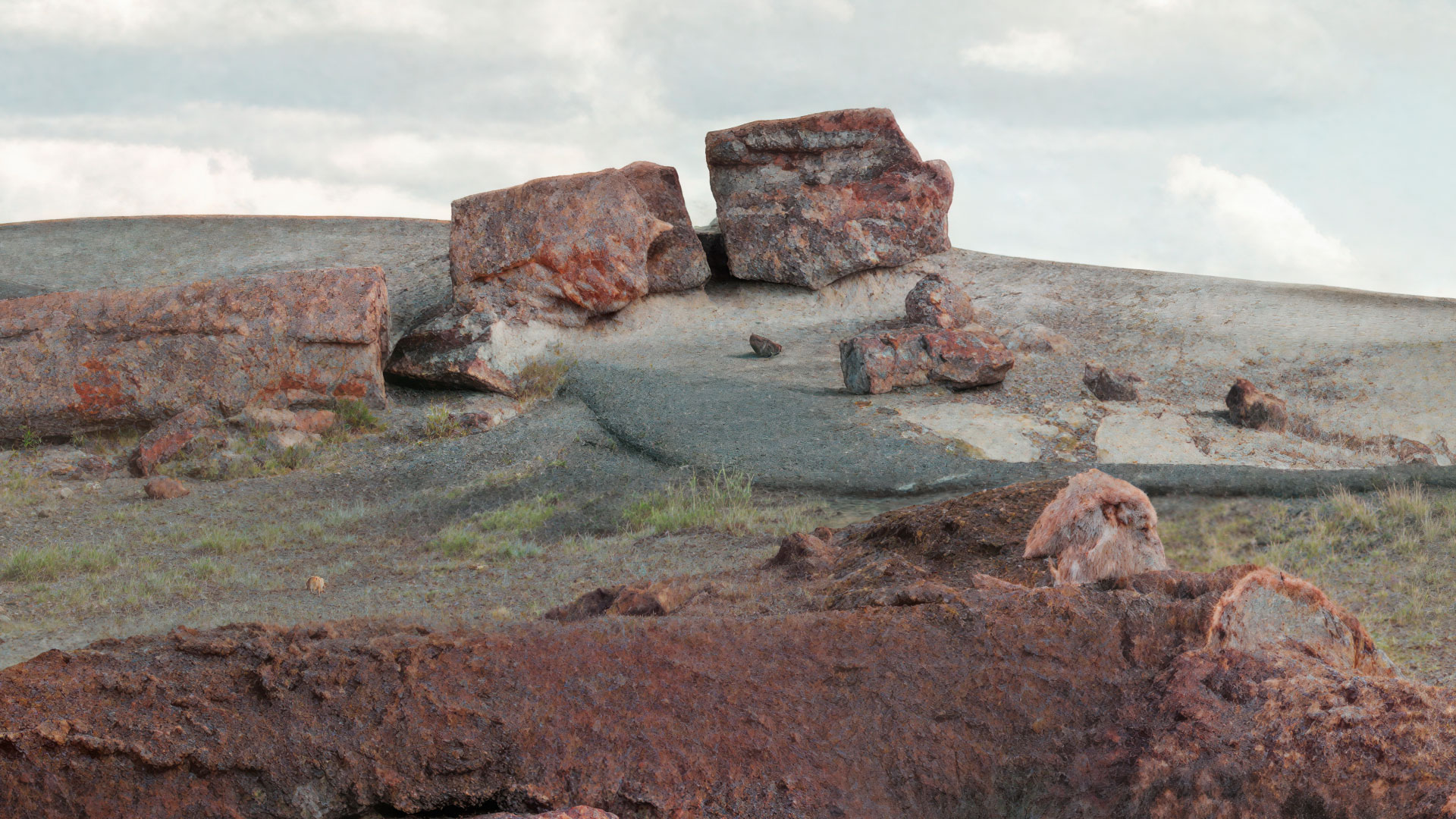
All of these tools are great to have on hand to address your challenging photos and work together well. It is very helpful to compare results among them and choose the best, as each app has its strengths and weaknesses.
Move fast to take advantage of these current flash sales!