
We don’t need to wait until Black Friday for some discount action! Summer sales are on right now from some of the top image editing software developers.
A quick overview before I show some examples of what these apps can do:

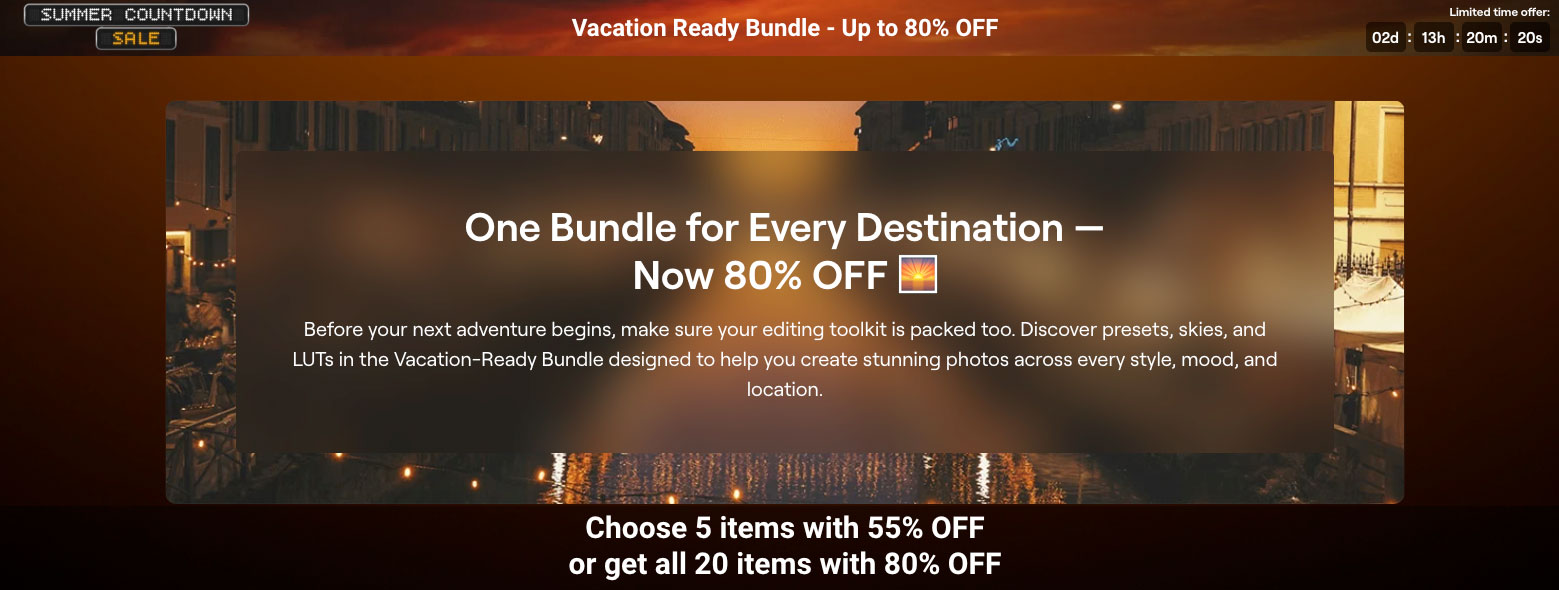
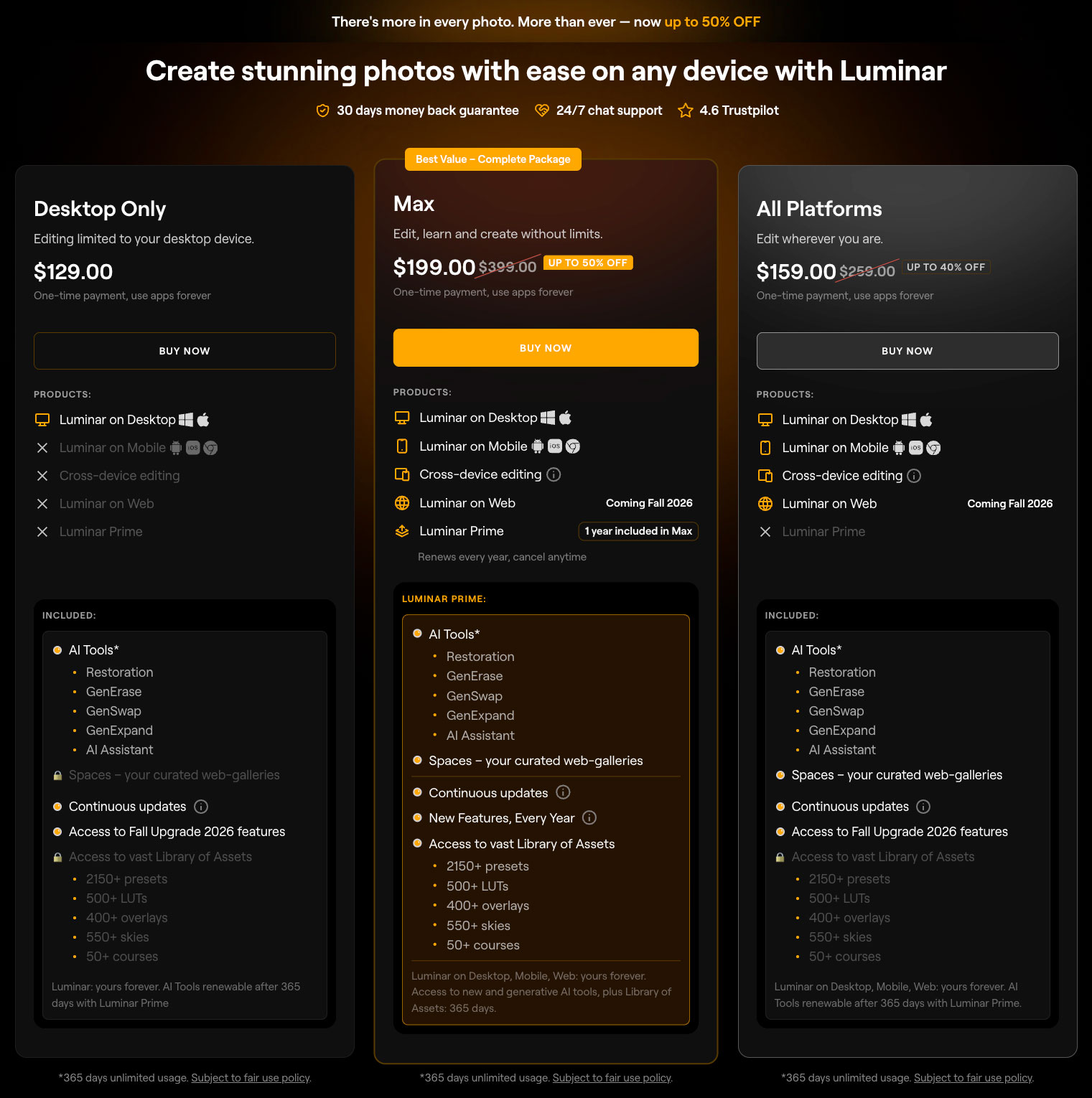
Skylum’s Luminar Neo has recently received an interface update and rebranding as simply “Luminar“. Skylum has launched a pre-order for the Fall Update featuring the long-awaited Web Editor and Printing, as well as new tools like Fog effect, Composition tool, AI Assistant 2.0 and upgraded Masking. The current offers last through 8/31 and include “Get up to 80% OFF Vacation-ready Bundle for a limited time” and savings of up to 50% off various package configurations.
Here’s what’s new:
- A redesigned experience – cleaner navigation and a smoother editing workflow
- More realistic Generative Al – natural textures, believable light, and seamless results
- Up to 25% faster exports – deliver your finished photos even sooner
- Preset previews up to 4x faster – discover your perfect look in seconds
- Improved performance – Masking now uses up to 33% less RAM for faster, smoother editing
- Improved the three plans for new users and introduced Prime for existing users, a subscription option that adds value while keeping product ownership
This was a pleasant surprise indeed!

Next up is Radiant Imaging Labs’ Radiant Photo app and plug-in.
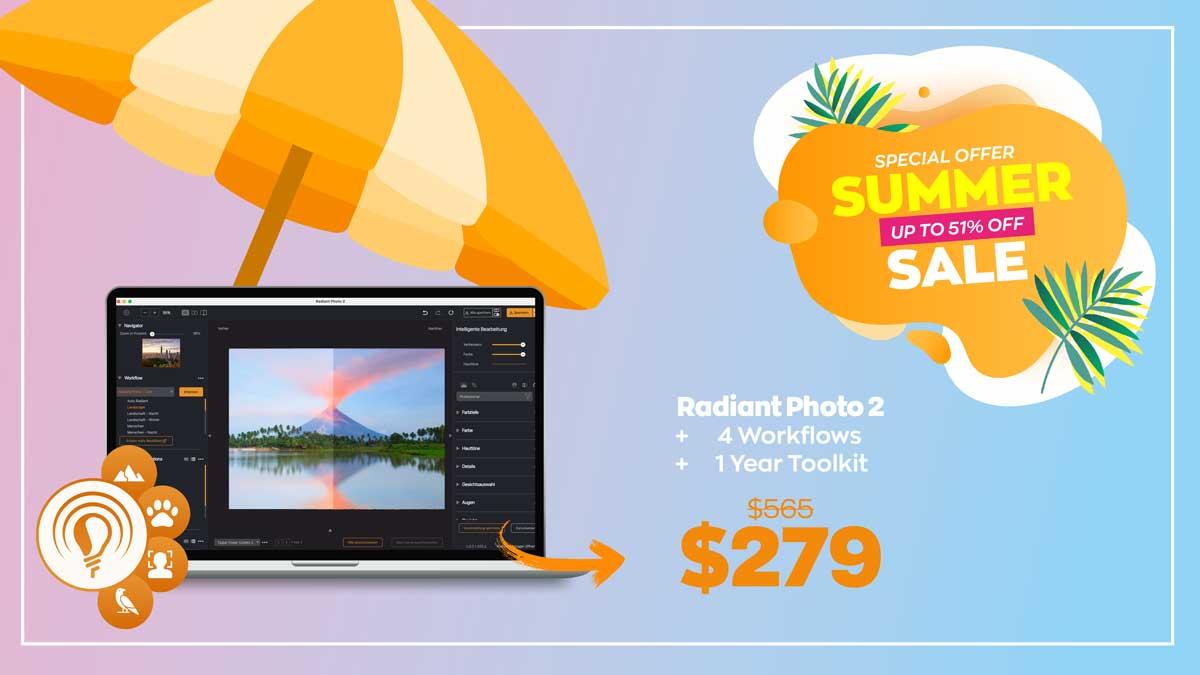
This summer through 8/17, you can get the complete Radiant Package at the lowest price of the year so far:
Radiant Photo 2
Four Workflows
1 Year Toolkit
Starts at $119 – and the complete Package is now only $279 instead of $565.

There’s no need to spend hours fiddling with controls. Open your image, view it, get it done—with a touch of elegance.
It’s very important to keep an eye on ON1 also as they are one of the long-time, still standing independent developers who offer full editing suites to rival the mud-brick gorilla in the room! They also provide tons of support and training as well.
“You can use ON1 as a complete alternative to Lightroom and Photoshop or as a plugin for Lightroom, Photoshop, and more to speed up your workflow. Whether you prefer a one-time purchase or a feature-packed subscription, ON1 has flexible options to fit your style.”
This summer ON1 updated Photo RAW to version 2026.5 and is encouraging photographers to download a FREE 30-day trial to test it for yourself.
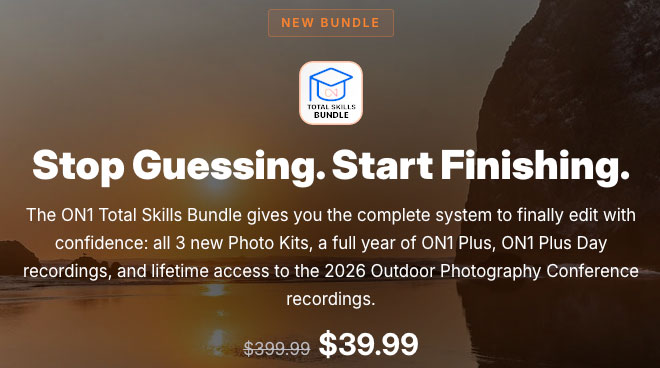
ON1 is also offering a huge discount off its Total Skills Bundle (expires 8/13):
As of August 10, Photo RAW was further updated as follows:
•Fixed an issue where .onphoto files were not generated when transitioning to Edit from Detail view at 100% zoom
•Corrected a defect that prevented edits from saving when entering the Edit module from a 100% zoomed Detail view
•Resolved an invalid error message occurring during Export when using decimal values for Width or Height in Resize
•Fixed an issue where cataloging tasks failed to initiate
•Improved Restore AI to prevent statues from being rendered as actual people
•Refined Restore AI algorithms to eliminate the addition of faces not present in the source image
•This update also includes fixes for the top four reported crashes, significantly increasing overall stability
If you have any or all of these tools, you are all set to dive into your photo collection and salvage filed-away photos that were rejected long ago, or (of course) perform additional corrective and creative editing on your current shots.
I’ve got over 50 years of scanned and digital-sourced images in my own stash and love to dredge them up for some modern treatment! I’ve also come across some historical photos online that beg for a modern touch. Let’s review some examples of where the above apps can work independently and together to create something new and wonderful.
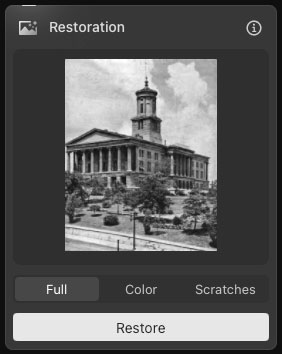
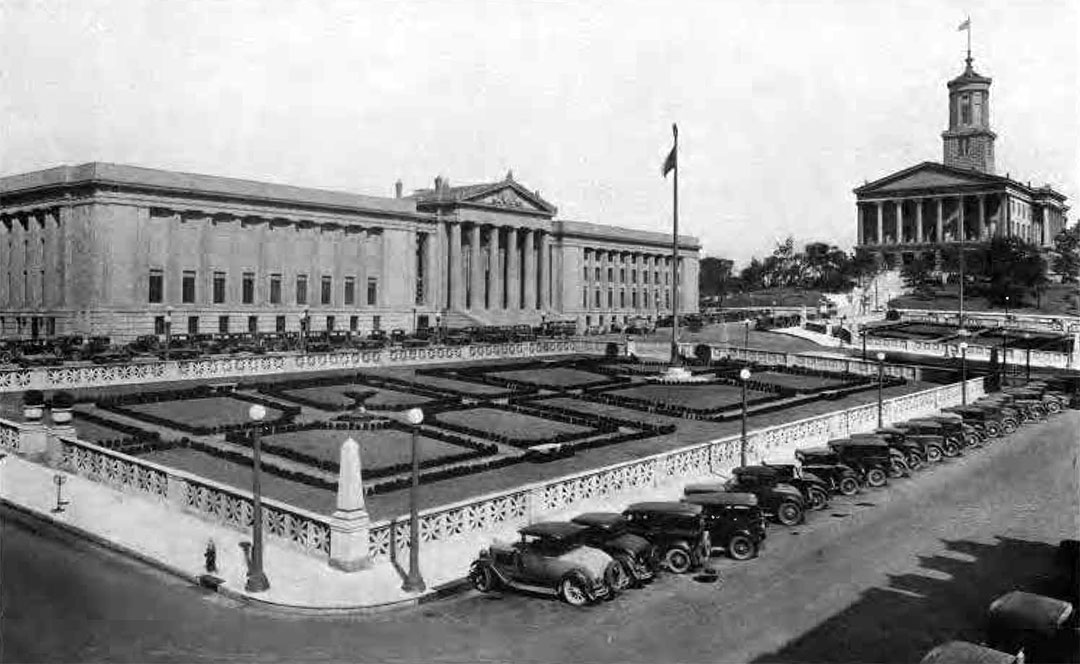
We’ll start the examples with Luminar: This is a JPEG-artifacted, greyscale image of the Capitol building in Nashville that I screenshot from an old family history magazine PDF, as seen in Luminar’s Restoration dialog:
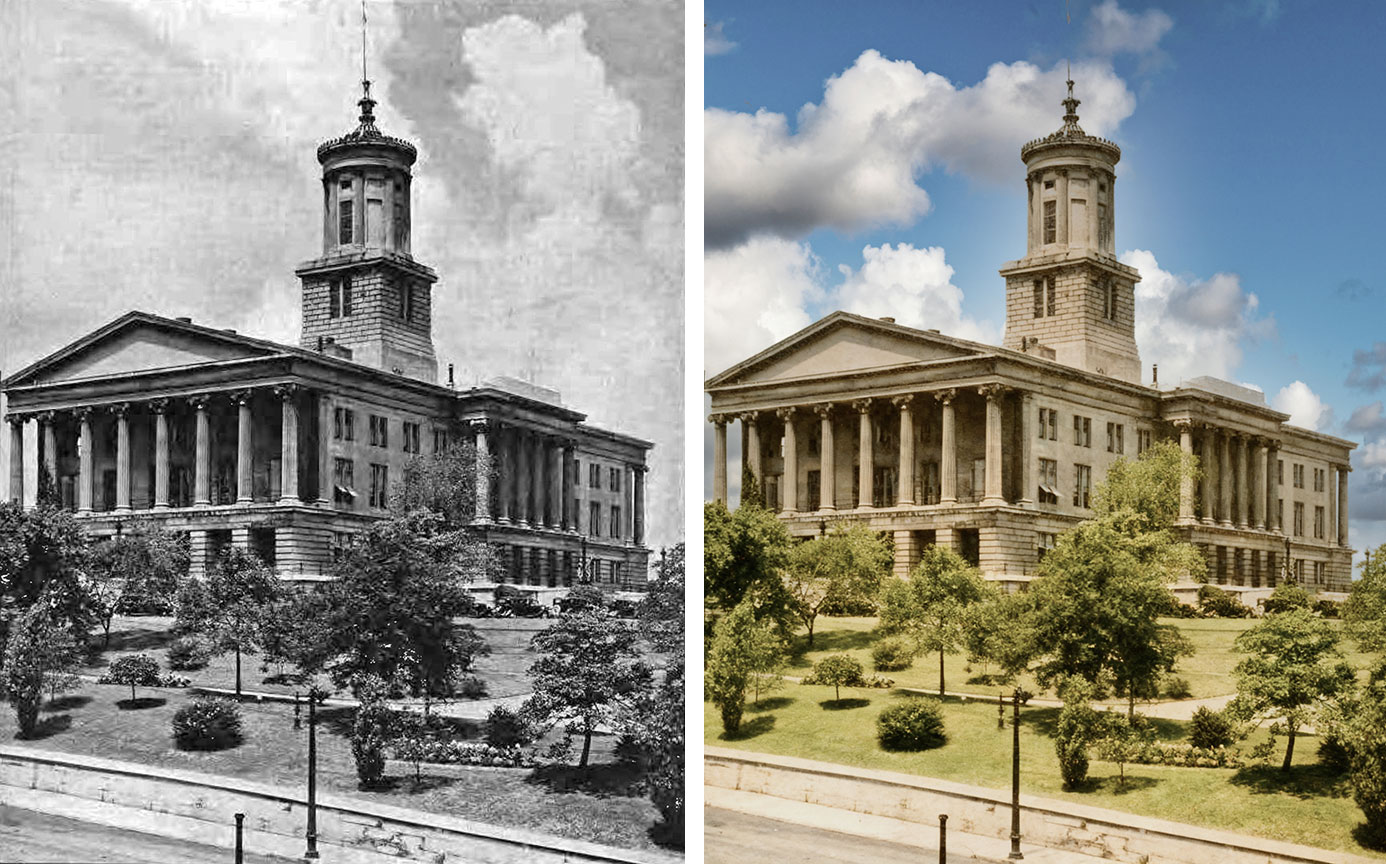
This is the before-and-after result, which includes a sky replacement:
This is another restoration example of an alternate expanded scene from the same PDF:
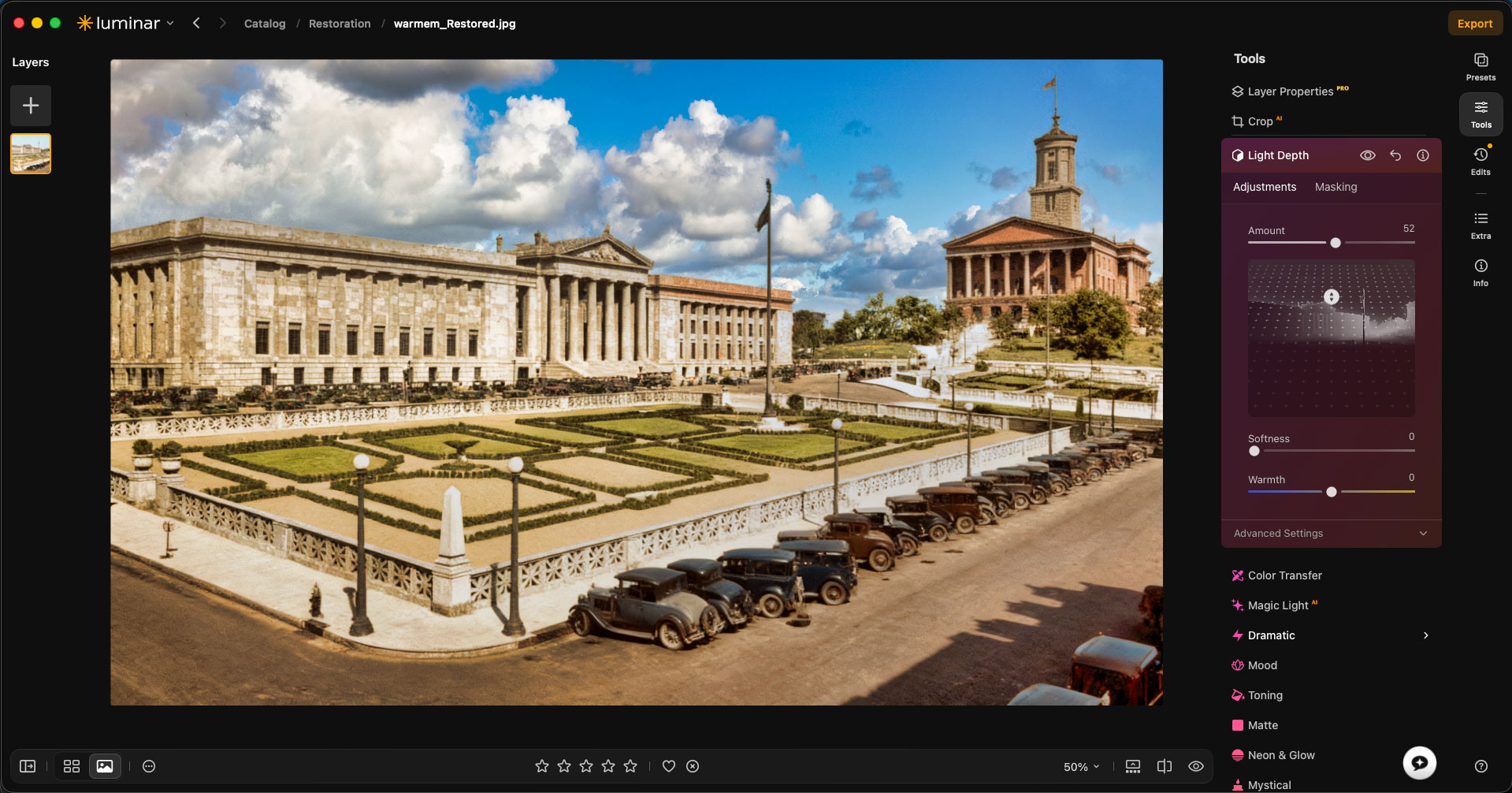
After adding a replacement sky, I performed various other edits, including Light Depth:
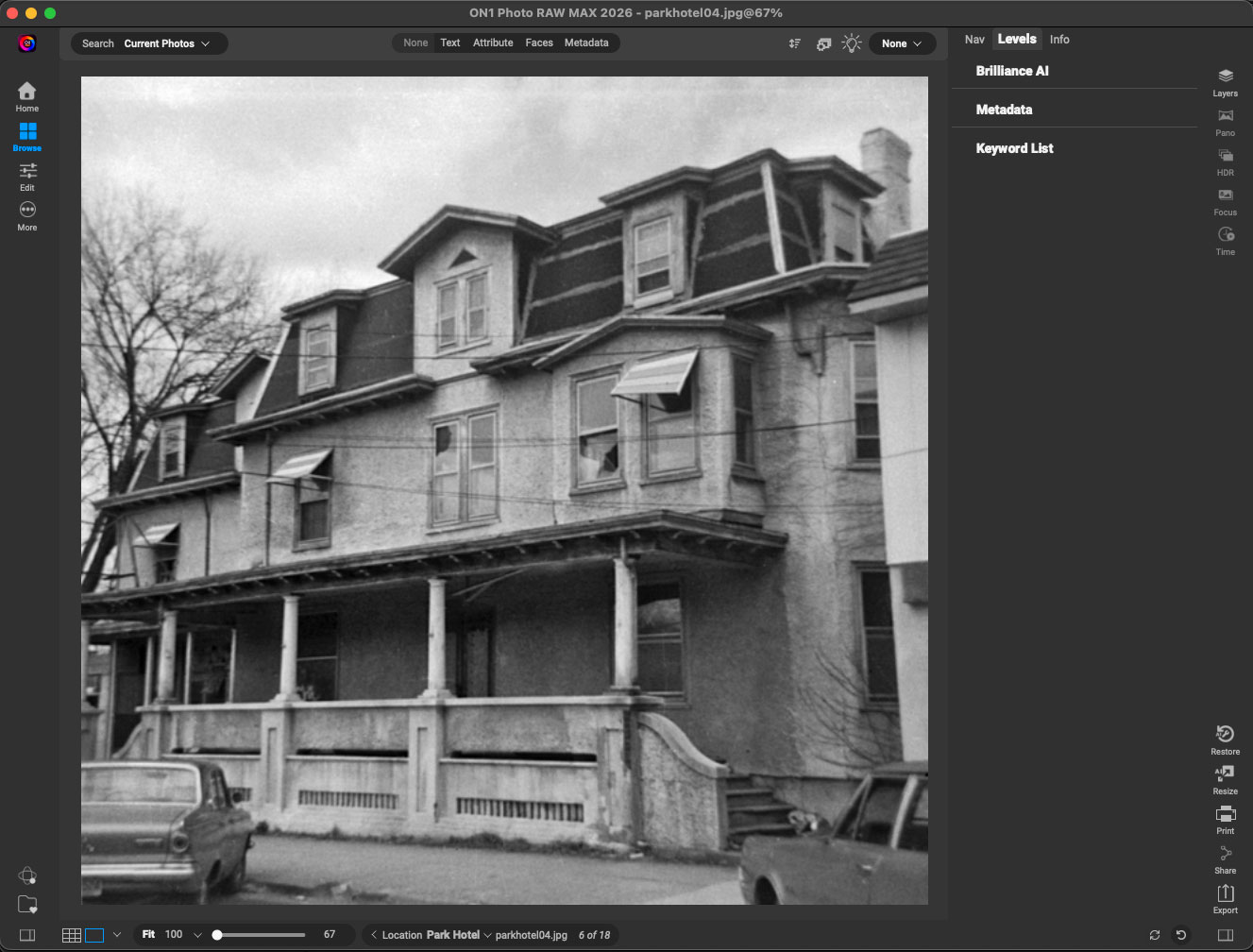
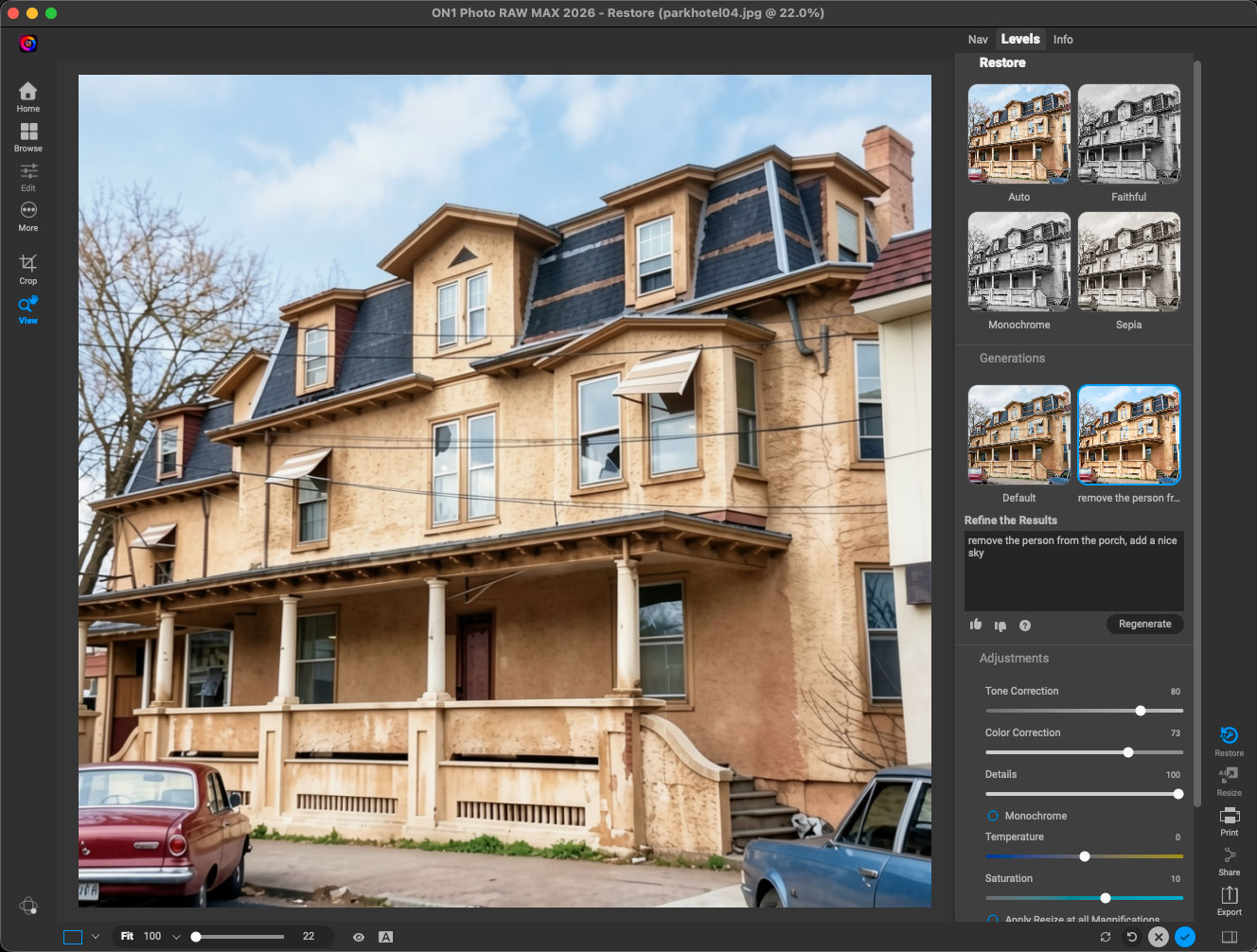
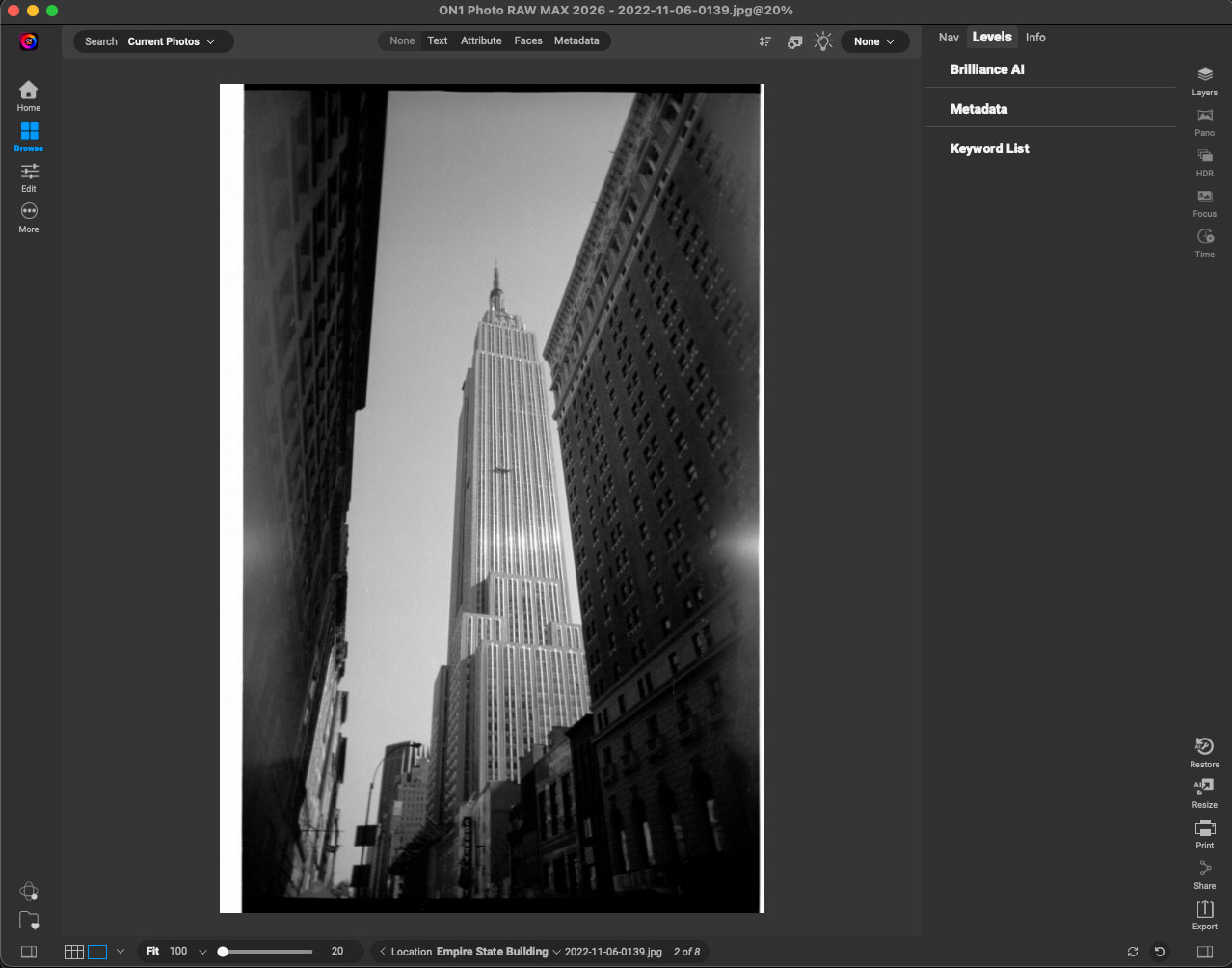
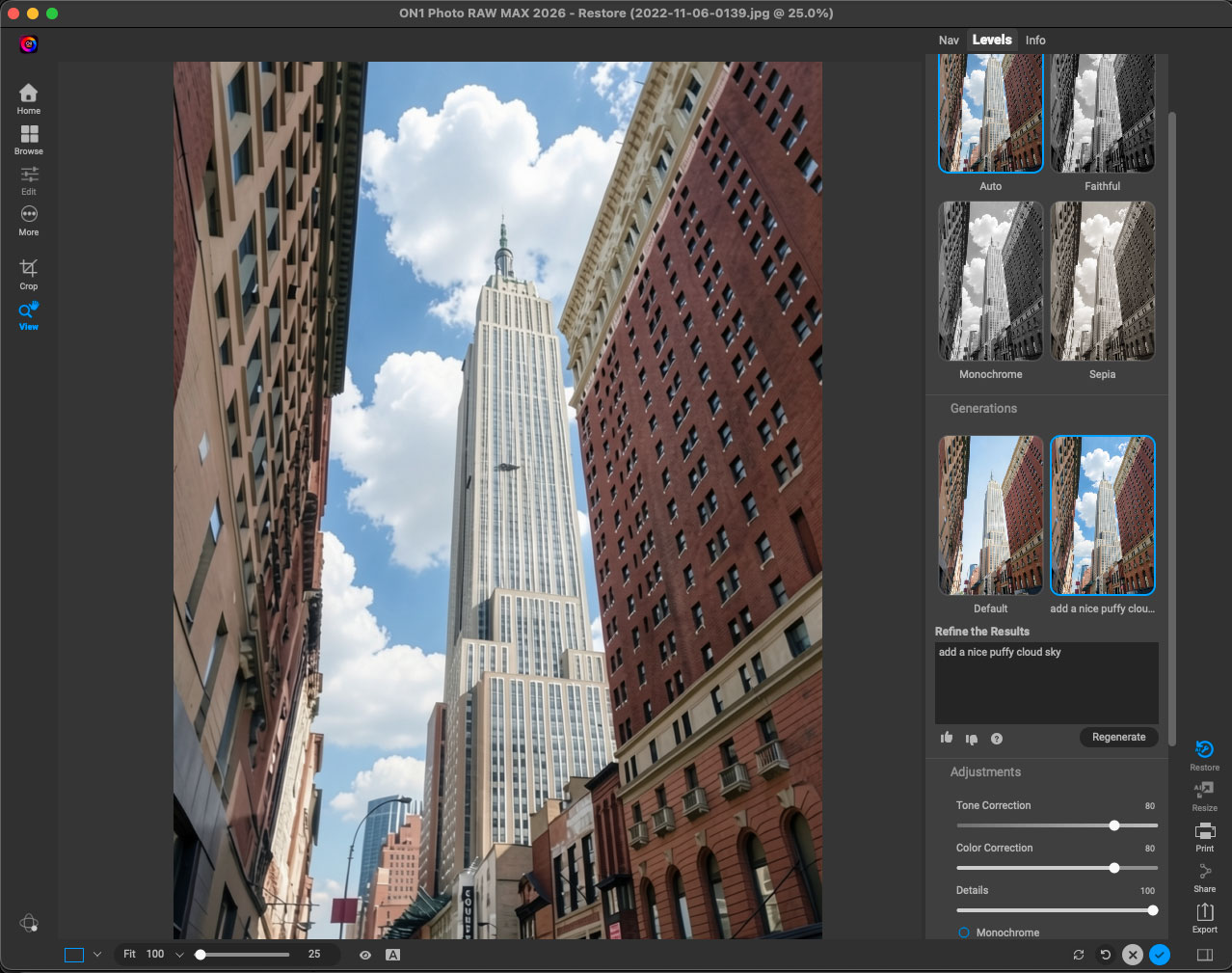
Switching to ON1 Photo RAW, you see the same type of colorization and enhancement taking place, first on one of my earliest photos (late-1974, 126 Instamatic with film I developed myself!) and next on a 1990’s disposable camera shot where I put black-and-white film in the camera body. In Photo RAW you can dialog via text with the app to make and needed changes and regenerate:
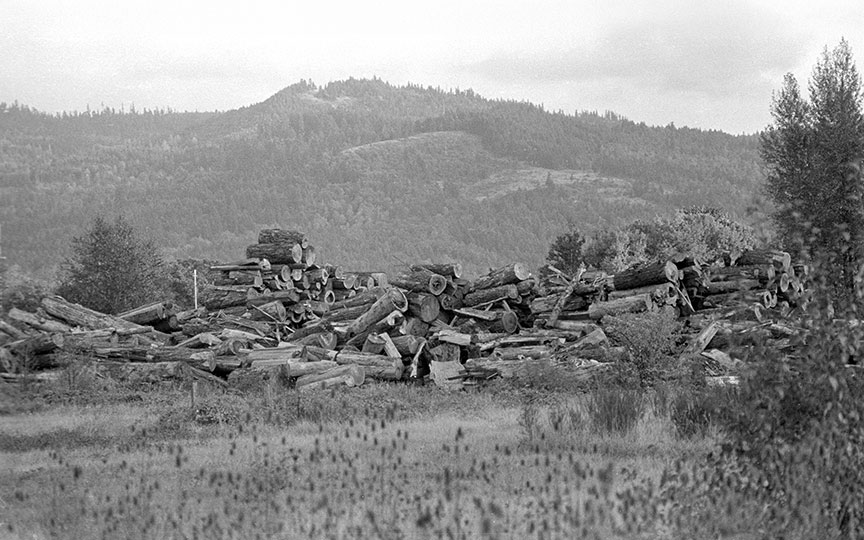
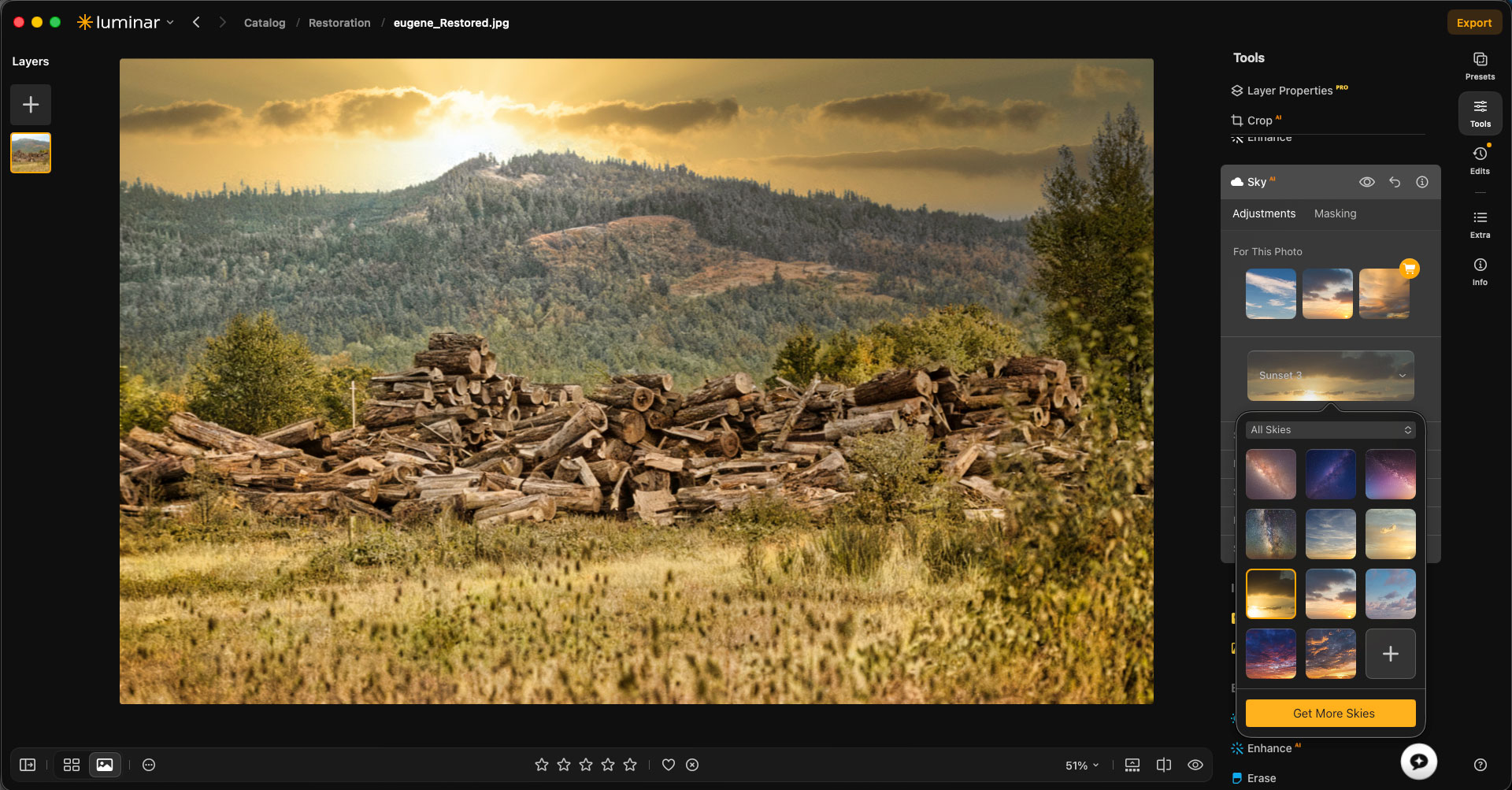
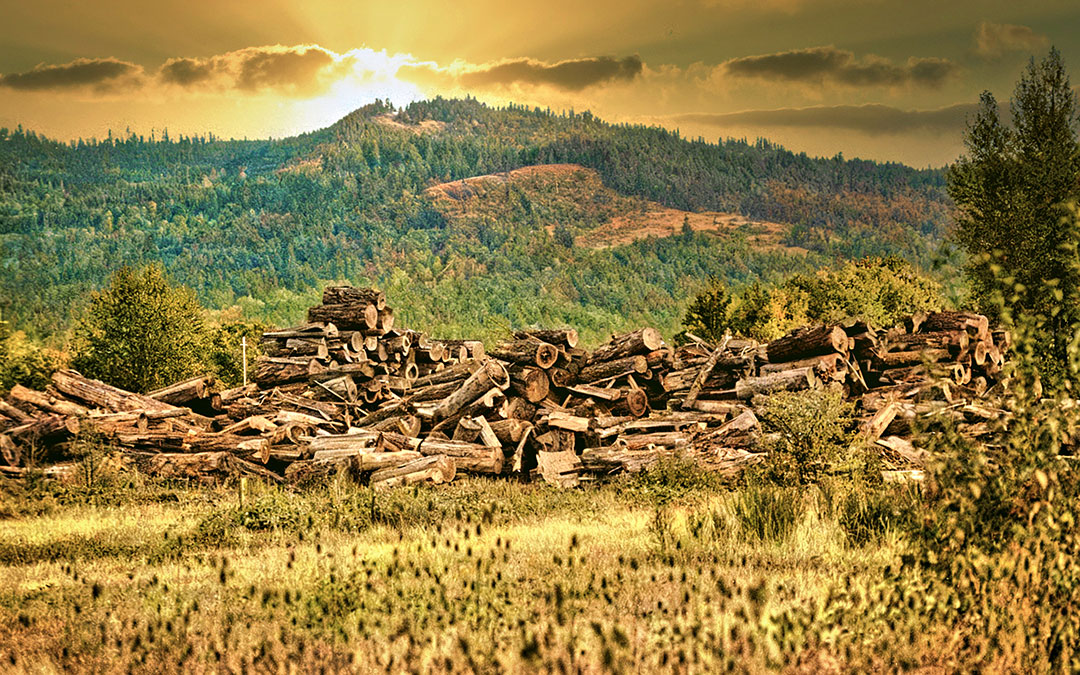
This example from one of my 1983 35mm photos taken in Eugene OR shows colorization again using Luminar, but this time we continue editing with the other apps as well:
While still in Luminar I added various enhancements and adjustments such as Enhance AI, Structure AI, Landscape and Sky AI:
I took that result into Radiant Photo for some additional “pop”:
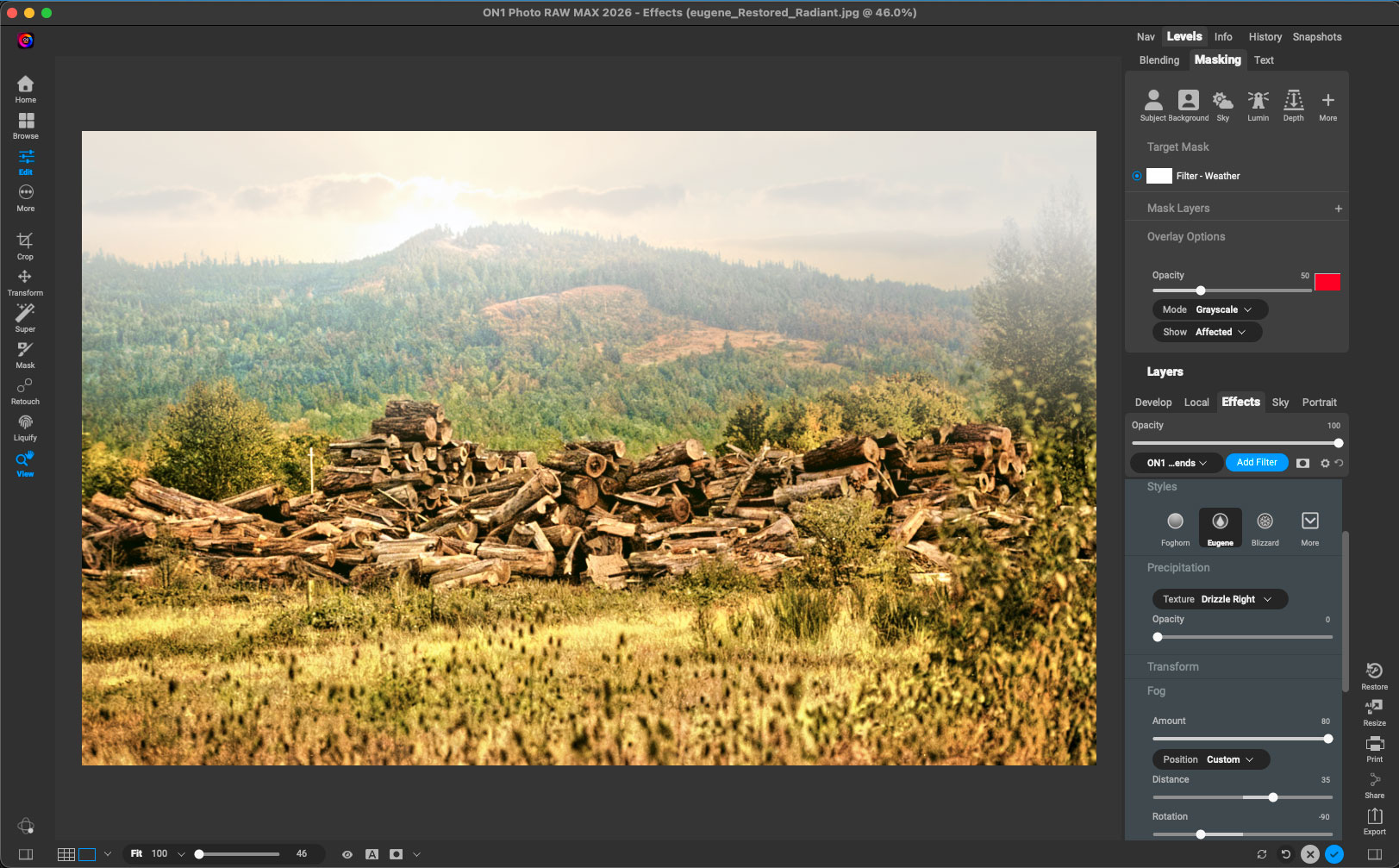
And finally into ON1 Photo RAW to add some weather, appropriately enough using the “Eugene” fog and rain settings!
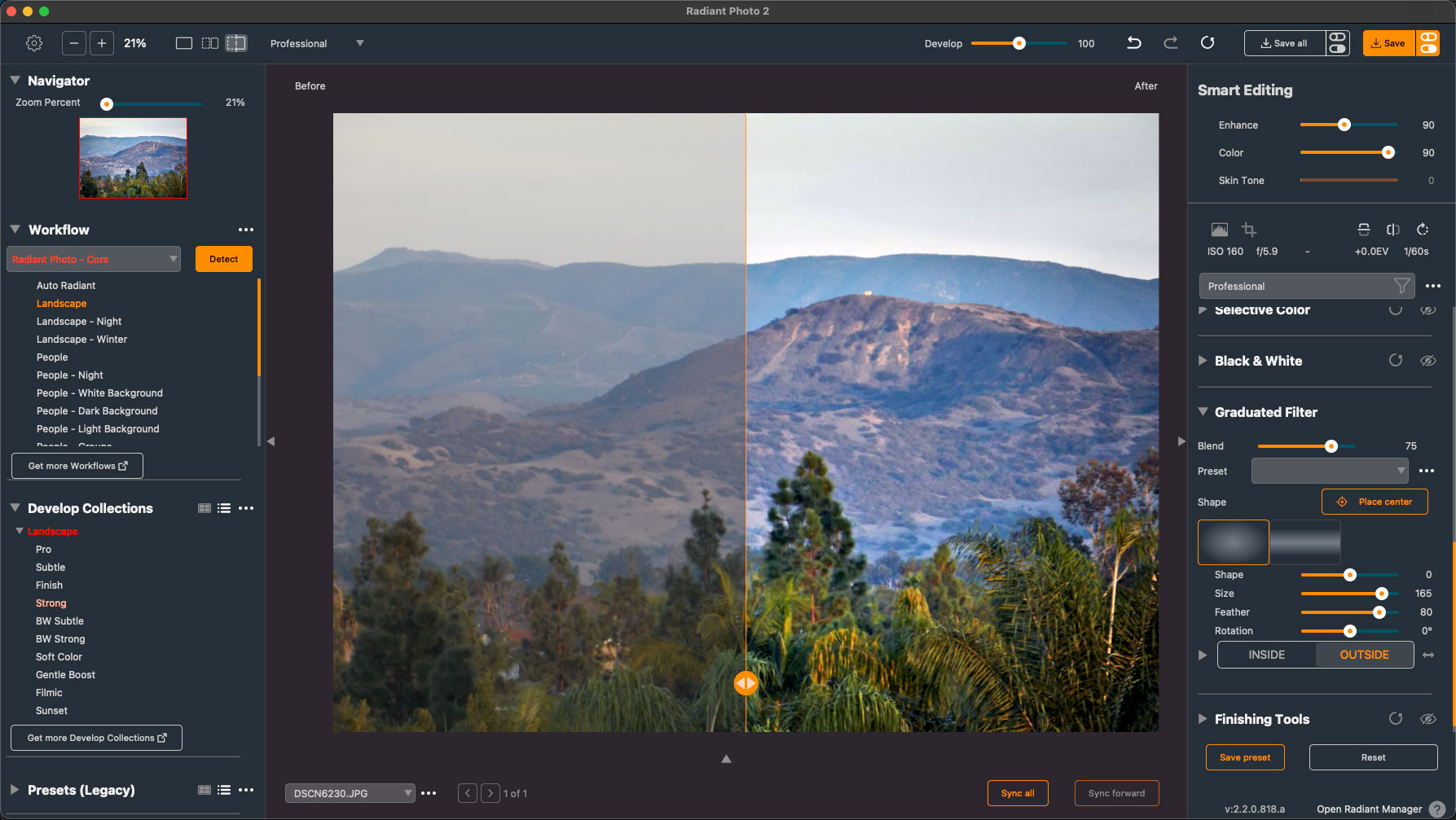
This is an example of Radiant Photo working on what I call a “blandscape”, shot digitally in the San Diego area years ago and getting its makeover:
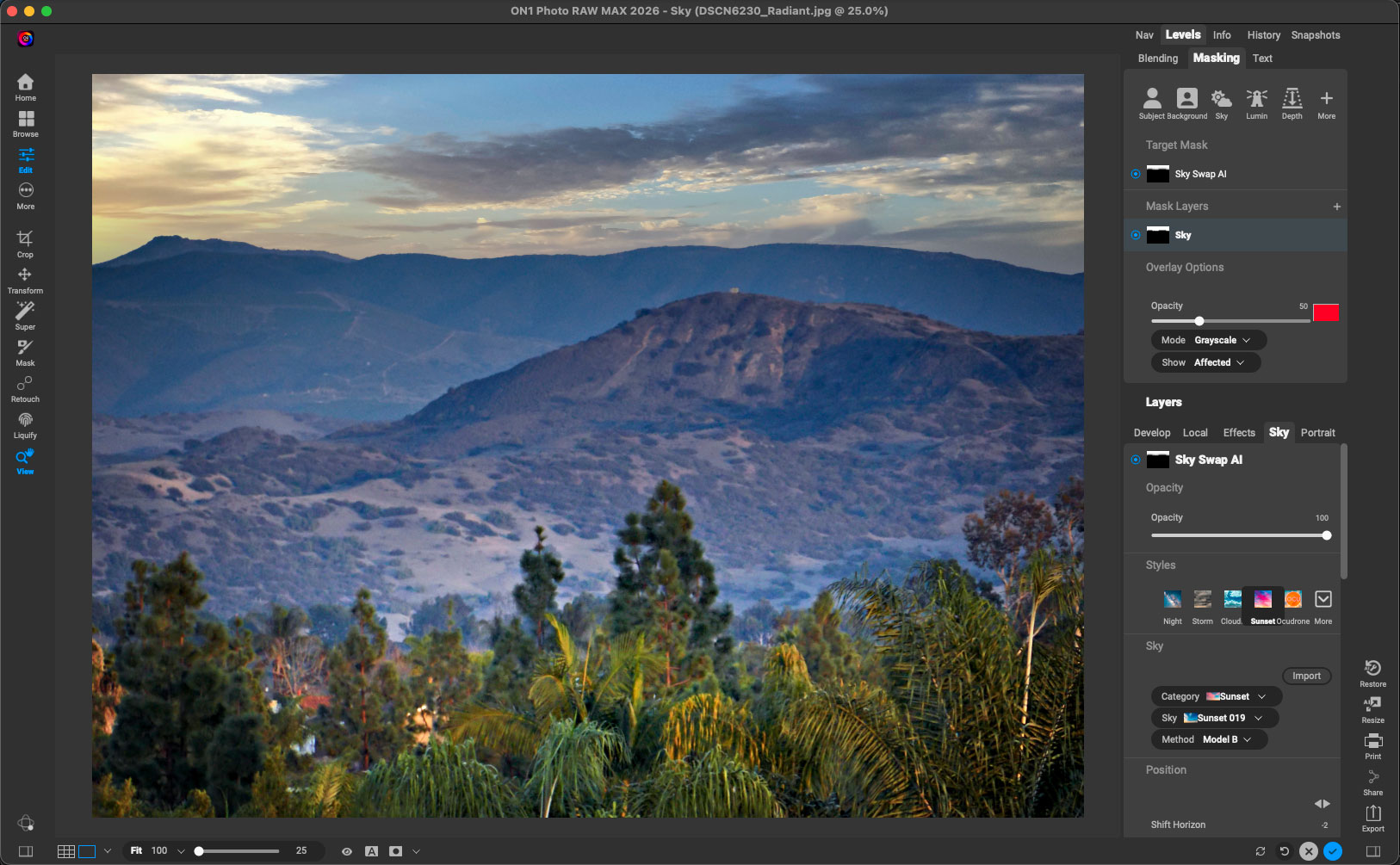
I then went back to ON1 Photo RAW to add a sky in place of the original empty one and to perform other tonal treatments:
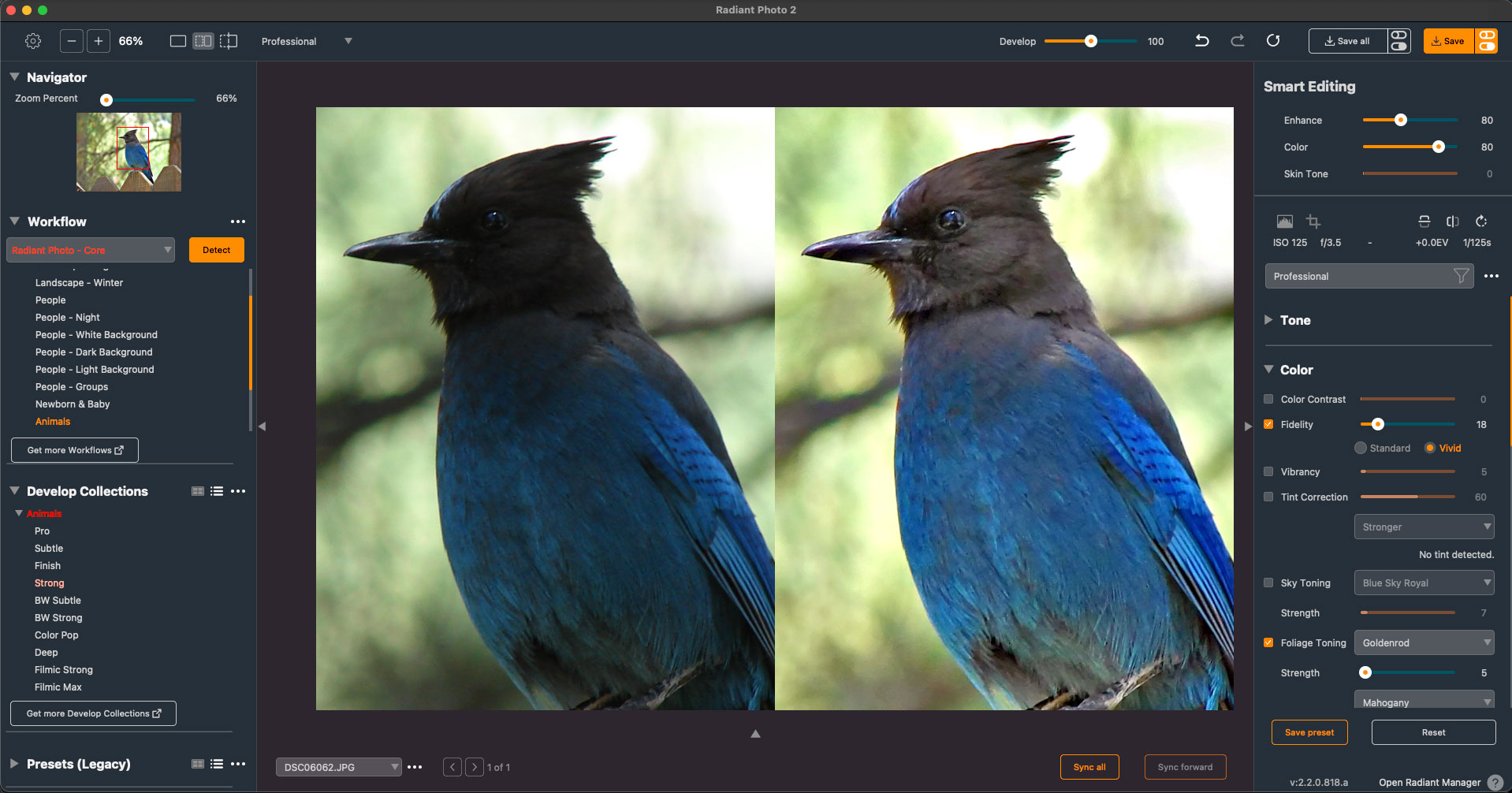
Radiant Photo provides various editable Develop Collections that are tailored to specific subjects, in this case defaulting to “Animals”:
This current summer sales and the free trial give you a great opportunity to get what you need to salvage many of your old photos, cleaning them up and making something new! Keep an eye on the deadlines and don’t miss out.