
Just when we were getting used to the incredible quality of Wonder 3.5, this week Topaz released their Wonder 4 model in their Topaz for Web apps! The great thing about their web apps (for images and video) is you don’t need a beefy home computer (only a web browser), as all of the work is being done on Topaz’ servers.

The results from Wonder 4 are very exciting no matter what type of photography or restoration you are doing. But first be aware that the various access plans are currently discounted, so see further below for the comparison charts. But first, let’s take a look at what I’ve been doing over the past couple of days with this new model as I tested old family photos and postcards, downloaded historical maps, screenshots and AI renders.
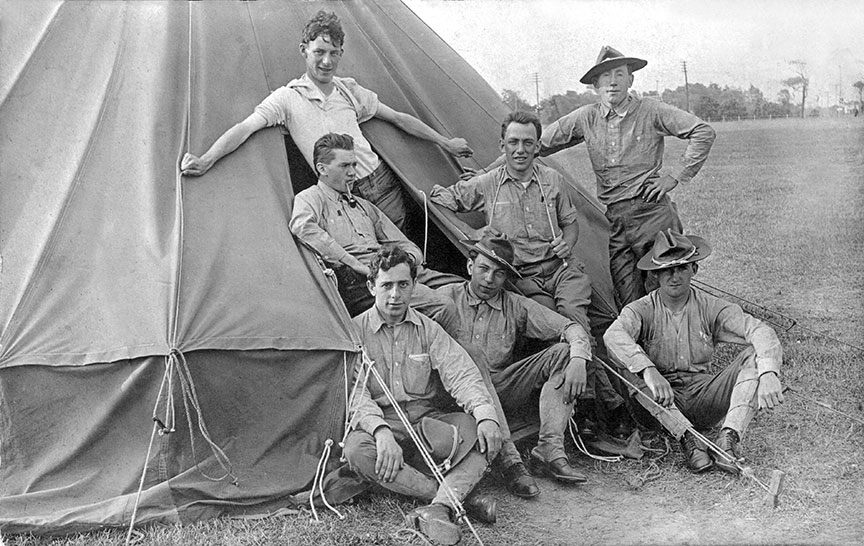
Let’s start with this 1909 postcard image of my great-grandfather John McAdam (with the pipe) and his National Guard buddies training at Sea Girt NJ. I scanned the original image on a flatbed scanner. Here is the full frame, reduced for reference:
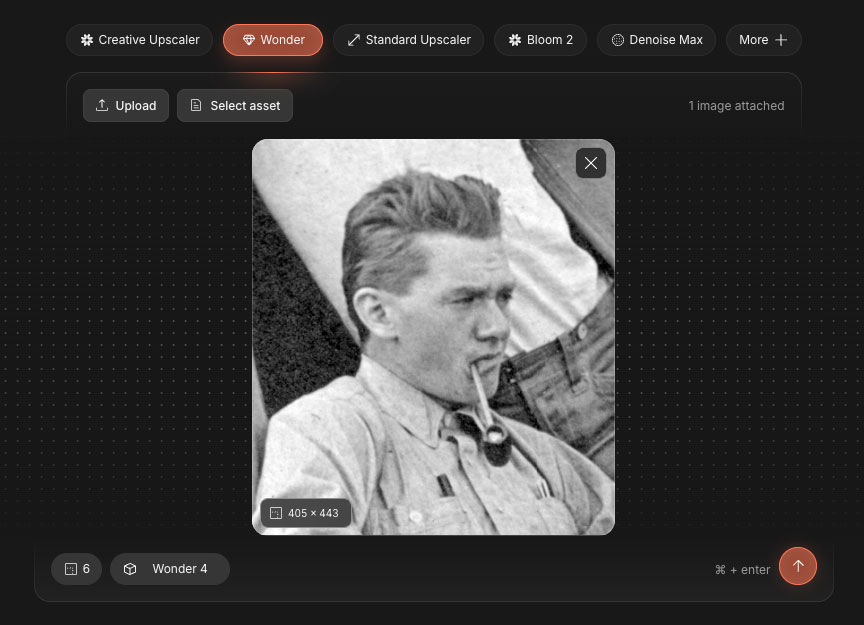
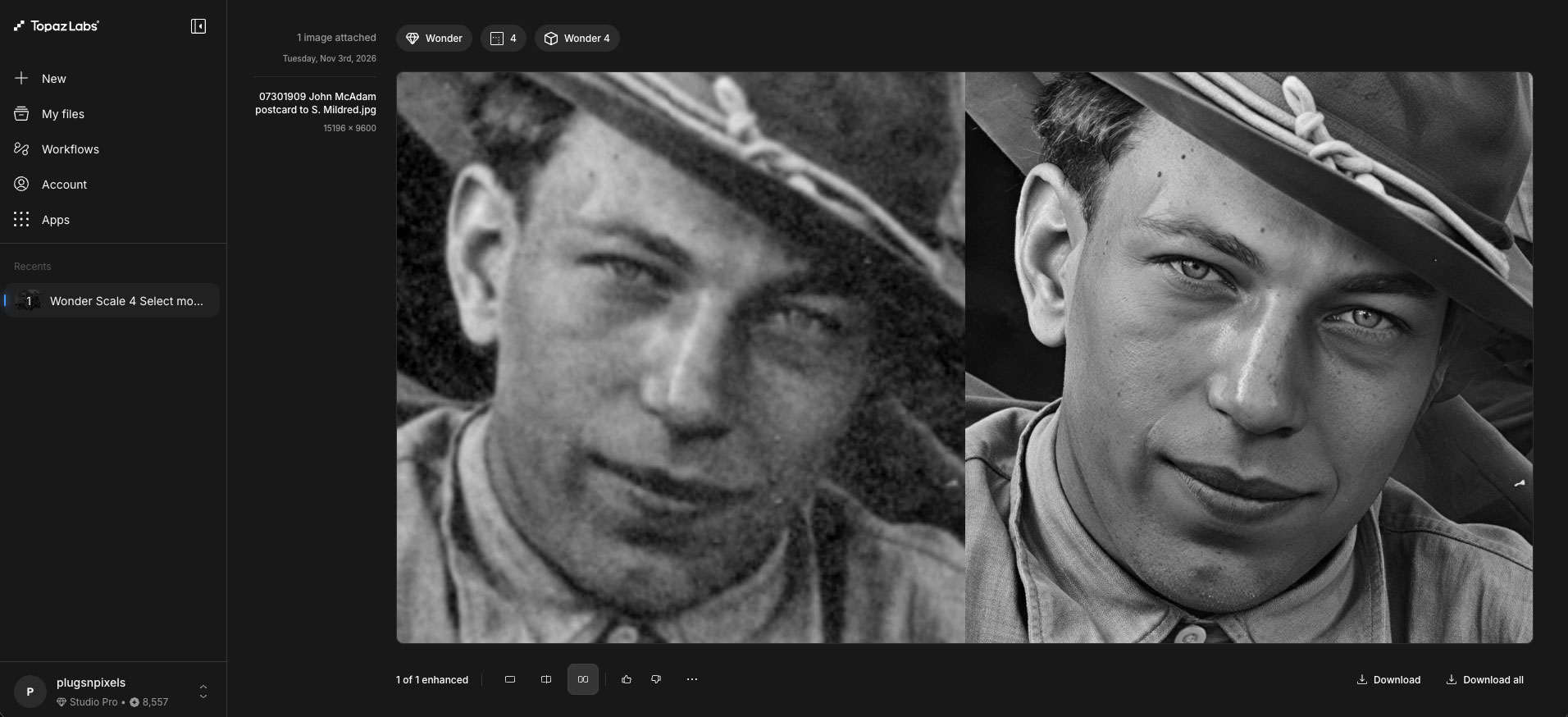
Now we’ll let Wonder 4 loose! I cropped the slightly soft image down to just John and uploaded it to the web app. Notice I’ve chosen to use Wonder at 6X:
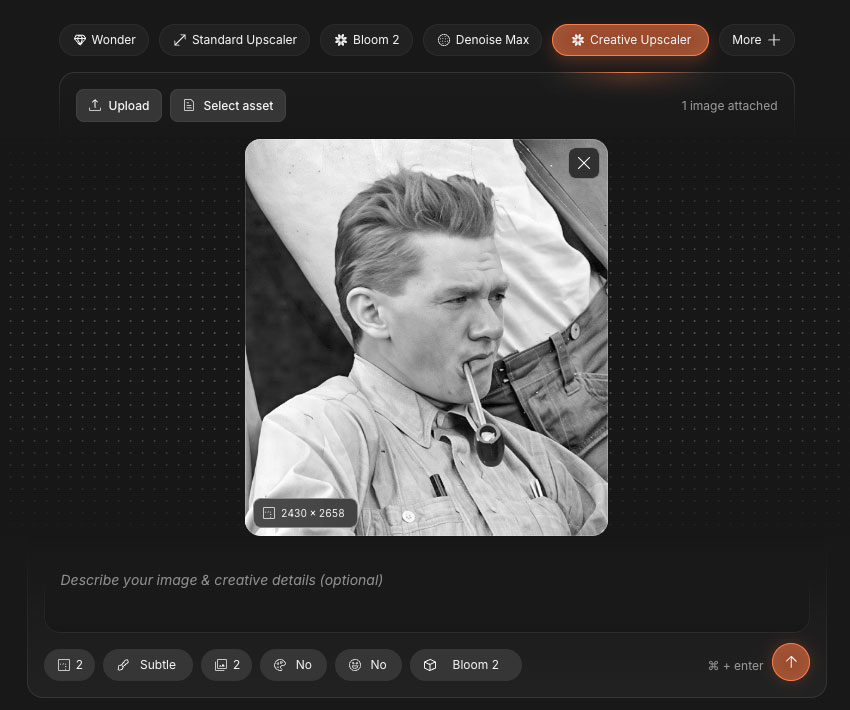
Here is a preview of that result ready for further treatment with Creative Upscaler, Subtle setting @ 2X with the Bloom 2 model for a more natural human look:
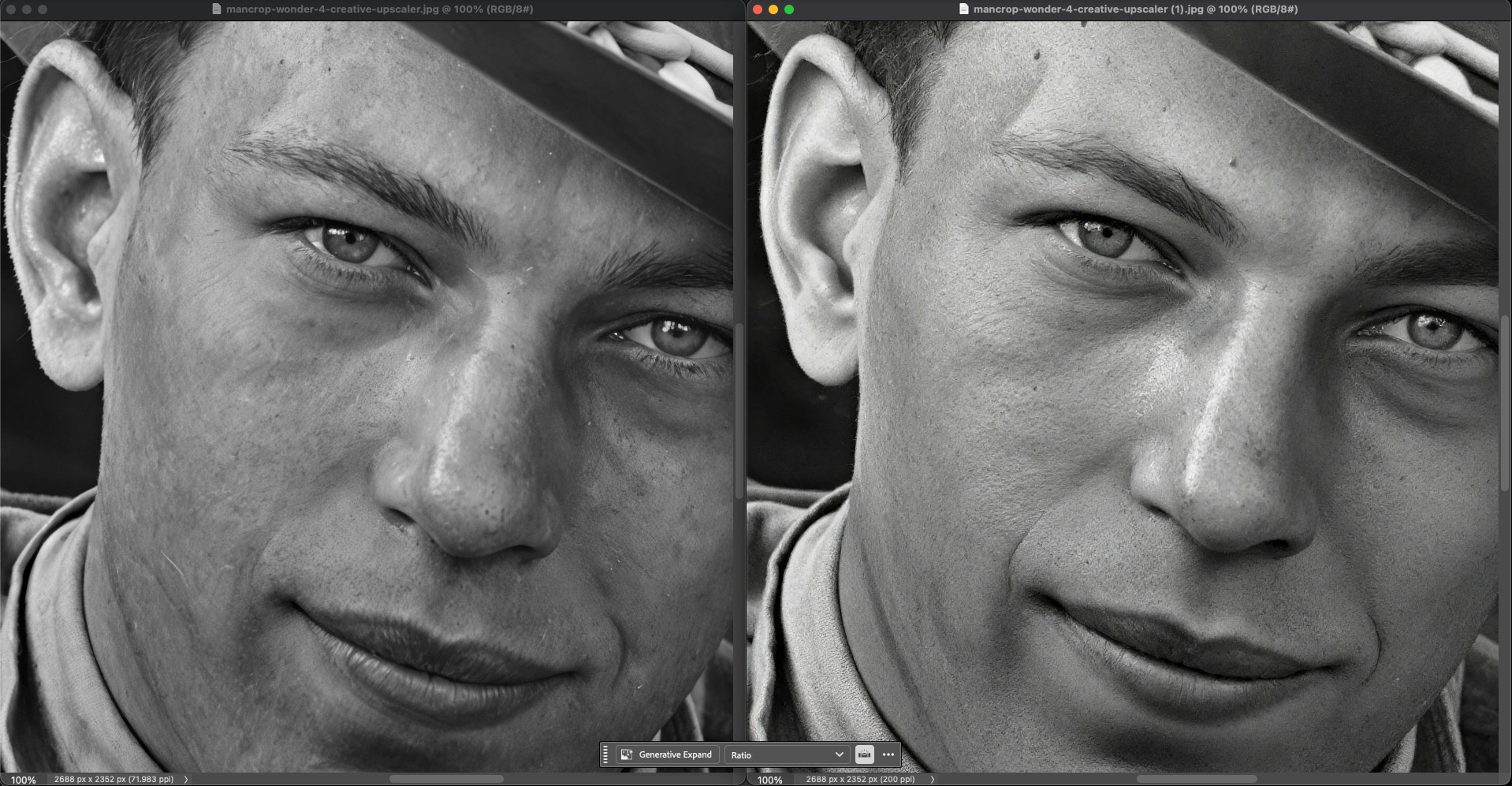
This comp at 100% shows the difference between Wonder alone and the additional treatment with further enlargement:
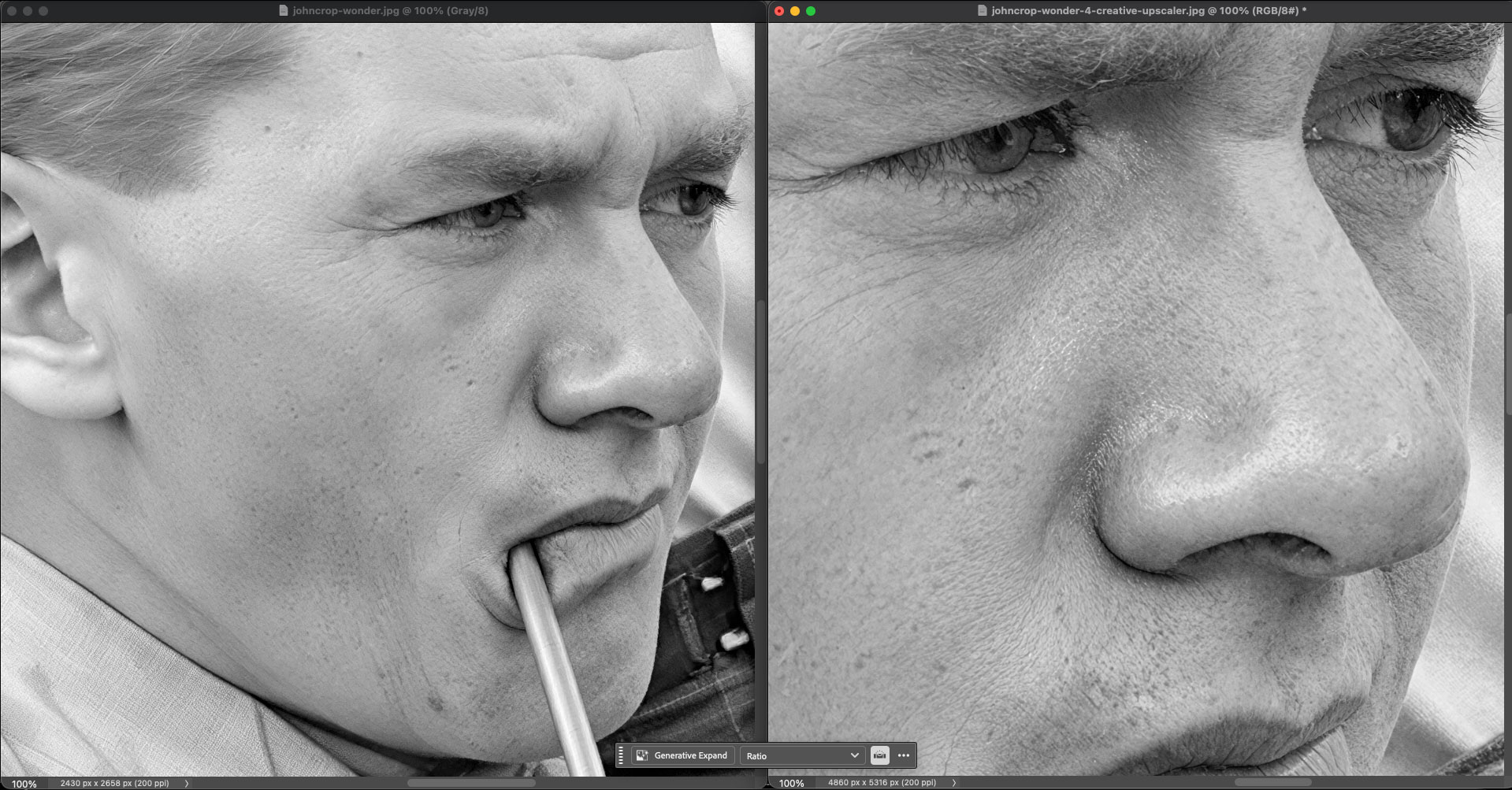
That is amazing! We are now seeing eyelashes, stubble and pores! And we’re not done yet: The web app, among many other things, offers colorization:
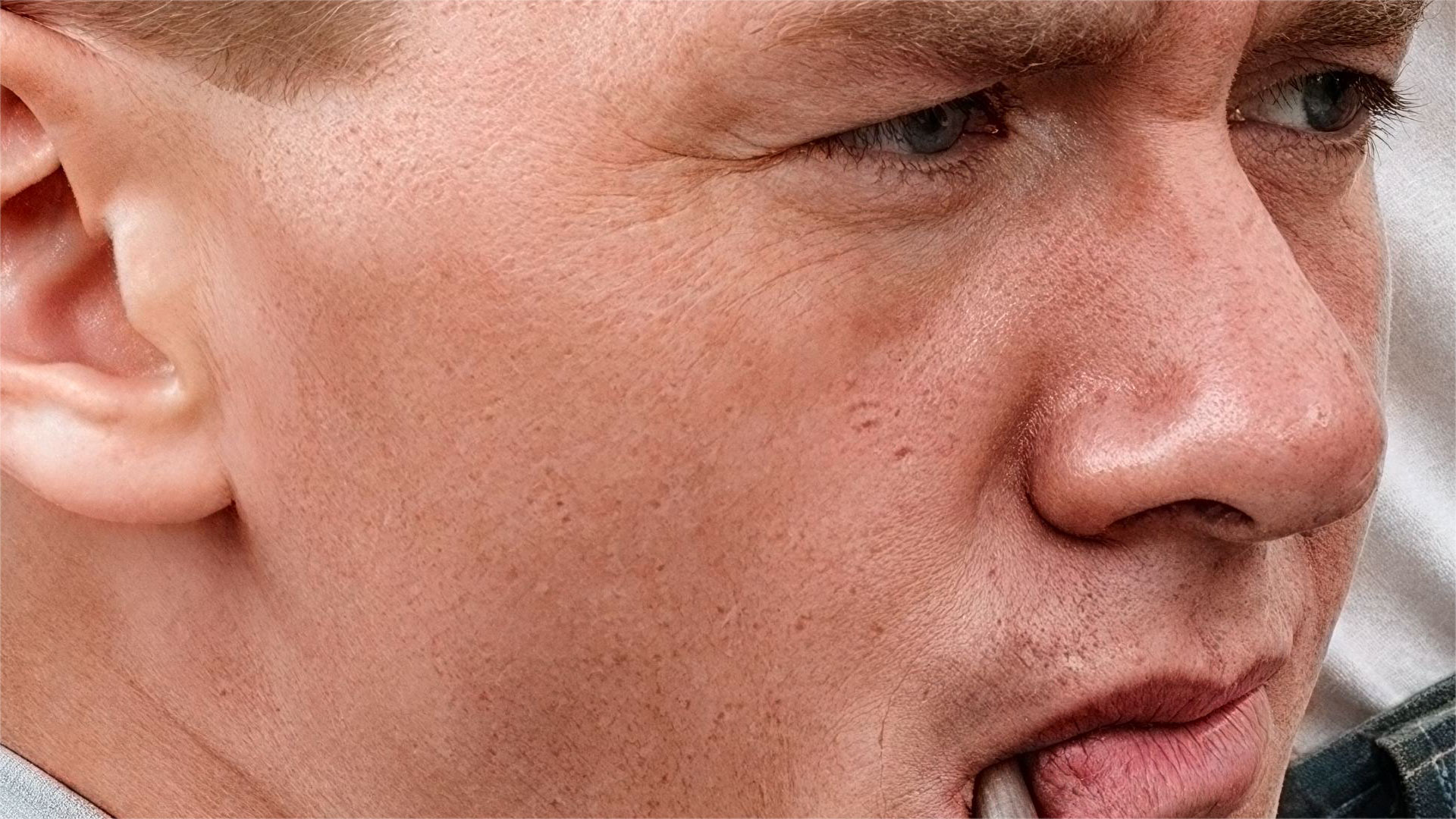
Despite being taken 117 years ago, these results make the image look contemporary. This wasn’t a fluke! Here is another person from the same photo getting the Wonder+Creative Upscaler treatment:
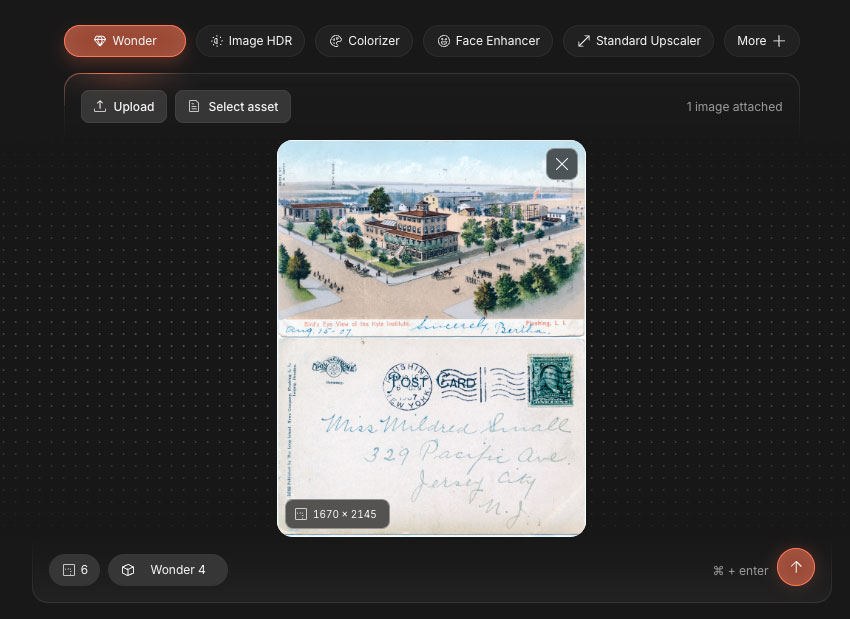
Now let’s work with a postcard sent to my great-grandmother in 1907, enlarging part of the scene as well as the stamp 6X (the rest of these examples will rely on Wonder 4 on its own):
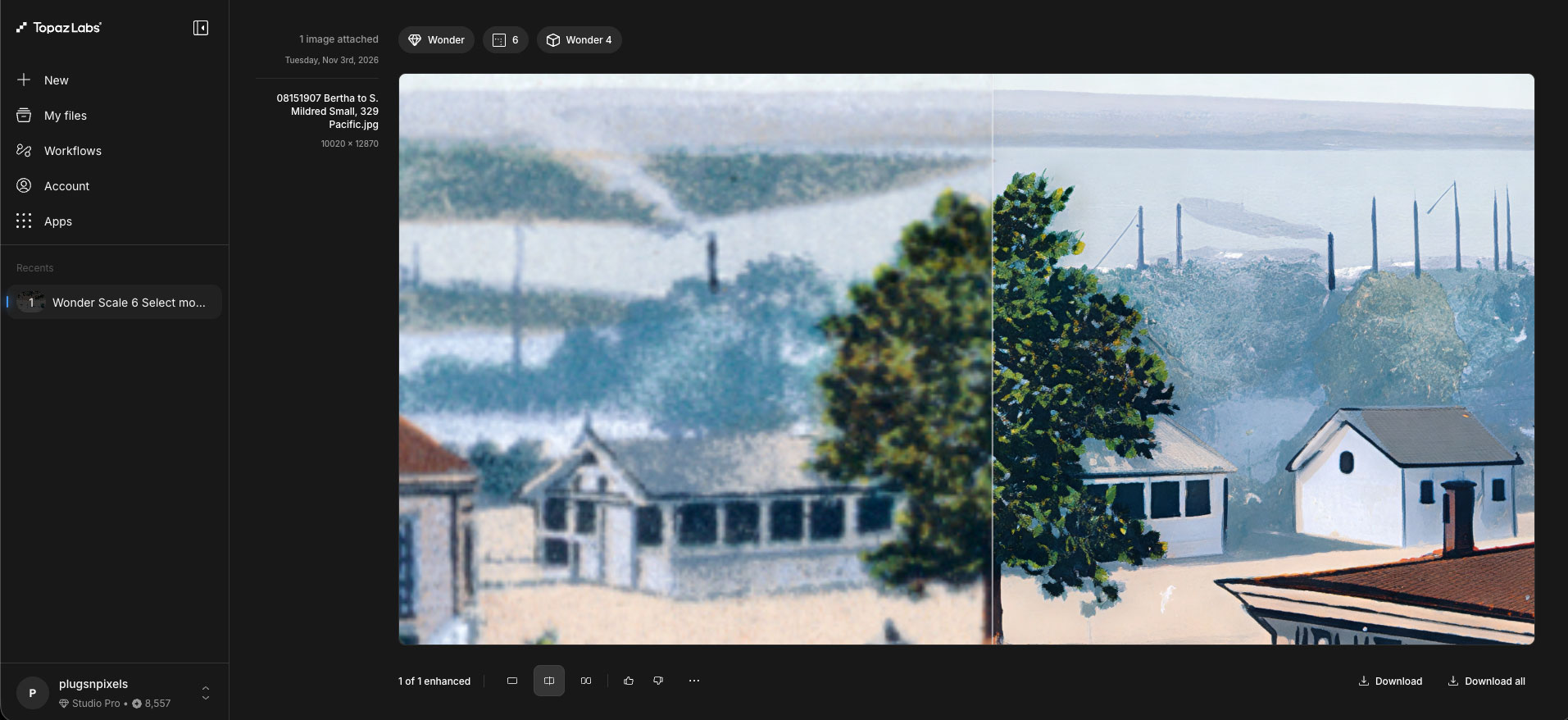
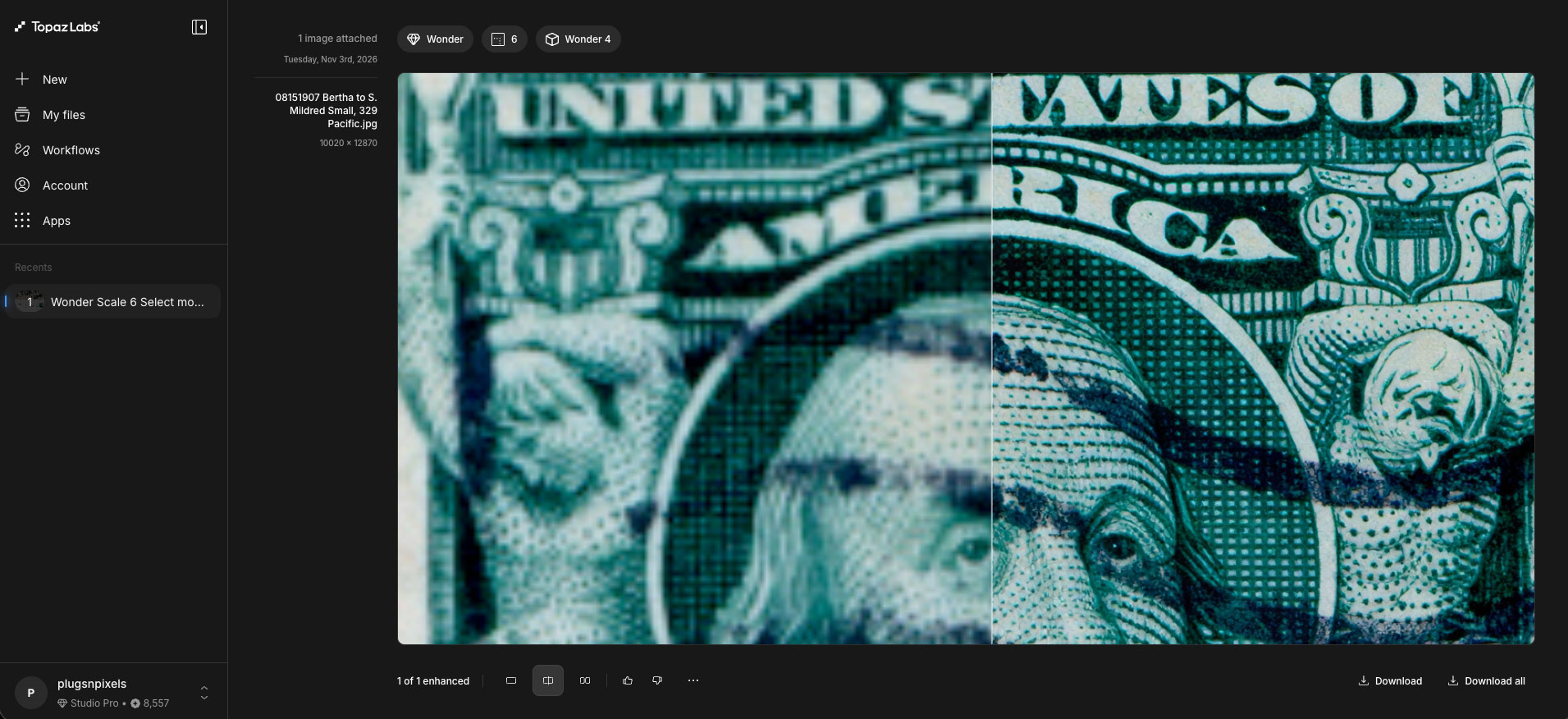
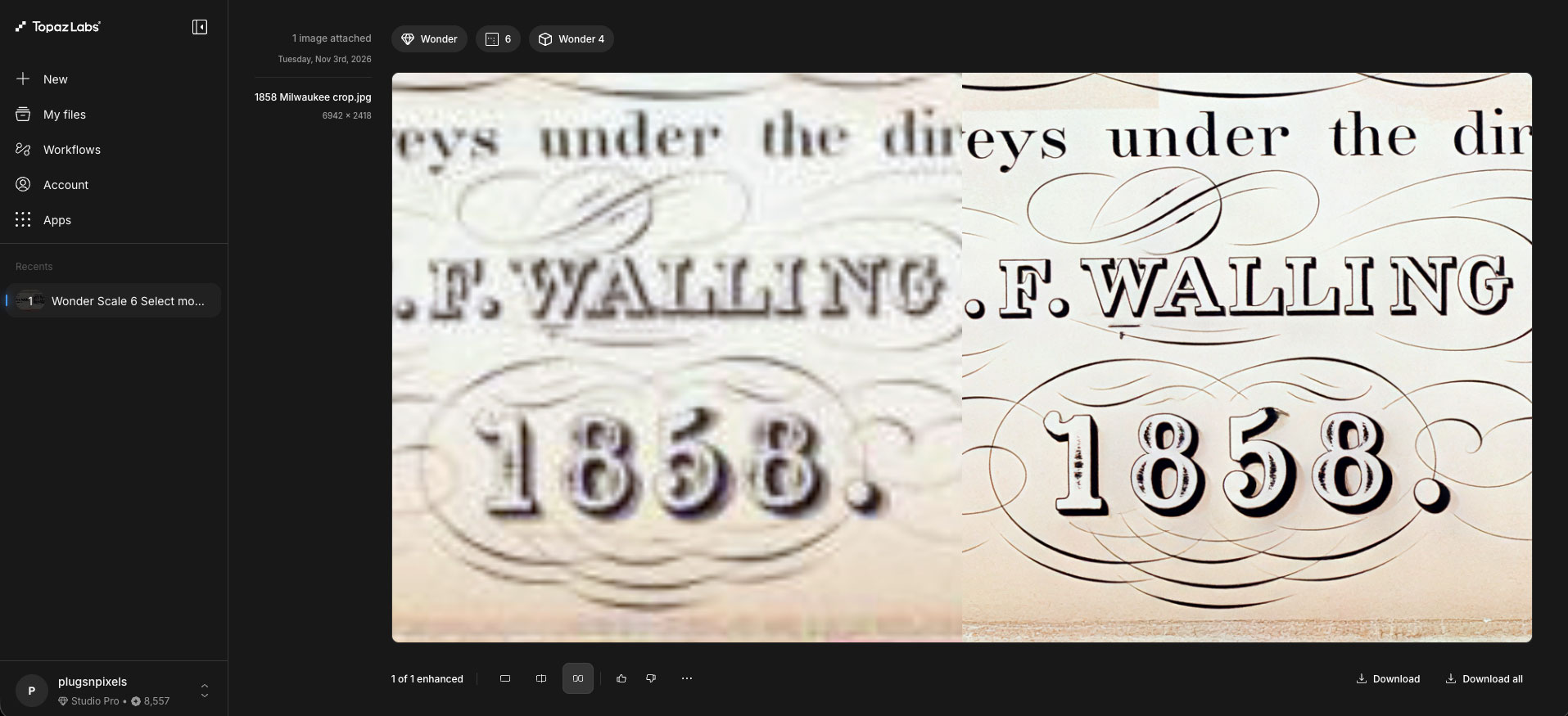
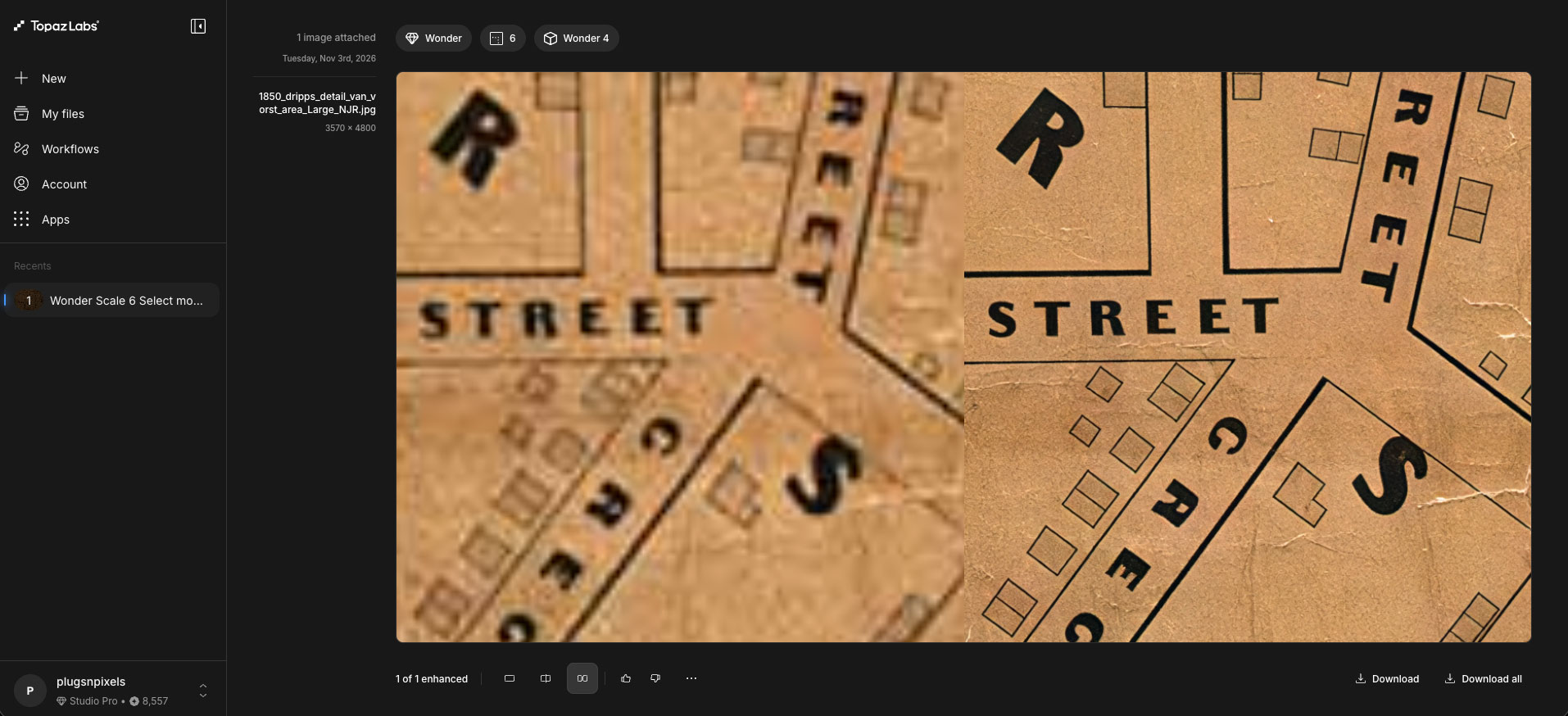
The next examples are taken from 1850s maps downloaded from different websites, where you often have to make do with lo-res versions. But no problem, Wonder 4 can upscale them and restore details just fine:
Since you’re probably wondering about the current discount for this very useful tech, before we proceed, here are the annual and monthly charts for both video and still image editing:
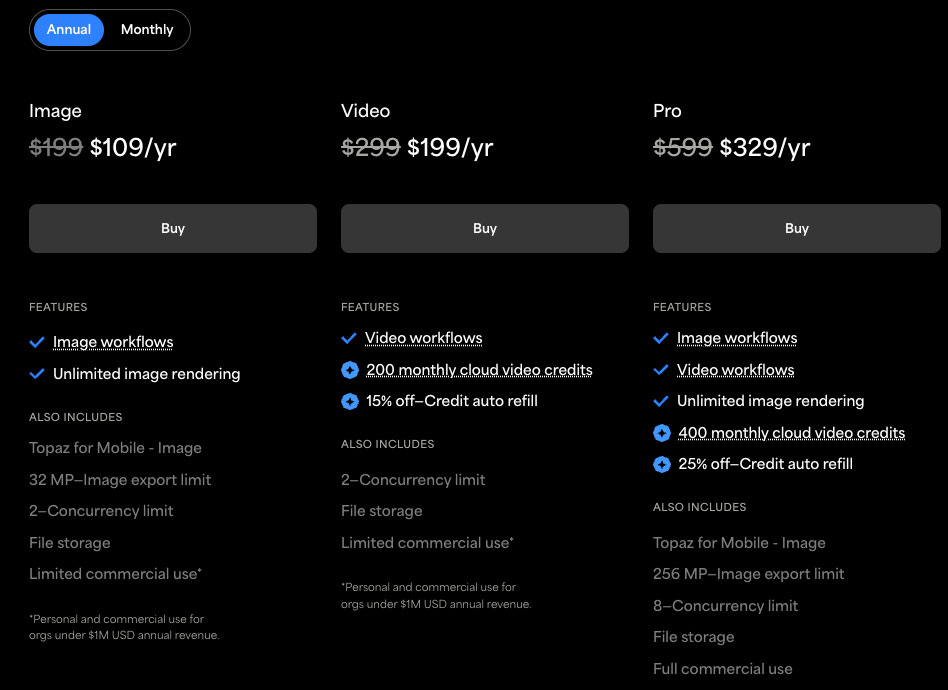
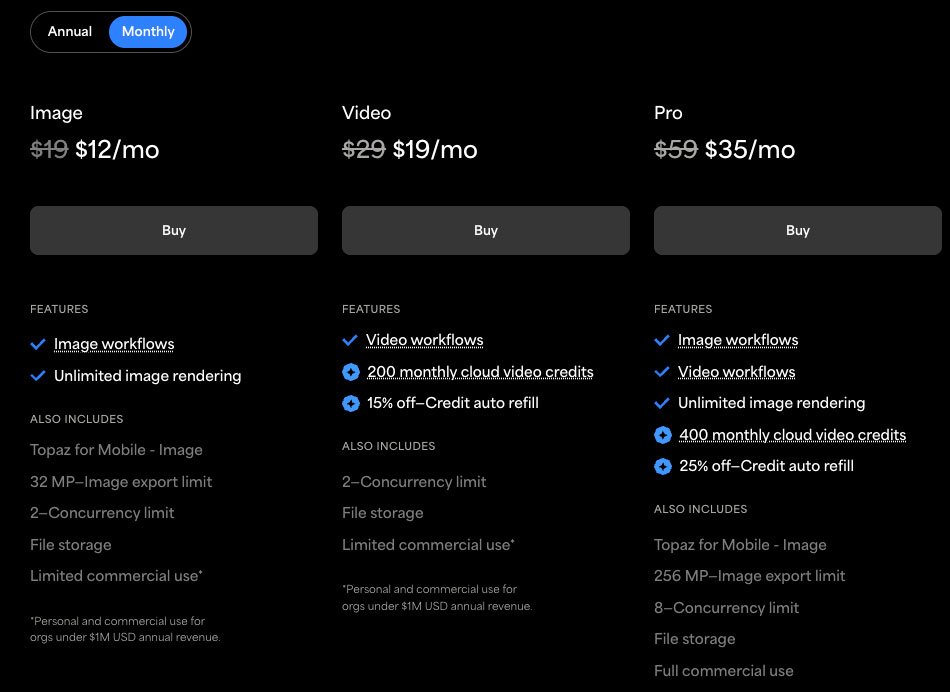
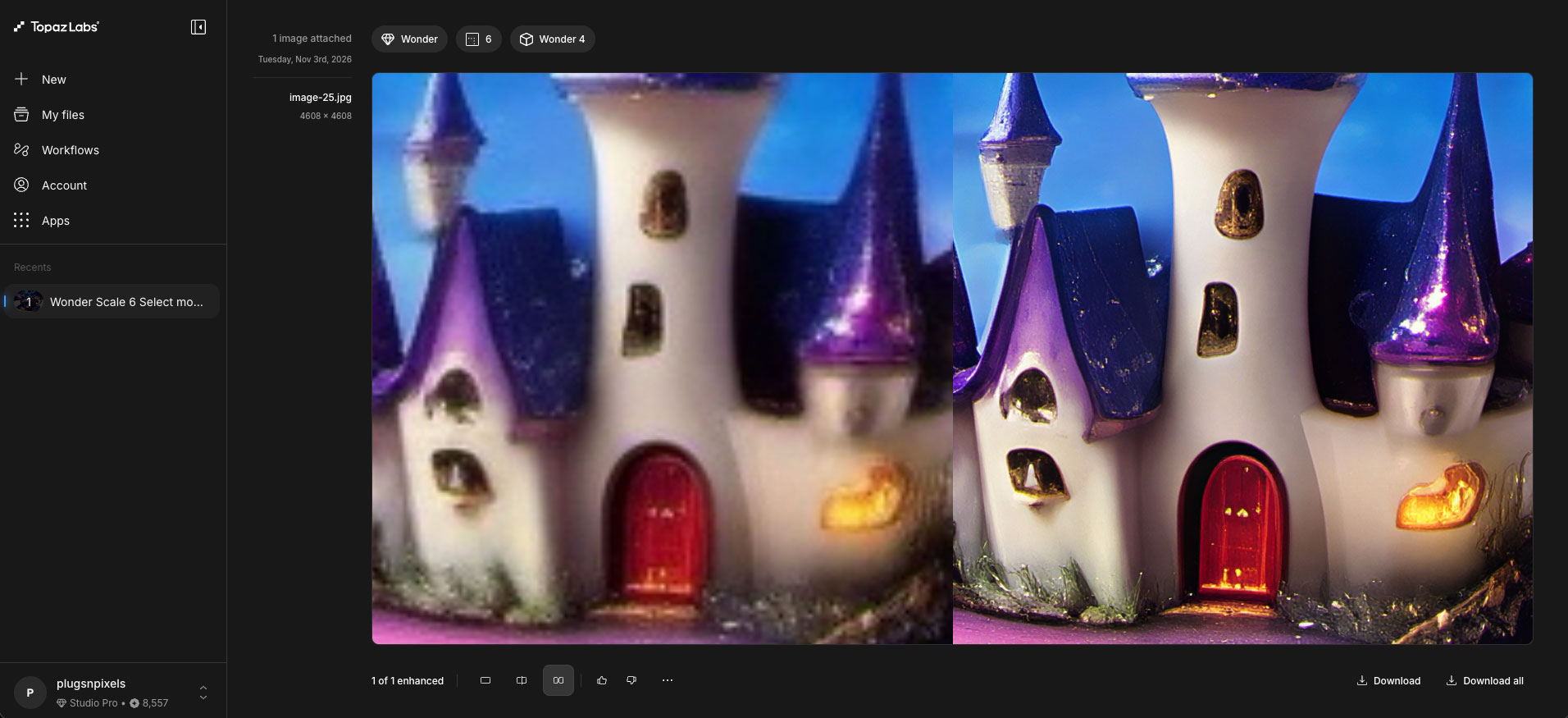
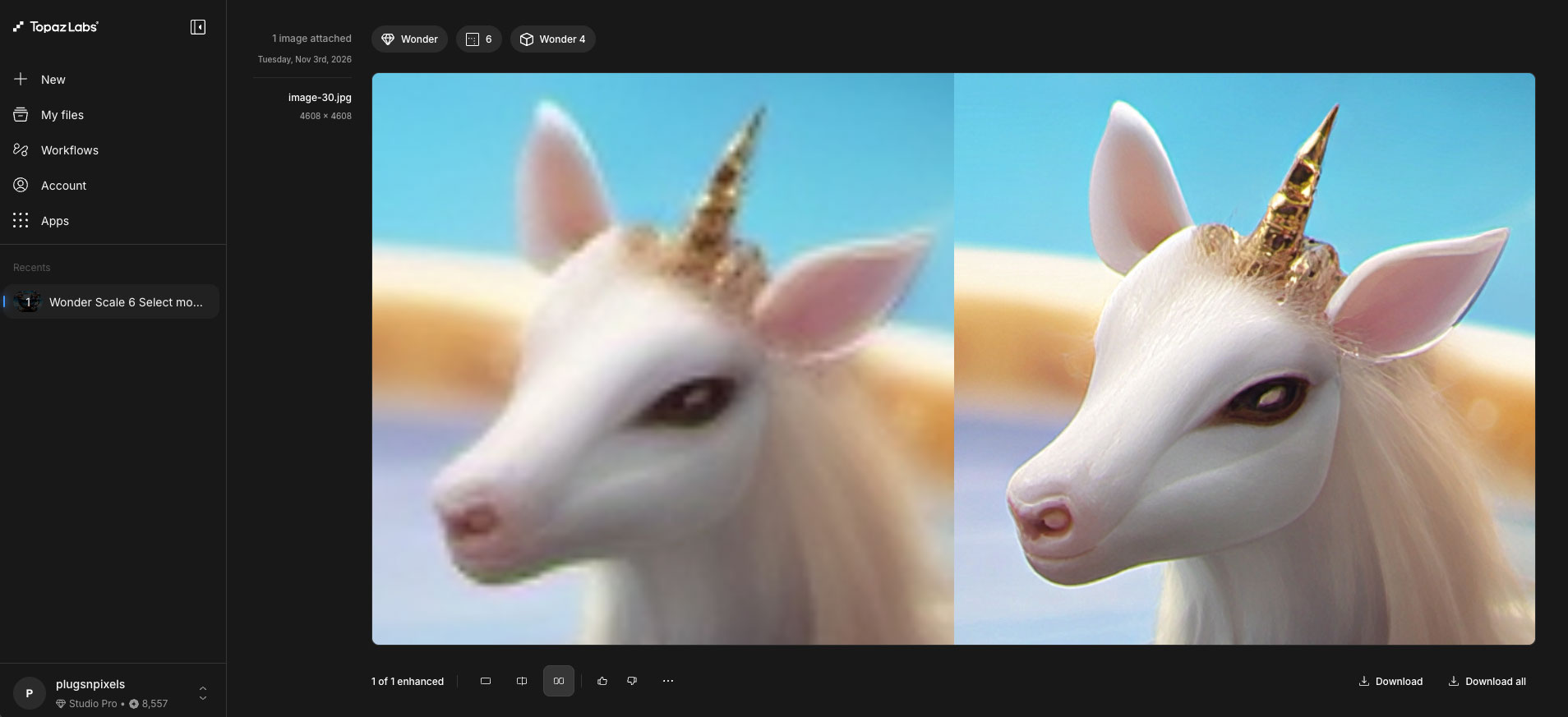
Now let’s resume with some more examples, starting with a few AI renders I did online for fun a few years ago, testing a 2008 MacBook Pro running Linux for viability with this sort of thing (it worked fine!). I’ll show the originals full size and the previews of the 6X Wonder 4 upscales:



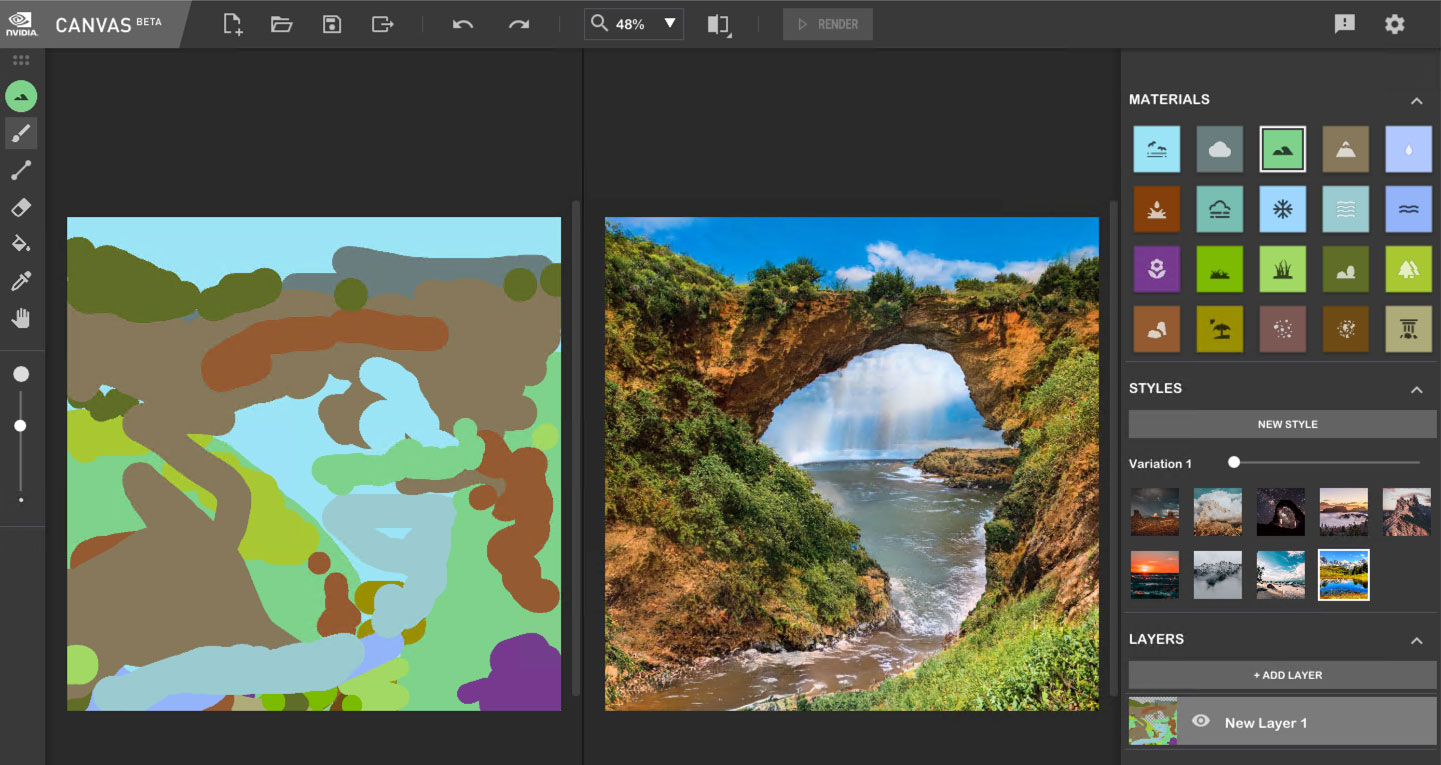
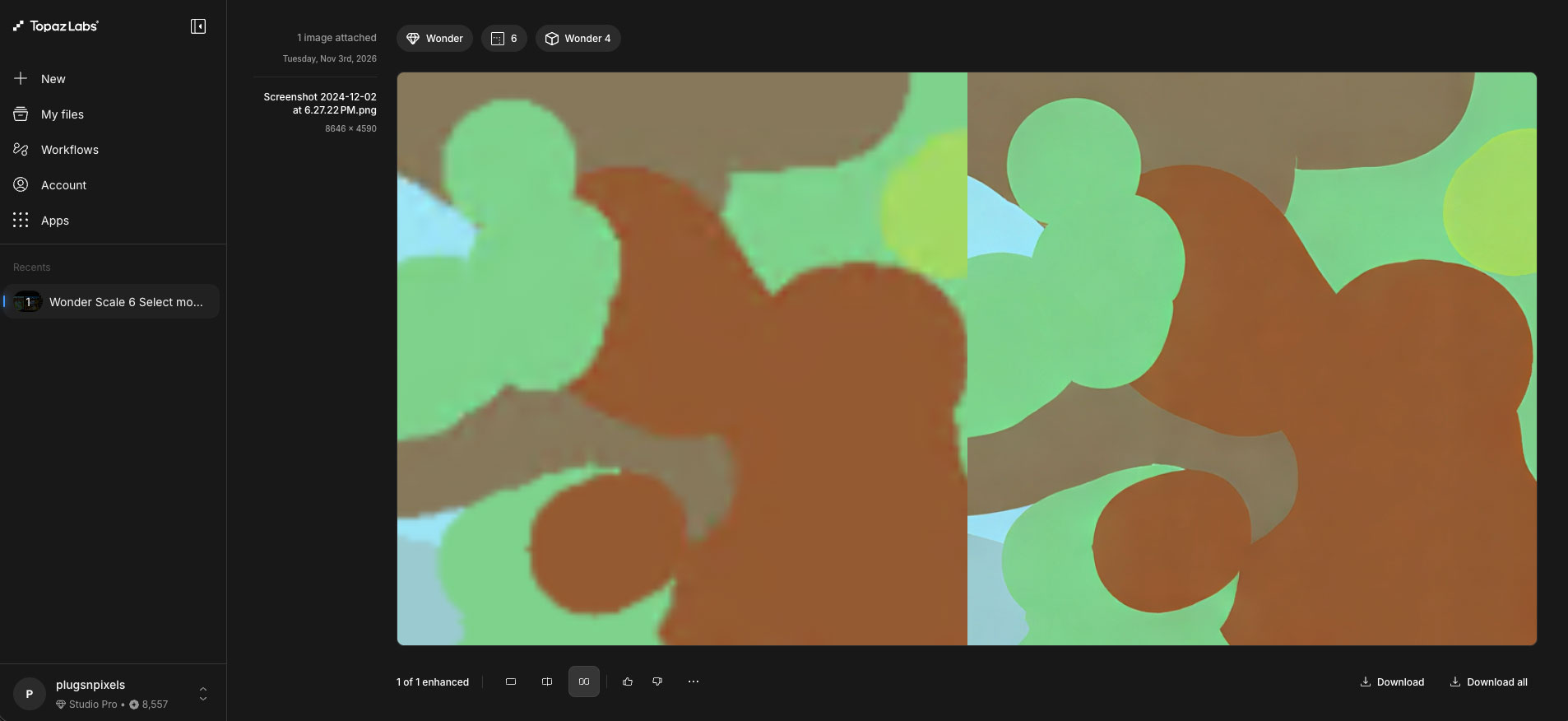
Even screenshots are vastly improved. These are from a session with NVIDIA’s (now abandoned) Canvas beta back in 2024. The results were limited to small sizes but Wonder 4 works around that…
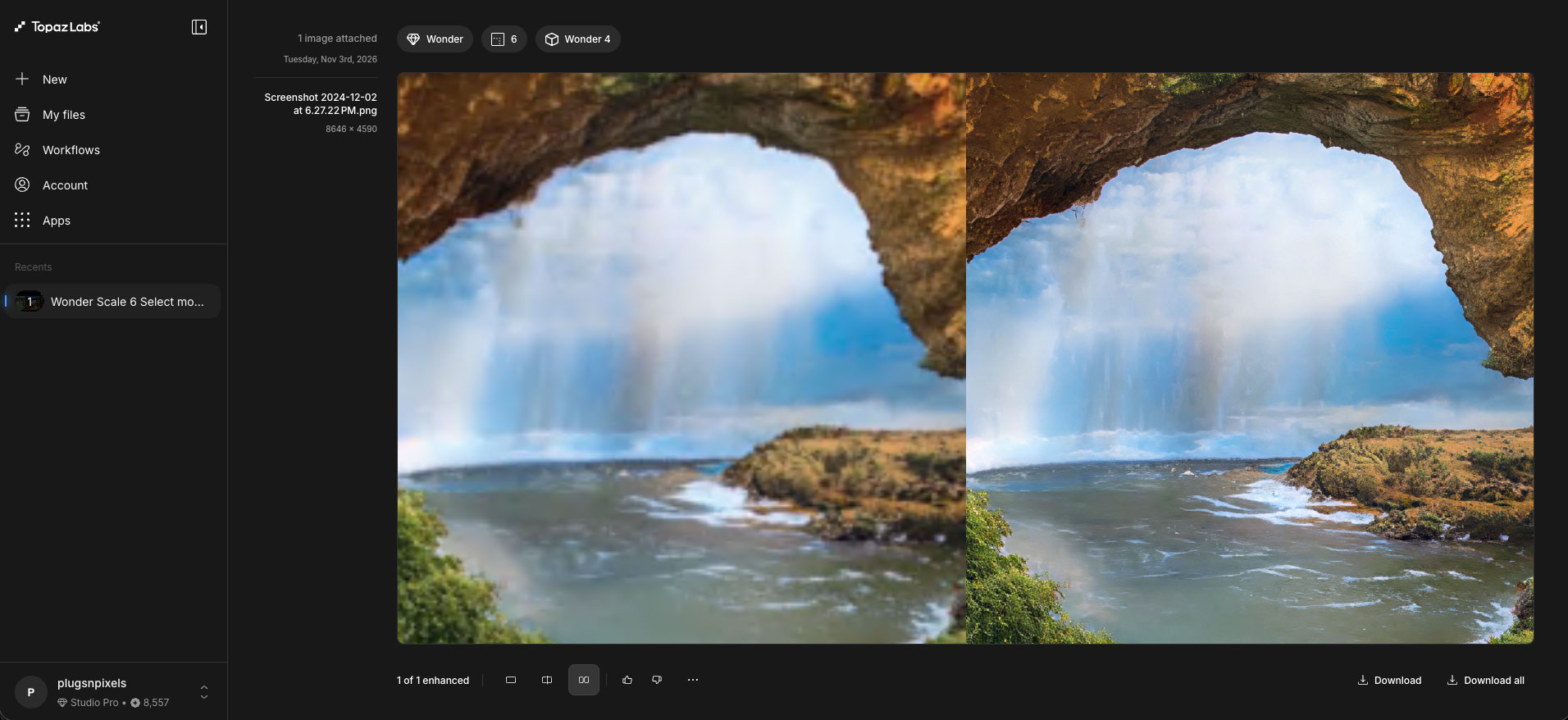
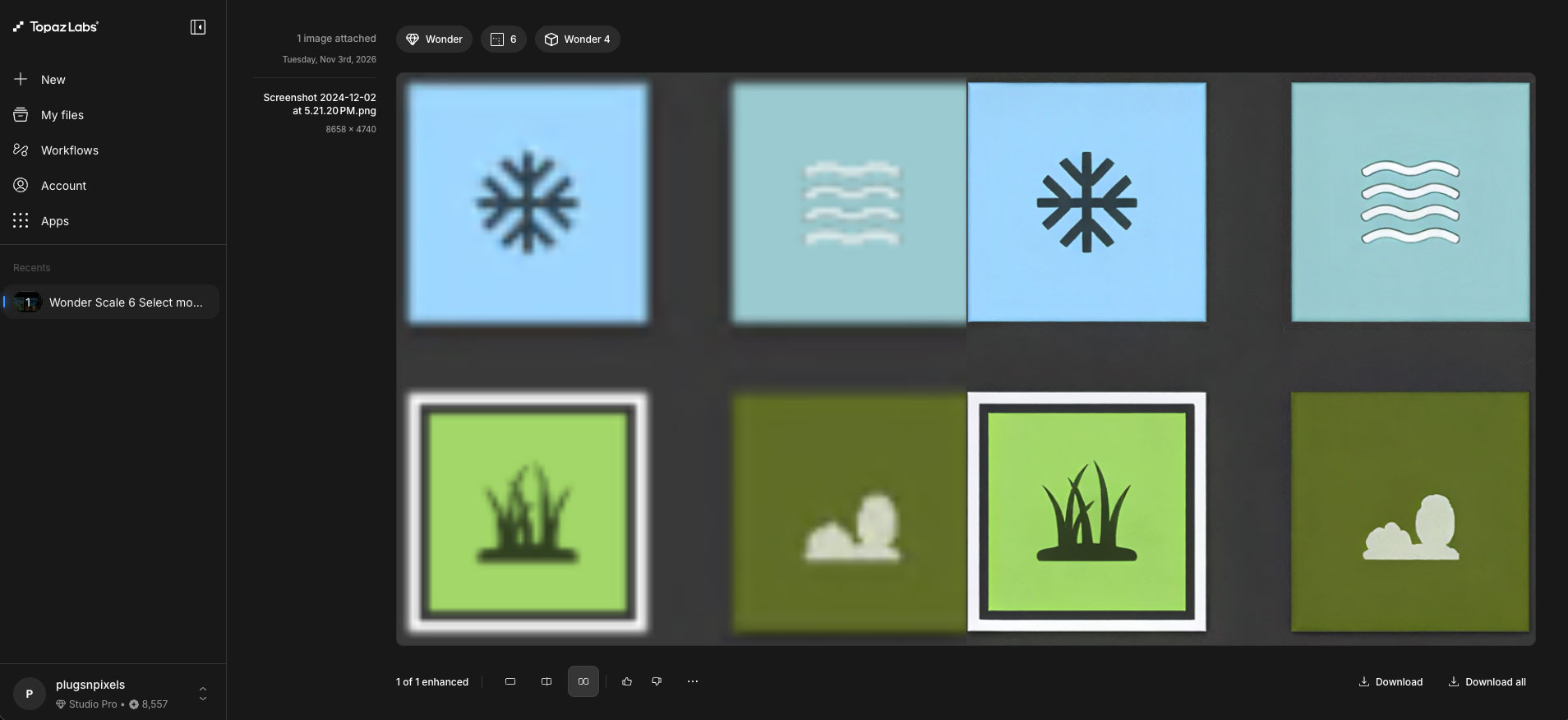
Hopefully you see how incredibly useful Wonder 4 can be for all of your challenging images! Take advantage of the current annual or monthly discounts and dive into your own photo archives to see details you’ve never seen before.